


Fury Cars
500M + oyuncunun güvendiği Android Oyun Platformu, BlueStacks ile PC'de oynayın.

Sayfa Değiştirilme tarihi: Dec 16, 2025
Play Fury Cars on PC or Mac
Explore a whole new adventure with Fury Cars, a Arcade game created by Yso Corp. Experience great gameplay with BlueStacks, the most popular gaming platform to play Android games on your PC or Mac.
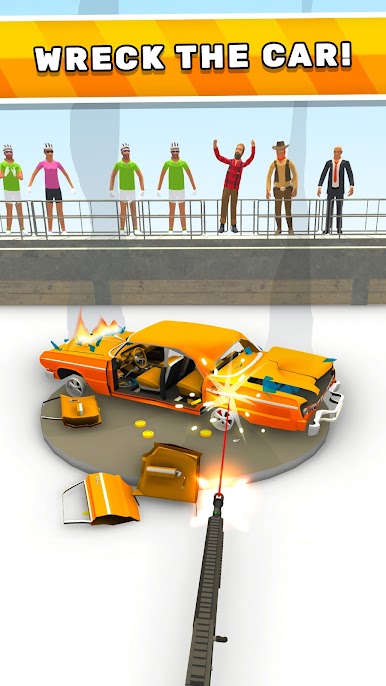
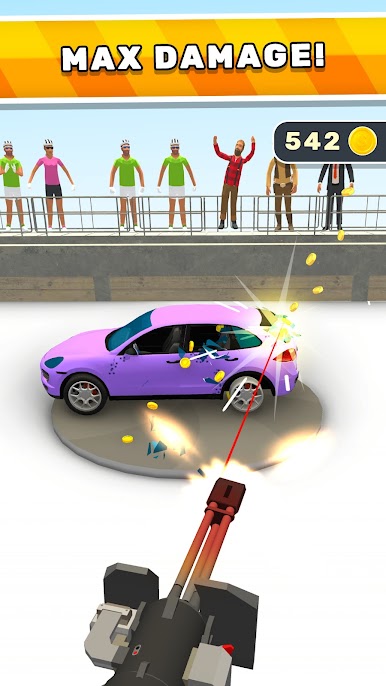
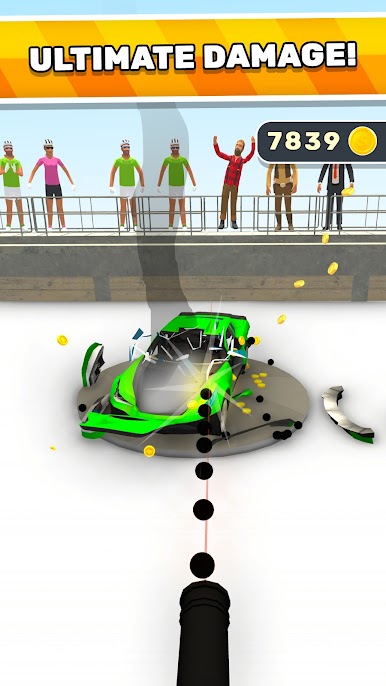
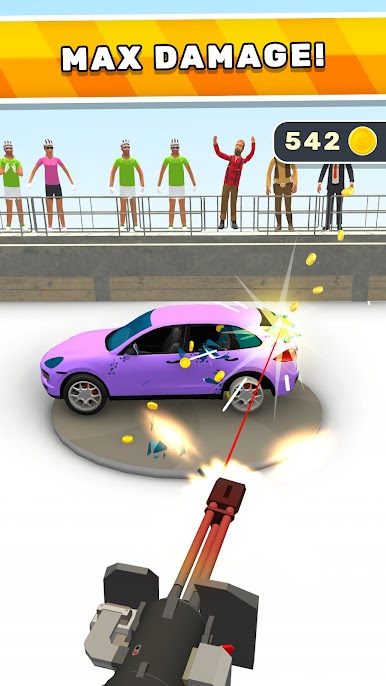
Fury Cars is all about smashing up vehicles in a way that’s surprisingly satisfying. Runs start with a car rolling into a city or open area and, instead of racing, the goal is to crash and destroy as much as possible. There’s a bunch of different cars to unlock, each one with its own look and a unique, over-the-top way it breaks apart. It’s not about fancy controls or complicated mechanics, just tap or hold and watch the chaos unfold. The game rewards bigger crashes and crazier demolition, so every round gets a little more fun as upgrades pile on.
Sound effects are crisp and dramatic—lots of metal crunching and parts flying across the screen. The whole thing feels like a cartoon but with the kind of slapstick car destruction you’d see in old action movies. Playing on PC with BlueStacks actually makes it easier to see those details since everything’s bigger and smoother. There aren’t a ton of rules to remember or strategies to think about, it’s just crash, watch the carnage, and see if it can get any wilder next time. Anyone who enjoys quick, destructive gameplay without a lot of fuss will probably get a kick out of it.
Start your journey now. Download the game on BlueStacks, invite your friends, and march on a new adventure.


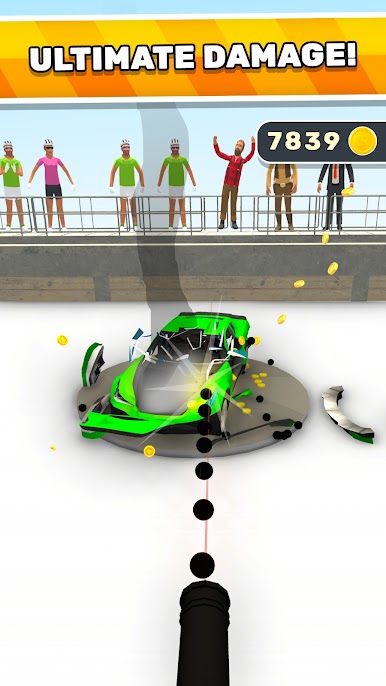


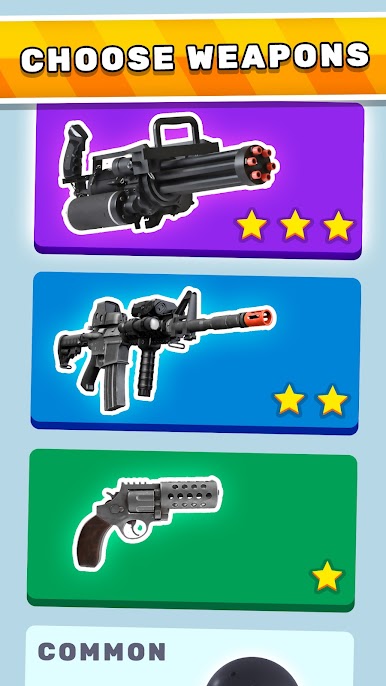
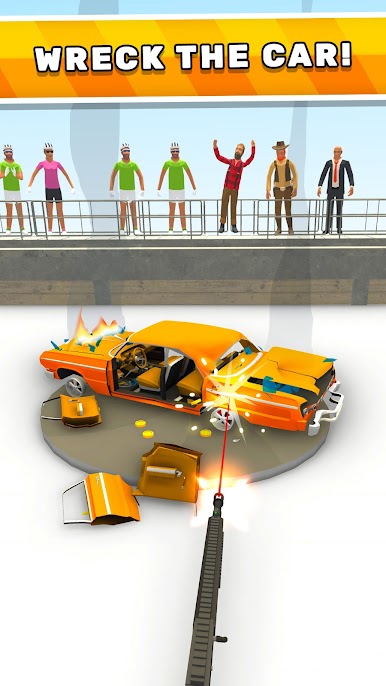
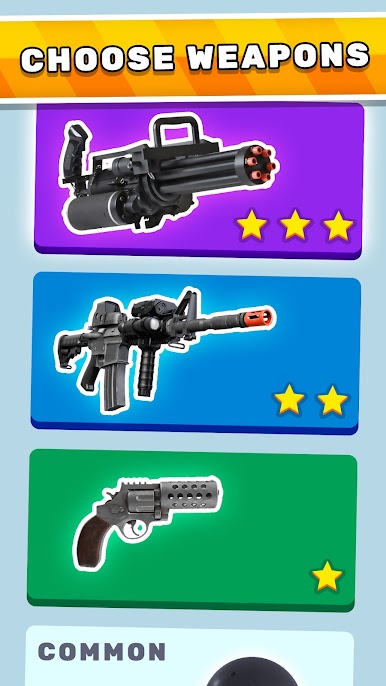
Fury Cars oyununu PC'de oyna. Başlamak çok kolay.
-
BlueStacks'i PC'nize İndirin ve Yükleyin
-
Play Store'a erişmek için Google girişi yapın ya da daha sonraya bırakın.
-
Sağ üst köşeye Fury Cars yazarak arayın.
-
Fury Cars uygulamasını arama sonuçlarından indirmek için tıklayın.
-
(iEğer Adım 2'yi atladıysanız) Fury Cars uygulamasını yüklemek için Google'a giriş yapın.
-
Oynatmaya başlatmak için ekrandaki Fury Cars ikonuna tıklayın.

