


مكتبة الشيخ محمد بن عبدالوهاب
Spiele auf dem PC mit BlueStacks - der Android-Gaming-Plattform, der über 500 Millionen Spieler vertrauen.

Seite geändert am: May 14, 2018
Play مكتبة الشيخ محمد بن عبدالوهاب on PC
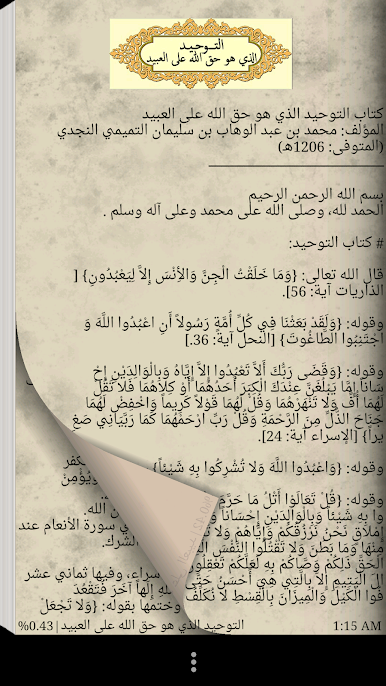
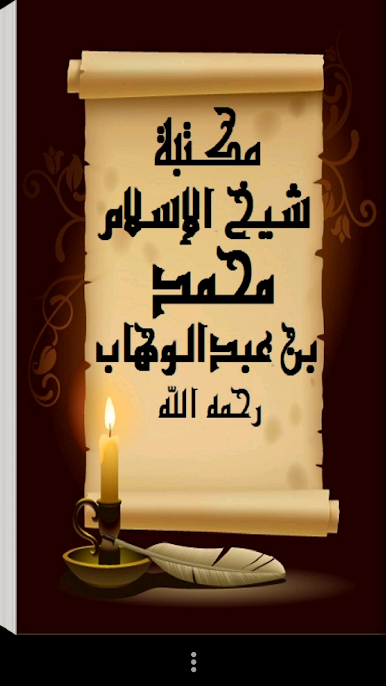
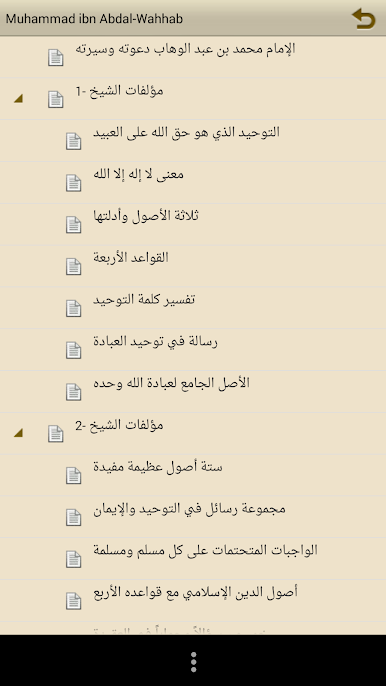
The praise of God were issued renewed application of Imam Muhammad bin Abdul Wahhab library God's mercy and contain:
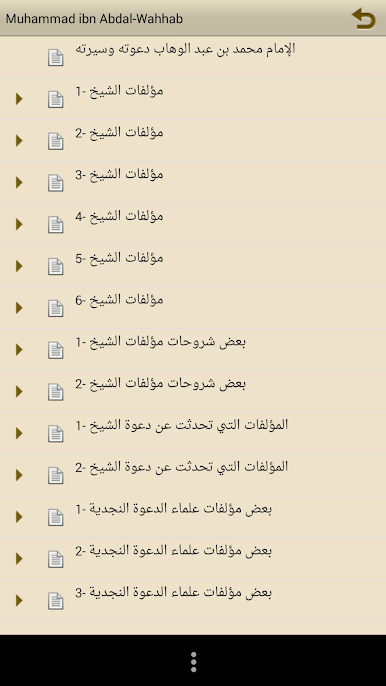
-malvat Sheikh Mohammed bin Abdul Wahhab God's mercy.
-Some Explanations books Sheikh Allah's mercy.
-almalvat That I talked about the invitation of Sheikh Allah's mercy.
-obed Books Najdi scientists call.
Library features:
1 - small size on the phone's memory where not take up much space.
2. no need to connect to the Internet when browsing the library.
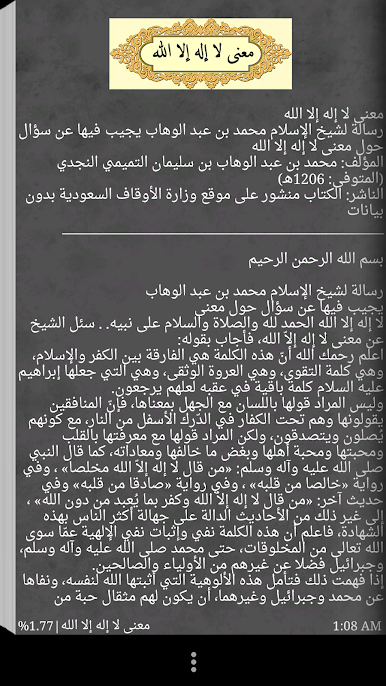
3. Remember certain property pages as a sign it can be consulted later.
4. user when the library closes at a certain page of the book is due to open the library after a certain period, the library is open when the last book was Atcefha user as well as when the last page viewed by the user.
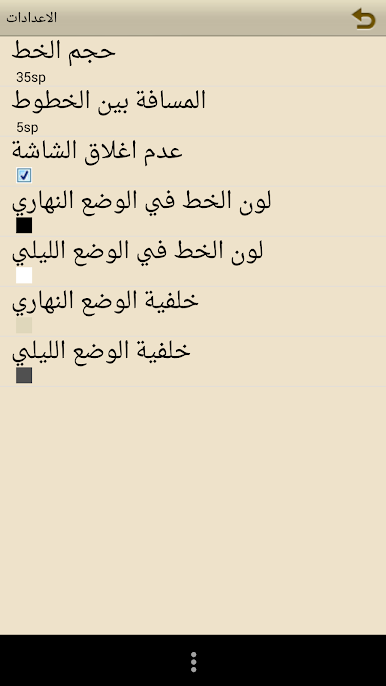
5. possibility of amending the line (small / large), as well as property modifying the background color and also a choice between reading a property or night in the daytime.
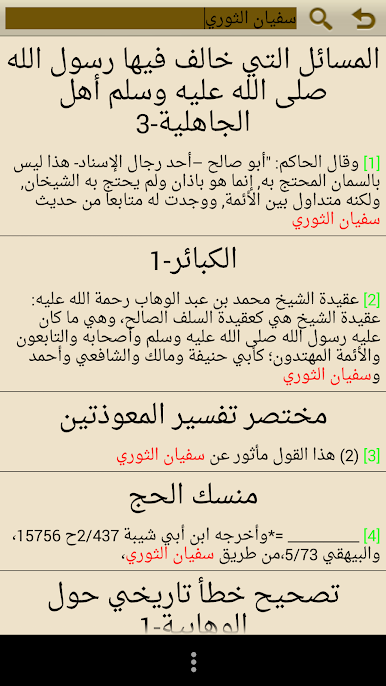
6. search feature in the books.
And ask God Almighty to benefit the Muslims, and Glory and praise God, I testify that there is no God but you forgiveness and repent to you.
Spiele مكتبة الشيخ محمد بن عبدالوهاب auf dem PC. Der Einstieg ist einfach.
-
Lade BlueStacks herunter und installiere es auf deinem PC
-
Schließe die Google-Anmeldung ab, um auf den Play Store zuzugreifen, oder mache es später
-
Suche in der Suchleiste oben rechts nach مكتبة الشيخ محمد بن عبدالوهاب
-
Klicke hier, um مكتبة الشيخ محمد بن عبدالوهاب aus den Suchergebnissen zu installieren
-
Schließe die Google-Anmeldung ab (wenn du Schritt 2 übersprungen hast), um مكتبة الشيخ محمد بن عبدالوهاب zu installieren.
-
Klicke auf dem Startbildschirm auf das مكتبة الشيخ محمد بن عبدالوهاب Symbol, um mit dem Spielen zu beginnen

