


Singapore Airlines
Играйте на ПК с BlueStacks – игровой платформе для приложений на Android. Нас выбирают более 500 млн. игроков.

Страница изменена: Nov 26, 2025
Play Singapore Airlines on PC
From user experience to personalised features, our app is designed to be fast, intuitive and a delight to use.
More features will be progressively added in future updates, but here are some key functions you can enjoy now:
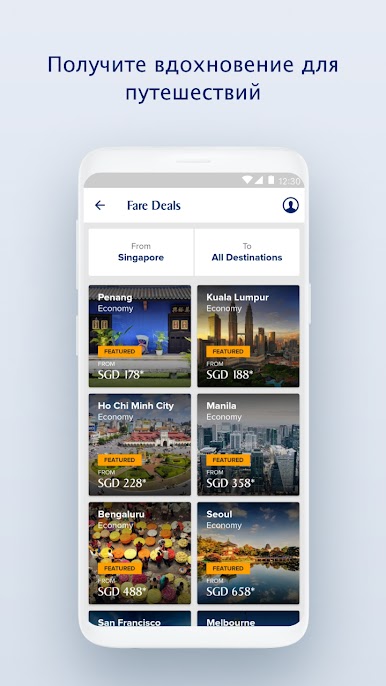
1. Explore, be inspired and get the latest deals on the go
Where to next? Discover the latest fare deals to your favourite destinations. Planning your next destination has never been easier.
2. Search, book and manage your flights
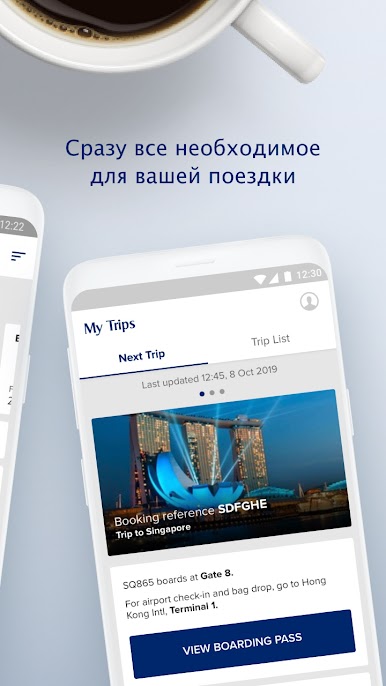
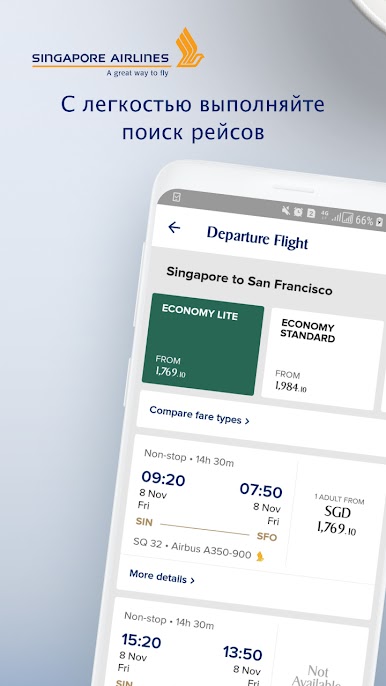
Search and book flights to your next getaway with Singapore Airlines or one of our many airline partners. You can now use your KrisFlyer miles, Google Pay and Alipay to book your flights and preferred seats. Receive updates on your upcoming trips and pre-select your inflight meals and entertainment. After that, all you need to do is sit back and relax.
3. Skip the check-in queues
To prepare for your trip, stay updated on the latest entry requirements with our travel advisory. Skip the queues at the airport, check in and download your boarding pass* on our app before departure. Select your seats and browse our digital menu to see what’s served onboard.
If you are departing from Singapore Changi Airport, generate your baggage tags on our app* during check-in and track the status of your baggage. Simply scan your mobile boarding pass at the check-in kiosks to print your baggage tags and proceed to the automated bag drop counters to deposit your checked bag.
4. Manage your KrisFlyer account
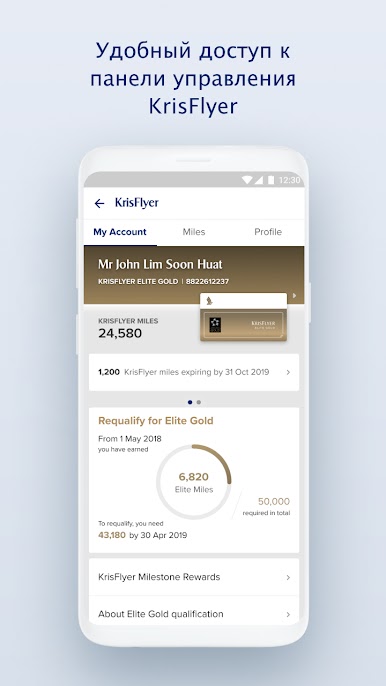
Log in to your KrisFlyer account to keep track of your KrisFlyer miles balance and expiry, transaction statements and PPS value. PPS Club members can also connect with our customer support team via PPS Connect**.
5. Experience the future of flying
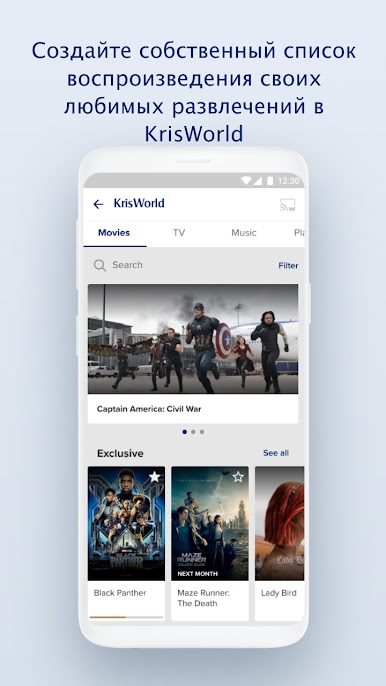
Find out what’s playing on our award-winning KrisWorld inflight entertainment system. Curate playlists on your app and pick up right where you last left off between flights, or view your flight’s progress***.
*Subject to regulatory requirements
**This service is currently only available for registered PPS Club members with valid Singapore mobile numbers
*** This feature is available on A350 and selected Boeing 777-300ER aircrafts
Please also note that by downloading the SingaporeAir app, you agree to the terms and conditions, including the privacy policy, which can be found at http://www.singaporeair.com/en_UK/terms-conditions/ and http://www.singaporeair.com/en_UK/privacy-policy/.

Играйте в игру Singapore Airlines на ПК. Это легко и просто.
-
Скачайте и установите BlueStacks на ПК.
-
Войдите в аккаунт Google, чтобы получить доступ к Google Play, или сделайте это позже.
-
В поле поиска, которое находится в правой части экрана, введите название игры – Singapore Airlines.
-
Среди результатов поиска найдите игру Singapore Airlines и нажмите на кнопку "Установить".
-
Завершите авторизацию в Google (если вы пропустили этот шаг в начале) и установите игру Singapore Airlines.
-
Нажмите на ярлык игры Singapore Airlines на главном экране, чтобы начать играть.

