


I Am Caster: Emoji Burst
Spiele auf dem PC mit BlueStacks - der Android-Gaming-Plattform, der über 500 Millionen Spieler vertrauen.

Seite geändert am: Apr 12, 2025
Play I Am Caster: Emoji Burst on PC
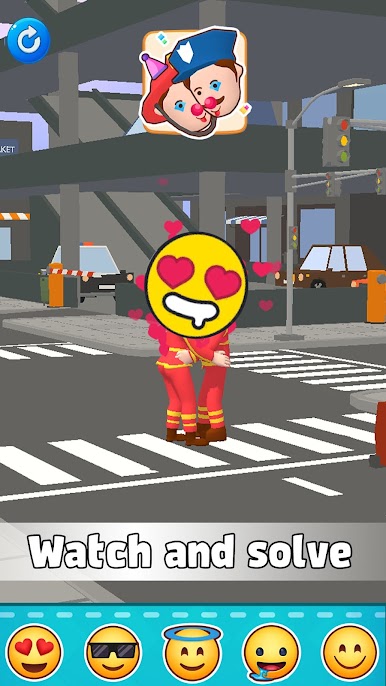
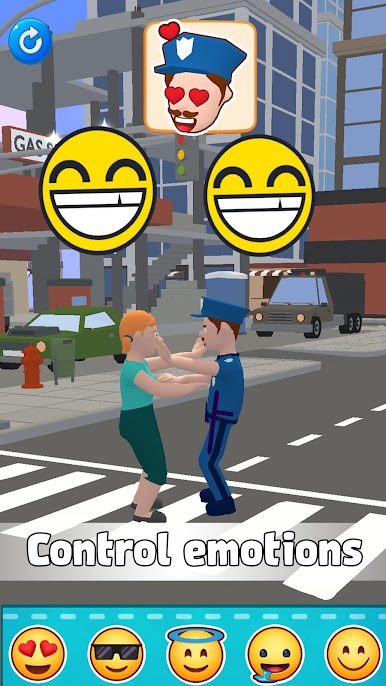
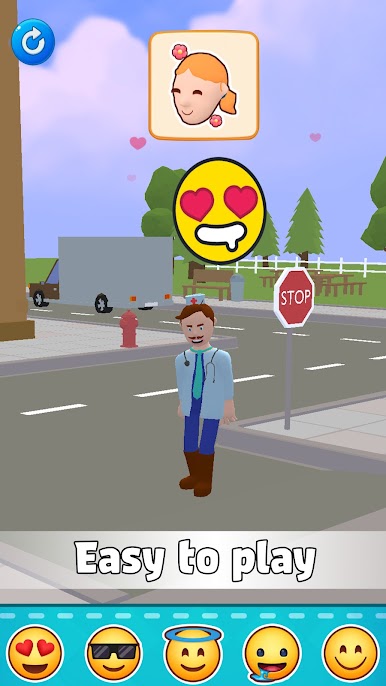
In I Am Caster: Emoji Burst, your wand isn’t just magical—it shapes emotions! Wave your enchanted wand to cast special emoji spells and watch as characters react instantly. Hit them with a Love Spell to spark romance, an Anger Spell to unleash fury, or a Sad Spell to bring on the tears. Every cast leads to fun, unpredictable interactions!
🌟 HOW TO PLAY:
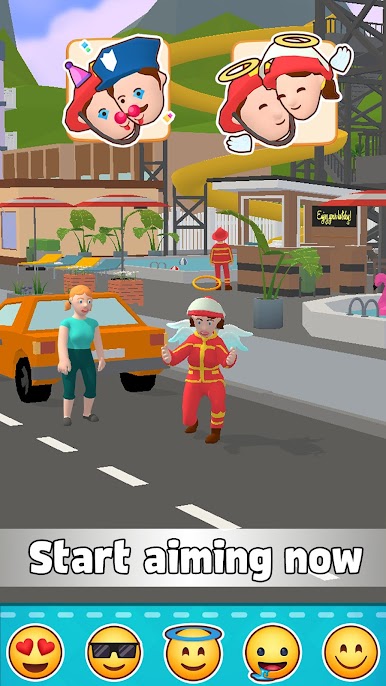
✔️ Aim your wand with precision.
✔️ Select the perfect emoji spell for the moment.
✔️ Cast and witness instant character reactions.
✔️ Experiment with different emotions and outcomes!
🌟 GAME FEATURES:
✔️ Addictive and easy-to-learn emoji magic gameplay.
✔️ Unique mechanics with various emotional spells.
✔️ Dynamic character interactions based on your magic.
✔️ Challenge your aim and strategy with each level.
✔️ Endless fun with surprising emotional effects!
😆❤️😡 Make them laugh, cry, or fall in love—it’s all in your hands!
✨ Ready to master the art of emotional magic? Download I Am Caster: Emoji Burst now and start casting!
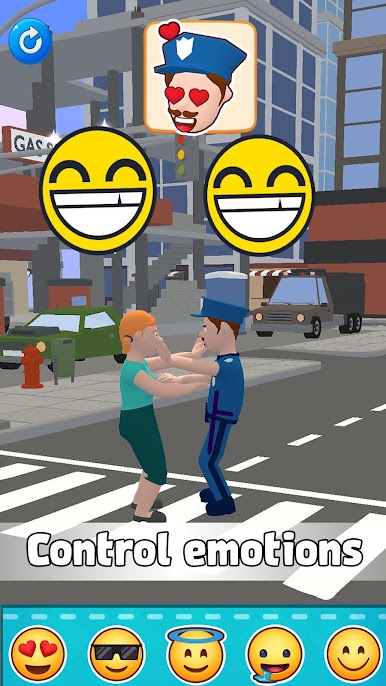
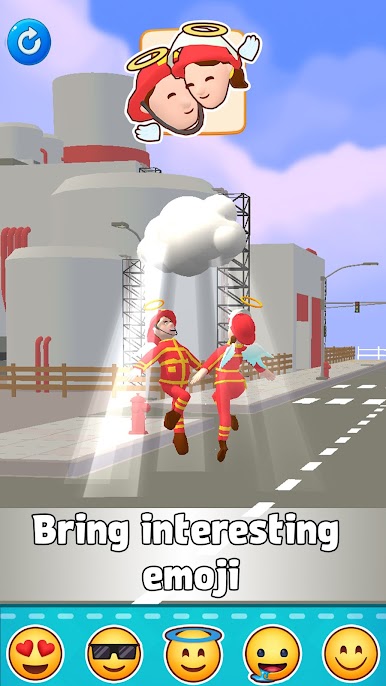
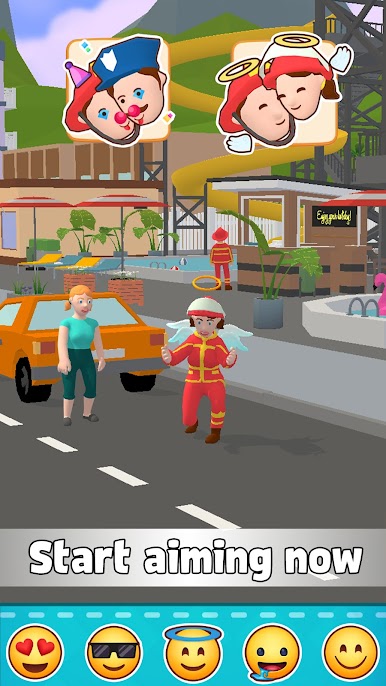
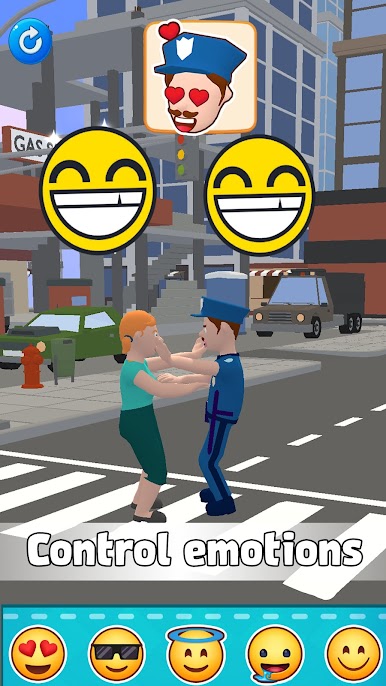


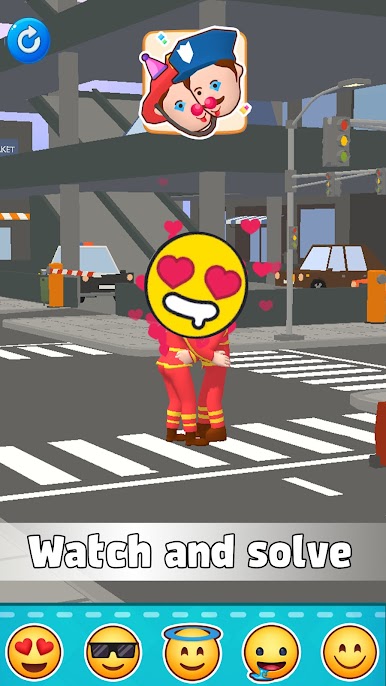
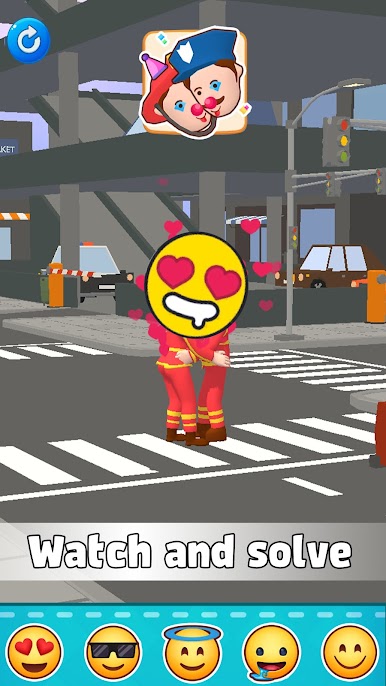

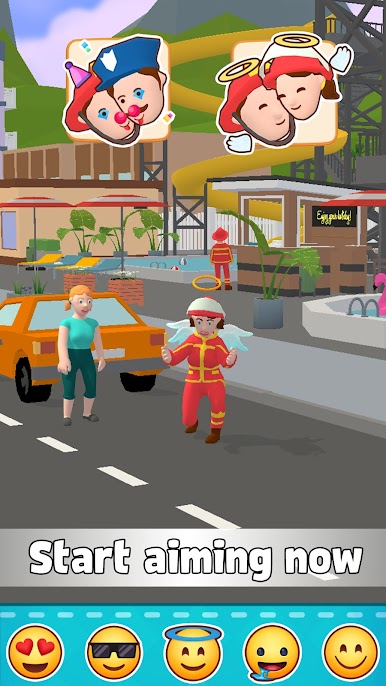
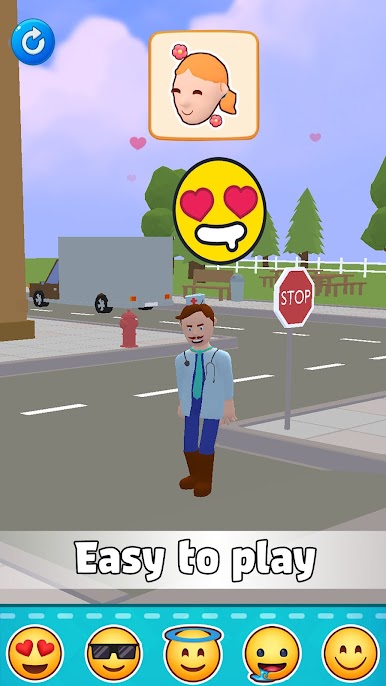
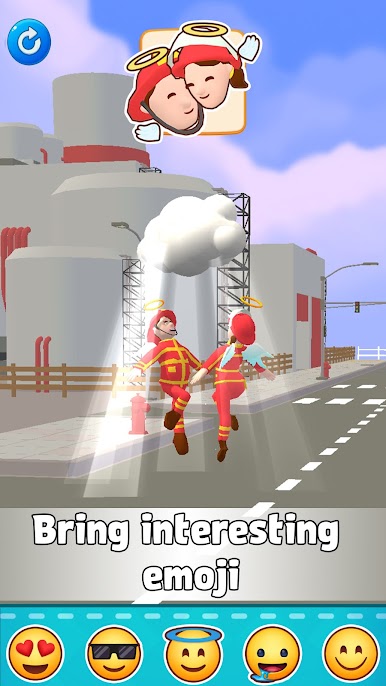
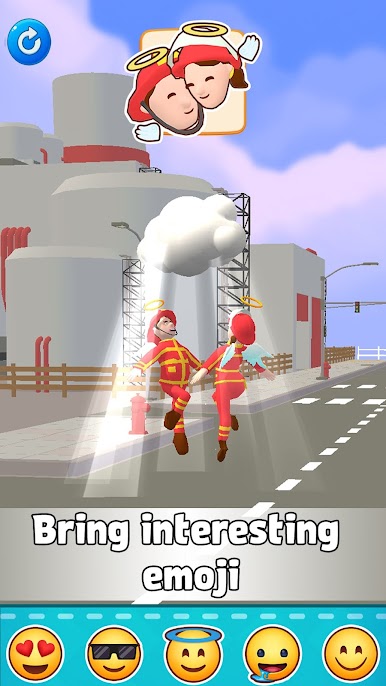
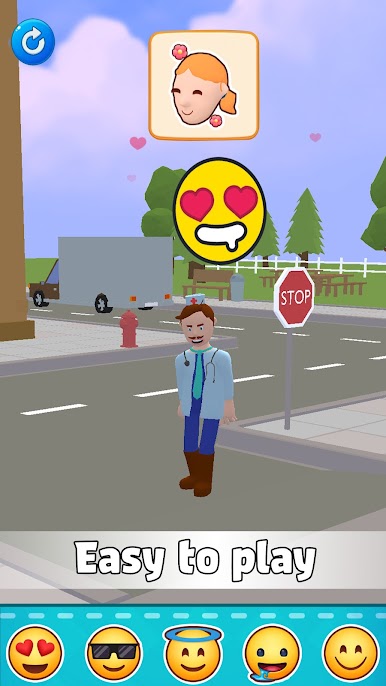
Spiele I Am Caster: Emoji Burst auf dem PC. Der Einstieg ist einfach.
-
Lade BlueStacks herunter und installiere es auf deinem PC
-
Schließe die Google-Anmeldung ab, um auf den Play Store zuzugreifen, oder mache es später
-
Suche in der Suchleiste oben rechts nach I Am Caster: Emoji Burst
-
Klicke hier, um I Am Caster: Emoji Burst aus den Suchergebnissen zu installieren
-
Schließe die Google-Anmeldung ab (wenn du Schritt 2 übersprungen hast), um I Am Caster: Emoji Burst zu installieren.
-
Klicke auf dem Startbildschirm auf das I Am Caster: Emoji Burst Symbol, um mit dem Spielen zu beginnen

