


Kids Preschool Puzzles
Spiele auf dem PC mit BlueStacks - der Android-Gaming-Plattform, der über 500 Millionen Spieler vertrauen.

Seite geändert am: Oct 14, 2025
Play Kids Preschool Puzzles on PC or Mac
Step into the World of Kids Preschool Puzzles, a thrilling Educational game from the house of Intellijoy Educational Games for Kids. Play this Android game on BlueStacks App Player and experience immersive gaming on PC or Mac.
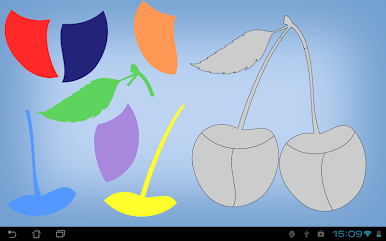
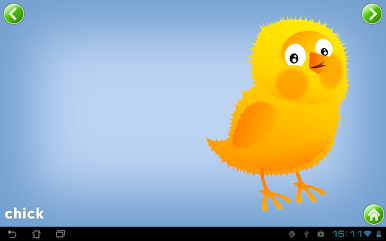
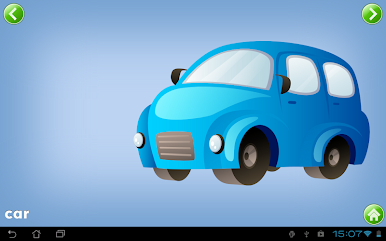
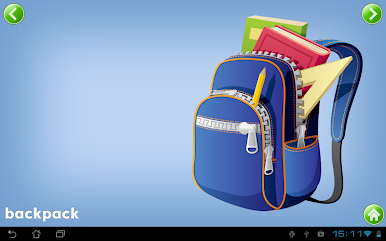
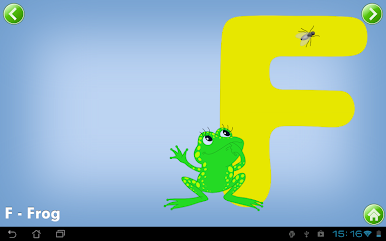
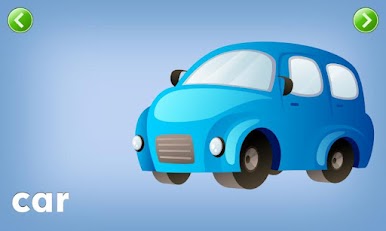
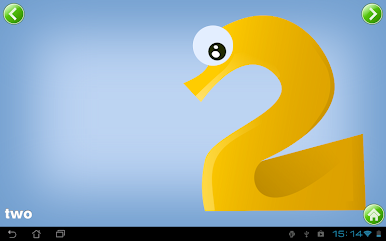
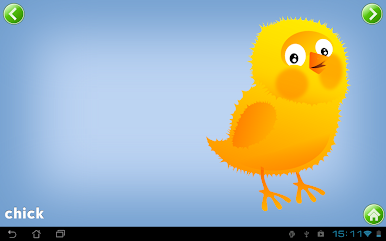
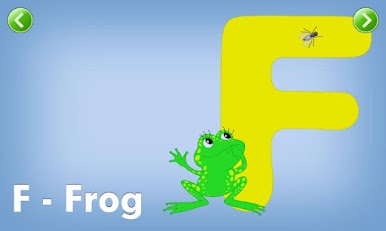
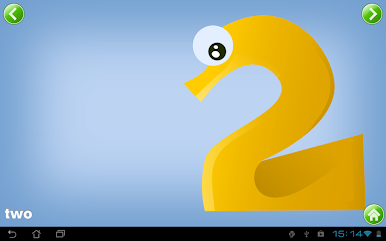
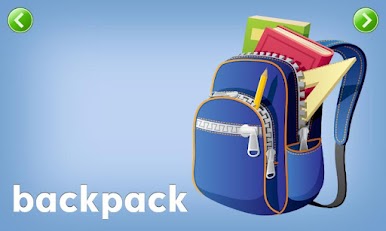
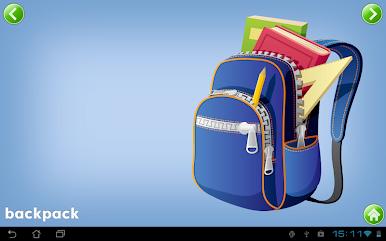
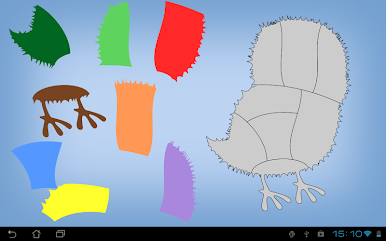
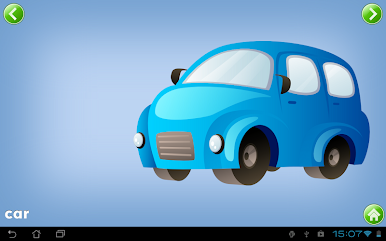
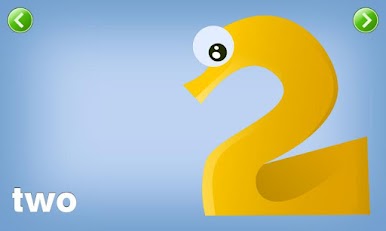
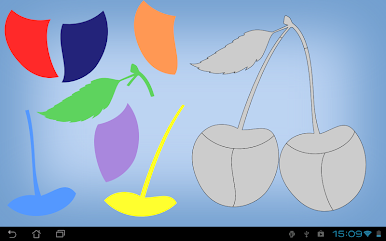
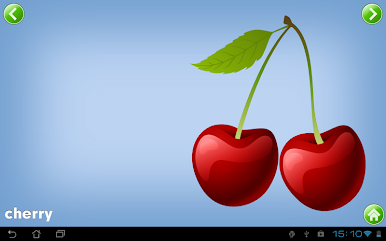
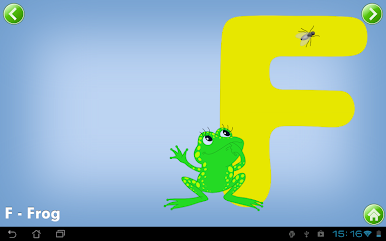
It feels like a simple, well paced puzzle app for little kids who like to drag pieces into place and see a picture appear. The puzzles are bright and chunky so toddlers can use a mouse or touchscreen without frustration, and the pieces click into place which makes finishing each picture satisfying. The full package goes beyond just animals and food and adds vehicles, shapes, numbers, letters, sports, jobs and a mixed bag of other images, so there are over a hundred pictures to unlock. A friendly voice announces success and names the picture when a puzzle is done, which keeps things encouraging without being loud or distracting.
The design keeps each activity narrow in focus, so the numbers puzzles stick to numbers and the letters section sticks to letters, which helps the child practice one thing at a time. It is good for visual spatial skills, shape recognition and fine motor control, and parents will probably like that it does not overwhelm with flashing lights or constant sound effects. It runs smoothly on a PC if it is launched through BlueStacks, which makes dragging pieces with a mouse easy for adults helping out or for kids who prefer the bigger screen.
Ready to top the leaderboard? We bet you do. Let precise controls and sharp visuals optimized on BlueStacks lead you to victory.




Spiele Kids Preschool Puzzles auf dem PC. Der Einstieg ist einfach.
-
Lade BlueStacks herunter und installiere es auf deinem PC
-
Schließe die Google-Anmeldung ab, um auf den Play Store zuzugreifen, oder mache es später
-
Suche in der Suchleiste oben rechts nach Kids Preschool Puzzles
-
Klicke hier, um Kids Preschool Puzzles aus den Suchergebnissen zu installieren
-
Schließe die Google-Anmeldung ab (wenn du Schritt 2 übersprungen hast), um Kids Preschool Puzzles zu installieren.
-
Klicke auf dem Startbildschirm auf das Kids Preschool Puzzles Symbol, um mit dem Spielen zu beginnen

