

Add Audio to Video & Trim
Играйте на ПК с BlueStacks – игровой платформе для приложений на Android. Нас выбирают более 500 млн. игроков.

Страница изменена: Oct 9, 2024
Run Add Audio to Video : Audio Video Mixer on PC or Mac
Multitask effortlessly on your PC or Mac as you try out Add Audio to Video : Audio Video Mixer, a Video Players & Editors app by AndroTechMania on BlueStacks.
About the App
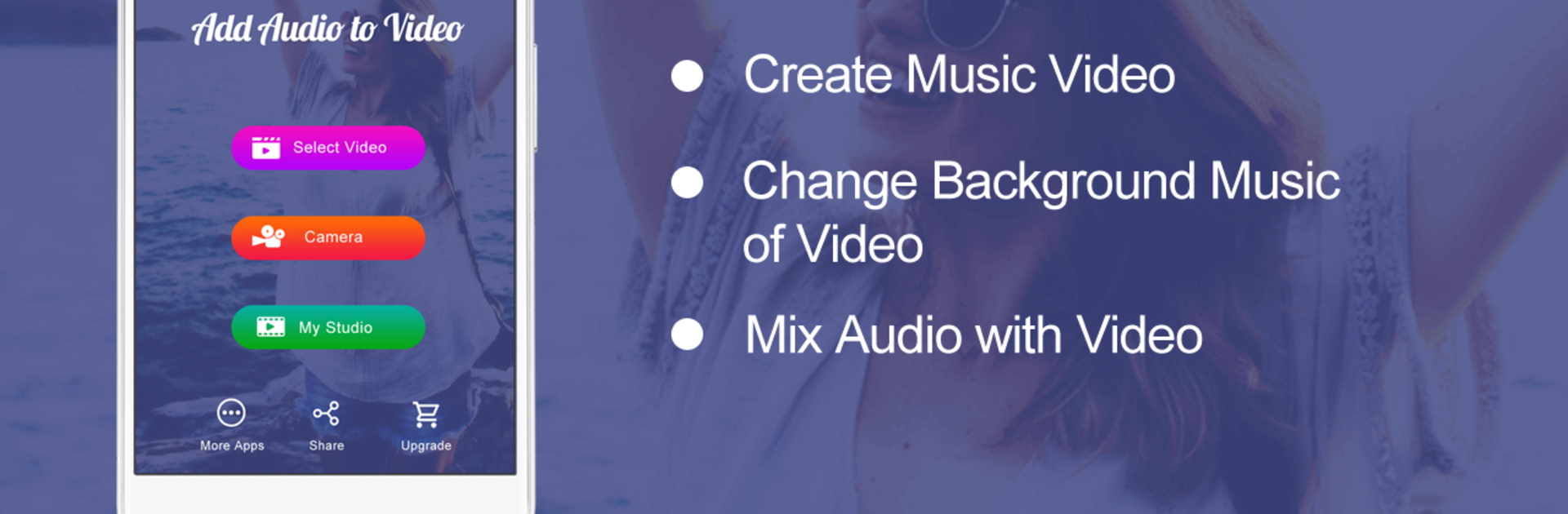
Ever wanted to swap out the background music in your favorite video or add a new soundtrack for a personal touch? Add Audio to Video : Audio Video Mixer from AndroTechMania makes it surprisingly simple to tweak your videos however you like. Whether you’re putting together a funny clip, dubbing your own lines over a scene, or just want your favorite song in the background, this app gives you an easy, hands-on way to control your creations.
App Features
-
Swap Out Soundtracks
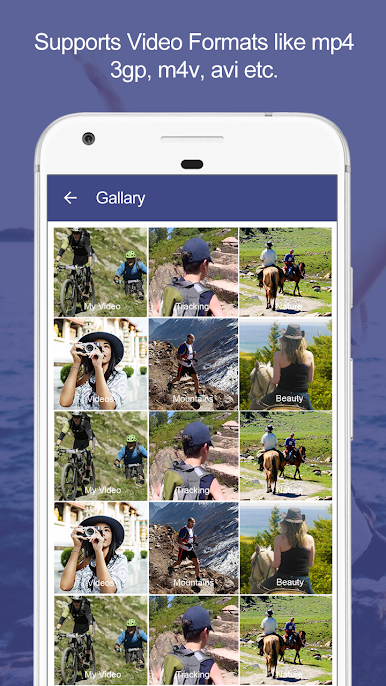
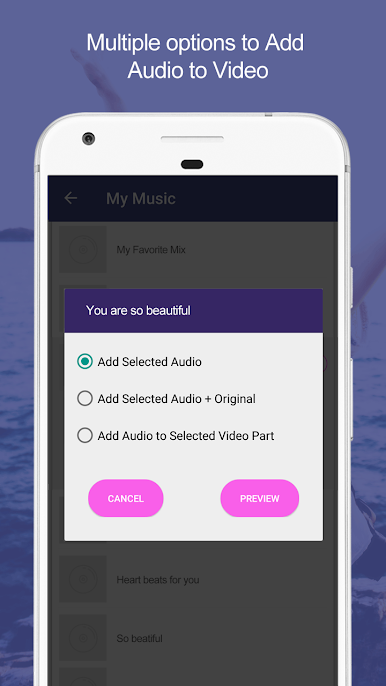
Pick any video, choose an audio file, and easily swap out the original audio—or just mix in something new. If your audio’s short, no worries; it’ll loop automatically. -
Mix New and Original Audio
Want to keep the vibe of the original sound but throw in a different track? You can blend them together and even control which audio stands out the most. -
Targeted Edits
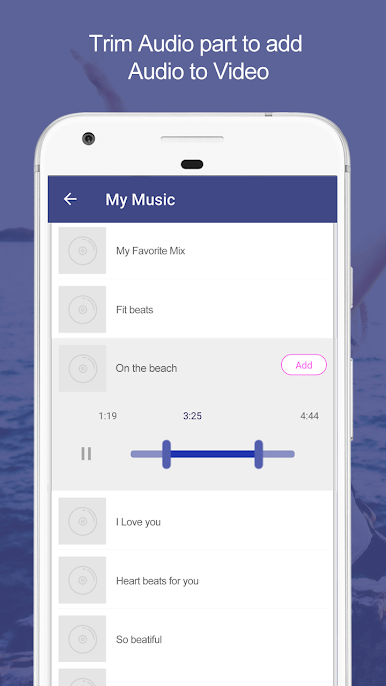
Don’t want to change the whole video? Just choose a specific section to insert your audio. The rest of the video keeps its original sound, so you get fine-tuned control. -
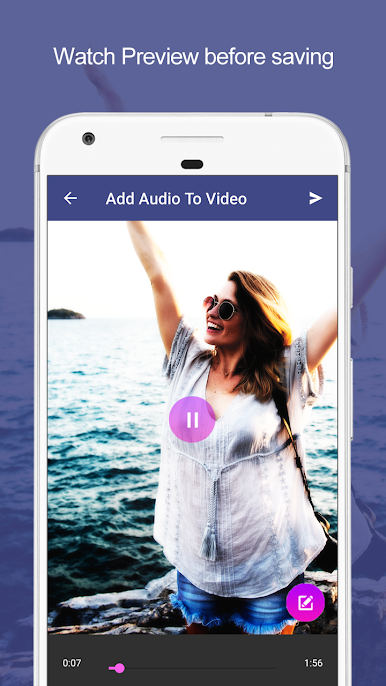
Live Preview Before Saving
Instantly see and hear your edits before you save. What you’re seeing is exactly what you’ll get when you hit that save button. -
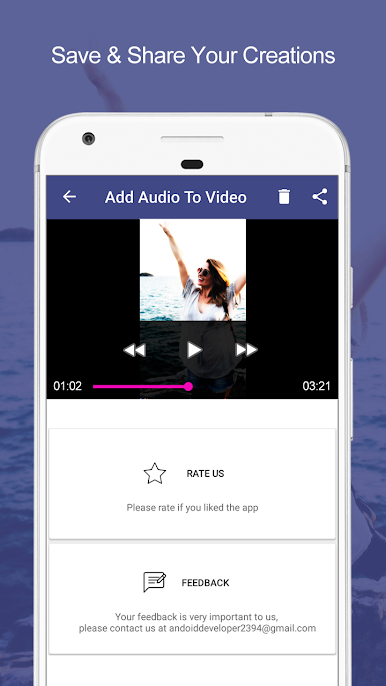
Built-in Player and Sharing
Watch your finished videos in the app’s built-in player. Once you’re happy, you can share your new music videos or edited clips directly with friends.
For those who like working on a bigger screen, the experience feels smooth on BlueStacks, too.
Big screen. Bigger performance. Use BlueStacks on your PC or Mac to run your favorite apps.

Играйте в игру Add Audio to Video & Trim на ПК. Это легко и просто.
-
Скачайте и установите BlueStacks на ПК.
-
Войдите в аккаунт Google, чтобы получить доступ к Google Play, или сделайте это позже.
-
В поле поиска, которое находится в правой части экрана, введите название игры – Add Audio to Video & Trim.
-
Среди результатов поиска найдите игру Add Audio to Video & Trim и нажмите на кнопку "Установить".
-
Завершите авторизацию в Google (если вы пропустили этот шаг в начале) и установите игру Add Audio to Video & Trim.
-
Нажмите на ярлык игры Add Audio to Video & Trim на главном экране, чтобы начать играть.

