


HopBound
Играйте на ПК с BlueStacks – игровой платформе для приложений на Android. Нас выбирают более 500 млн. игроков.

Страница изменена: Nov 21, 2025
Играй HopBound На ПК
=====
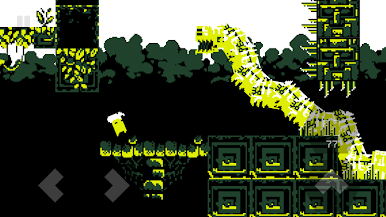
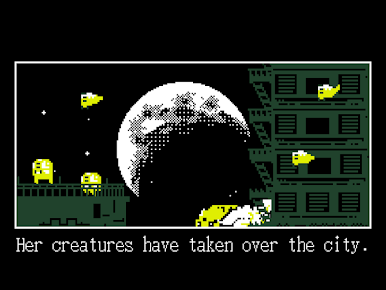
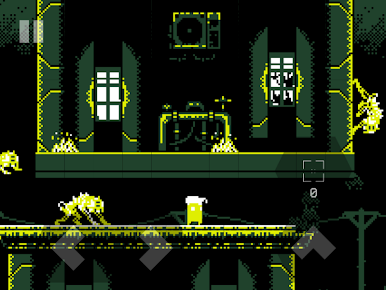
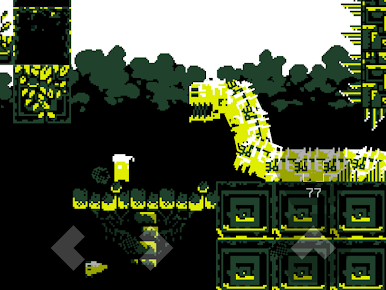
НОСТАЛЬГИЧЕСКИЕ ВИЗУАЛЬНЫЕ ЭФФЕКТЫ
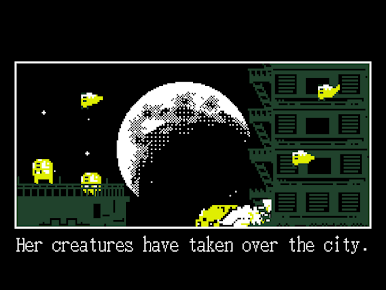
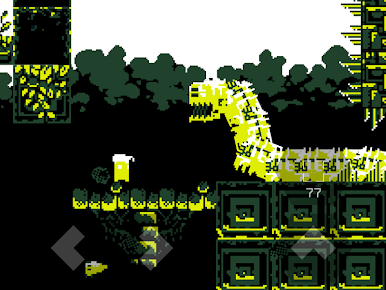
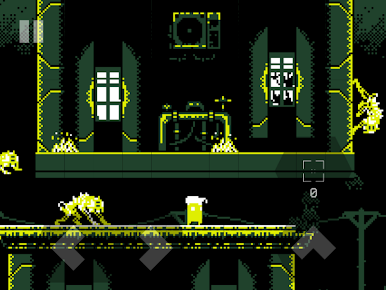
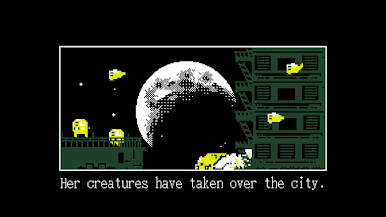
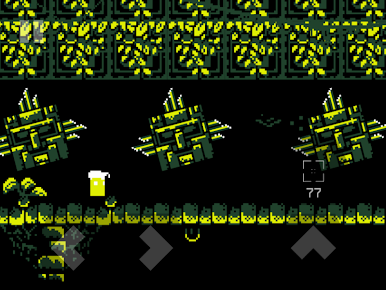
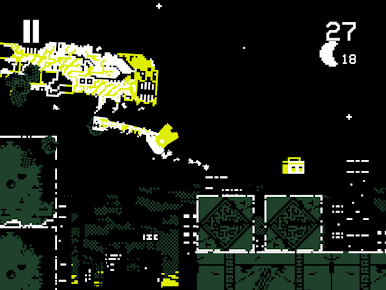
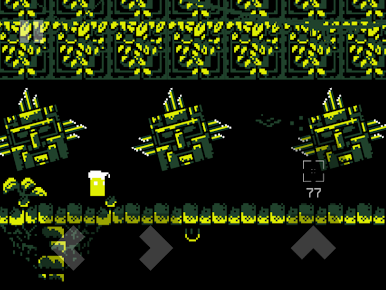
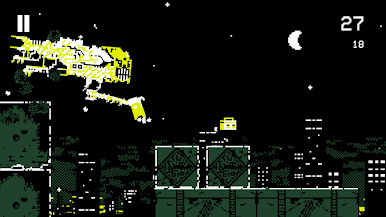
Большая часть потрясающих визуальных эффектов игры использует палитру всего из четырех цветов, чтобы вызвать ретро-очарование портативных игр 90-х годов.
ЛЕДЕНЯЩИЙ ЗВУК
Слушайте уникальную эмбиентную музыку, которая создает ощущение кошмарного ужаса, пока вы исследуете зловещие уровни игры.
ОТДЕЛЬНОЕ ПРОДОЛЖЕНИЕ
Действие HopBound происходит через два года после событий DERE EVIL EXE, и является продолжением этой истории. Однако пользователям не обязательно играть в DERE EVIL EXE, чтобы погрузиться в повествовательный опыт HopBound.
ДУШЕВНЫЕ МОНСТРЫ
Враги из предыдущих игр вернулись к жизни и эволюционировали в новые непостижимые формы.
МНОЖЕСТВО РЕЖИМОВ ИГРЫ
Участвуйте в безумном платформере на уровнях с богатым сюжетом и проверьте свои навыки на бесконечных уровнях раннера, созданных для людей, которым нравится соревноваться за высокие баллы в таблице лидеров.
ЗНАЧИМЫЕ МАХИНАЦИИ
Вопреки традициям сиквелов, HopBound не становится больше и хуже ради масштаба своей истории. Вместо этого игра фокусируется на внутреннем мире, в результате чего получается тревожная, но значимая история.

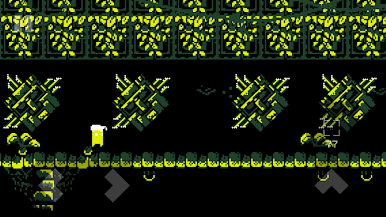
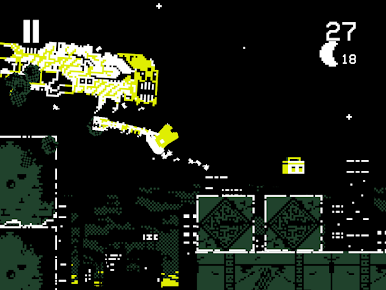
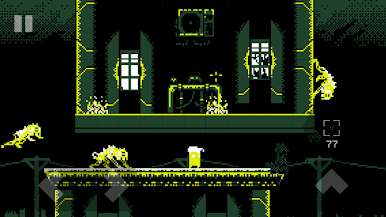
Играйте в игру HopBound на ПК. Это легко и просто.
-
Скачайте и установите BlueStacks на ПК.
-
Войдите в аккаунт Google, чтобы получить доступ к Google Play, или сделайте это позже.
-
В поле поиска, которое находится в правой части экрана, введите название игры – HopBound.
-
Среди результатов поиска найдите игру HopBound и нажмите на кнопку "Установить".
-
Завершите авторизацию в Google (если вы пропустили этот шаг в начале) и установите игру HopBound.
-
Нажмите на ярлык игры HopBound на главном экране, чтобы начать играть.

