


Математика: Генератор задач
Играйте на ПК с BlueStacks – игровой платформе для приложений на Android. Нас выбирают более 500 млн. игроков.

Страница изменена: Aug 28, 2025
Run Math: Exercises Generator on PC or Mac
Why limit yourself to your small screen on the phone? Run Math: Exercises Generator, an app by Arkadiusz Kwiatkowski, best experienced on your PC or Mac with BlueStacks, the world’s #1 Android emulator.
About the App
Looking for a tool to help you practice math without the usual stress? Math: Exercises Generator by Arkadiusz Kwiatkowski is made for students and teachers who want clear, step-by-step math problems—no fluff, just focused learning. Whether you’re brushing up for an exam, prepping homework, or just trying to figure out how to factor a tricky polynomial, this app’s got your back. You’ll find a handy mix of problems and explanations, all designed to make those “aha!” moments happen more often.
App Features
-
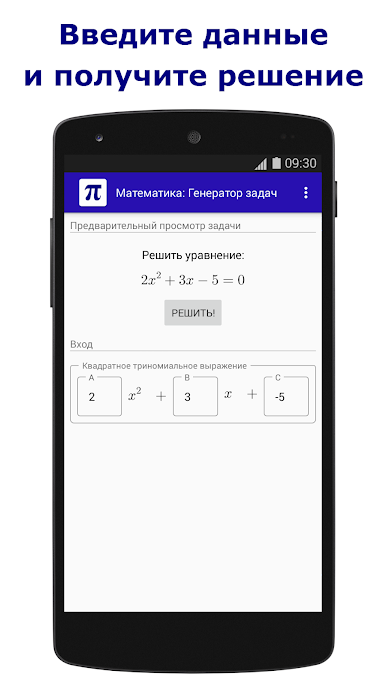
Automatic Exercise Generator
Choose a math subject, and the app instantly pops up random problems. Great for when you’re tired of textbook examples or need something new every time. -
Step-by-Step Solutions
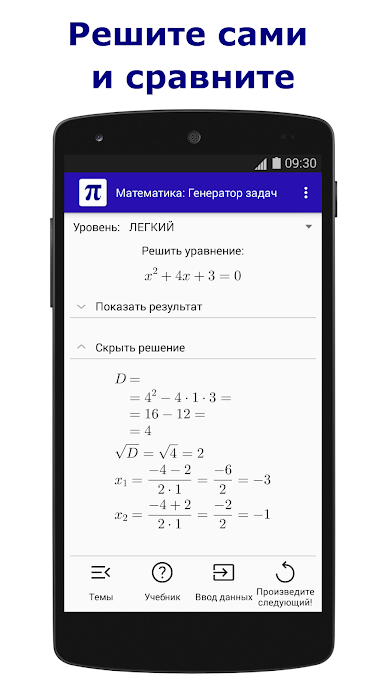
Stuck? Reveal the solution one step at a time, or check the final answer right away. It’s like having your own tutor—except it won’t give you that look when you pause too long. -
Short Tutorials Built In
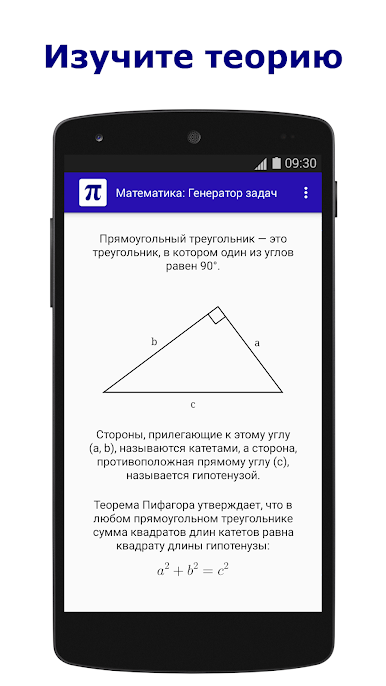
Each topic kicks off with a quick intro or mini-tutorial. Perfect if you need a refresher or are seeing a topic for the first time. -
Broad Subject Coverage
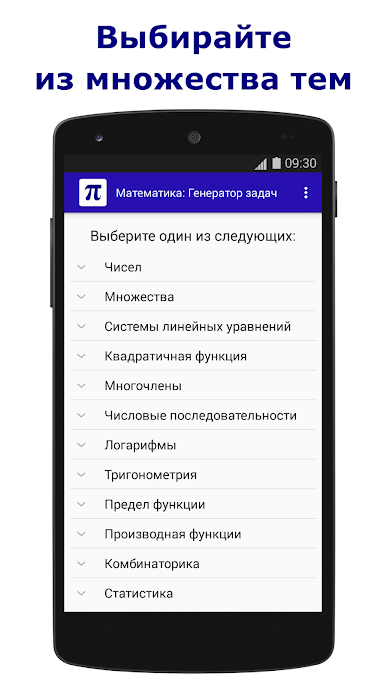
You’ll find topics ranging from number theory and equations, to trigonometry, combinatorics, statistics, and even logic. There’s stuff here for both high schoolers and college students. -
Practice and Self-Check
Try solving problems before peeking at solutions. Want to see where you went wrong? Compare your work with the fully explained answers. -
Monthly Content Updates
New math problems and subjects are added each month, so things stay fresh and challenging. -
Teacher Friendly
Need a fast way to make homework or test questions? The app generates examples and solutions in seconds, saving you valuable prep time. -
Flexible Use on PC with BlueStacks
Prefer working on a bigger screen? With BlueStacks, you can easily run Math: Exercises Generator on your computer for a more comfortable learning setup.
Big screen. Bigger performance. Use BlueStacks on your PC or Mac to run your favorite apps.
Играйте в игру Математика: Генератор задач на ПК. Это легко и просто.
-
Скачайте и установите BlueStacks на ПК.
-
Войдите в аккаунт Google, чтобы получить доступ к Google Play, или сделайте это позже.
-
В поле поиска, которое находится в правой части экрана, введите название игры – Математика: Генератор задач.
-
Среди результатов поиска найдите игру Математика: Генератор задач и нажмите на кнопку "Установить".
-
Завершите авторизацию в Google (если вы пропустили этот шаг в начале) и установите игру Математика: Генератор задач.
-
Нажмите на ярлык игры Математика: Генератор задач на главном экране, чтобы начать играть.

