

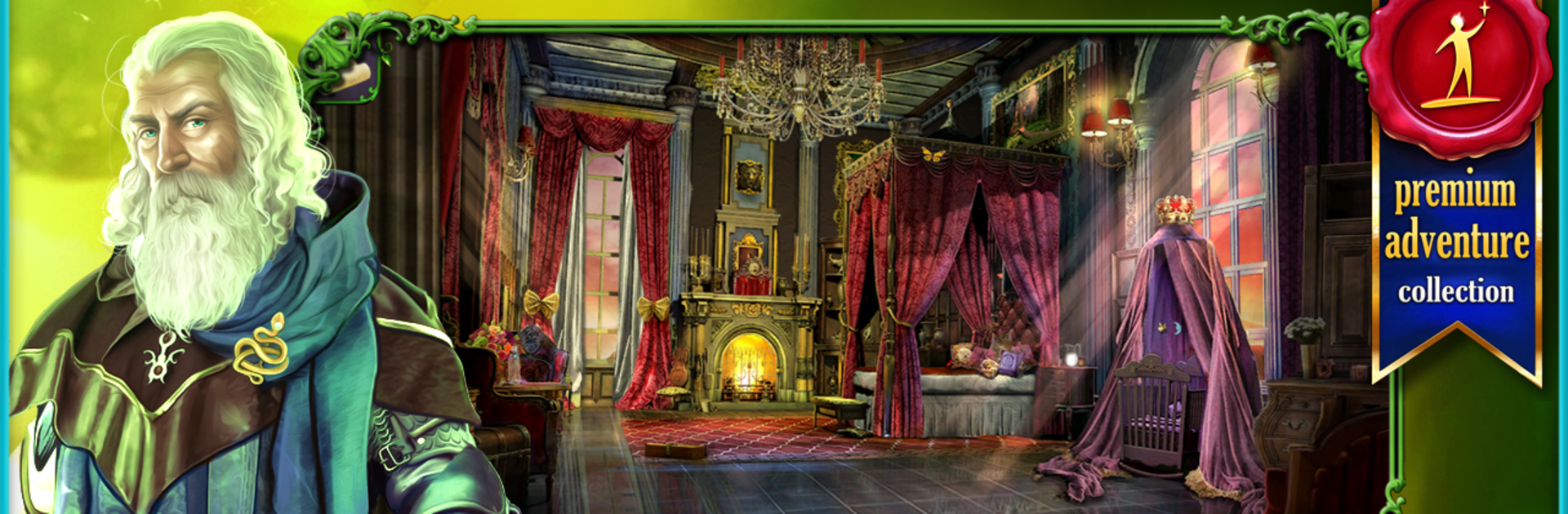
Kampf der Königin: Turm der Du
Spiele auf dem PC mit BlueStacks - der Android-Gaming-Plattform, der über 500 Millionen Spieler vertrauen.

Seite geändert am: Dec 2, 2025
Play Queen's Quest: Tower of Darkness (Full) on PC or Mac
Queen’s Quest: Tower of Darkness (Full) brings the Adventure genre to life, and throws up exciting challenges for gamers. Developed by Artifex Mundi, this Android game is best experienced on BlueStacks, the World’s #1 app player for PC and Mac users.
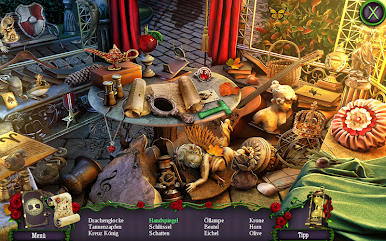
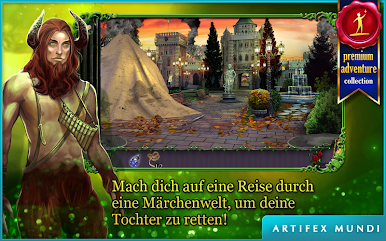
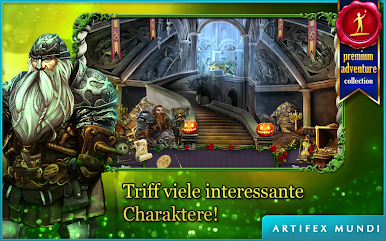
Queen’s Quest: Tower of Darkness is one of those hidden object games where the story feels straight out of a fairy tale — but with a bit more drama and mystery than most. The game’s all about a queen trying to save her family after a sorcerer turns her husband to stone and kidnaps their baby daughter. It’s not just clicking around for random objects, either; there’s a good blend of puzzles and detective moments thrown in between all the searching. The art really stands out — it’s like every area is hand-painted, with these colorful, detailed scenes that pull you into this magical world.
Playing on PC with BlueStacks makes the searching a bit easier since everything’s bigger, so no more squinting at a tiny phone screen just to find a ring or a feather. There’s a mix of hidden object scenes and different types of mini-games, so it doesn’t get dull. The story has some twists, and there’s even a bonus chapter if you want a little more after finishing the main story. It feels like something you could enjoy on your own or just as easily play together with kids since it’s not too tough, but still keeps things interesting. And since it doesn’t need a constant internet connection, it works offline without any issues. For anyone who likes fairy tale adventures, a bit of mystery, and piecing together clues, this is an easy pick.
Slay your opponents with your epic moves. Play it your way on BlueStacks and dominate the battlefield.


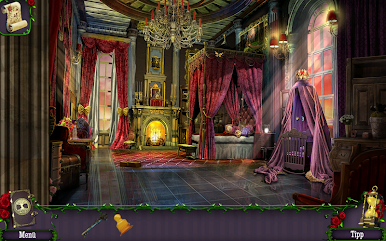
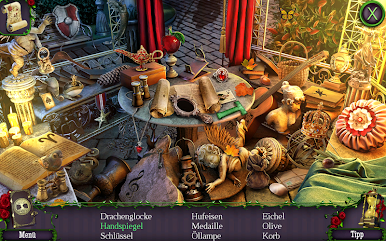


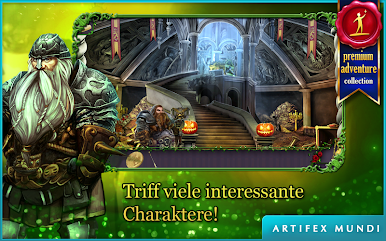










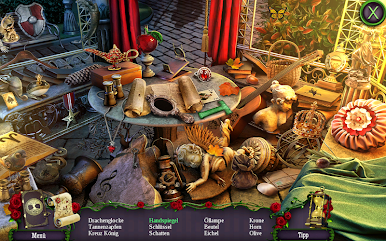
Spiele Kampf der Königin: Turm der Du auf dem PC. Der Einstieg ist einfach.
-
Lade BlueStacks herunter und installiere es auf deinem PC
-
Schließe die Google-Anmeldung ab, um auf den Play Store zuzugreifen, oder mache es später
-
Suche in der Suchleiste oben rechts nach Kampf der Königin: Turm der Du
-
Klicke hier, um Kampf der Königin: Turm der Du aus den Suchergebnissen zu installieren
-
Schließe die Google-Anmeldung ab (wenn du Schritt 2 übersprungen hast), um Kampf der Königin: Turm der Du zu installieren.
-
Klicke auf dem Startbildschirm auf das Kampf der Königin: Turm der Du Symbol, um mit dem Spielen zu beginnen

