Astro Builder

Astro Builder

Gelegenheitsspiele | Solid Games

Spiele auf dem PC mit BlueStacks - der Android-Gaming-Plattform, der über 500 Millionen Spieler vertrauen.

Seite geändert am: Jan 16, 2026

Play Astro Builder on PC or Mac

Explore a whole new adventure with Astro Builder, a Casual game created by Solid Games. Experience great gameplay with BlueStacks, the most popular gaming platform to play Android games on your PC or Mac.

About the Game

Astro Builder is a laid-back builder where you piece together a working space station just above Earth. It’s part idle, part management sim, so you’ll nudge things along, set upgrades, then watch your orbiting project hum while you plan the next step. From Solid Games, it’s a clean, satisfying loop with a steady sense of progress that scratches that “one more upgrade” itch.

Game Features

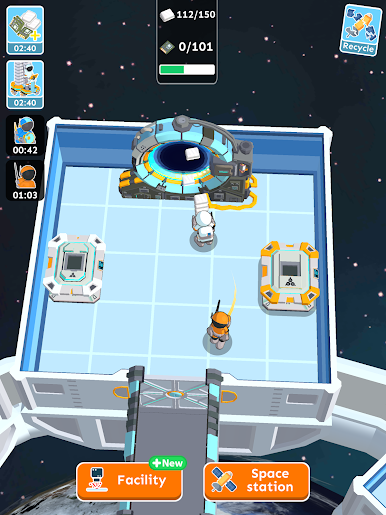
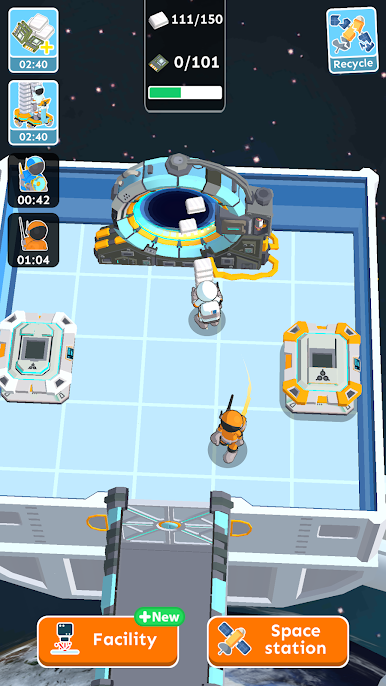
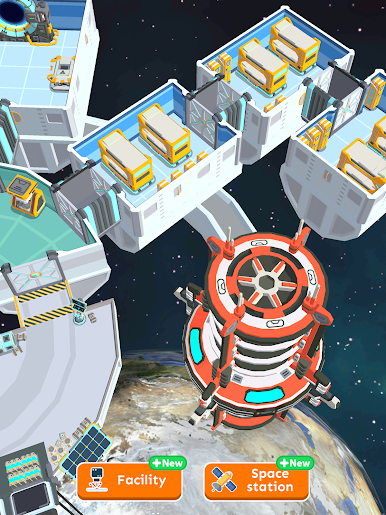
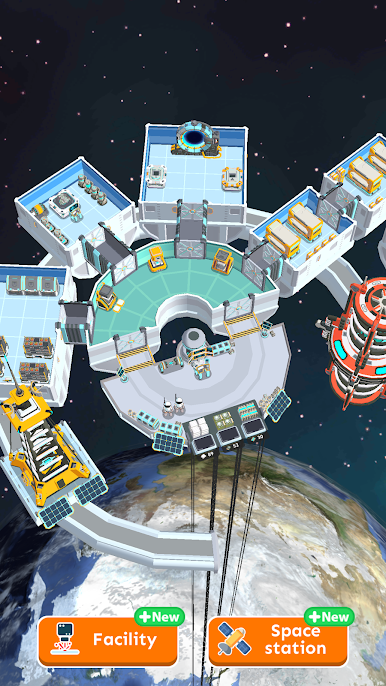
  • Orbit-Side Construction: Start with a tiny platform and a ground track, then bolt on new sections until your station looks and feels alive.
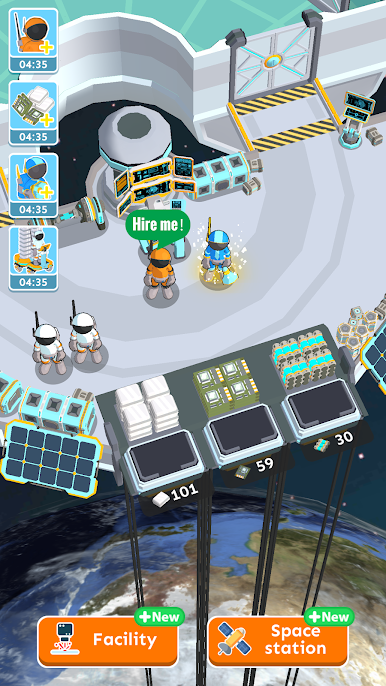
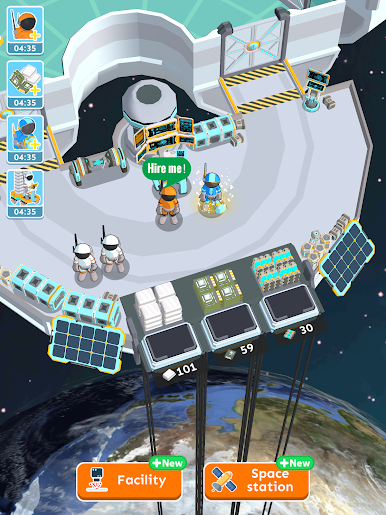
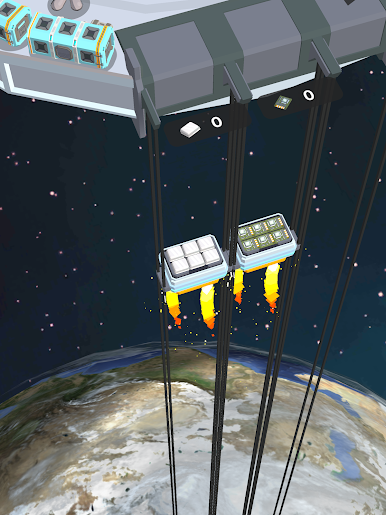
  • Space Elevator Supply Line: Materials ride a towering elevator to your staging area, where you allocate what’s needed and keep the build queue moving.
  • Idle Progress That Matters: Step away and your station keeps producing. Come back to a pile of resources ready to funnel into faster builds and new modules.
  • Smart Upgrades: Boost production speed, storage, and efficiency. The right tweaks compound over time, turning modest gains into big leaps.
  • Unlock New Gear: Open up specialized equipment that powers fresh production chains—think energy arrays, fabricators, research bays, and more.
  • Expand by Phases: Each construction phase reveals a new zone to claim and develop, giving you fresh goals and a neat visual sense of growth.
  • Easy, Casual Flow: Short sessions work great, but longer runs are cozy too—perfect for the Casual vibe without pressure.
  • Play Your Way: Prefer a larger screen and keyboard controls? Astro Builder runs nicely on BlueStacks for a comfy desktop setup.

Ready to top the leaderboard? We bet you do. Let precise controls and sharp visuals optimized on BlueStacks lead you to victory.

Spiele Astro Builder auf dem PC. Der Einstieg ist einfach.

  • Lade BlueStacks herunter und installiere es auf deinem PC

  • Schließe die Google-Anmeldung ab, um auf den Play Store zuzugreifen, oder mache es später

  • Suche in der Suchleiste oben rechts nach Astro Builder

  • Klicke hier, um Astro Builder aus den Suchergebnissen zu installieren

  • Schließe die Google-Anmeldung ab (wenn du Schritt 2 übersprungen hast), um Astro Builder zu installieren.

  • Klicke auf dem Startbildschirm auf das Astro Builder Symbol, um mit dem Spielen zu beginnen

Video ansehen