


Screen Off Pro (Screen Lock)
Spiele auf dem PC mit BlueStacks - der Android-Gaming-Plattform, der über 500 Millionen Spieler vertrauen.

Seite geändert am: Jul 21, 2020
Run Screen Off Pro (Screen Lock) on PC or Mac
Let BlueStacks turn your PC, Mac, or laptop into the perfect home for Screen Off Pro (Screen Lock), a fun Tools app from AURON.
Screen Off Pro is one of those tiny utilities that just does its job without fuss. Tap the button and the screen turns off right away, like hitting a power key but softer and faster. On a PC with BlueStacks it feels like having a desktop shortcut for locking the phone screen, and it is easy to map it to a keyboard key or keep the floating bubble on top while doing other things.
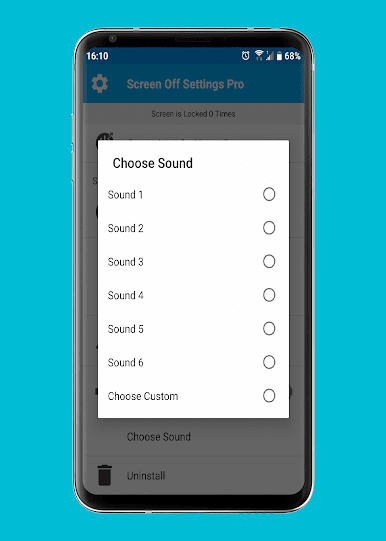
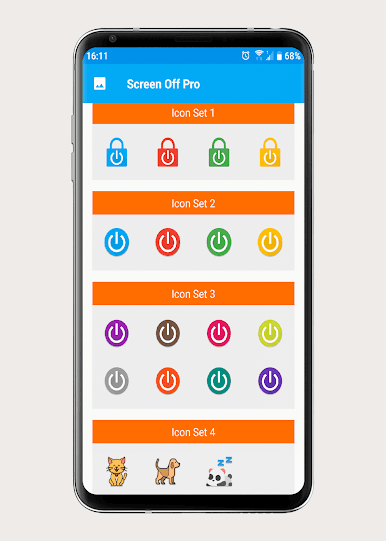
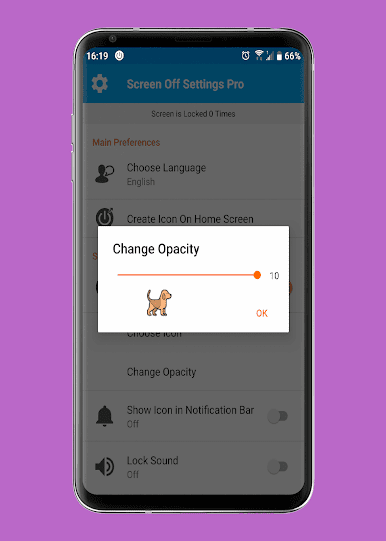
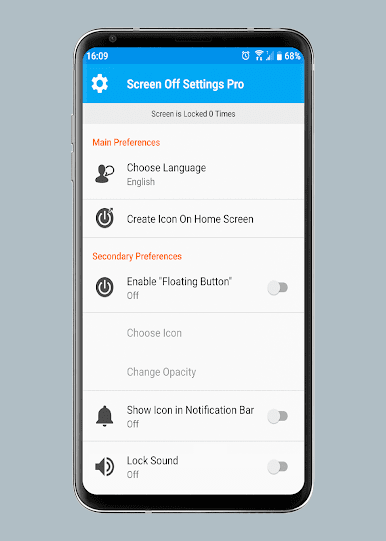
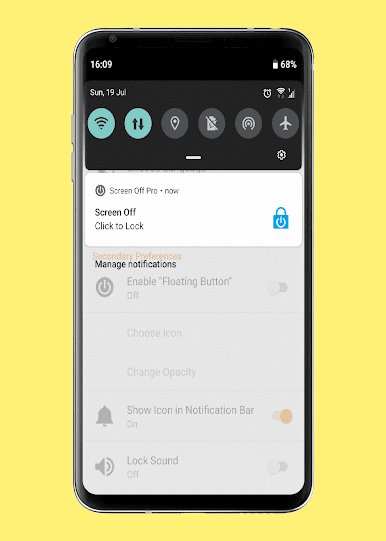
The floating button sits over any app and can be moved out of the way, and there is also a quick toggle in the notification bar plus simple widgets if someone likes a clean home screen layout. It keeps fingerprint unlock working, so there is no weird extra step after it locks. The fun bit is the look and sound. There are a bunch of colorful icons, including cute animal options, and the lock sound can be swapped between several presets or a custom sound file if they want to get fancy. No advertisements and the design stays tidy, so it does not feel spammy or heavy.
It asks for the right permissions to actually lock the screen. On older Android it uses the device administrator method, and on newer versions it uses accessibility service. That sounds technical, but it is the standard way this kind of tool works. Great for anyone with a flaky power button, or anyone who just wants a quick, reliable tap to sleep the screen across phone or BlueStacks.
Ready to experience Screen Off Pro (Screen Lock) on a bigger screen, in all its glory? Download BlueStacks now.
Spiele Screen Off Pro (Screen Lock) auf dem PC. Der Einstieg ist einfach.
-
Lade BlueStacks herunter und installiere es auf deinem PC
-
Schließe die Google-Anmeldung ab, um auf den Play Store zuzugreifen, oder mache es später
-
Suche in der Suchleiste oben rechts nach Screen Off Pro (Screen Lock)
-
Klicke hier, um Screen Off Pro (Screen Lock) aus den Suchergebnissen zu installieren
-
Schließe die Google-Anmeldung ab (wenn du Schritt 2 übersprungen hast), um Screen Off Pro (Screen Lock) zu installieren.
-
Klicke auf dem Startbildschirm auf das Screen Off Pro (Screen Lock) Symbol, um mit dem Spielen zu beginnen

