


Simplenote
500M + oyuncunun güvendiği Android Oyun Platformu, BlueStacks ile PC'de oynayın.

Sayfa Değiştirilme tarihi: Oct 20, 2025
Play Simplenote on PC
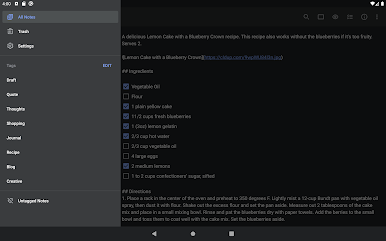
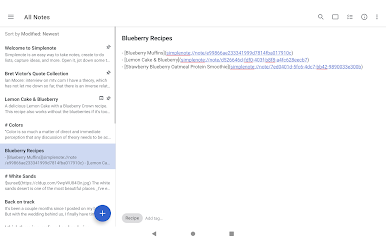
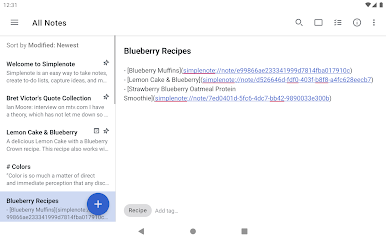
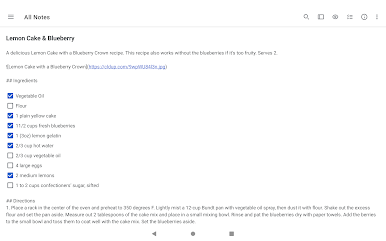
- A simple, note taking experience
- Sync everything across all your devices
- Collaborate and share
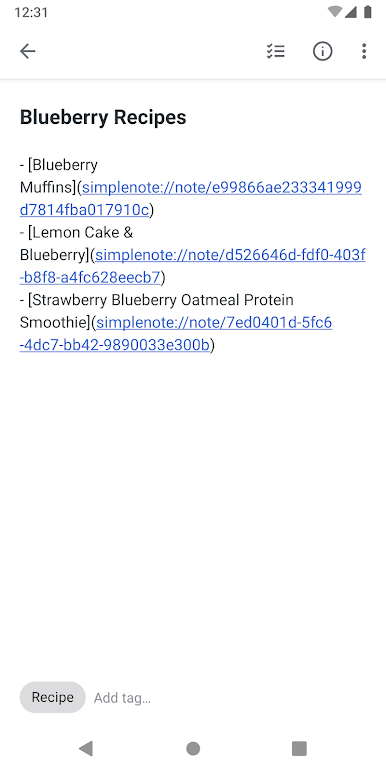
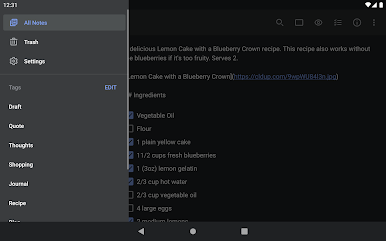
- Stay organized with tags
- Log in with your email or WordPress.com account
SYNC WITH CONFIDENCE
- Automatically sync seamlessly across any computer, phone or tablet.
- Back up and sync everything as you take notes, so you never lose your content.
COLLABORATE AND SHARE
- Collaborate and work together -- share ideas with a colleague, or write a grocery list with your roommate.
- Choose whether to publish your content to the web, and share a link with whoever you want.
- Publish directly to a WordPress site by connecting your WordPress.com account.
- Quickly and easily share with third-party apps.
ORGANIZE AND SEARCH
- Stay organized with tags, and use them for quick searching and sorting.
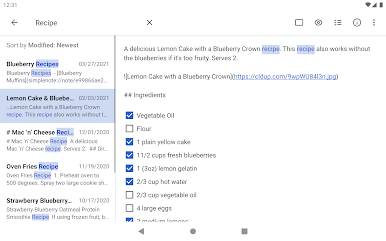
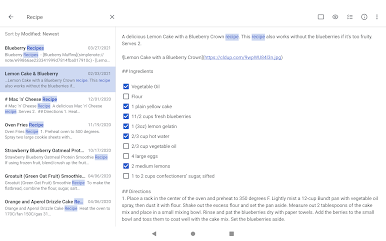
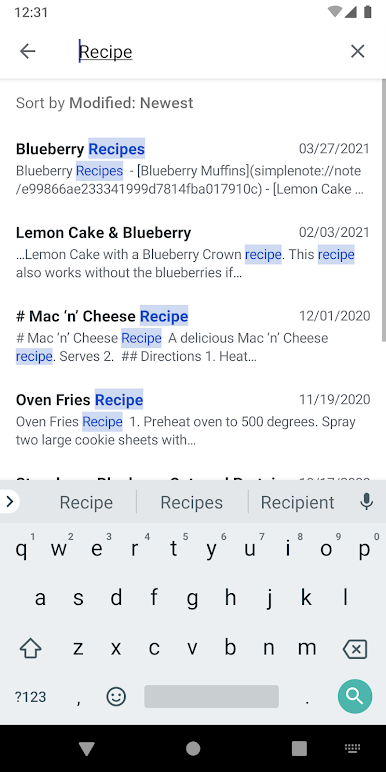
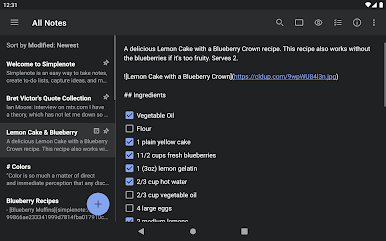
- Instantly find what you’re looking for with keyword highlighting.
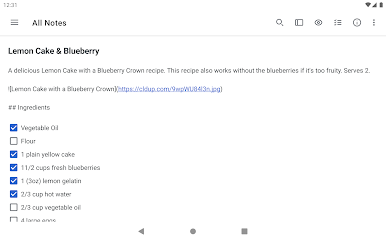
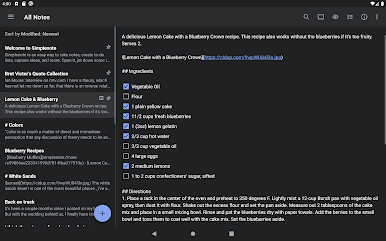
- Use markdown to add formatting.
- Create to-do lists.
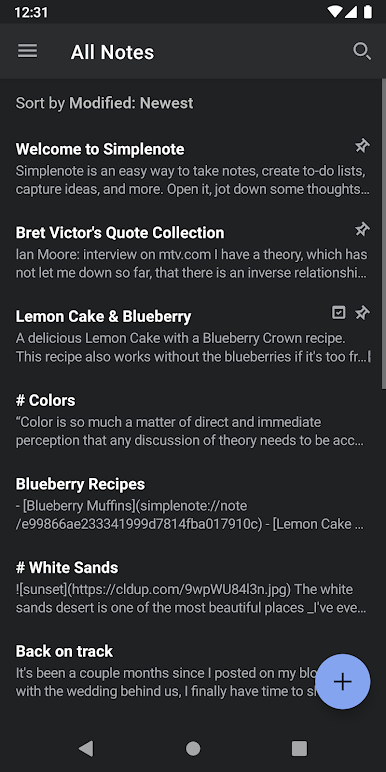
- Choose the sorting order of your notes and tags.
- Pin the notes that you use the most.
- Edit tags directly by renaming and reordering.
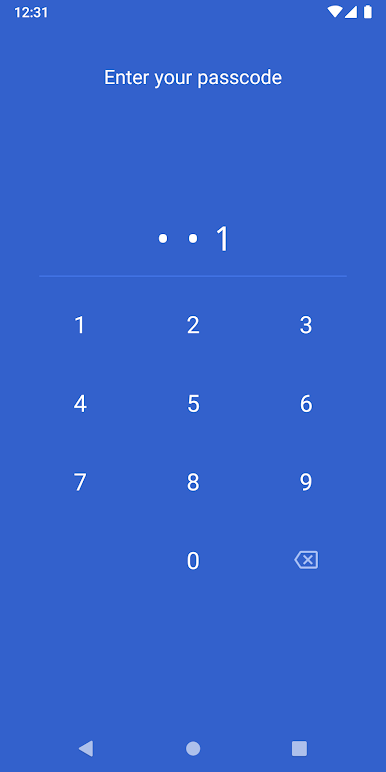
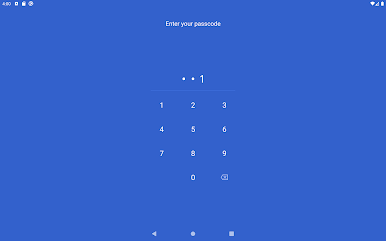
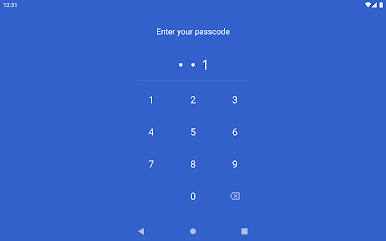
- Protect your content with a passcode lock.
--
Privacy Policy: https://automattic.com/privacy/
Terms of Service: https://simplenote.com/terms/
--
Visit simplenote.com to download Simplenote for your other devices.


Simplenote oyununu PC'de oyna. Başlamak çok kolay.
-
BlueStacks'i PC'nize İndirin ve Yükleyin
-
Play Store'a erişmek için Google girişi yapın ya da daha sonraya bırakın.
-
Sağ üst köşeye Simplenote yazarak arayın.
-
Simplenote uygulamasını arama sonuçlarından indirmek için tıklayın.
-
(iEğer Adım 2'yi atladıysanız) Simplenote uygulamasını yüklemek için Google'a giriş yapın.
-
Oynatmaya başlatmak için ekrandaki Simplenote ikonuna tıklayın.

