

Avast Secure Browser
Играйте на ПК с BlueStacks – игровой платформе для приложений на Android. Нас выбирают более 500 млн. игроков.

Страница изменена: Aug 1, 2024
Run Avast Secure Browser on PC or Mac
Get freedom from your phone’s obvious limitations. Use Avast Secure Browser, made by Avast Software, a Communication app on your PC or Mac with BlueStacks, and level up your experience.
About the App
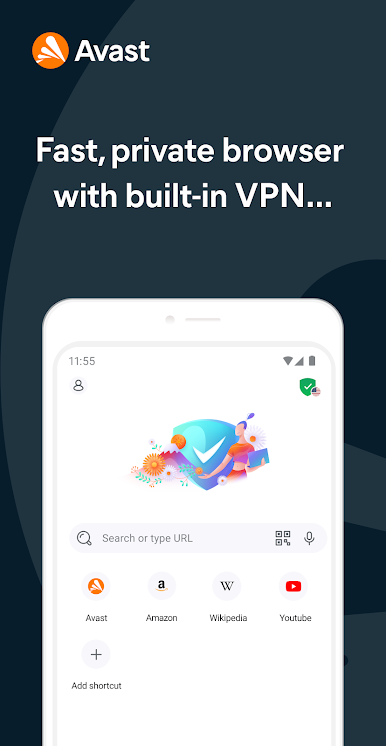
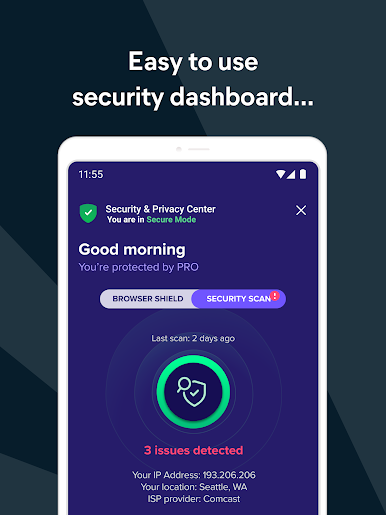
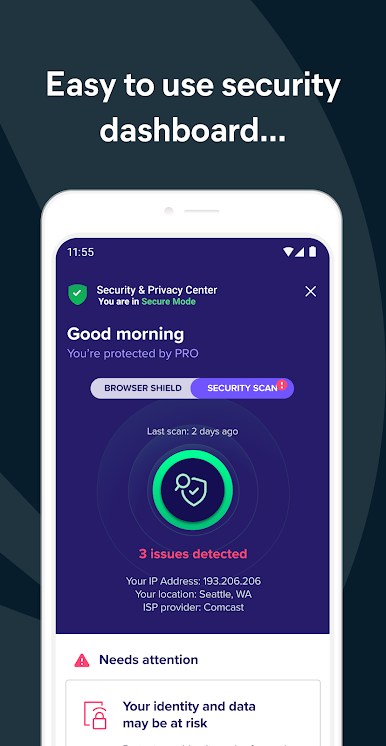
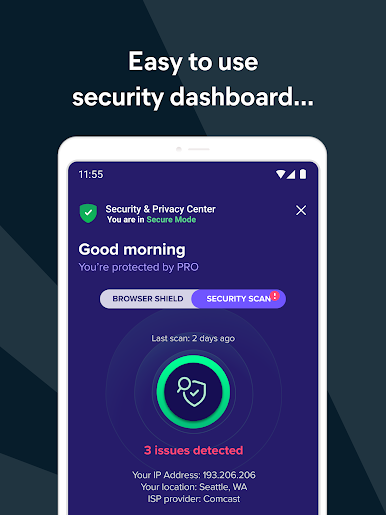
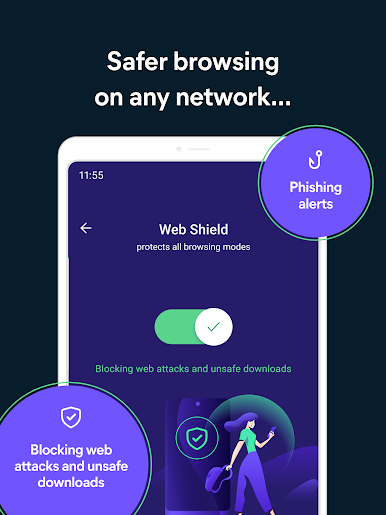
Avast Secure Browser drops you into a safer, smoother browsing experience—no matter where you are online. This browser makes it ridiculously easy to avoid nosy trackers, endless pop-ups, and that nagging worry about privacy. Created by the folks at Avast Software, it gives you peace of mind while letting you just enjoy the web. Expect built-in protection, privacy features, and freedom to browse your way, right from your Android device—or from your computer using BlueStacks.
App Features
-
AdBlocker Built Right In
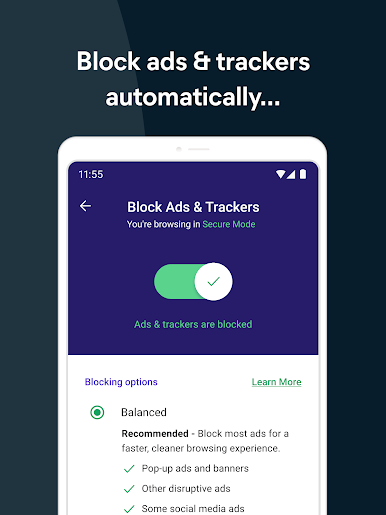
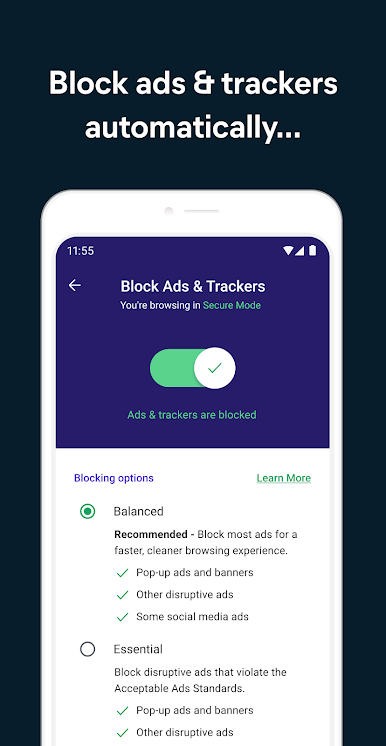
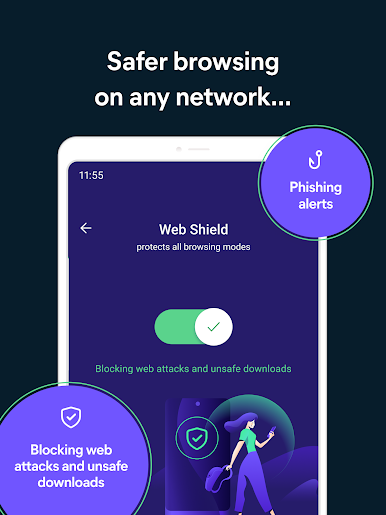
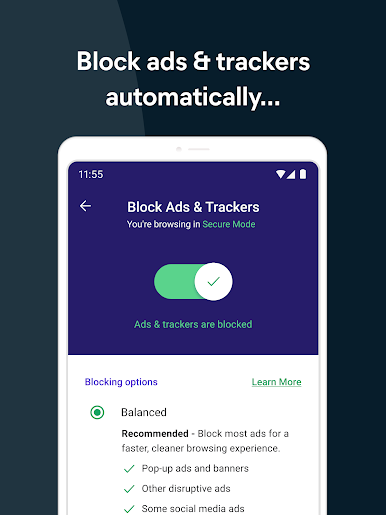
Sick of pop-ups and banners taking over every site? The integrated ad blocker automatically clears the clutter and blockers tracking scripts, so you can focus on what you’re actually interested in. -
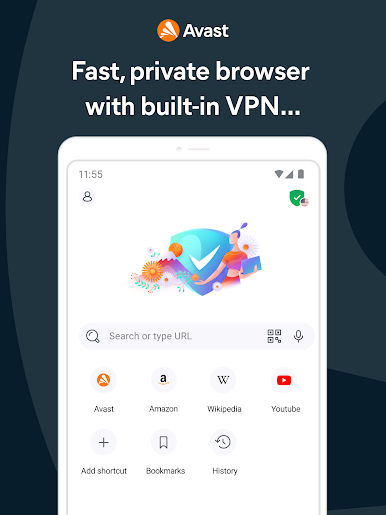
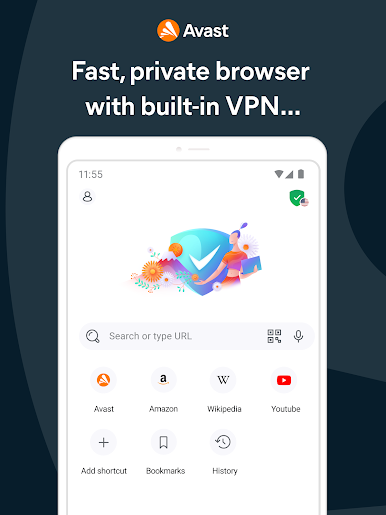
Fast, Private Browsing
Every online move you make is shielded from trackers, hackers, and even your internet provider, so you always stay private and speedy. -
VPN at No Extra Cost
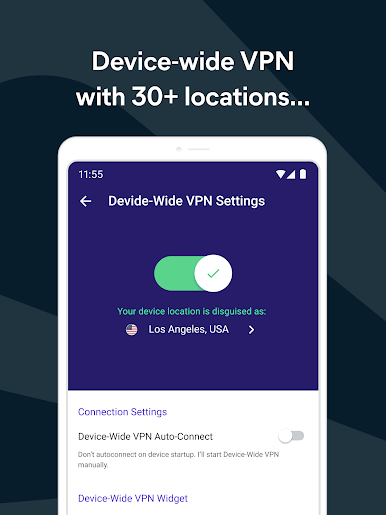
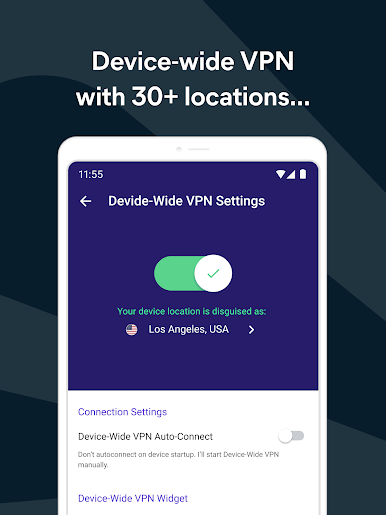
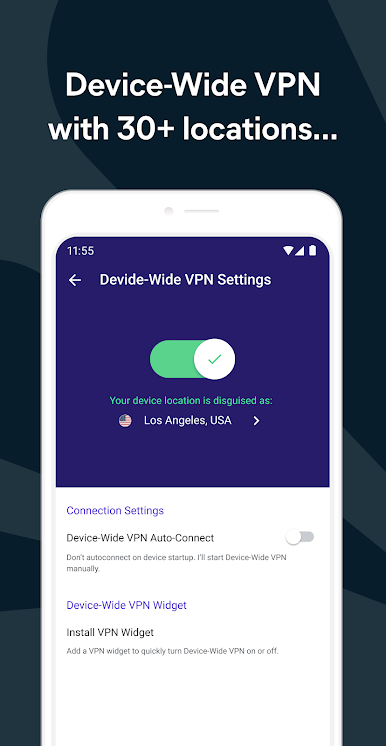
Take advantage of the free VPN to lock in your privacy, especially when you’re on public Wi-Fi. It keeps your connection safe and lets you access content from anywhere, no fuss. -
Encrypted Data and Secure Downloads
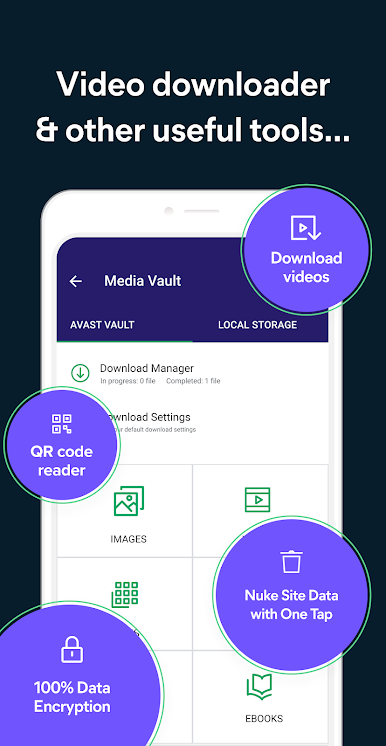
Your browsing history, bookmarks, and downloaded files get encrypted automatically. Avast Secure Browser doesn’t just do “incognito”—it goes several steps further. -
PIN Lock and Biometric Unlock
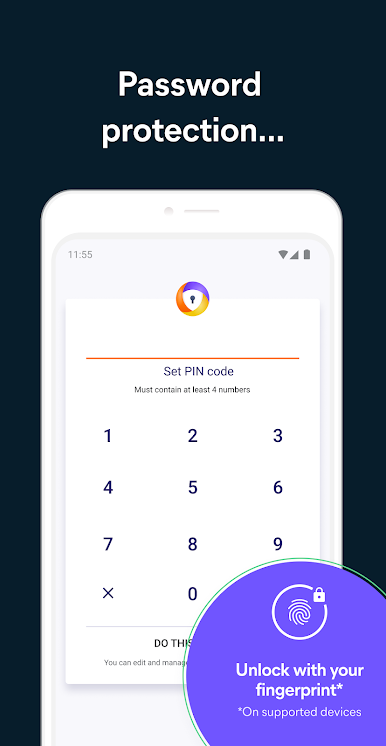
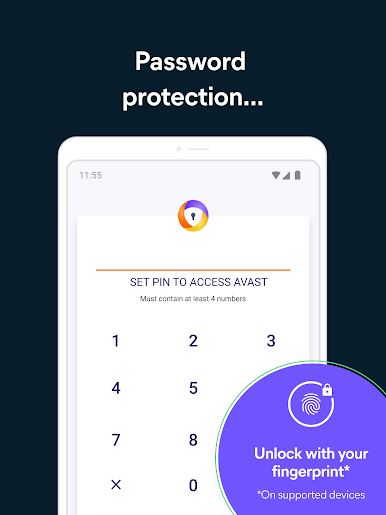
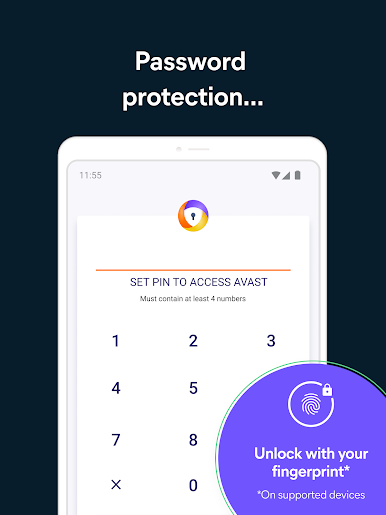
Hand your phone over without stress. You can lock down personal browser data with a PIN or fingerprint, adding an extra layer of protection if you need it. -
Cross-Device Sync
Need your bookmarks and tabs from another gadget? Easily sync secure browsing info between Android, Mac, Windows, and iOS devices. -
Custom Browsing Modes & Group Tabs
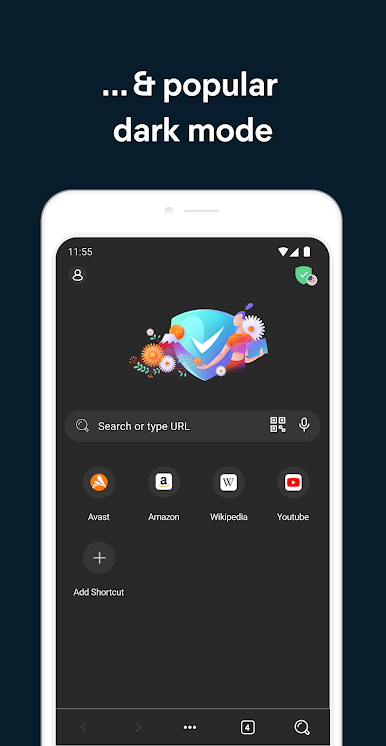
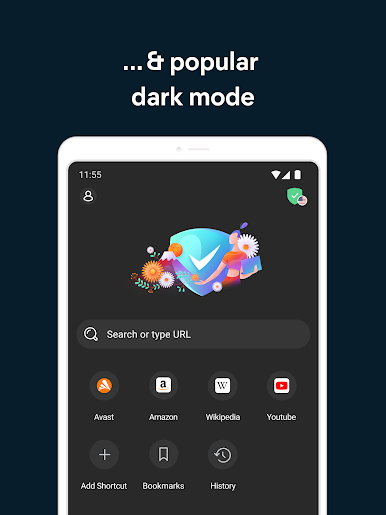
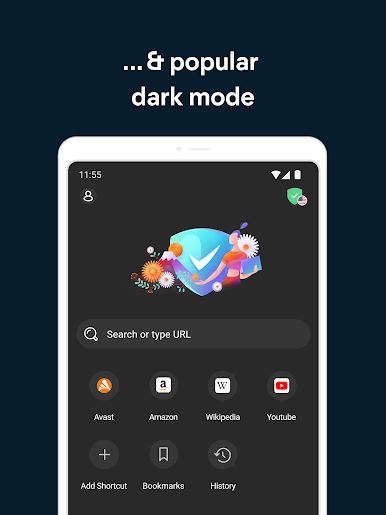
Personalize how you browse. Set up your look, toggle dark mode, and organize your tabs the way you like for a hassle-free experience. -
Private Video & Media Tools
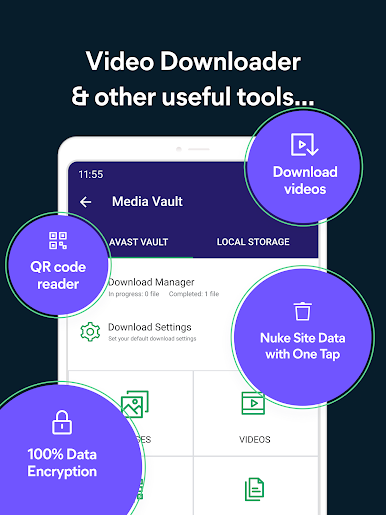
Download and enjoy videos or music directly within the app, including a private media vault to keep those files locked away from snooping eyes. -
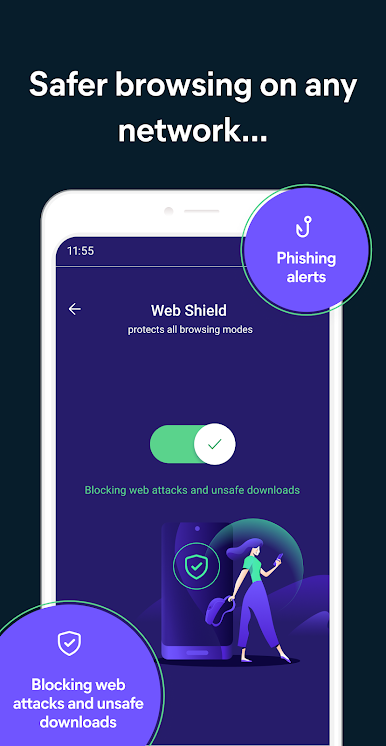
Anti-Tracking Technology
Stop advertisers and trackers from following your moves online. The app has your back, every time. -
Extra Features
Jump into handy extras like a QR scanner, private search engines, and a straightforward sharing menu that keeps things streamlined.
You can try out Avast Secure Browser on your PC with BlueStacks for the same privacy and speed, just on a bigger screen.
Big screen. Bigger performance. Use BlueStacks on your PC or Mac to run your favorite apps.
Играйте в игру Avast Secure Browser на ПК. Это легко и просто.
-
Скачайте и установите BlueStacks на ПК.
-
Войдите в аккаунт Google, чтобы получить доступ к Google Play, или сделайте это позже.
-
В поле поиска, которое находится в правой части экрана, введите название игры – Avast Secure Browser.
-
Среди результатов поиска найдите игру Avast Secure Browser и нажмите на кнопку "Установить".
-
Завершите авторизацию в Google (если вы пропустили этот шаг в начале) и установите игру Avast Secure Browser.
-
Нажмите на ярлык игры Avast Secure Browser на главном экране, чтобы начать играть.