

Kral
Spiele auf dem PC mit BlueStacks - der Android-Gaming-Plattform, der über 500 Millionen Spieler vertrauen.

Seite geändert am: Nov 28, 2025
Run Kral on PC or Mac
Multitask effortlessly on your PC or Mac as you try out Kral, a Music & Audio app by Doğuş Yayın Grubu on BlueStacks.
About the App
Kral from Doğuş Yayın Grubu is the Music & Audio app for fans who don’t want to miss their favorite tracks or shows. It brings live radio and TV together with smart tools that help you catch songs right when they air. It’s quick, simple, and built for everyday listening.
App Features
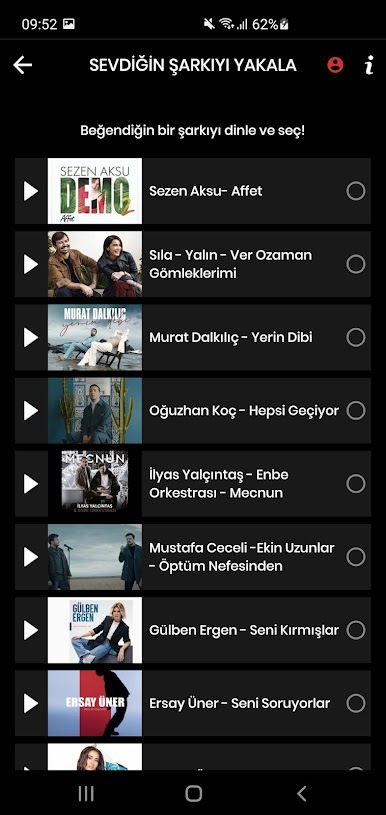
- Catch Your Song alerts: Pick the track you’re waiting for and get a heads-up before it plays. No guessing, no endless station-hopping.
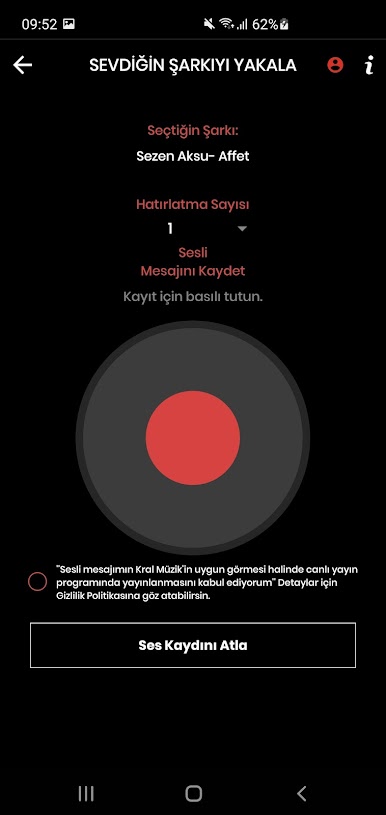
- Your voice on air: Record a short voice message and send your dedication. When your song comes on, it can play with your own shout-out.
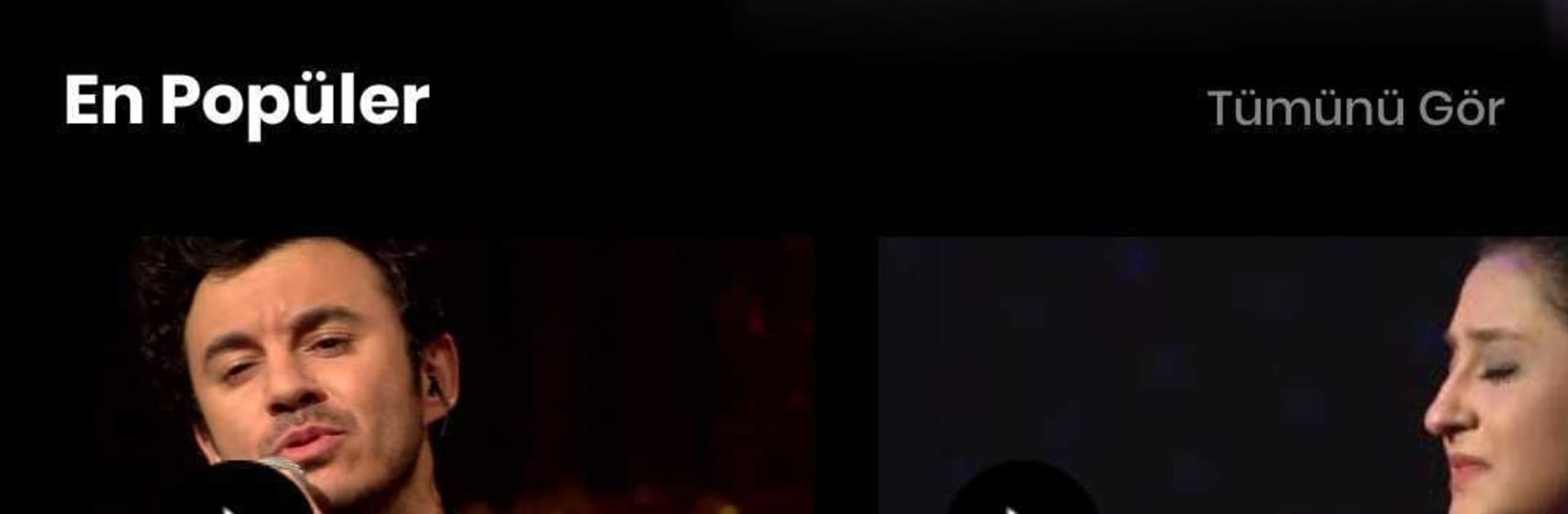
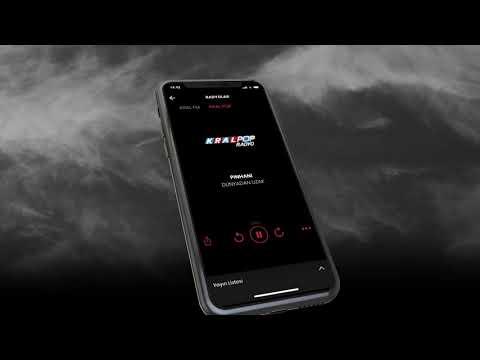
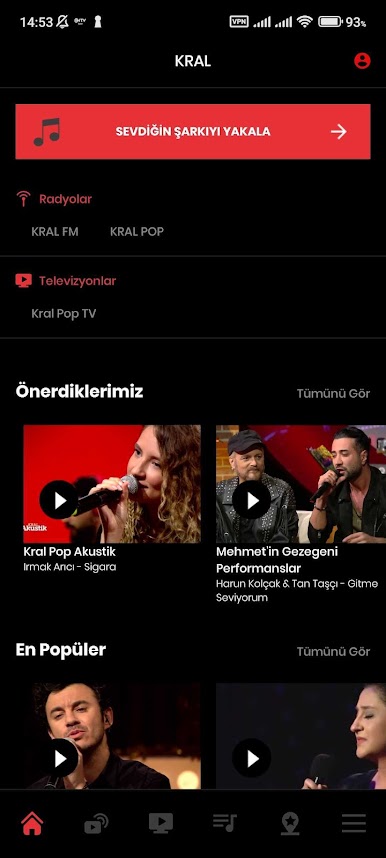
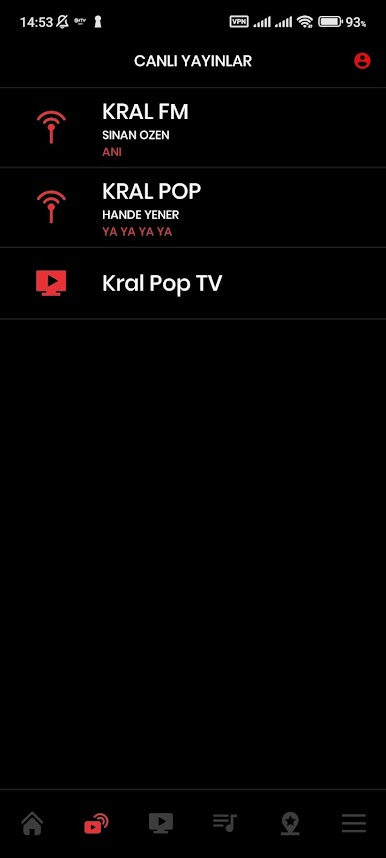
- Live radio, live TV: Stream Kral FM and Kral Pop Radyo in real time, or watch Kral Pop TV live when you’re in the mood for music videos.
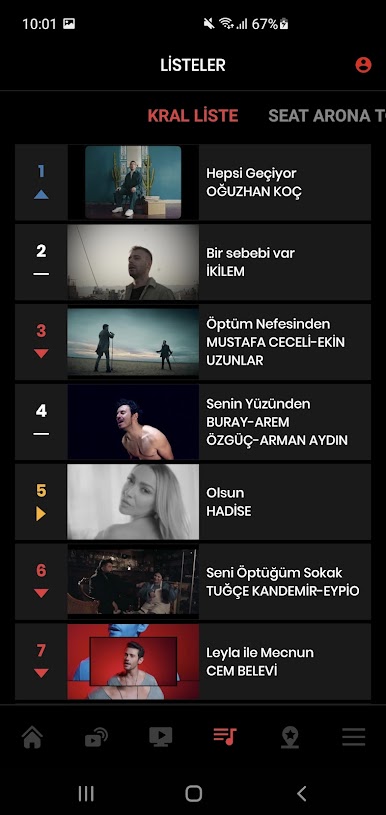
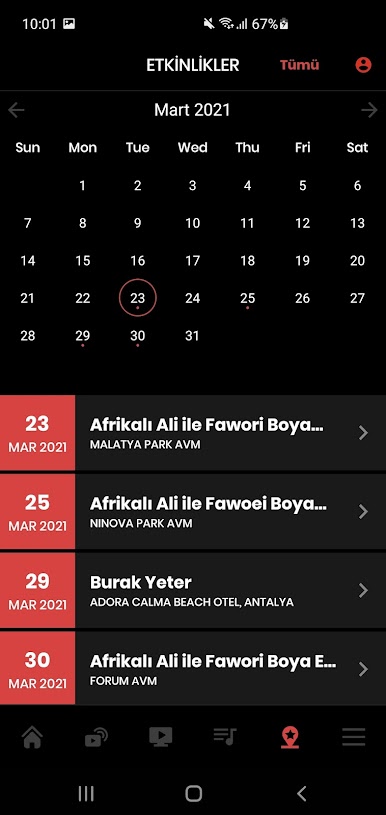
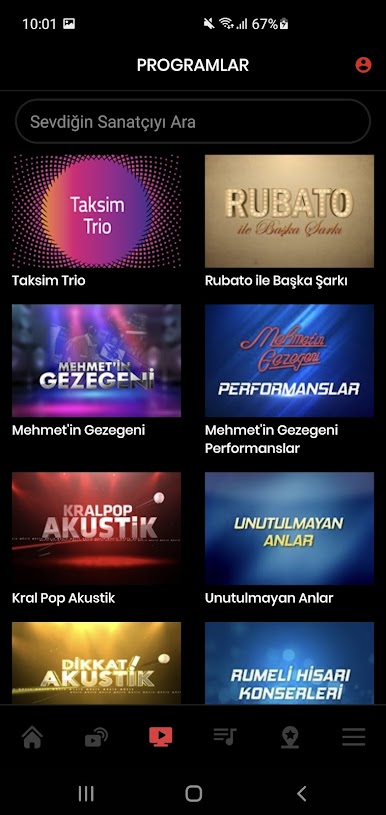
- Full Kral archive: Browse hits from today and throwbacks from the past—playlists, shows, and more are right at your fingertips.
- Clean, easy design: Find what you want fast. The interface keeps everything within a tap or two, so you’re always listening, not searching.
- Smart notifications: Set reminders for songs and stay in the loop with timely alerts. You control what you hear about and when.
- Built with feedback in mind: Updates roll out regularly, shaped by what listeners ask for—so features keep getting sharper.
- Bigger screen, same vibe: Prefer listening at your desk? You can run Kral on your PC or Mac with BlueStacks for a room-filling experience.
Big screen. Bigger performance. Use BlueStacks on your PC or Mac to run your favorite apps.
Spiele Kral auf dem PC. Der Einstieg ist einfach.
-
Lade BlueStacks herunter und installiere es auf deinem PC
-
Schließe die Google-Anmeldung ab, um auf den Play Store zuzugreifen, oder mache es später
-
Suche in der Suchleiste oben rechts nach Kral
-
Klicke hier, um Kral aus den Suchergebnissen zu installieren
-
Schließe die Google-Anmeldung ab (wenn du Schritt 2 übersprungen hast), um Kral zu installieren.
-
Klicke auf dem Startbildschirm auf das Kral Symbol, um mit dem Spielen zu beginnen

