


URBI: alle Mobilität Dienste
Spiele auf dem PC mit BlueStacks - der Android-Gaming-Plattform, der über 500 Millionen Spieler vertrauen.

Seite geändert am: Mar 16, 2026
Spiele URBI: alle Mobilität Dienste für PC
Are you a shared mobility user? Did you subscribe to more than one service?
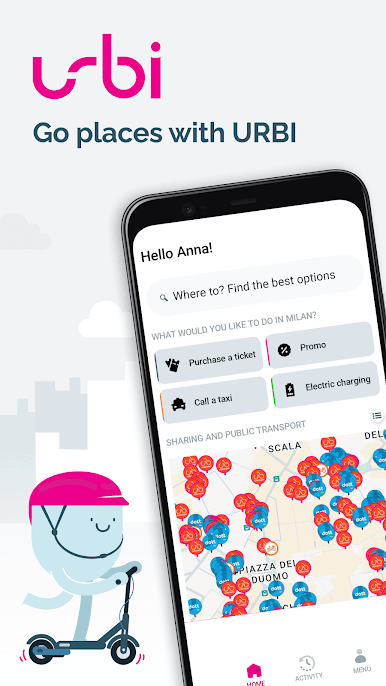
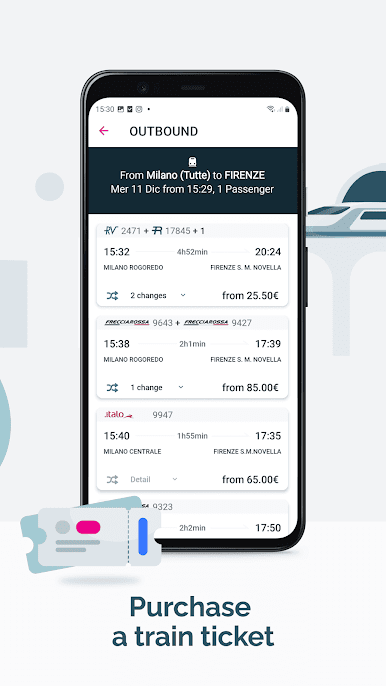
Car, scooter, bike and kickscooter sharing, public transport and taxi, all in one App.
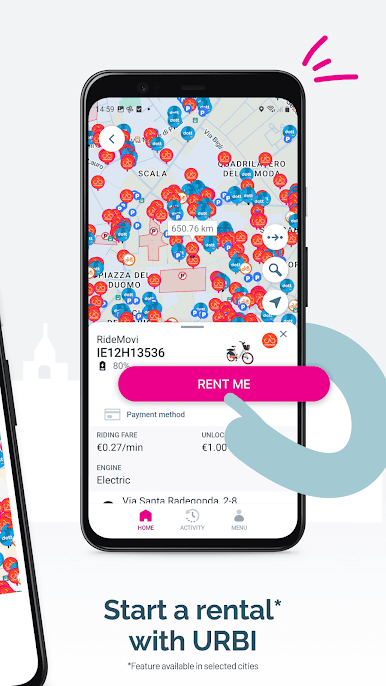
Find your nearest vehicle and reserve it when possible.
URBI is available in several cities in Germany, Austria, Italy, Spain, Portugal, France, Sweden, Denmark, Finland, Belgium, The Netherlands, Poland, USA. Discover the supported cities now by zooming out the map!
No registration is required and we care about your privacy, no login data will be sent to our servers.
Do you want to be notified when a car is free nearby you? With the new radar function it is easy and the batman jingle will let you know when a car is found!
Other features:
- Fare calculator: view the different "best fare" or "best time" options for your trip
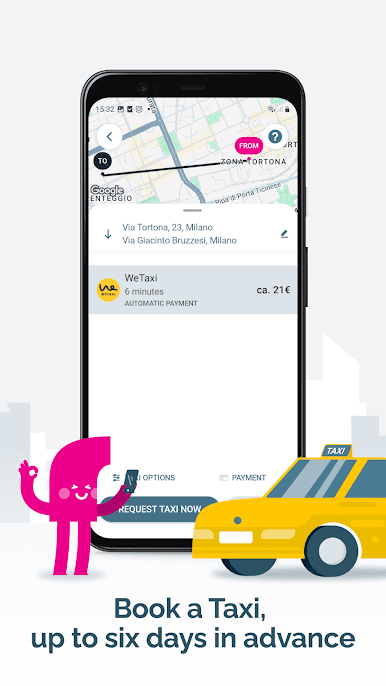
- Need a ride? You don’t feel like driving or you can’t find any sharing vehicle? Tap the big button on the map and choose between the options of ridesharing. In some cities you can hail a taxi and pay for it directly on URBI!
- Filter just the vehicle you need to see!
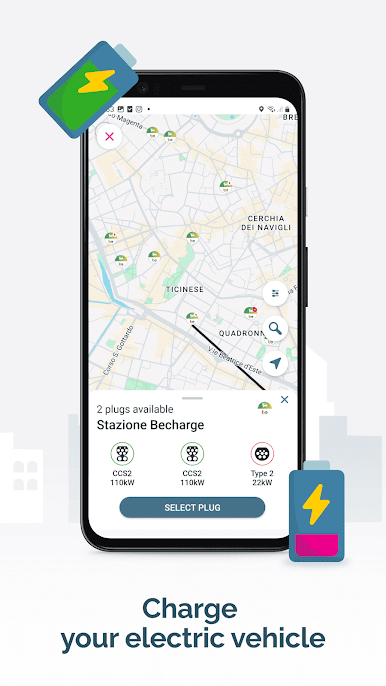
- Parking, Gas stations and traffic!
IMPORTANT:
*if you do not want to fill in your log in details of the different car sharing services, you can always open the official app from URBI.
*when you have booked an enJoy car, do not forget to wait for the confirmation e-mail or SMS.
*If you have android 2.x please make sure you have installed Google Services
https://play.google.com/store/apps/details?id=com.google.android.gms&hl=it
If you have any feedback, please contact us!!
Find us on Twitter: https://twitter.com/urbimobility
Or Facebook: https://fb.com/urbimobility
This app is not affiliated with any Car Sharing service. Logos used belong to their respective owners.
Bike data is collected from the great guys of CityBik.es
Spiele URBI: alle Mobilität Dienste auf dem PC. Der Einstieg ist einfach.
-
Lade BlueStacks herunter und installiere es auf deinem PC
-
Schließe die Google-Anmeldung ab, um auf den Play Store zuzugreifen, oder mache es später
-
Suche in der Suchleiste oben rechts nach URBI: alle Mobilität Dienste
-
Klicke hier, um URBI: alle Mobilität Dienste aus den Suchergebnissen zu installieren
-
Schließe die Google-Anmeldung ab (wenn du Schritt 2 übersprungen hast), um URBI: alle Mobilität Dienste zu installieren.
-
Klicke auf dem Startbildschirm auf das URBI: alle Mobilität Dienste Symbol, um mit dem Spielen zu beginnen

