

Rainbow Glitter Coloring Book
Играйте на ПК с BlueStacks – игровой платформе для приложений на Android. Нас выбирают более 500 млн. игроков.

Страница изменена: Oct 15, 2025
Play Rainbow Glitter Coloring Book on PC or Mac
Explore a whole new adventure with Rainbow Glitter Coloring Book, a Educational game created by Beansprites LLC. Experience great gameplay with BlueStacks, the most popular gaming platform to play Android games on your PC or Mac.
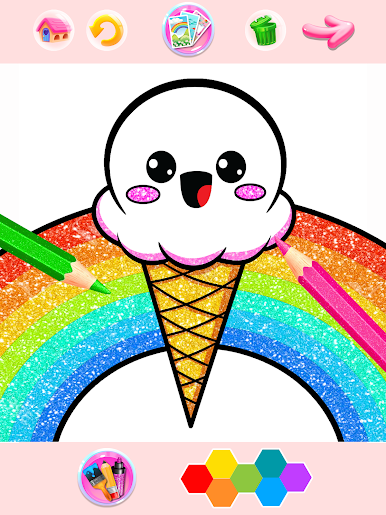
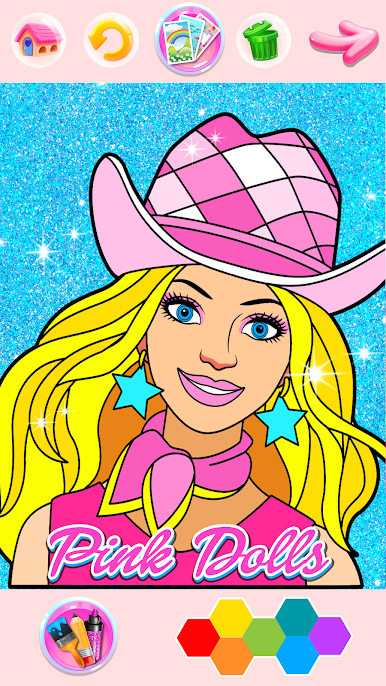
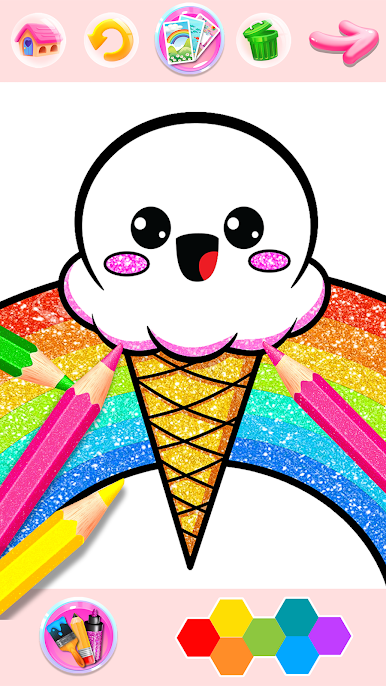
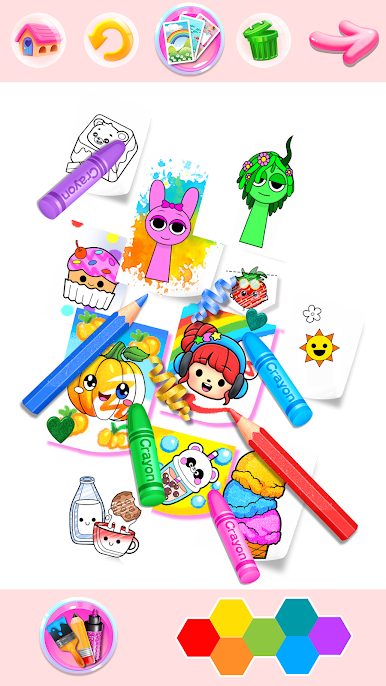
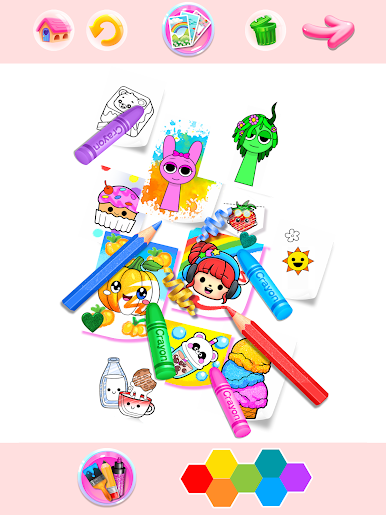
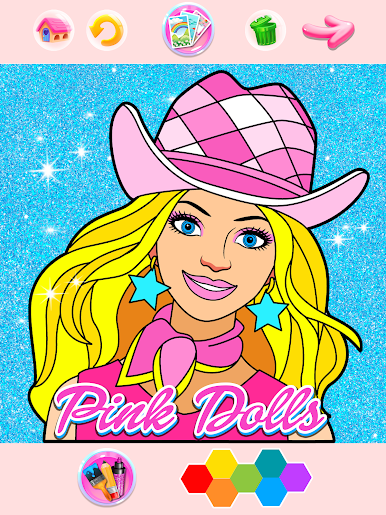
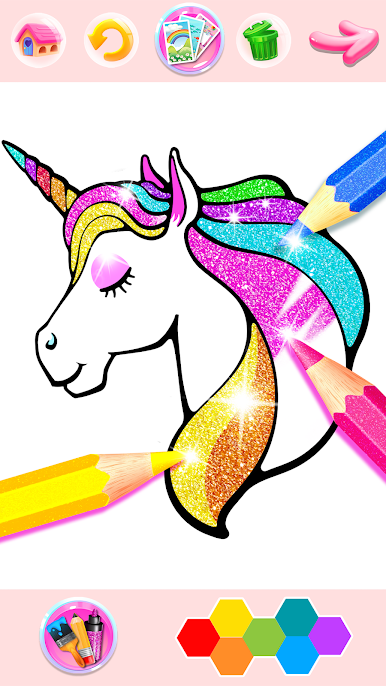
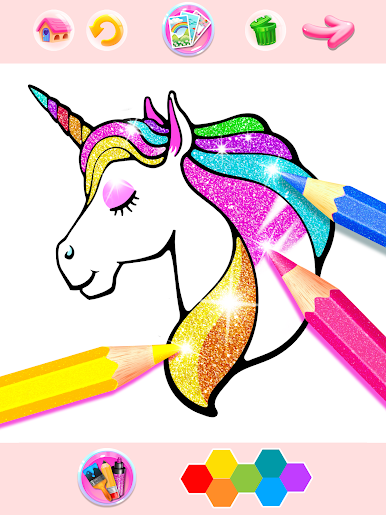
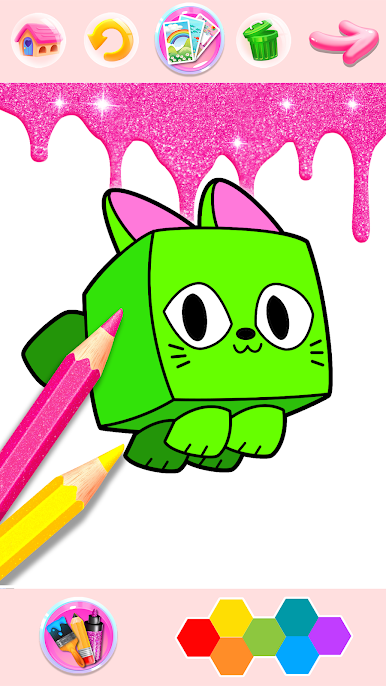
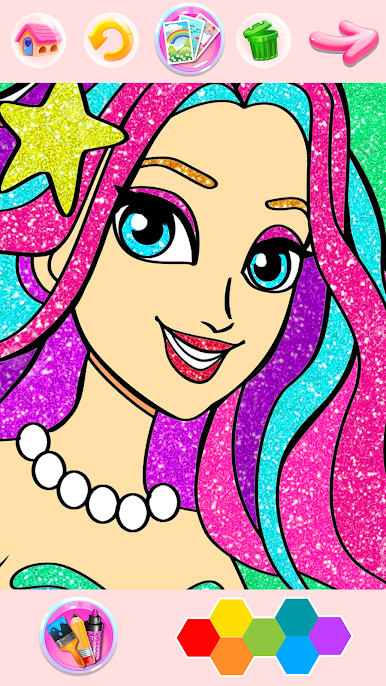
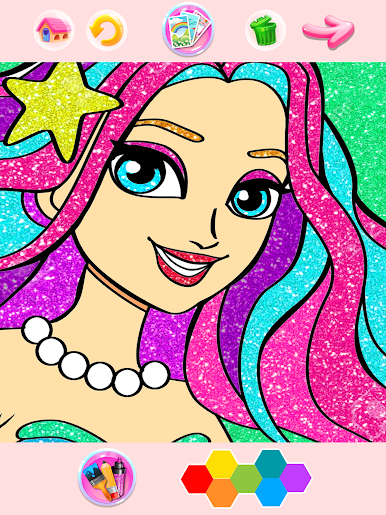
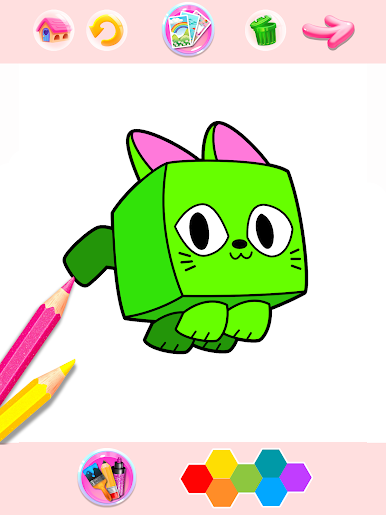
Rainbow Glitter Coloring Book is basically a giant digital coloring pad with a glitter twist. It feels relaxing, low pressure, and very pick up and play. There are hundreds of pages to color, everything from unicorns and ponies to mermaids, dolphins, fairies, and even Halloween stuff. There is a Sprunki set in there too if someone is into that. Tools are simple but fun to swap around, with glitter markers, colored pencils, paint brushes, and big fill areas for people who just want to tap and move on. Palettes are generous, not just a few basic shades, so it is easy to make something bright or soft without digging through menus forever.
What stands out is how much there is to do. It is not about winning anything. It is about zoning out and making cute art. Stickers and little emoji bits help finish a page, and backgrounds tie it together so it does not look blank. Pages save to the gallery, which is nice for showing kids what they made, or just keeping a folder of shiny unicorns. It runs offline, so no need to worry about a connection. On PC with BlueStacks, the big screen and mouse make it easier to color inside tight outlines and place stickers exactly where they should go. It is very family friendly, easy for kids, but honestly chill for adults who want something stress free after a long day.
Make your gaming sessions memorable with precise controls that give you an edge in close combats and visuals that pop up, bringing every character to life.

Играйте в игру Rainbow Glitter Coloring Book на ПК. Это легко и просто.
-
Скачайте и установите BlueStacks на ПК.
-
Войдите в аккаунт Google, чтобы получить доступ к Google Play, или сделайте это позже.
-
В поле поиска, которое находится в правой части экрана, введите название игры – Rainbow Glitter Coloring Book.
-
Среди результатов поиска найдите игру Rainbow Glitter Coloring Book и нажмите на кнопку "Установить".
-
Завершите авторизацию в Google (если вы пропустили этот шаг в начале) и установите игру Rainbow Glitter Coloring Book.
-
Нажмите на ярлык игры Rainbow Glitter Coloring Book на главном экране, чтобы начать играть.

