

PDF Merge: Combine PDF
500M + oyuncunun güvendiği Android Oyun Platformu, BlueStacks ile PC'de oynayın.

Sayfa Değiştirilme tarihi: Sep 6, 2025
Run PDF Merge: Combine PDF on PC or Mac
Upgrade your experience. Try PDF Merge: Combine PDF, the fantastic Productivity app from Benzveen, from the comfort of your laptop, PC, or Mac, only on BlueStacks.
About the App
PDF Merge: Combine PDF is all about making your everyday PDF tasks smoother and way less of a headache. If you’ve ever needed to put together a bunch of PDFs, images, or even web pages into one tidy file, Benzveen’s got you covered. The app is quick to pick up and doesn’t overload you with unnecessary features—just the tools most folks really want in a productivity app.
App Features
-
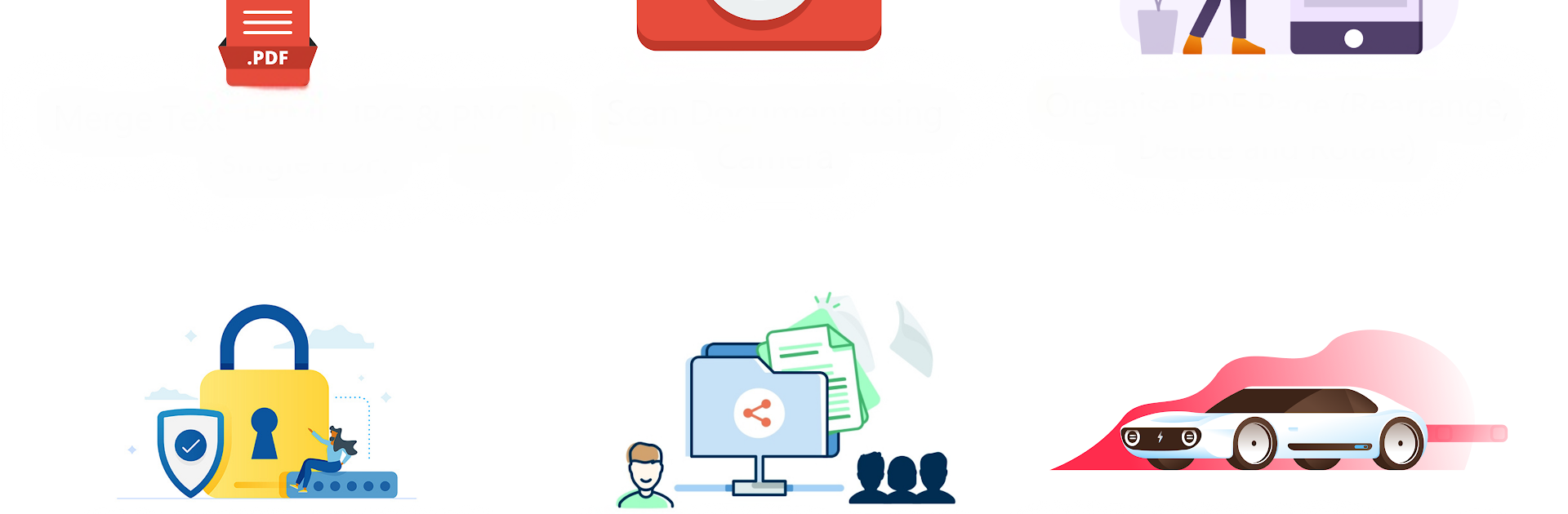
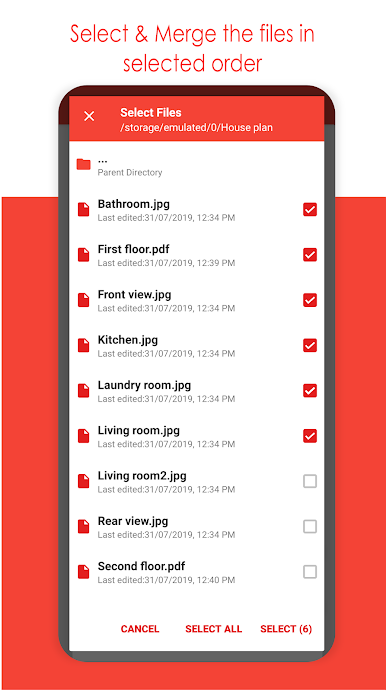
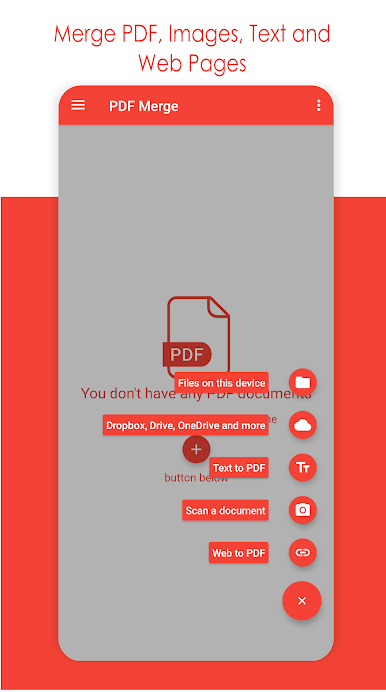
Merge Multiple File Types
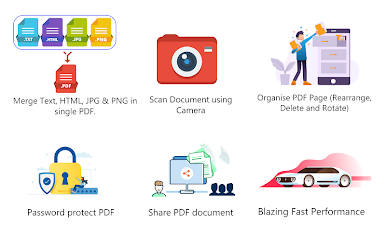
Mix and match PDFs, JPEGs, PNGs, or web pages into a single PDF document. No fussing over formats—everything goes together easily, whether it’s for school, work, or just keeping things organized. -
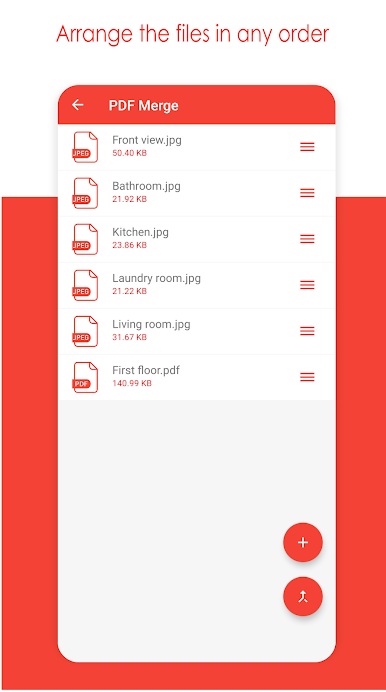
Flexible File Arrangement
Want your files in a certain order? Drag and drop each item exactly where you want it before combining. Changed your mind? Swipe to remove whatever doesn’t belong. -
Pull from Anywhere
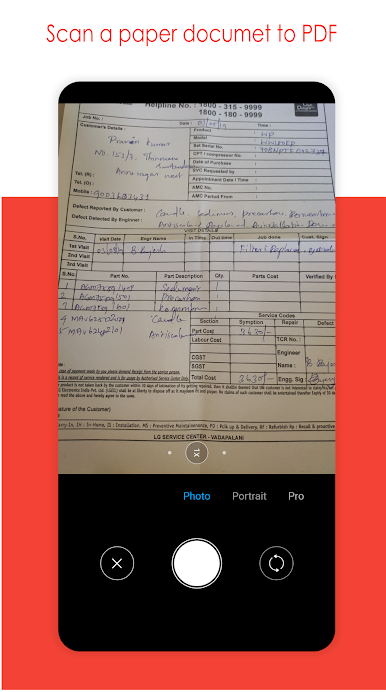
Grab files from your local storage, snap a photo with your camera, or even use content straight from a website. You can blend files from various sources into one PDF, with no hassle. -
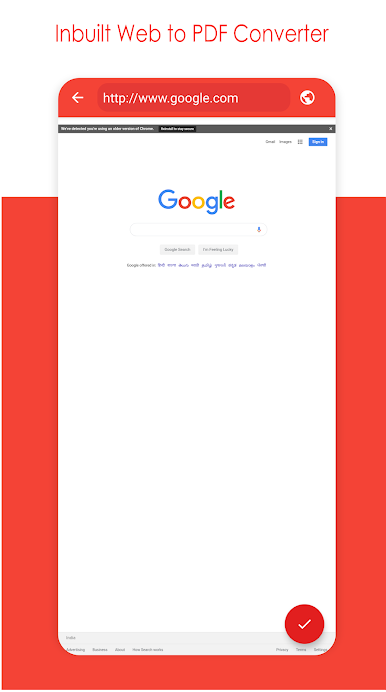
Web Page to PDF Converter
Need something from the internet in PDF form? Use the built-in tool to turn any web page into a PDF and merge it with your other documents—no extra software needed. -
Unlimited Merging
There’s no annoying cap on how many files you can merge together. Put as many documents, images, and web pages as you want—your device’s storage is your only limit. -
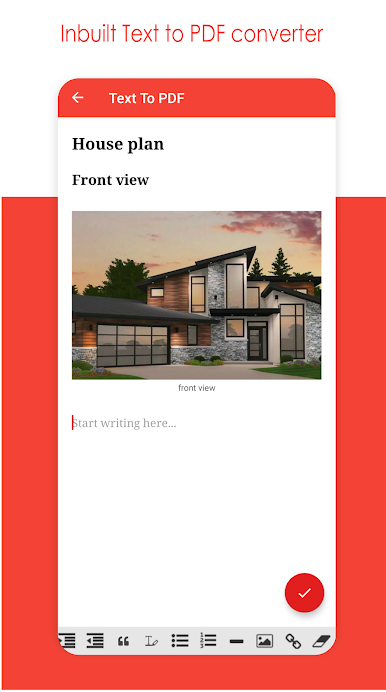
Create PDFs from Scratch
Sometimes you just want to start fresh. Use the rich text editor to craft a PDF with text and pictures, straight from the app. -
Extra PDF Tools
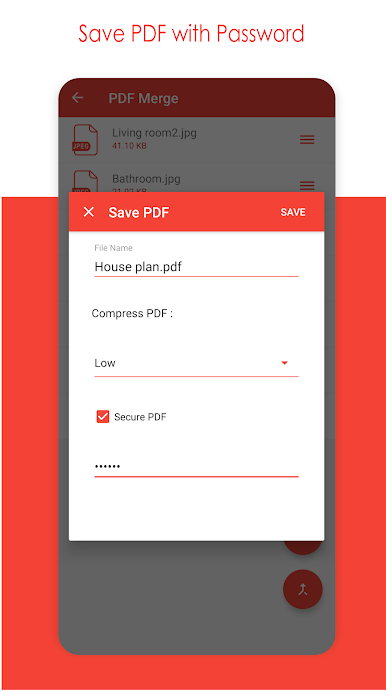
Encrypt sensitive documents with a password, shrink file sizes with built-in compression, and rearrange or edit your PDFs as you merge.
And yep, you can get this same experience on your computer with BlueStacks if you like handling your productivity apps on a bigger screen.
BlueStacks gives you the much-needed freedom to experience your favorite apps on a bigger screen. Get it now.
PDF Merge: Combine PDF oyununu PC'de oyna. Başlamak çok kolay.
-
BlueStacks'i PC'nize İndirin ve Yükleyin
-
Play Store'a erişmek için Google girişi yapın ya da daha sonraya bırakın.
-
Sağ üst köşeye PDF Merge: Combine PDF yazarak arayın.
-
PDF Merge: Combine PDF uygulamasını arama sonuçlarından indirmek için tıklayın.
-
(iEğer Adım 2'yi atladıysanız) PDF Merge: Combine PDF uygulamasını yüklemek için Google'a giriş yapın.
-
Oynatmaya başlatmak için ekrandaki PDF Merge: Combine PDF ikonuna tıklayın.

