


Simple Alarm Clock
500M + oyuncunun güvendiği Android Oyun Platformu, BlueStacks ile PC'de oynayın.

Sayfa Değiştirilme tarihi: Dec 11, 2023
Play Simple Alarm Clock on PC
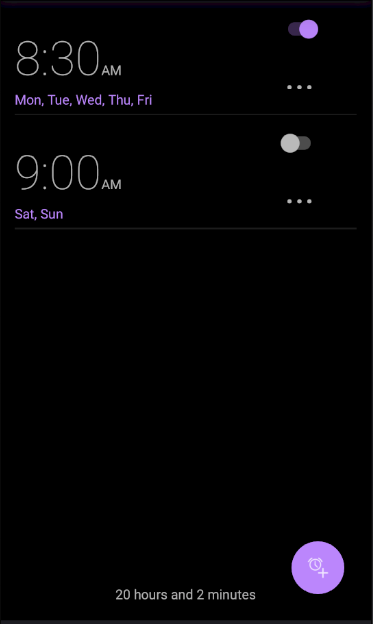
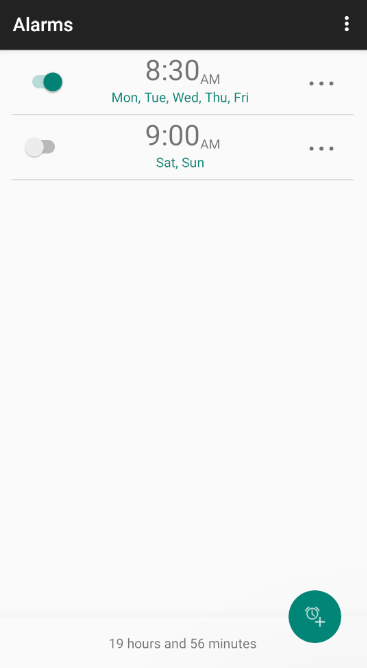
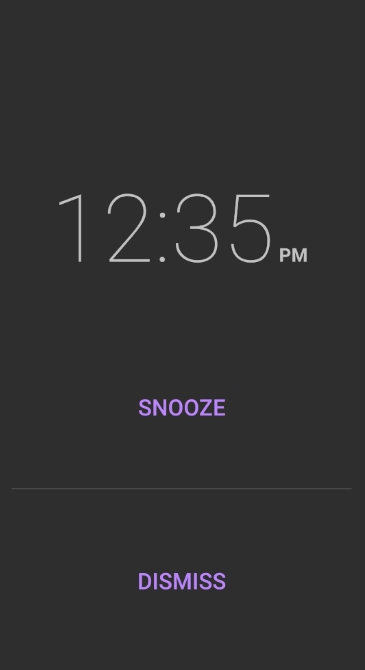
The interface of our Alarm clock is simple, intuitive and efficient. By removing what is not essential, we make access to everything you need even easier.
App highlights:
- Any number of alarms, recurring or one-shot
- Entering time with a phone-style keyboard (very fast!)
- Choose interface colors and size to you liking
- Configurable fade-in times (volume starting low and gradually increasing)
- Gentle alarm can be enabled to wake up in the light sleep phase
- Upcoming alarms can be skipped for one day if woke up early
Guaranteed no ads!
FAQ:
Q: How can I install an MP3 sound?
A: Use external MP3 Cutter application.
Q:where can I get more ringtones:
A: Install a 3rd party ringtone application.
This is an open source project. Additional feature requests are appreciated! You can submit bugreports and feature requests by sending an email to developers!


Simple Alarm Clock oyununu PC'de oyna. Başlamak çok kolay.
-
BlueStacks'i PC'nize İndirin ve Yükleyin
-
Play Store'a erişmek için Google girişi yapın ya da daha sonraya bırakın.
-
Sağ üst köşeye Simple Alarm Clock yazarak arayın.
-
Simple Alarm Clock uygulamasını arama sonuçlarından indirmek için tıklayın.
-
(iEğer Adım 2'yi atladıysanız) Simple Alarm Clock uygulamasını yüklemek için Google'a giriş yapın.
-
Oynatmaya başlatmak için ekrandaki Simple Alarm Clock ikonuna tıklayın.

