

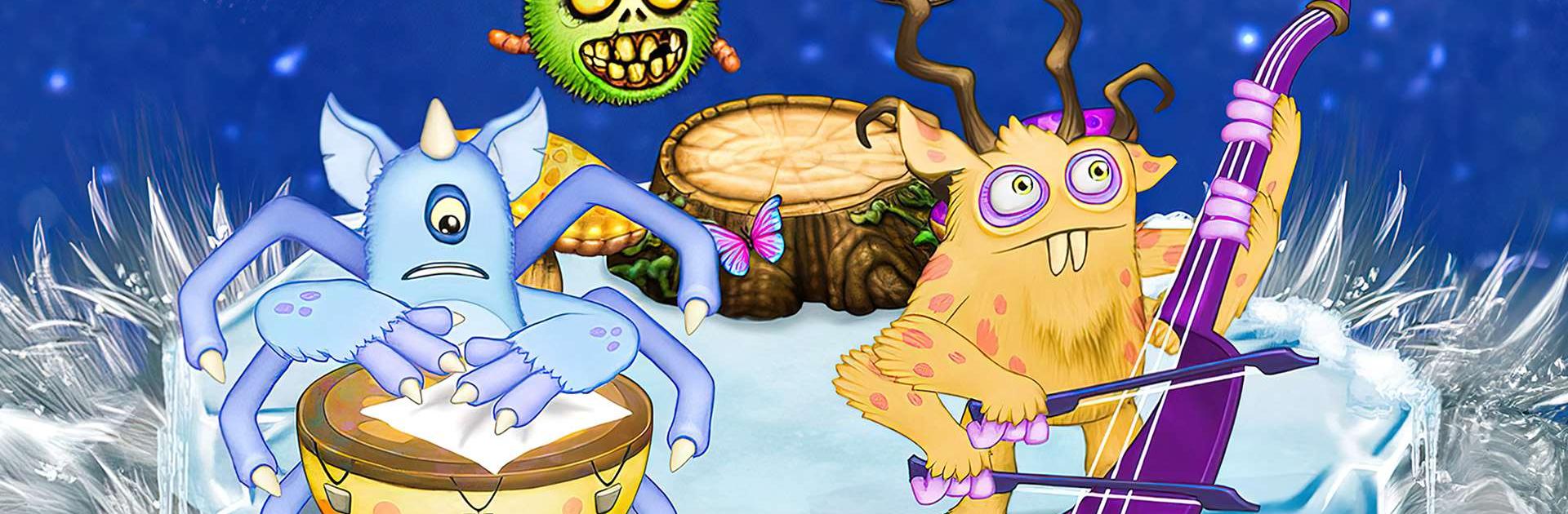
My Singing Monsters
Spiele auf dem PC mit BlueStacks - der Android-Gaming-Plattform, der über 500 Millionen Spieler vertrauen.

Seite geändert am: Mar 18, 2026
Spiel My Singing Monsters auf deinem PC oder Mac
My Singing Monsters ist ein Musikspiel entwickelt von Big Blue Bubble Inc. Der BlueStacks App-Player ist die beste Plattform (Emulator), um dieses Android-Spiel auf deinem PC oder Mac zu spielen und in ein fesselndes Spielerlebnis einzutauchen.
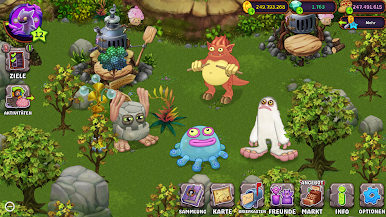
Spiel My Singing Monsters auf dem PC und genieß dieses lässige Musikspiel auf dem größeren und besseren Monitor deines PCs! Erkunde das wunderschöne Land der Monster mit hervorragenden Singstimmen und Fähigkeiten!
Im PC-Spiel My Singing Monsters ist es dein Ziel, eine Musikgruppe mit satten Tönen zu entwickeln. Du musst singende Monsterhaustiere auf einer Insel trainieren und füttern und die Insel schön dekorieren, um sie zu einem glücklichen Zuhause für deine Haustiere zu machen.
Wenn du deine Gruppe von Musikmonstern regelmäßig fütterst, werden sie zu großartigen Sängern! Genieß die überraschend schönen Melodien dieser hässlich aussehenden Kreaturen. Rüste deine Monster und die Umgebung auf, um deine Stimmproduktion zu verbessern!
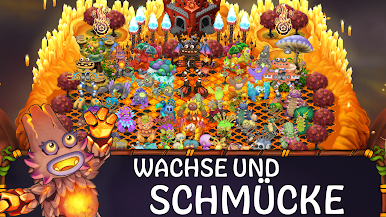
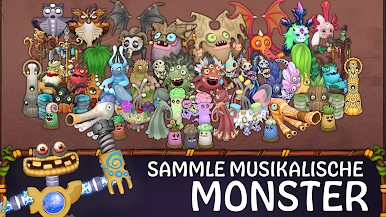
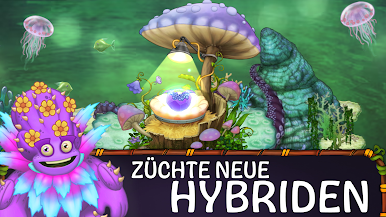
Sammle und pass über 150 niedliche und lustige Monster an und spiele zusammen mit Freunden aus der ganzen Welt! Pass auch deine Insel mit beruhigender Musik und künstlerischen Dekorationen an und genieß klangvolle Töne!
Lade My Singing Monsters auf deinen PC herunter, um ein innovatives, aufregendes und lehrreiches musikalisches Gelegenheitsspiel zu spielen.
Du kannst My Singing Monsters auch in deinem Browser auf deinem PC oder Smartphone spielen, ohne es herunterzuladen. Klicke und spiele sofort!



Spiele My Singing Monsters auf dem PC. Der Einstieg ist einfach.
-
Lade BlueStacks herunter und installiere es auf deinem PC
-
Schließe die Google-Anmeldung ab, um auf den Play Store zuzugreifen, oder mache es später
-
Suche in der Suchleiste oben rechts nach My Singing Monsters
-
Klicke hier, um My Singing Monsters aus den Suchergebnissen zu installieren
-
Schließe die Google-Anmeldung ab (wenn du Schritt 2 übersprungen hast), um My Singing Monsters zu installieren.
-
Klicke auf dem Startbildschirm auf das My Singing Monsters Symbol, um mit dem Spielen zu beginnen

