

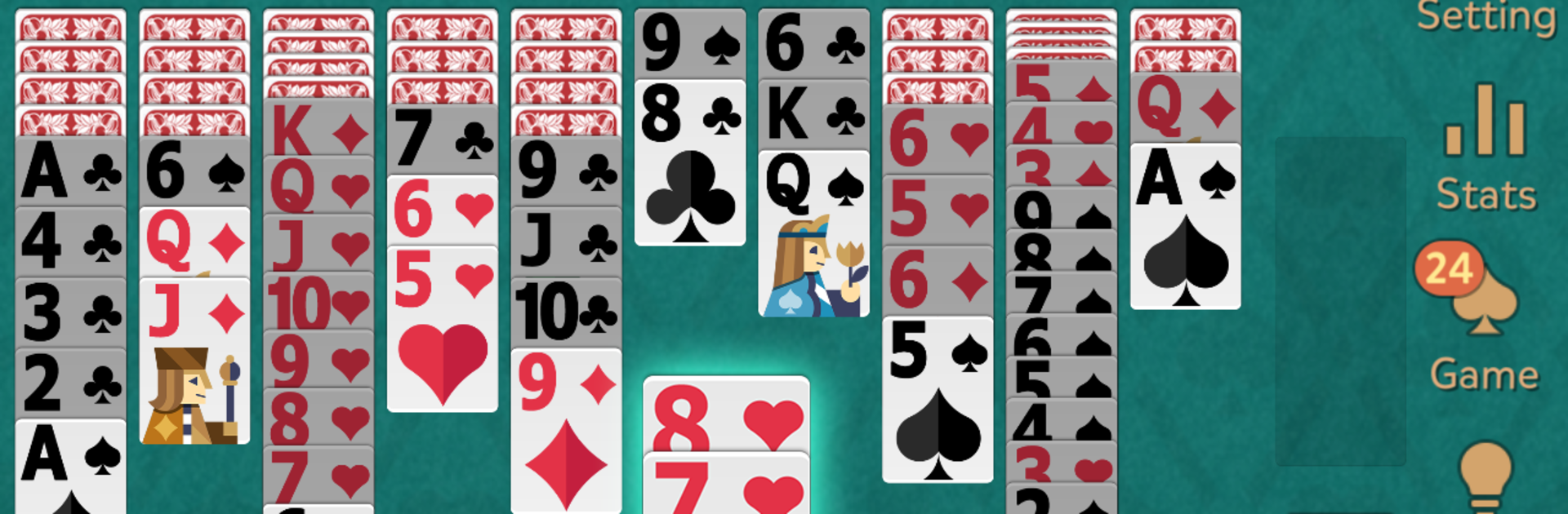
Spider Solitaire: Kingdom
Spiele auf dem PC mit BlueStacks - der Android-Gaming-Plattform, der über 500 Millionen Spieler vertrauen.

Seite geändert am: Oct 22, 2025
Play Spider Solitaire: Kingdom on PC or Mac
Explore a whole new adventure with Spider Solitaire: Kingdom, a Card game created by BitMango. Experience great gameplay with BlueStacks, the most popular gaming platform to play Android games on your PC or Mac.
About the Game
Looking for that perfect way to chill out with a deck of cards? Spider Solitaire: Kingdom from BitMango brings a fresh look to the classic card genre while keeping the rules you already know. No matter if you’ve got five minutes to spare or want to zone out for an hour, this game’s got your back with something relaxing, yet strangely addictive.
Game Features
-
Timeless Spider Solitaire Fun
The same classic card-stacking puzzle, just how you remember it—only with a slicker interface. What’s not to love? -
Easy on the Eyes
The layouts are clean, simple, and designed to keep things smooth, whether you’re using a phone, tablet, or even running it through BlueStacks on your computer. -
Daily Challenges
Looking for a reason to come back? Every day there’s a new challenge ready for you to tackle—perfect for anyone who loves a little routine spice. -
Play Your Way
Works across different devices, tablets and phones alike. If you prefer the big screen, try out a game session using BlueStacks and really spread out those cards. -
Minimal Distractions
The app is straightforward, only showing the occasional ad, so the gameplay stays front and center. No clutter, no confusion. -
No Crazy Permissions Needed
You won’t be asked for endless permissions just to play. It’s as simple and hassle-free as a card game should be.
Make your gaming sessions memorable with precise controls that give you an edge in close combats and visuals that pop up, bringing every character to life.

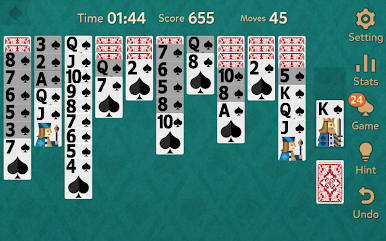
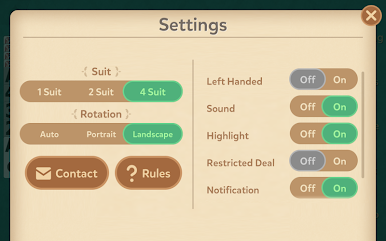
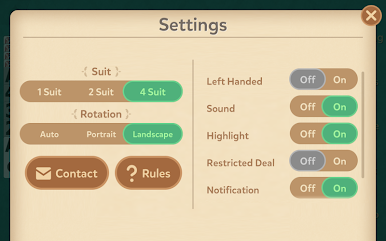

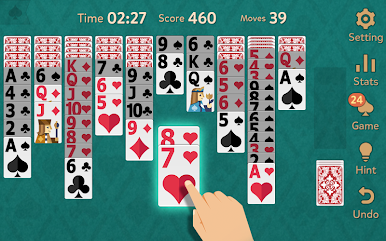
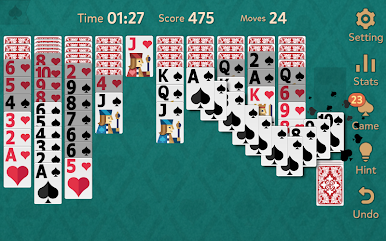
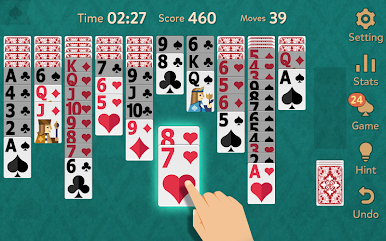

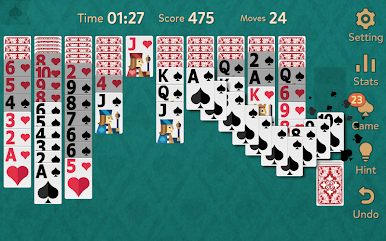
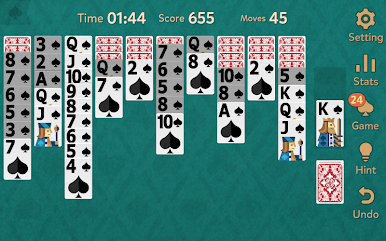
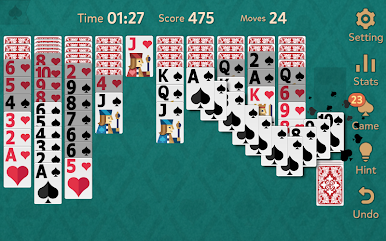
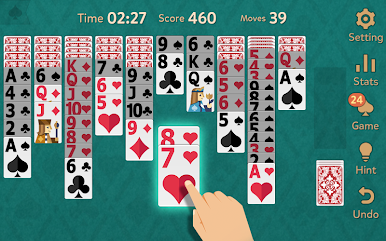
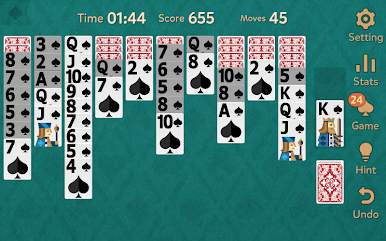

Spiele Spider Solitaire: Kingdom auf dem PC. Der Einstieg ist einfach.
-
Lade BlueStacks herunter und installiere es auf deinem PC
-
Schließe die Google-Anmeldung ab, um auf den Play Store zuzugreifen, oder mache es später
-
Suche in der Suchleiste oben rechts nach Spider Solitaire: Kingdom
-
Klicke hier, um Spider Solitaire: Kingdom aus den Suchergebnissen zu installieren
-
Schließe die Google-Anmeldung ab (wenn du Schritt 2 übersprungen hast), um Spider Solitaire: Kingdom zu installieren.
-
Klicke auf dem Startbildschirm auf das Spider Solitaire: Kingdom Symbol, um mit dem Spielen zu beginnen

