


Notes (Super Simple Notes)
Играйте на ПК с BlueStacks – игровой платформе для приложений на Android. Нас выбирают более 500 млн. игроков.

Страница изменена: Aug 5, 2025
Run Notes (Super Simple Notes) on PC or Mac
Let BlueStacks turn your PC, Mac, or laptop into the perfect home for Notes (Super Simple Notes), a fun Tools app from bitwize10.
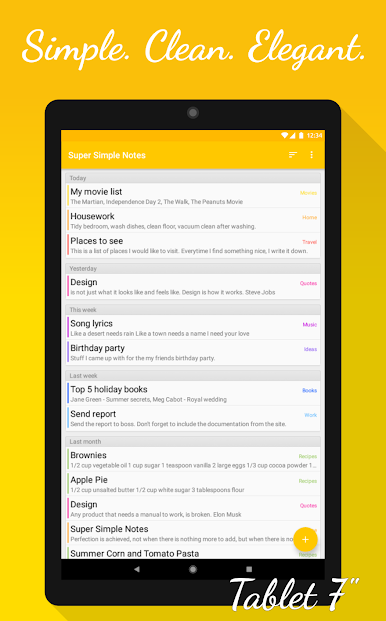
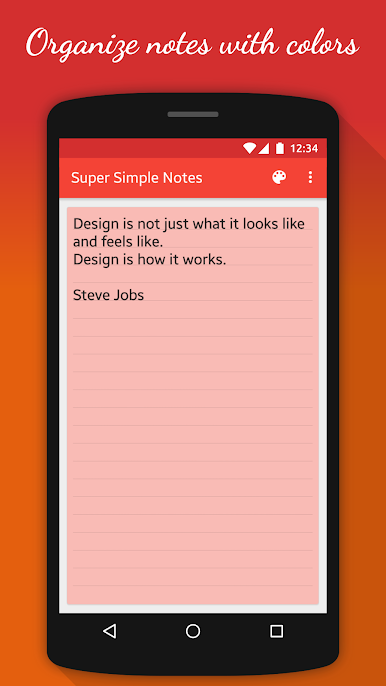
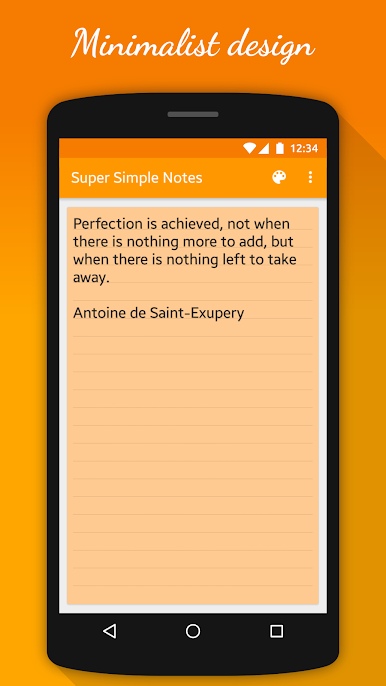
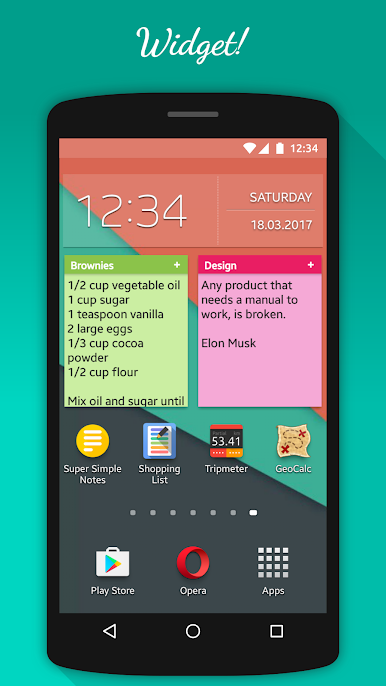
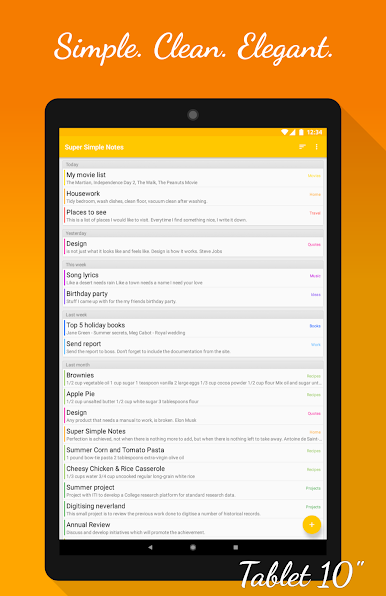
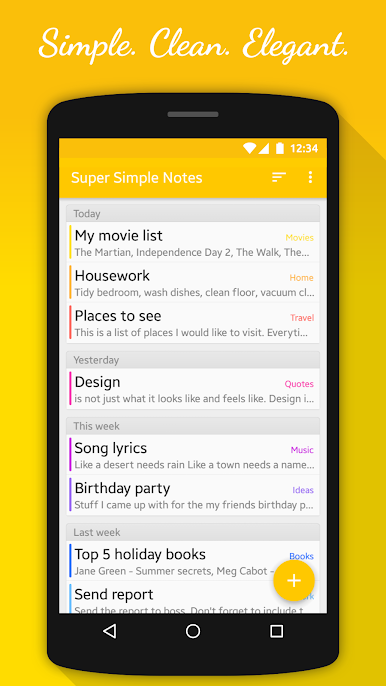
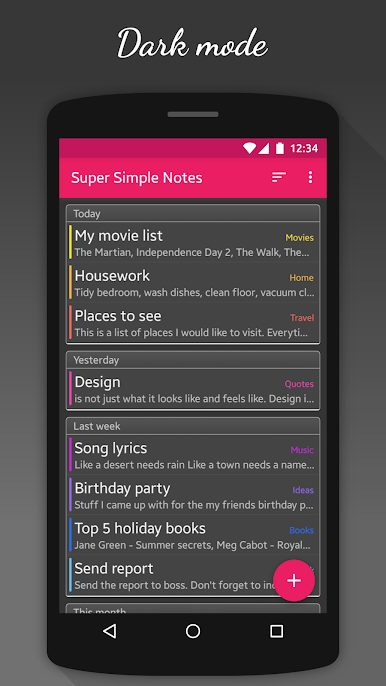
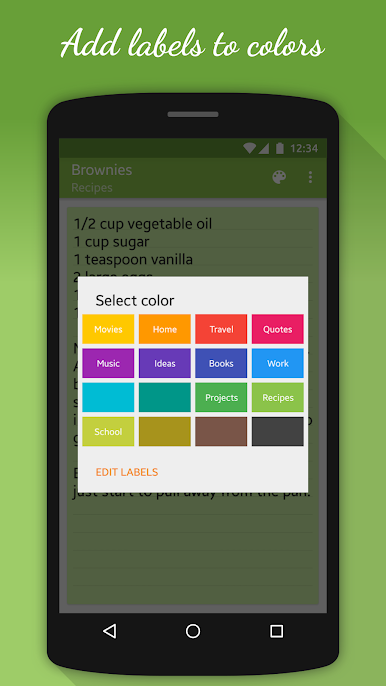
Notes, the Super Simple Notes app, feels like a notepad that actually stays out of the way. The interface is minimal and clean, so it opens quick and does not bury anything under menus. Organizing is all about color, which makes it easy to scan a list at a glance. A note can be given a color, and that color can have a short label, so blue could be Work, green could be Groceries, whatever makes sense. There are eight colors included right away, and eight more are available if someone wants to buy them. There is a dark theme for late nights, and a handy home screen widget so a list or reminder can sit right where it is needed. Nothing to learn, just type.
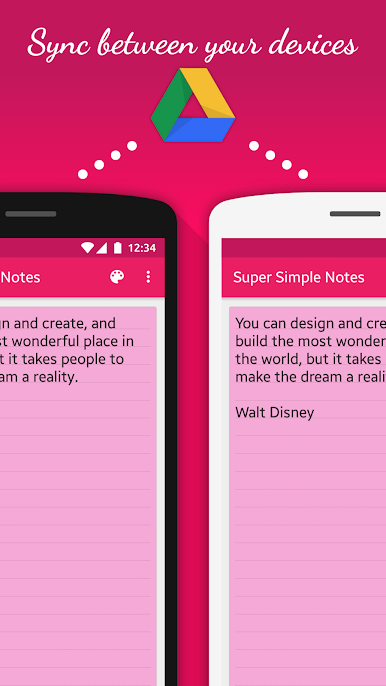
Little touches help. Text size can be nudged with the volume buttons, which even maps fine when running it on BlueStacks, so zooming in and out feels quick on a keyboard too. Notes can have reminders, so a call or task pops up when it is supposed to. Backups and sync run through Google Drive. Export to Drive or an SD card, and when importing later it only pulls in new or updated notes, so duplicates do not stack up. Automatic backup to Drive is there if someone wants a safety net, and using Drive keeps notes in step across phone, tablet, and a PC setup. On a bigger screen through BlueStacks, typing longer thoughts is easier, colors look tidy, and the whole thing stays simple without feeling bare.
Big screen. Bigger performance. Use BlueStacks on your PC or Mac to run your favorite apps.

Играйте в игру Notes (Super Simple Notes) на ПК. Это легко и просто.
-
Скачайте и установите BlueStacks на ПК.
-
Войдите в аккаунт Google, чтобы получить доступ к Google Play, или сделайте это позже.
-
В поле поиска, которое находится в правой части экрана, введите название игры – Notes (Super Simple Notes).
-
Среди результатов поиска найдите игру Notes (Super Simple Notes) и нажмите на кнопку "Установить".
-
Завершите авторизацию в Google (если вы пропустили этот шаг в начале) и установите игру Notes (Super Simple Notes).
-
Нажмите на ярлык игры Notes (Super Simple Notes) на главном экране, чтобы начать играть.

