

Onet Stars: Connect Pairs
Играйте на ПК с BlueStacks – игровой платформе для приложений на Android. Нас выбирают более 500 млн. игроков.

Страница изменена: Oct 31, 2025
Play Onet Stars: Connect Pairs on PC or Mac
Onet Stars: Connect Pairs brings the Board genre to life, and throws up exciting challenges for gamers. Developed by Blackout Lab, this Android game is best experienced on BlueStacks, the World’s #1 app player for PC and Mac users.
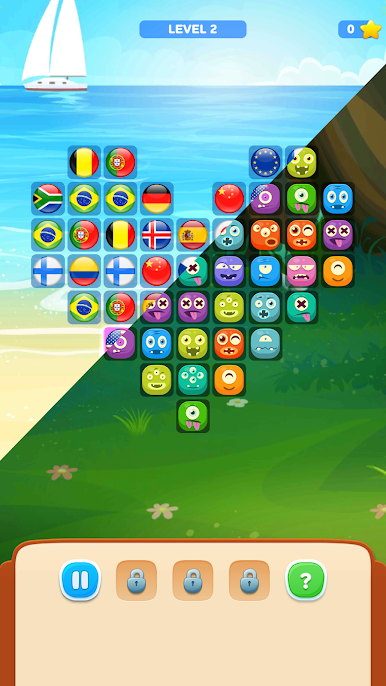
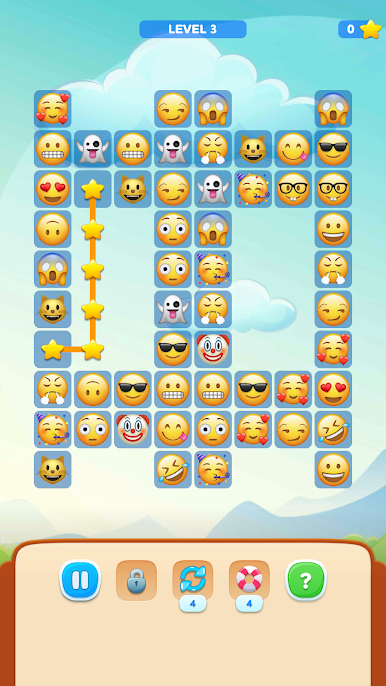
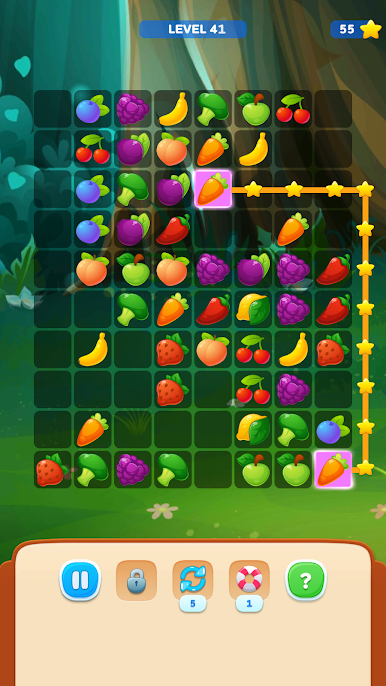
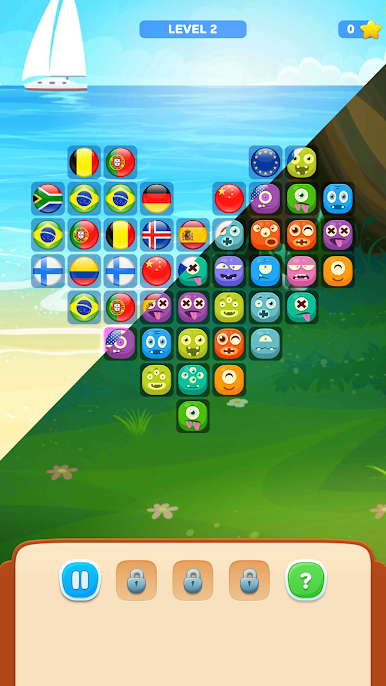
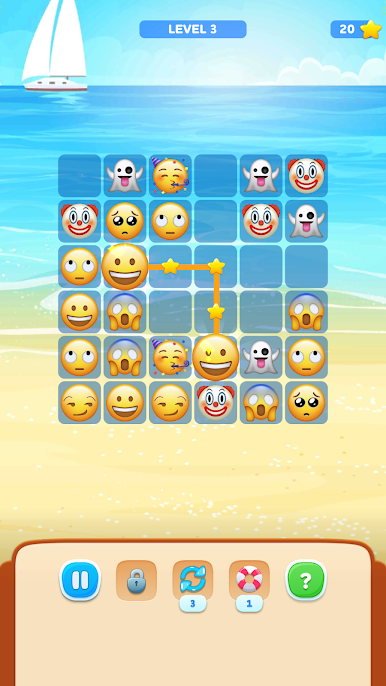
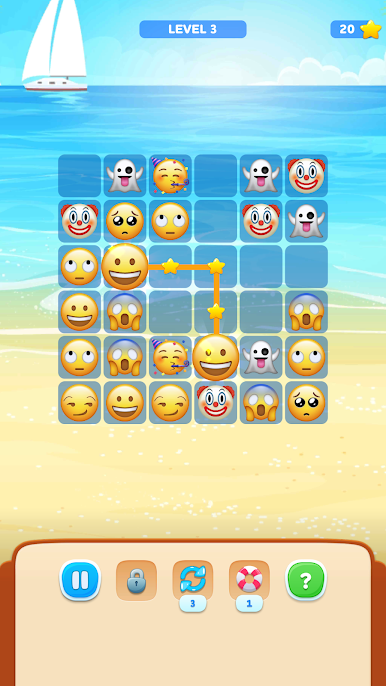
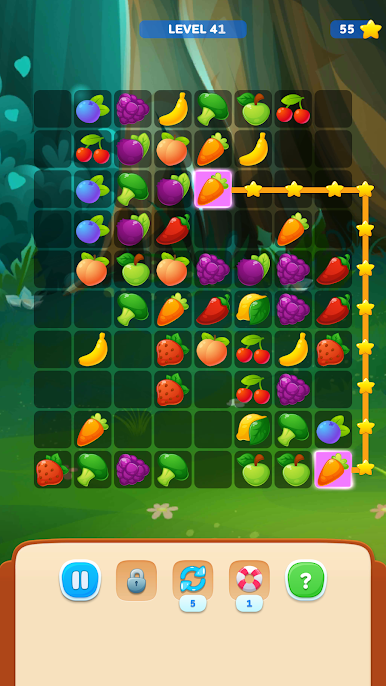
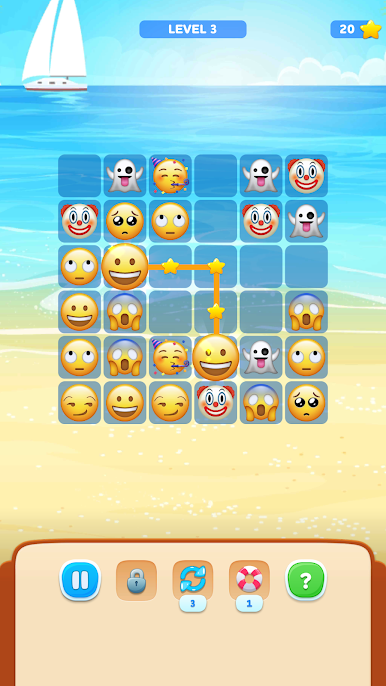
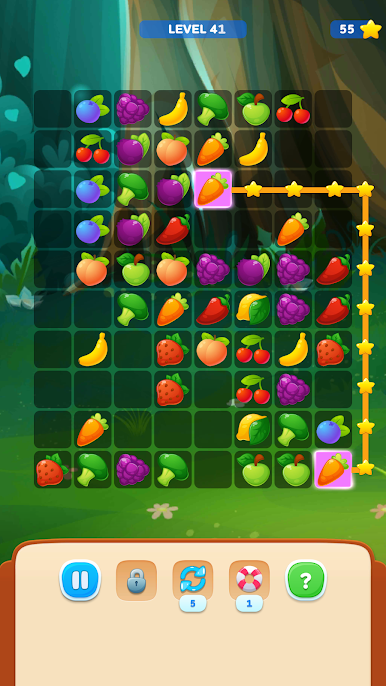
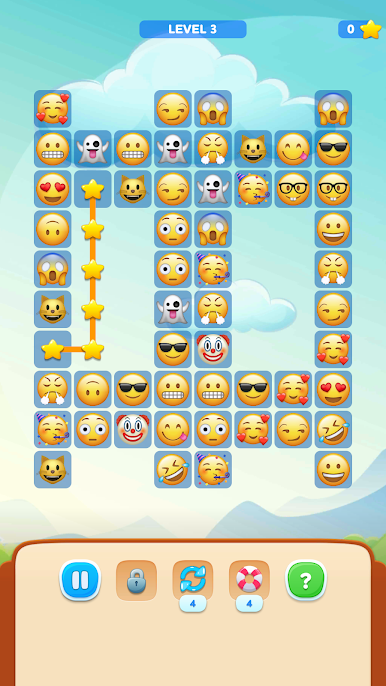
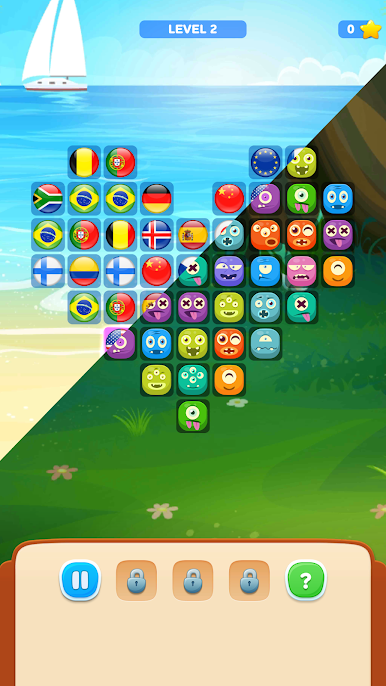
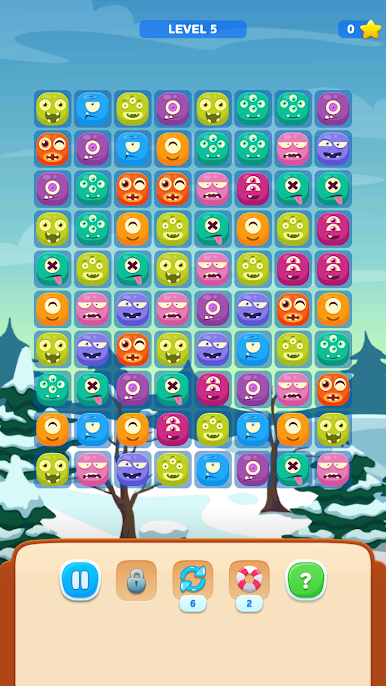
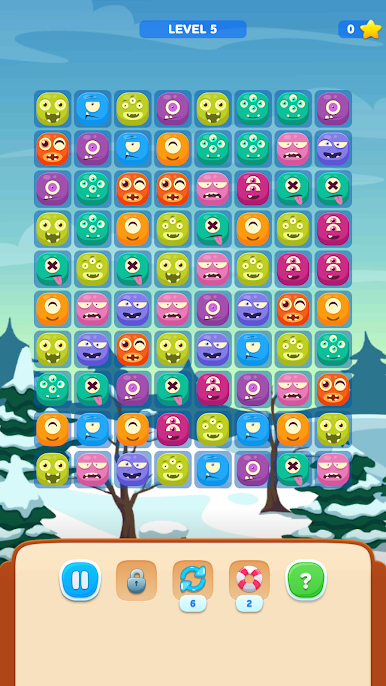
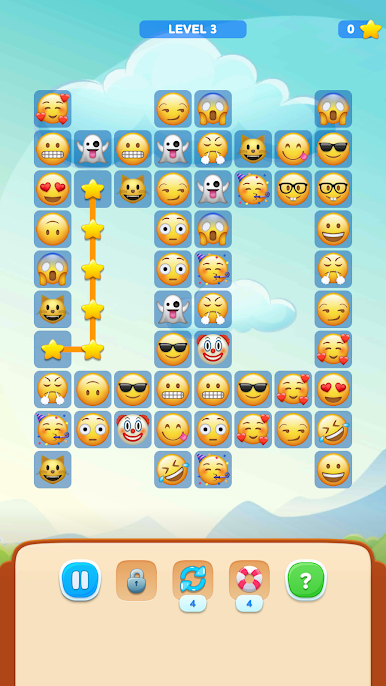
Onet Stars: Connect Pairs is a chill link-the-tiles puzzler that lives and dies by a simple rule set. Match two identical pieces that can be connected by a path of up to three straight lines, clear them, and work toward an empty board. The catch is that other tiles can block the route, so it becomes a neat little pathfinding puzzle rather than just spotting duplicates. When a longer route fits, the game hands out more stars, which feels like a tiny risk and reward moment every time a match is lined up.
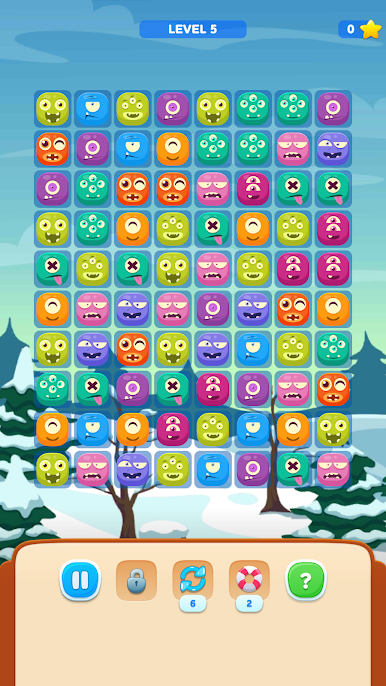
What stands out is how relaxed it is. There is no timer, no energy, just an endless chain of boards to solve at whatever pace feels good. Levels scale up with trickier layouts, and there are bonuses that nudge things along when a layout gets stubborn, like revealing a match or adding points. New tile sets and calm backgrounds unlock over time, so the look does not get stale, and there is a daily puzzle with its own little rules if a change of pace sounds nice. On PC with BlueStacks, the bigger screen makes spotting paths easier, and mouse clicks feel very precise. Fans of Mahjong connect, jigsaw-y problem solving, or old school memory matching will feel right at home. It is simple to pick up, surprisingly sticky when the board starts to open up, and the whole thing is very no-pressure in the best way.
Start your journey now. Download the game on BlueStacks, invite your friends, and march on a new adventure.

Играйте в игру Onet Stars: Connect Pairs на ПК. Это легко и просто.
-
Скачайте и установите BlueStacks на ПК.
-
Войдите в аккаунт Google, чтобы получить доступ к Google Play, или сделайте это позже.
-
В поле поиска, которое находится в правой части экрана, введите название игры – Onet Stars: Connect Pairs.
-
Среди результатов поиска найдите игру Onet Stars: Connect Pairs и нажмите на кнопку "Установить".
-
Завершите авторизацию в Google (если вы пропустили этот шаг в начале) и установите игру Onet Stars: Connect Pairs.
-
Нажмите на ярлык игры Onet Stars: Connect Pairs на главном экране, чтобы начать играть.

