

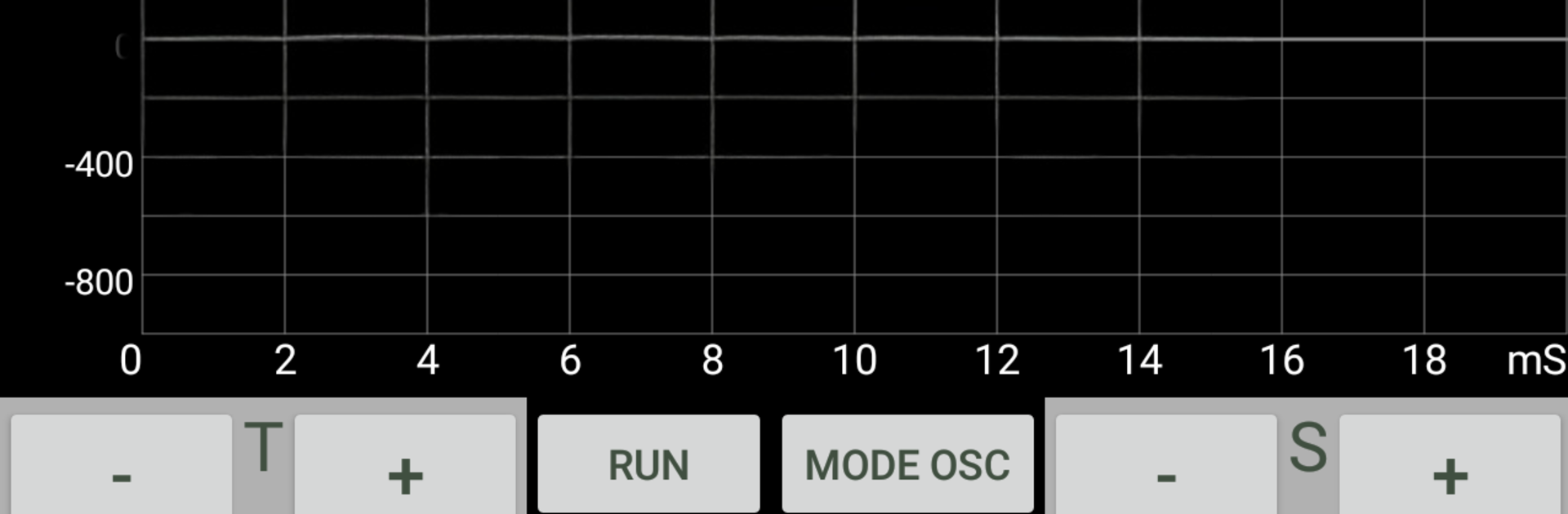
Sound Oscilloscope
Играйте на ПК с BlueStacks – игровой платформе для приложений на Android. Нас выбирают более 500 млн. игроков.

Страница изменена: Sep 23, 2024
Run Sound Oscilloscope on PC or Mac
Upgrade your experience. Try Sound Oscilloscope, the fantastic Tools app from BOLDEN, from the comfort of your laptop, PC, or Mac, only on BlueStacks.
About the App
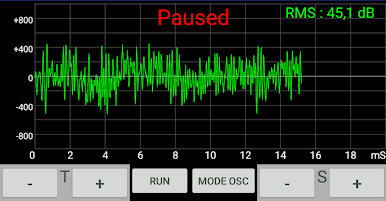
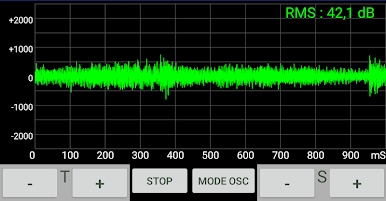
Ever wondered what sound looks like? Sound Oscilloscope by BOLDEN lets you peek into the real-time visual world of noise and audio waves, right on your device. Whether you’re just curious or into audio, you’ll get a front-row seat to live signal displays, all from your own microphone input. No complicated setup—just a simple way to turn sound into something you can see, explore, and even capture for closer inspection.
App Features
-
Live Sound Visualization
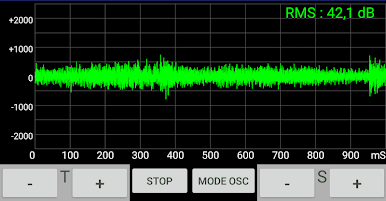
Watch the waves dance! The app transforms noise or audio from your mic into a visual oscilloscope display in real time, making sound something you can see as it happens. -
Audio Spectrum Analysis
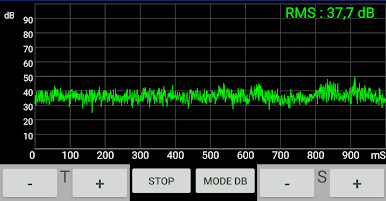
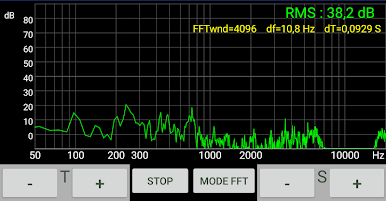
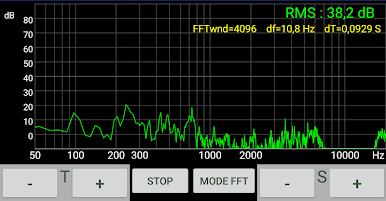
Dive into the details. Sound Oscilloscope breaks down incoming audio with FFT so you can see the spectrum—sort out which frequencies are present and compare different sounds side by side. -
Noise Level Comparison
Curious about how loud your room is compared to outside or other places? This tool helps you compare noise levels from different sources or locations with just a few taps. -
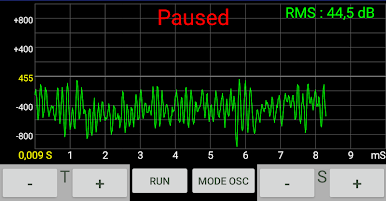
Pause and Screenshot Mode
Need a closer look? Hit pause on the signal display and snag a snapshot to examine individual waves or frequencies whenever you want, perfect for sharing or just investigating those odd sounds. -
Easy-to-Use Interface
No need to be an audio engineer—everything’s set up so you can jump in and start exploring sound, no tech degree required. Controls are straightforward and user-friendly all the way.
Want a bigger view? Try Sound Oscilloscope on your PC with BlueStacks for an even clearer picture of your sound environment.
Big screen. Bigger performance. Use BlueStacks on your PC or Mac to run your favorite apps.
Играйте в игру Sound Oscilloscope на ПК. Это легко и просто.
-
Скачайте и установите BlueStacks на ПК.
-
Войдите в аккаунт Google, чтобы получить доступ к Google Play, или сделайте это позже.
-
В поле поиска, которое находится в правой части экрана, введите название игры – Sound Oscilloscope.
-
Среди результатов поиска найдите игру Sound Oscilloscope и нажмите на кнопку "Установить".
-
Завершите авторизацию в Google (если вы пропустили этот шаг в начале) и установите игру Sound Oscilloscope.
-
Нажмите на ярлык игры Sound Oscilloscope на главном экране, чтобы начать играть.

