


One S24 Camera -Galaxy S24 cam
Играйте на ПК с BlueStacks – игровой платформе для приложений на Android. Нас выбирают более 500 млн. игроков.

Страница изменена: Aug 8, 2025
Play One S24 Camera -Galaxy S24 cam on PC
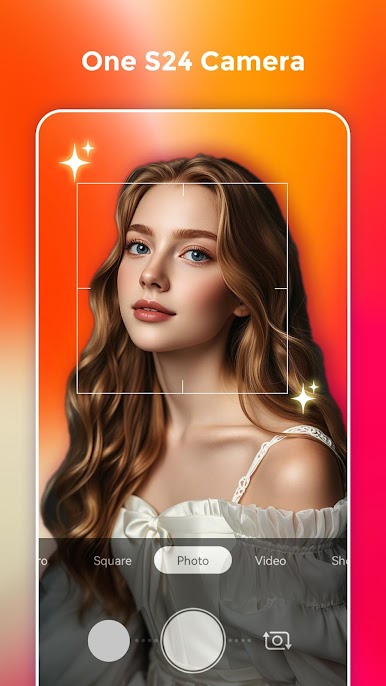
One S24 Camera will help you take cool photos like you have a Galaxy S24 phone, One S24 Camera can run on all Android 5.0+ devices!
One S24 Camera features:
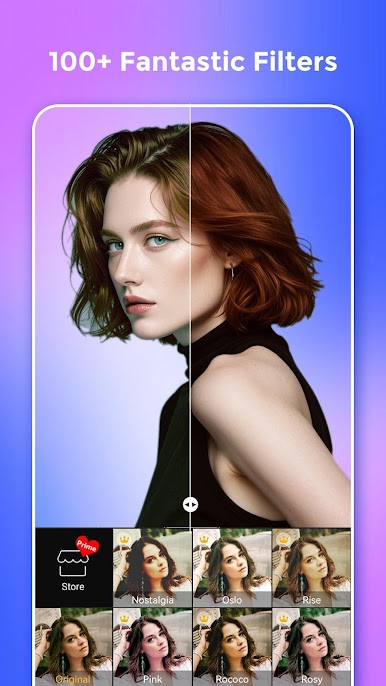
- One S24 Camera has 100+ wonderful filters and also have a filter store which has many advanced filters
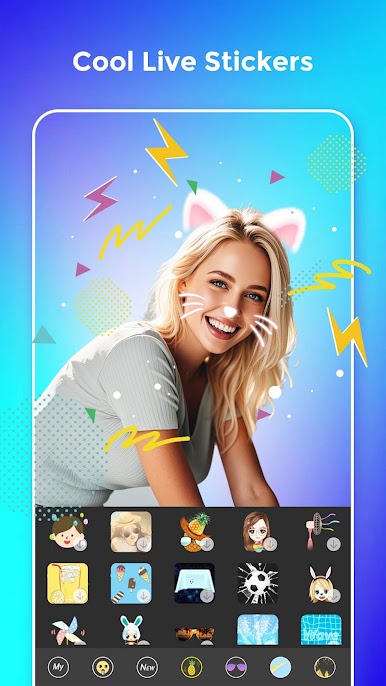
- One S24 Camera support live AR stickers, Emoji stickers for you to take cool and funny photos or videos
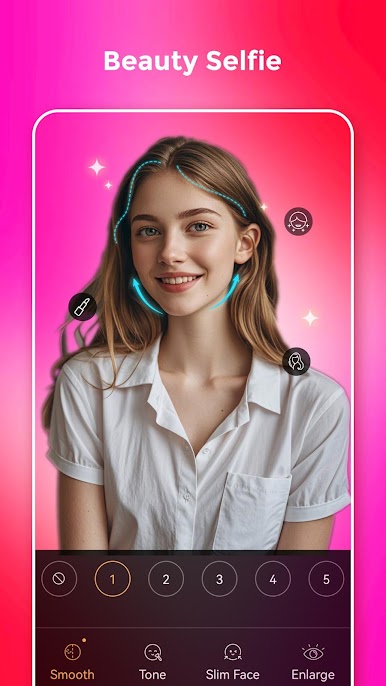
- Make up with skin tone, smooth, big eyes, face-lift, etc.
- Taking beauty and funny selfie with mask stickers
- Cool seal sticker and watermark
- Long press shutter to create short video
- Support UHD camera
- Support FHD video record
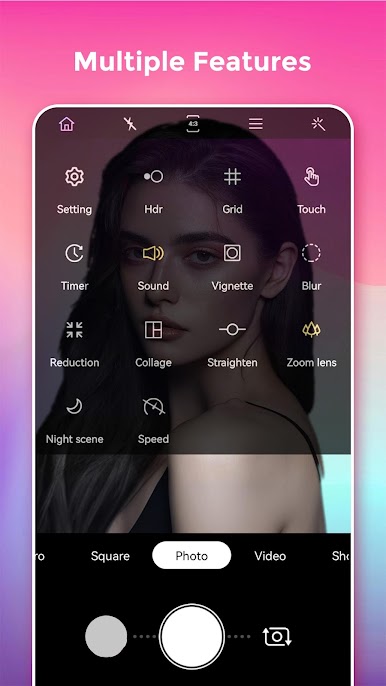
- One S24 Camera support HDR mode, help you take better photos
- Pinch to zoom or move shutter button left-right to zoom
- Auto-focus or Touch to focus
- Auto flash on/off
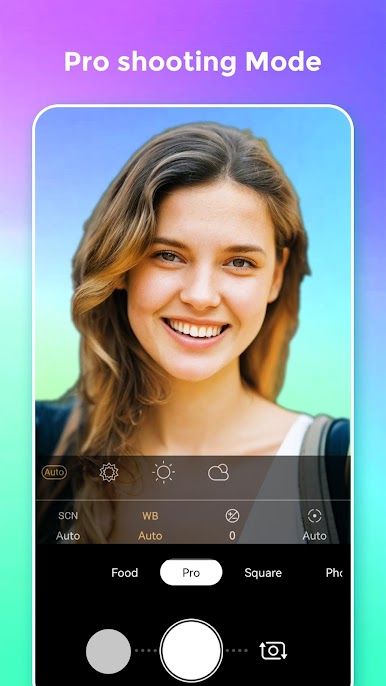
- Professional mode: Scene modes, ISO, White balance, Exposure adjustment, and etc.
- Silent capture mode
- S24 Camera support take selfie handily by using volume key
- S24 Camera support burst shot and timer shot
- S24 Camera has a floating shutter button for easy capturing
- Fill light in front camera to take better selfie
- One S24 Camera support resolution adjustment for Camera & Video
- Efficient album manage for your photos
- Default camera setting & reset
- Support Vignette function
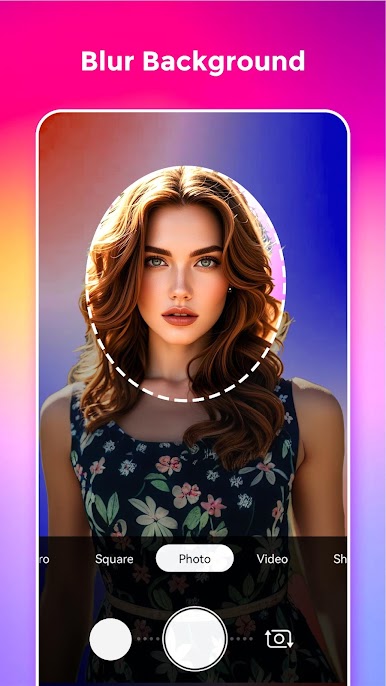
- Support Tilt-shift photography
- Stamp photos with time and date tags
- White screen flash for front camera
- Grid line
- One S24 Camera has selfie mirror mode
One S24 Camera contain powerful photo editor features:
+ Add amazing filters to photos
+ One S24 photo editor support crop and rotate photo, adjust photo size
+ One S24 photo editor support many photo adjustment, such as contrast, saturation, brightness, tone, and etc.
+ One S24 photo editor support crop and rotate photo
+ Support photo adjustment: Contrast, Saturation, Brightness and Tone
+ Doodle and text in S24 photo editor
+ Config backgrounds, fonts and tags
+ Adjust tilt-shift and vignette
+ Adjust photo size
+ Choose photo save format
Notice:
1. Android™ is a registered trademark of Google, Inc.
2. One S24 Camera is inspired by Samsung™ Galaxy S24 camera, it is NOT official Galaxy S24 camera
3. Camera permission: take photos and record videos
4. Access Storage permission: manage photos, album
5. Location permission: needed when you enable geographic info tag
Please rate us, you make One S24 Camera better and better, thanks!
Играйте в игру One S24 Camera -Galaxy S24 cam на ПК. Это легко и просто.
-
Скачайте и установите BlueStacks на ПК.
-
Войдите в аккаунт Google, чтобы получить доступ к Google Play, или сделайте это позже.
-
В поле поиска, которое находится в правой части экрана, введите название игры – One S24 Camera -Galaxy S24 cam.
-
Среди результатов поиска найдите игру One S24 Camera -Galaxy S24 cam и нажмите на кнопку "Установить".
-
Завершите авторизацию в Google (если вы пропустили этот шаг в начале) и установите игру One S24 Camera -Galaxy S24 cam.
-
Нажмите на ярлык игры One S24 Camera -Galaxy S24 cam на главном экране, чтобы начать играть.

