


Classic Solitaire World
Spiele auf dem PC mit BlueStacks - der Android-Gaming-Plattform, der über 500 Millionen Spieler vertrauen.

Seite geändert am: Aug 10, 2026
Spiele Classic Solitaire World für PC
♠ 100 % Gewinngarantie
Tausende getestete und qualifizierte Gewinnkombinationen – gib einfach dein Bestes, um möglichst viele Level zu meistern.
♥ Basierend auf dem klassischen Solitaire-Gameplay
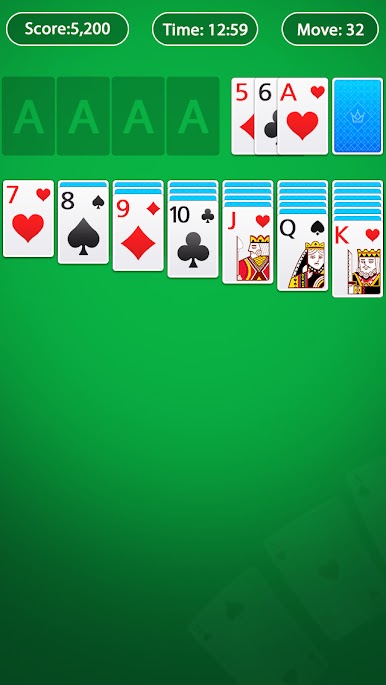
Es bleibt dem Geist des klassischen Solitaire treu und bietet dir in jedem Level großartige Grafiken und ein hervorragendes Spielerlebnis.
♣ Fantastische Themen zur Anpassung
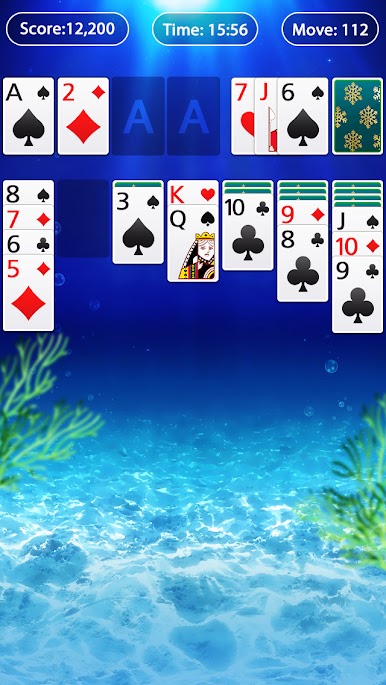
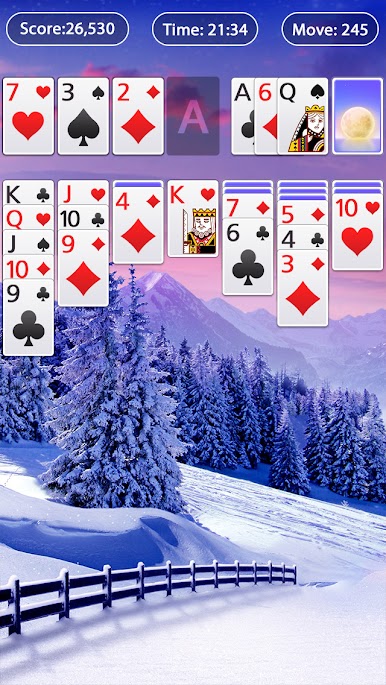
Mit genügend Münzen kannst du verschiedene Themen freischalten, um deinen Hintergrund individuell zu gestalten. Weitere Themen warten darauf, von dir entdeckt zu werden.
♦ Praktische und leistungsstarke Tools für dich
Wenn du im Spiel nicht weiterkommst, kannst du auf den „Zauberstab“ oder die „Tipps“ klicken, um das Level zu meistern. Mit „Rückgängig“ kannst du Züge ändern.
★ Solitaire-Funktionen ★
☆ Klondike Solitaire: 1 Karte ziehen
☆ Funktion zum Rückgängigmachen von Zügen
☆ Funktion zum Verwenden von „Tipps“
☆ Benutze den Zauberstab, um 1 Karte für dich einzusammeln
☆ Alle deine besten Ergebnisse findest du in der „Statistik“
☆ Karten verschieben durch einfaches Tippen oder Ziehen und Ablegen
☆ Automatisches Einsammeln von Karten nach Abschluss
☆ Automatisches Speichern im laufenden Spiel
☆ Mehrere Sprachen unterstützt
☆ Offline spielen! Kein WLAN erforderlich
✉ E-Mail ✉
support@classicsolitaireworld.freshdesk.com
Spielst du gerne Patience oder Klondike Solitaire auf dem PC? 🎮
Willkommen in der Welt des klassischen Solitaires und entspann dich auf mobilen Geräten. 📱
Lade es jetzt KOSTENLOS herunter und genieße die SÜCHTIG MACHENDEN Herausforderungen! ☻

Spiele Classic Solitaire World auf dem PC. Der Einstieg ist einfach.
-
Lade BlueStacks herunter und installiere es auf deinem PC
-
Schließe die Google-Anmeldung ab, um auf den Play Store zuzugreifen, oder mache es später
-
Suche in der Suchleiste oben rechts nach Classic Solitaire World
-
Klicke hier, um Classic Solitaire World aus den Suchergebnissen zu installieren
-
Schließe die Google-Anmeldung ab (wenn du Schritt 2 übersprungen hast), um Classic Solitaire World zu installieren.
-
Klicke auf dem Startbildschirm auf das Classic Solitaire World Symbol, um mit dem Spielen zu beginnen

