


CIE 10 y 11 (Español)
Spiele auf dem PC mit BlueStacks - der Android-Gaming-Plattform, der über 500 Millionen Spieler vertrauen.

Seite geändert am: Sep 5, 2025
Play CIE 10 y 11 (Español) on PC
What can you do
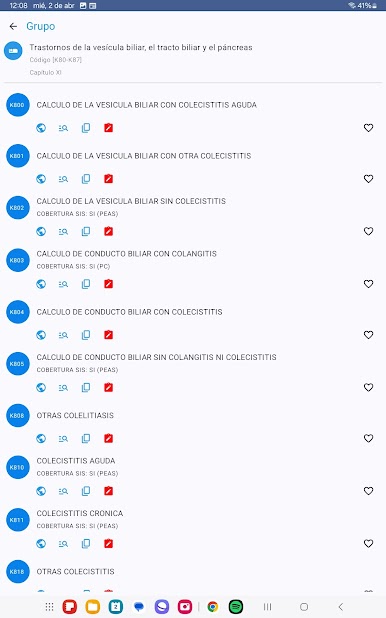
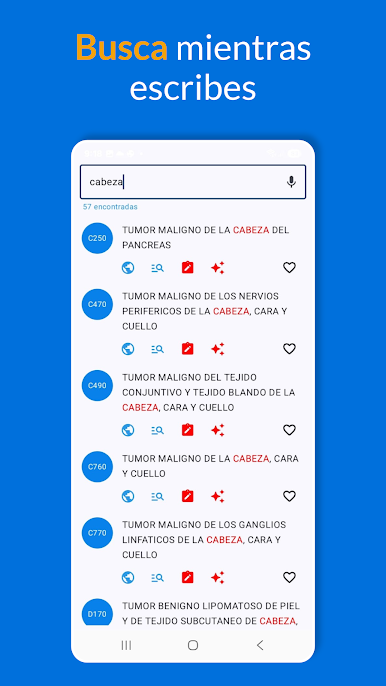
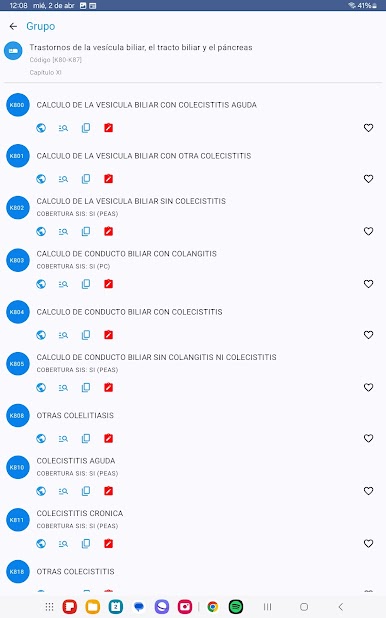
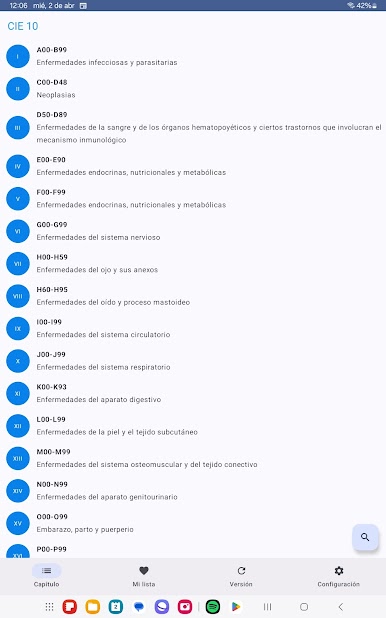
- Text or voice search
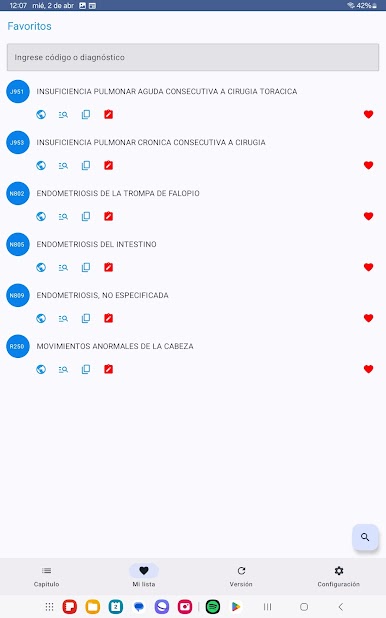
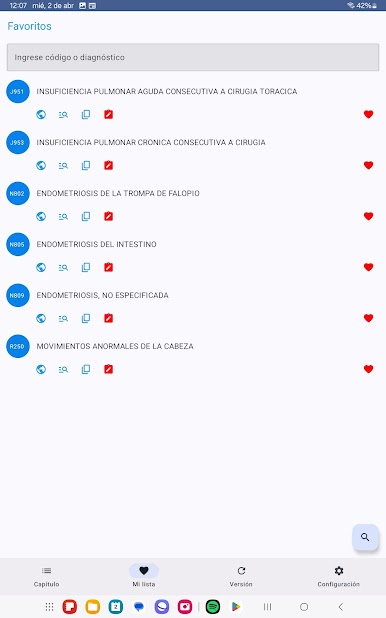
- Create your favorites list
- Add your own notes per diagnosis
- Consult the AI
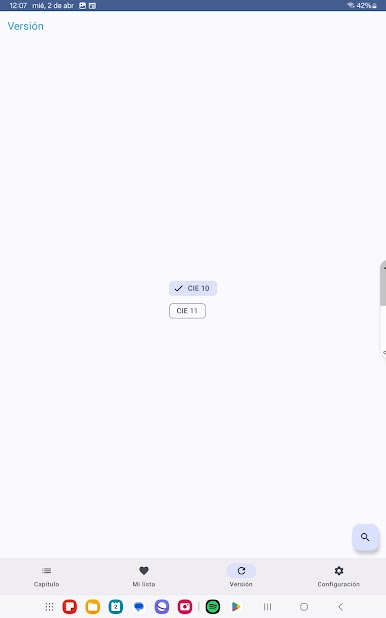
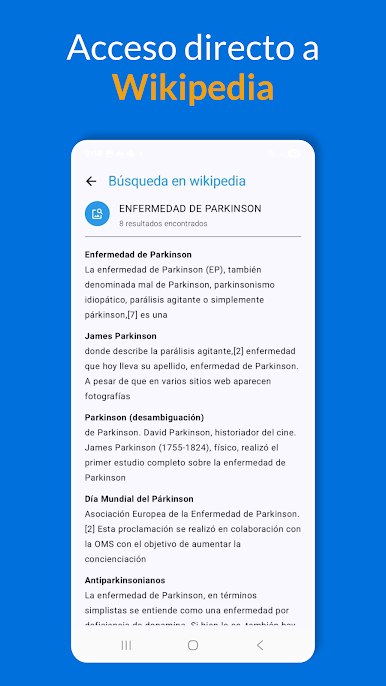
- Definition search direct to Google, Wikipedia or ICD information services (ICD 11 enabled)
- We show you if it has been classified as a rare or orphan disease (depending on the country)
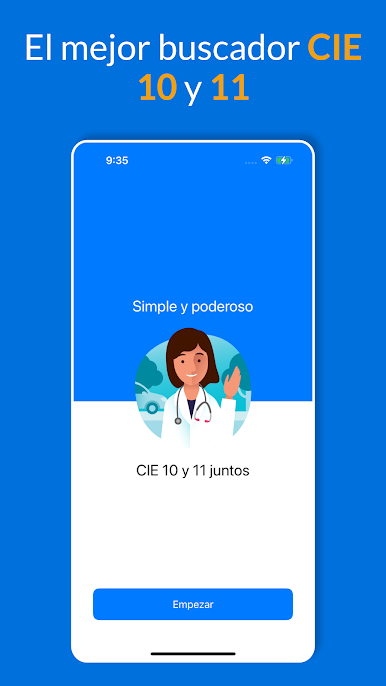
Install CIE10 in Spanish, we are the most downloaded disease code search engine and with more than 10 years in a row within the TOP 10 in the Play Store.






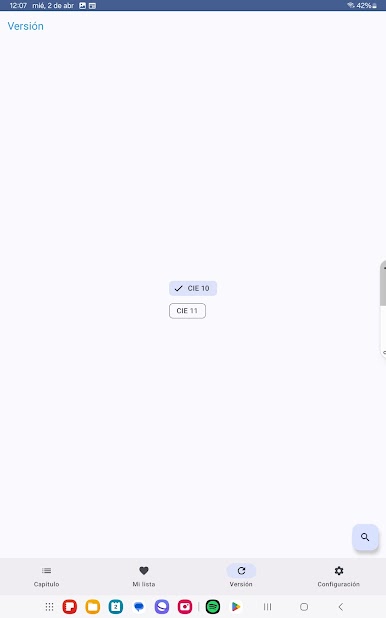
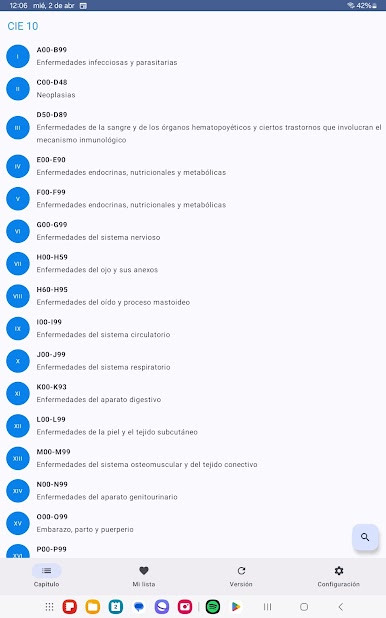
Spiele CIE 10 y 11 (Español) auf dem PC. Der Einstieg ist einfach.
-
Lade BlueStacks herunter und installiere es auf deinem PC
-
Schließe die Google-Anmeldung ab, um auf den Play Store zuzugreifen, oder mache es später
-
Suche in der Suchleiste oben rechts nach CIE 10 y 11 (Español)
-
Klicke hier, um CIE 10 y 11 (Español) aus den Suchergebnissen zu installieren
-
Schließe die Google-Anmeldung ab (wenn du Schritt 2 übersprungen hast), um CIE 10 y 11 (Español) zu installieren.
-
Klicke auf dem Startbildschirm auf das CIE 10 y 11 (Español) Symbol, um mit dem Spielen zu beginnen

