


Webex Intune
Играйте на ПК с BlueStacks – игровой платформе для приложений на Android. Нас выбирают более 500 млн. игроков.

Страница изменена: Dec 11, 2025
Play Webex Intune on PC
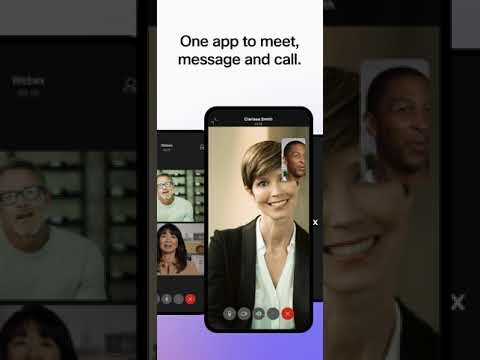
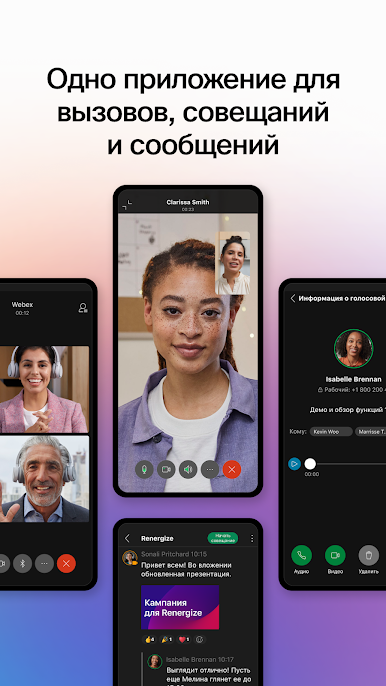
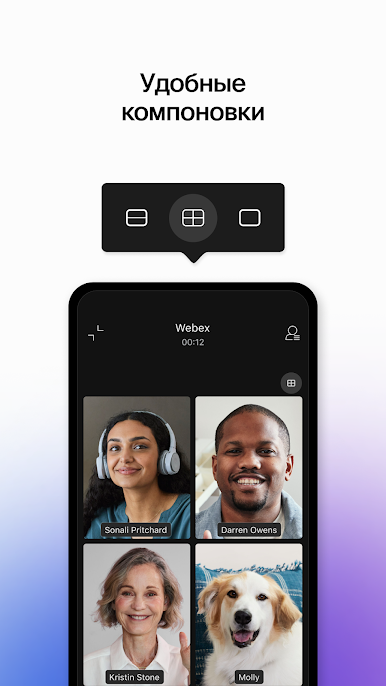
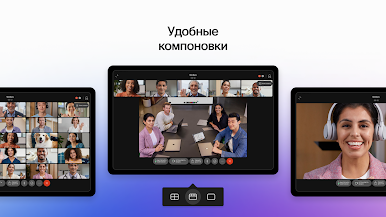
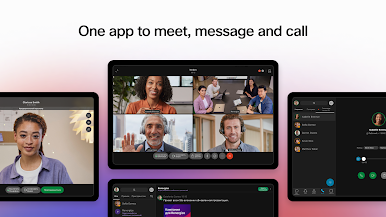
Meet: Real-time translation of over 100+ languages, personalized meeting layouts, and background noise removal ensure everyone can been seen and heard, regardless of where they are joining from.
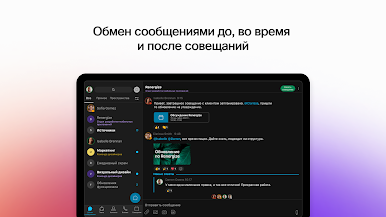
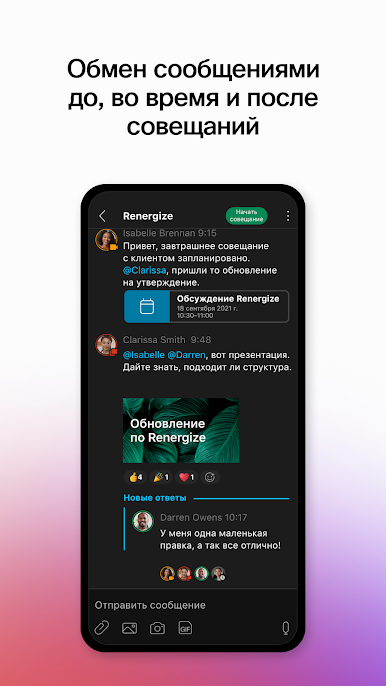
Message: Real-time messaging connects you before, during and after meetings. Easily collaborate through 1:1 and group messaging, and securely and easily share files with internal teams and external colleagues using just an email address.
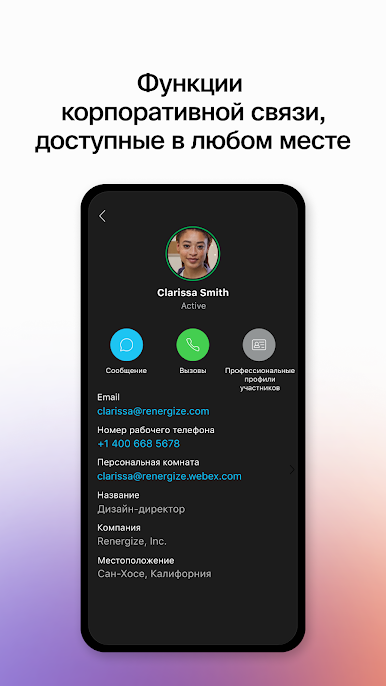
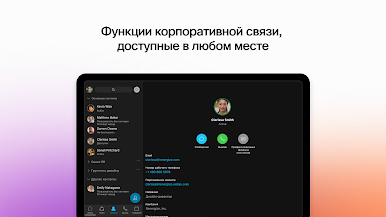
Call: With your favorite calling features built into the app, you have the power of your business phone anytime, anywhere. Instantly start impromptu conversations, access visual voicemail, and more.
The Webex App is supported on devices with Android 10 and 3GB RAM.
To learn more about the Webex App and explore our new features, visit webex.com.
By downloading the Webex App, you agree to the Webex App terms of service available at www.cisco.com.go/eula, the Cisco Online Privacy Statement, and the Webex privacy data sheets available at https://trustportal.cisco.com/c/r/ctp/trust-portal.html?doctype=Privacy
© 2021 Cisco and/or its affiliates. All rights reserved.






Играйте в игру Webex Intune на ПК. Это легко и просто.
-
Скачайте и установите BlueStacks на ПК.
-
Войдите в аккаунт Google, чтобы получить доступ к Google Play, или сделайте это позже.
-
В поле поиска, которое находится в правой части экрана, введите название игры – Webex Intune.
-
Среди результатов поиска найдите игру Webex Intune и нажмите на кнопку "Установить".
-
Завершите авторизацию в Google (если вы пропустили этот шаг в начале) и установите игру Webex Intune.
-
Нажмите на ярлык игры Webex Intune на главном экране, чтобы начать играть.

