

Learn CSS
Играйте на ПК с BlueStacks – игровой платформе для приложений на Android. Нас выбирают более 500 млн. игроков.

Страница изменена: Dec 4, 2024
Run Learn CSS on PC or Mac
Let BlueStacks turn your PC, Mac, or laptop into the perfect home for Learn CSS, a fun Education app from Codeliber.
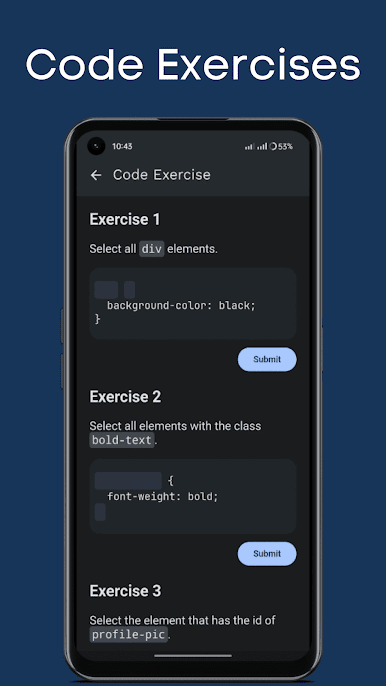
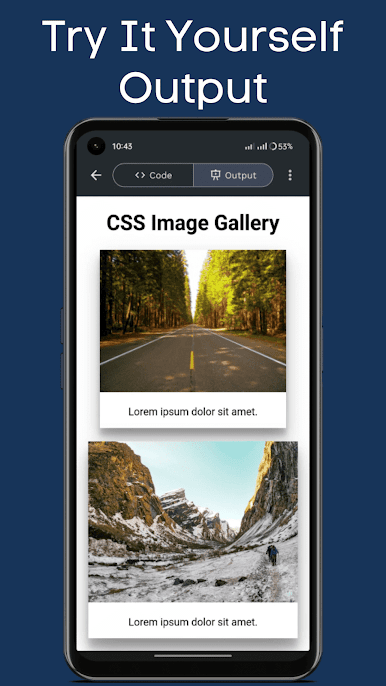
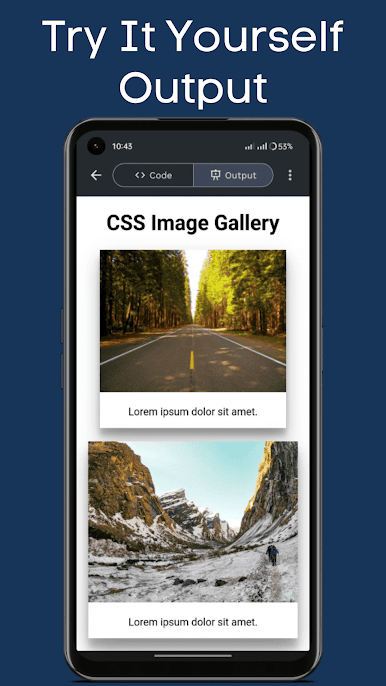
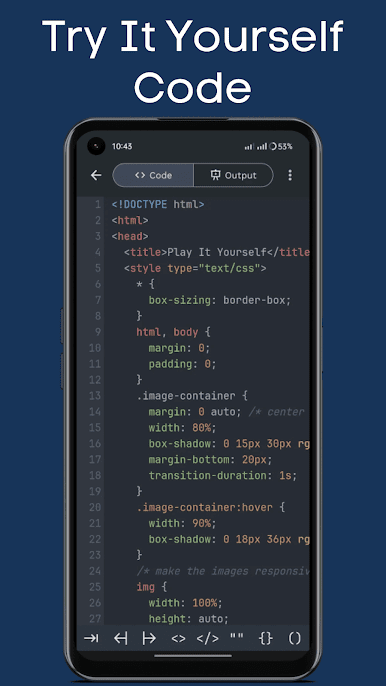
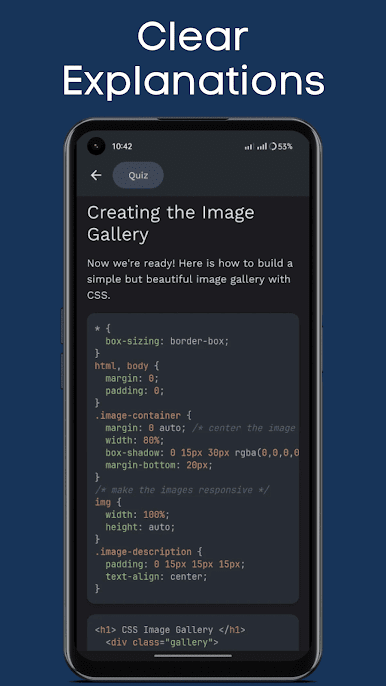
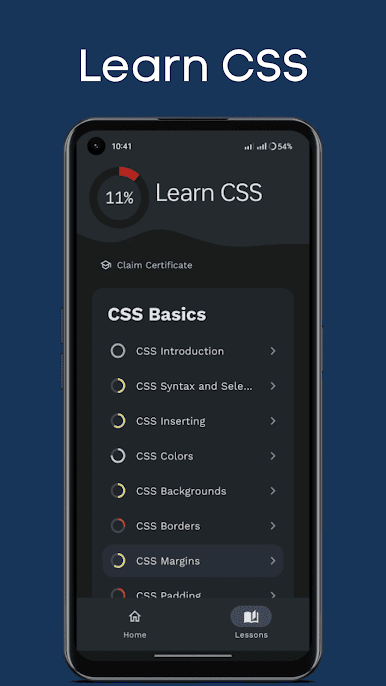
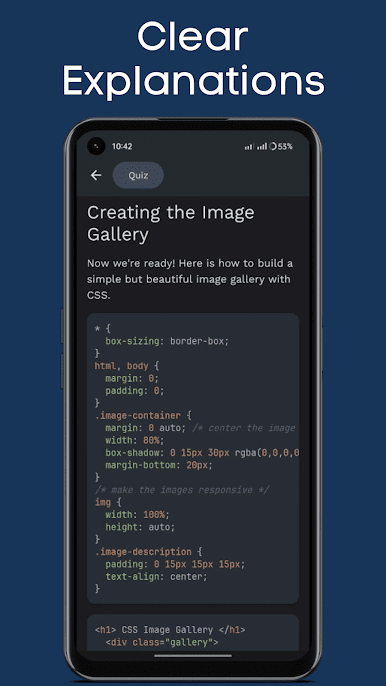
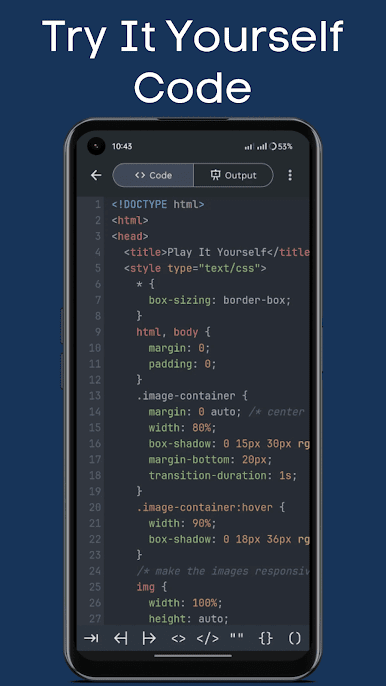
So, Learn CSS is basically one of those apps that actually makes learning code feel manageable, even if it’s not something that comes naturally. There’s a lot packed in — tons of lessons (over 70, apparently), and they get right to the point with explanations and examples that make sense. Each lesson comes with this feature where you can try out the code right there, so you don’t just read about it but actually mess with the CSS and see what changes happen. This is nice, especially on PC, because you’ve got more space for the playground and editor, and using something like BlueStacks to run it just makes things smoother if you don’t want to be hunched over a phone.
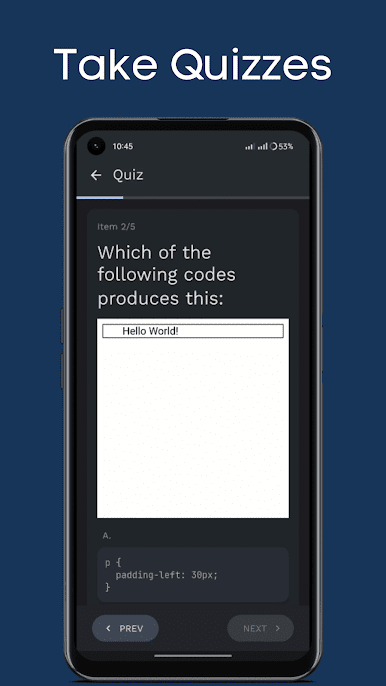
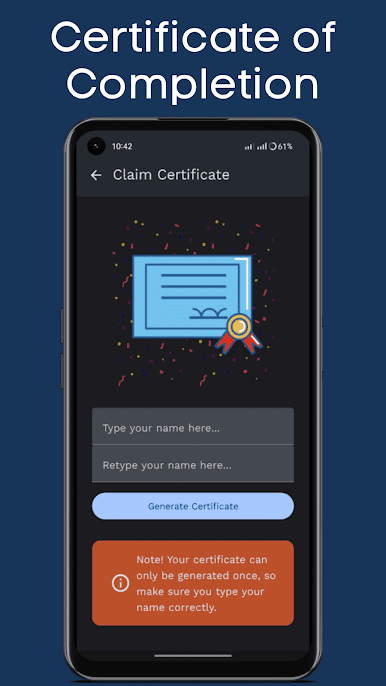
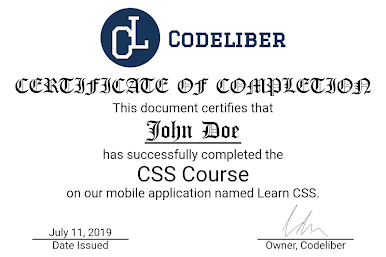
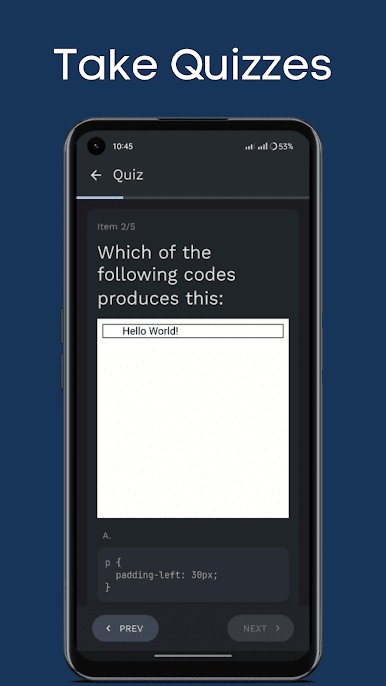
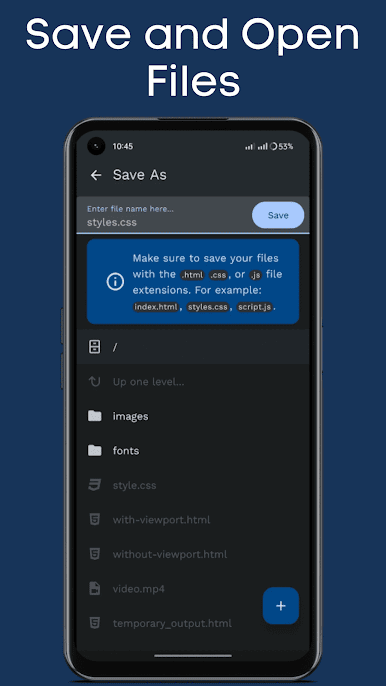
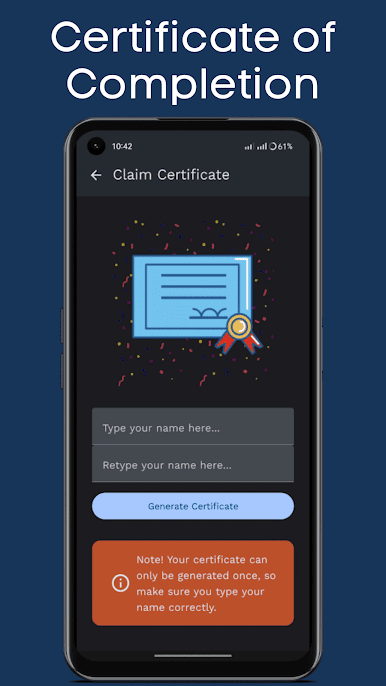
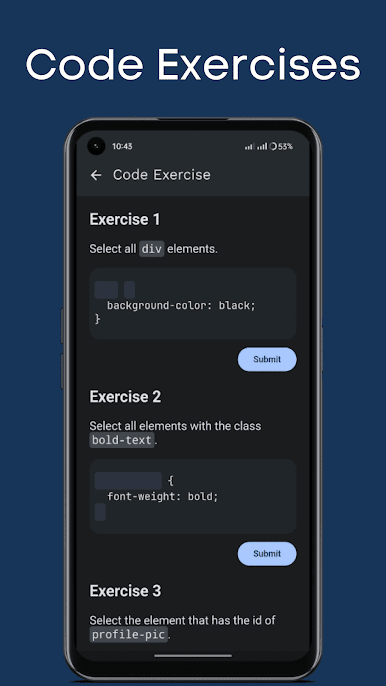
What stands out is there’s this “playground” for your code with syntax highlighting, so it’s way clearer to see what you’re actually writing, and it’s set up so you can even save your files or open stuff from your computer if you want to practice more. There are also loads of quizzes — it’s not just one at the end, but sprinkled after every topic, so you’re kind of always checking what you’ve learned. The way the app keeps track of progress and gives a certificate at the end is kind of motivating, especially for anyone who likes ticking boxes. Even sharing stuff, like quiz scores or the certificate, is really simple. All in all, for someone just getting into web design or needing a refresher, it’s pretty straightforward and surprisingly complete for just an app.
BlueStacks gives you the much-needed freedom to experience your favorite apps on a bigger screen. Get it now.

Играйте в игру Learn CSS на ПК. Это легко и просто.
-
Скачайте и установите BlueStacks на ПК.
-
Войдите в аккаунт Google, чтобы получить доступ к Google Play, или сделайте это позже.
-
В поле поиска, которое находится в правой части экрана, введите название игры – Learn CSS.
-
Среди результатов поиска найдите игру Learn CSS и нажмите на кнопку "Установить".
-
Завершите авторизацию в Google (если вы пропустили этот шаг в начале) и установите игру Learn CSS.
-
Нажмите на ярлык игры Learn CSS на главном экране, чтобы начать играть.

