


Hourly Reminder Alarm Pro
500M + oyuncunun güvendiği Android Oyun Platformu, BlueStacks ile PC'de oynayın.

Sayfa Değiştirilme tarihi: Apr 29, 2020
Play Hourly Reminder Alarm Pro on PC
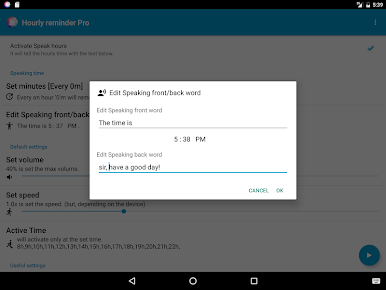
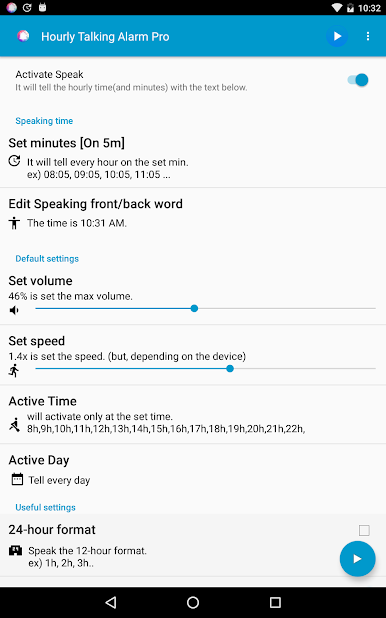
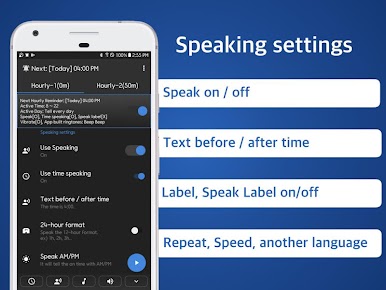
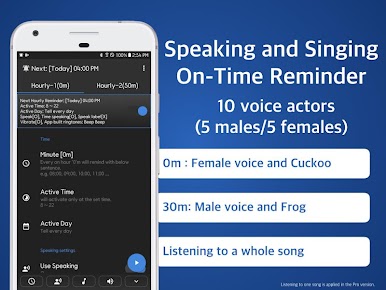
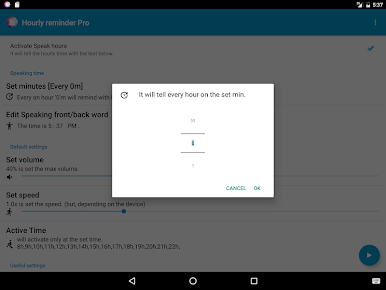
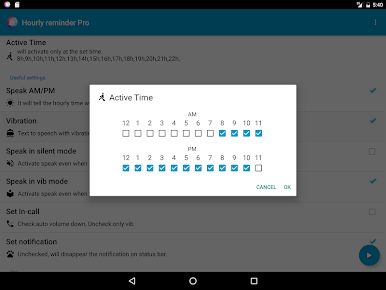
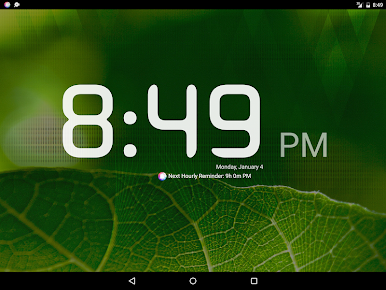
Just power on(right of top) the app then will speak/talk the time with text from 8am to 10 pm everyday automatically.
(Don't worry! Nothing to set except clicking Power On('Activated Speak hours(time)').)
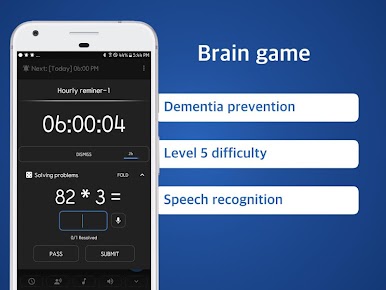
■ Math problems to improve brain and prevent dementia
-Solve various math problems games with 5 levels of difficulty every hour.
-Improve your memory and concentration!
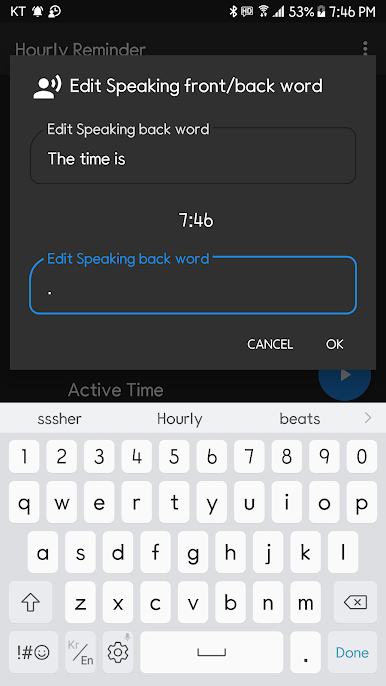
Listen your own text with voice every hour on hours.
Simple and Lite Alarm.
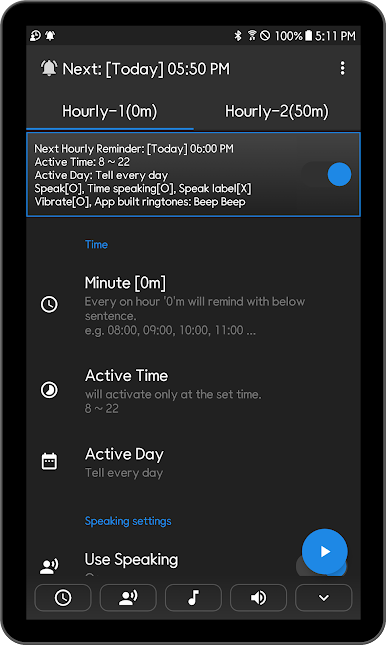
■ 2 different Free O’clock setting
- (0 to 59 minutes)
- Work 50 min and Rest 10 min
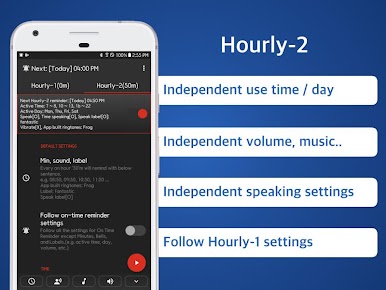
- Completely independent setup
- Hourly-1(0m) : Cuckoo and Voice
- Hourly-2(50m): Frog and Vibration
- Hourly-2(50m): Listen a song
- Hourly-2(50m): Speak in Spanish(another language)
- Independent use day
- Independent use time
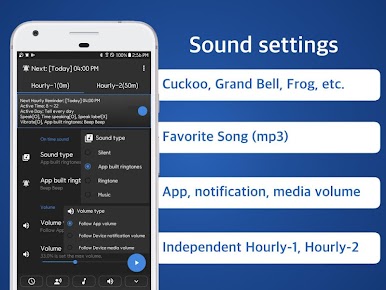
- Independent volume, music..
- Independent speaking settings
- Follow Hourly-1 settings
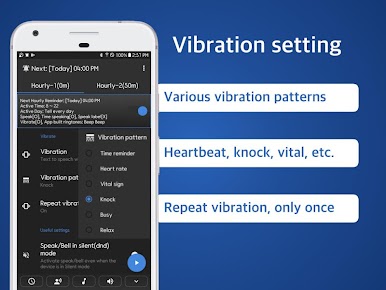
- Various vibration patterns
On time notification
Your own notification combination
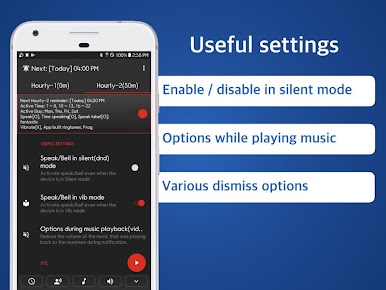
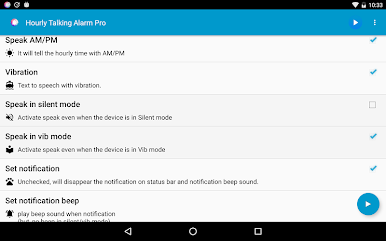
- Ring the bell / Speak current time and label / Vibration / Turn on screen
hourly reminder schedule chime clock alarm!
■ Battery saving optimization(When reminders don't work well)
Go on the Device's Settings.
Apps > Speaking Alarm Clock > Battery > Optimise battery usage > Click App not optimised > Click All >
Speaking Alarm Clock - Switch off
** this app never collect any user information !!
** picture/media/file permission; because use data base table for this app.
** device id and call info; because this app can control volume or vibration during in-call.
** internet/network; just for advertisement
** Loading time may vary depending on the manufacturer or the devices.(tts engine: text to speech)
Hourly Reminder Alarm Pro oyununu PC'de oyna. Başlamak çok kolay.
-
BlueStacks'i PC'nize İndirin ve Yükleyin
-
Play Store'a erişmek için Google girişi yapın ya da daha sonraya bırakın.
-
Sağ üst köşeye Hourly Reminder Alarm Pro yazarak arayın.
-
Hourly Reminder Alarm Pro uygulamasını arama sonuçlarından indirmek için tıklayın.
-
(iEğer Adım 2'yi atladıysanız) Hourly Reminder Alarm Pro uygulamasını yüklemek için Google'a giriş yapın.
-
Oynatmaya başlatmak için ekrandaki Hourly Reminder Alarm Pro ikonuna tıklayın.

