

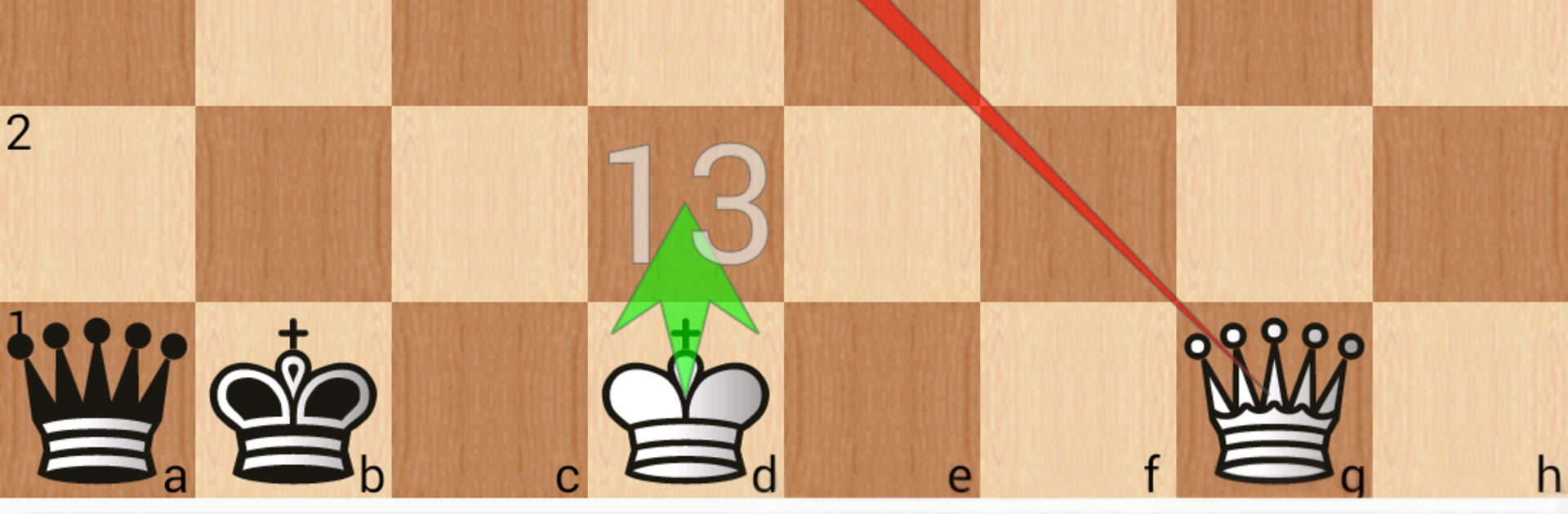
Шахматные окончания: 3-7 фигур
Играйте на ПК с BlueStacks – игровой платформе для приложений на Android. Нас выбирают более 500 млн. игроков.

Страница изменена: Apr 14, 2021
Run 7-piece chess endgame training on PC or Mac
Upgrade your experience. Try 7-piece chess endgame training, the fantastic Tools app from Chess King, from the comfort of your laptop, PC, or Mac, only on BlueStacks.
About the App
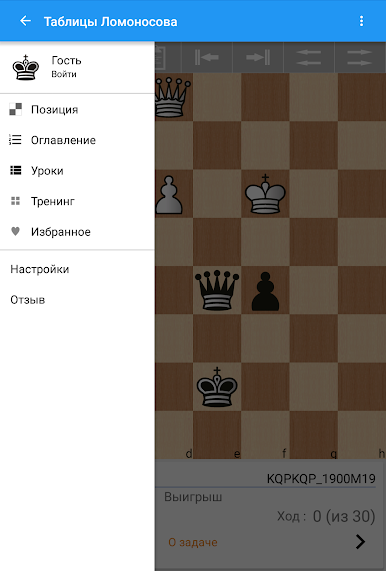
7-piece chess endgame training from Chess King is a Tools app that puts perfect endgame knowledge in your pocket. Powered by the renowned Lomonosov 7-man tablebases, it tells you if a position is won, lost, or drawn, shows the best line for both sides, and gives the exact mate distance. Set up any endgame with up to seven pieces, analyze, and even play against tablebase-precise defense; it also works nicely on a bigger screen via BlueStacks.
App Features
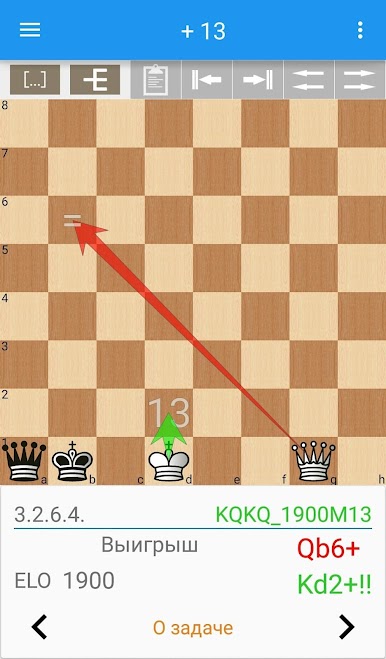
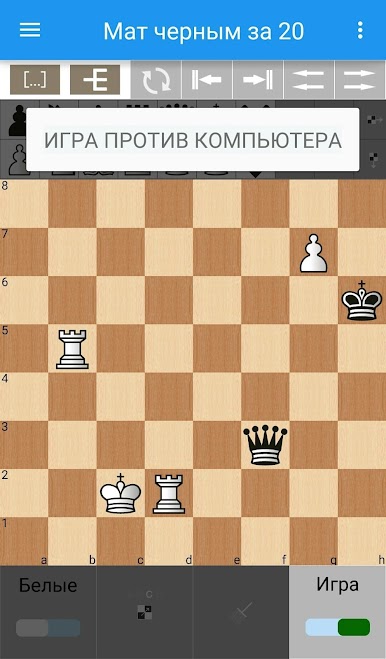
- Perfect evaluations: Get instant truth on any seven-piece endgame—win, draw, or loss—plus the exact “mate in N.” See which moves win, hold, or blunder at every step.
- Easy position setup: Drop pieces from a handy palette and tweak the board however you like. The app checks the server automatically and returns results in seconds.
- Three clear views:
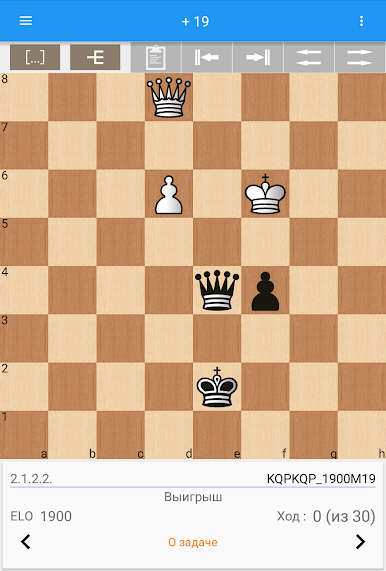
- Board: place pieces, make moves, and see the best reply highlighted.
- Notation: browse the optimal line for both sides and branch out to test ideas.
- Tree: compare the strongest continuations at a glance and pick your move.
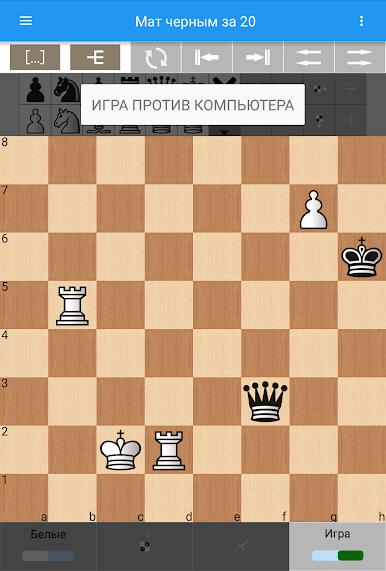
- Play vs. perfect defense: Hit Play and the app replies instantly with tablebase moves—great for testing your technique under unforgiving accuracy.
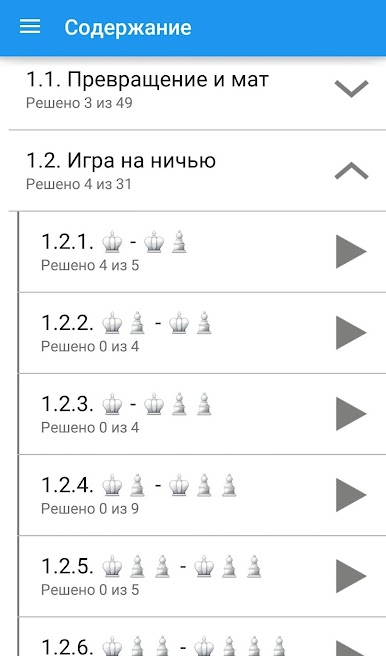
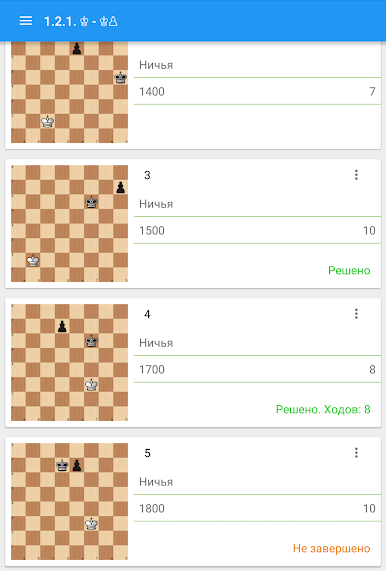
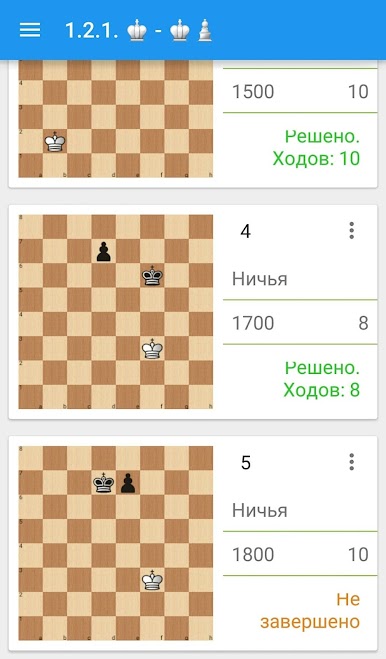
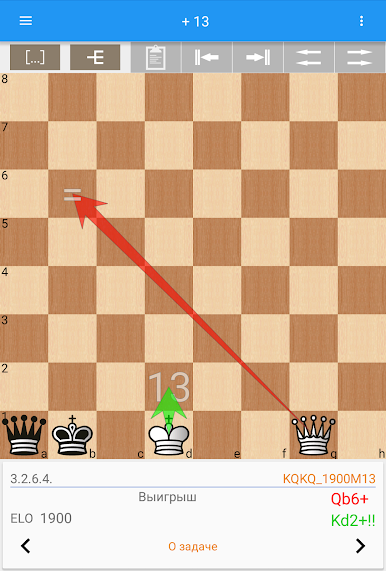
- Guided training: Work through curated endgame tasks with move limits. Afterward, a Demo view compares your choices to optimal ones with color-coded feedback.
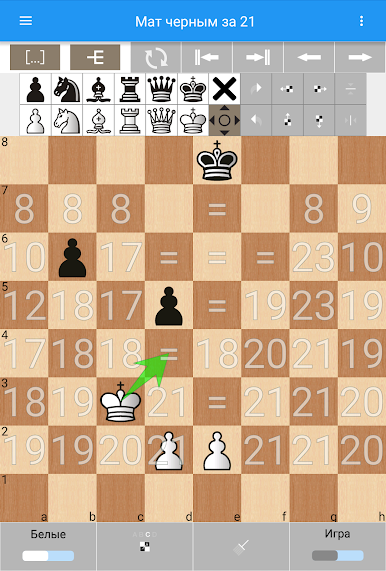
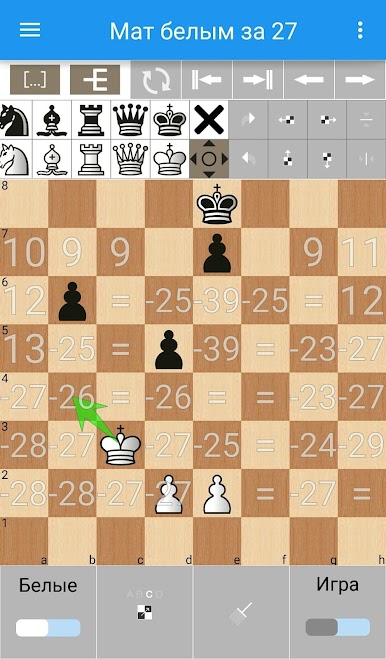
- Drag-and-learn mode: While dragging a piece, squares display numbers showing the mate distance if that piece landed there—amazing for learning key squares.
- Save and share setups: Store favorite studies, import positions you want to revisit, and export ones you’ve solved or want to challenge friends with.
- Built for speed: Three-piece tablebases are included for instant replies, while the massive seven-piece database (think tens of terabytes) is handled server-side so your device stays snappy.
Switch to BlueStacks and make the most of your apps on your PC or Mac.


Играйте в игру Шахматные окончания: 3-7 фигур на ПК. Это легко и просто.
-
Скачайте и установите BlueStacks на ПК.
-
Войдите в аккаунт Google, чтобы получить доступ к Google Play, или сделайте это позже.
-
В поле поиска, которое находится в правой части экрана, введите название игры – Шахматные окончания: 3-7 фигур.
-
Среди результатов поиска найдите игру Шахматные окончания: 3-7 фигур и нажмите на кнопку "Установить".
-
Завершите авторизацию в Google (если вы пропустили этот шаг в начале) и установите игру Шахматные окончания: 3-7 фигур.
-
Нажмите на ярлык игры Шахматные окончания: 3-7 фигур на главном экране, чтобы начать играть.

