


Cool Kwgt
Spiele auf dem PC mit BlueStacks - der Android-Gaming-Plattform, der über 500 Millionen Spieler vertrauen.

Seite geändert am: Jun 11, 2025
Play Cool Kwgt on PC
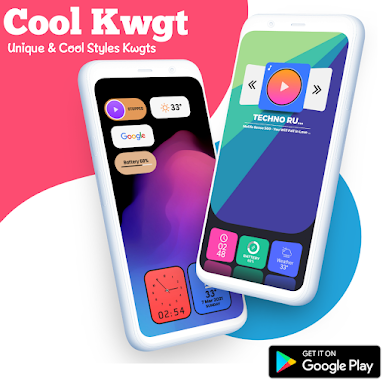
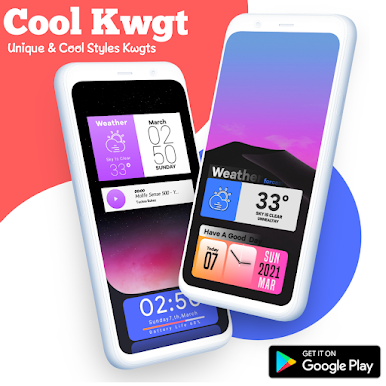
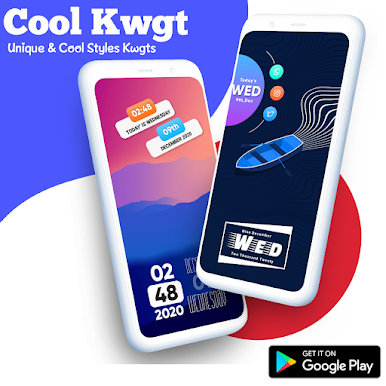
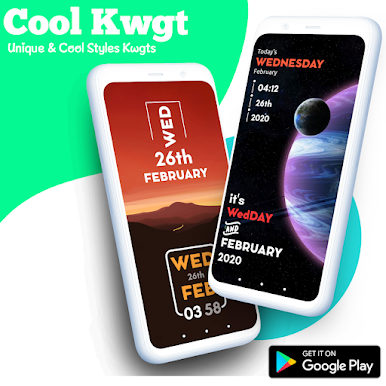
Just up your homescreen with minimal beautiful widget from Cool KWGT.
This is not stand alone app. It requeres:
• KWGT : https://play.google.com/store/apps/details?id=org.kustom.widget
• KWGT Pro Key : https://play.google.com/store/apps/details?id=org.kustom.widget.pro
How to use it:
👉 Download Cool KWGT along with KWGT and KWGT Pro
👉 Long tap on your homescreen and click on widget
👉 Choose a KWGT Widget
👉 Tap on the widget, go to the installed tab and click on Cool KWGT
👉 Choose widget of your choice
👉 Amazing for you ❤️
In case the widget is not of the size:
1. Open KWGT and click on the widget not sized properly
2. Go to the layer tab and adjust it with the scale option given below
✅Follow Me For More ✅
Twitter :-🐥
https://twitter.com/Ahmadansari2233?s=09
Instagram :-📷
https://www.instagram.com/ahmadhacker45/
Facebook :-🧒
https://m.facebook.com/ahmad.ansari.52
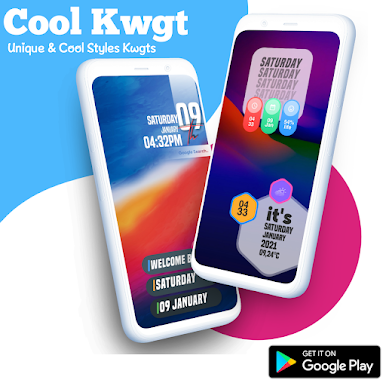
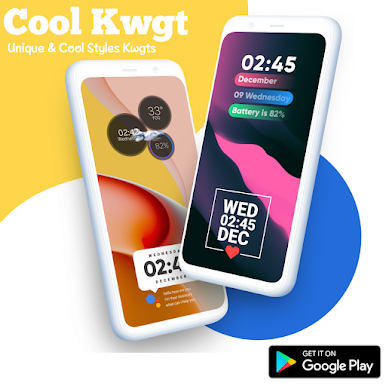
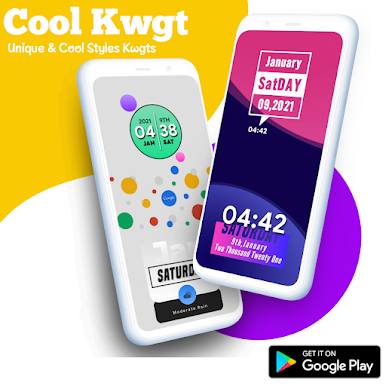
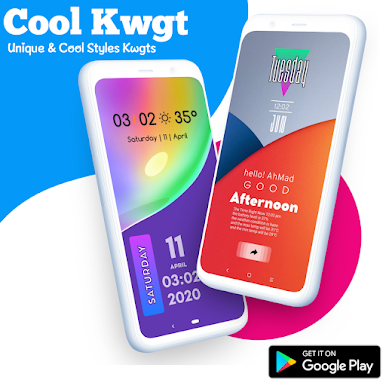
Spiele Cool Kwgt auf dem PC. Der Einstieg ist einfach.
-
Lade BlueStacks herunter und installiere es auf deinem PC
-
Schließe die Google-Anmeldung ab, um auf den Play Store zuzugreifen, oder mache es später
-
Suche in der Suchleiste oben rechts nach Cool Kwgt
-
Klicke hier, um Cool Kwgt aus den Suchergebnissen zu installieren
-
Schließe die Google-Anmeldung ab (wenn du Schritt 2 übersprungen hast), um Cool Kwgt zu installieren.
-
Klicke auf dem Startbildschirm auf das Cool Kwgt Symbol, um mit dem Spielen zu beginnen

