


ASMR Boyama!
500M + oyuncunun güvendiği Android Oyun Platformu, BlueStacks ile PC'de oynayın.

Sayfa Değiştirilme tarihi: Sep 4, 2024
Genel Bakış
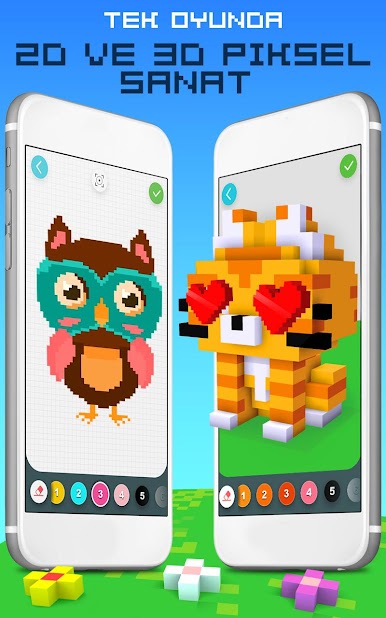
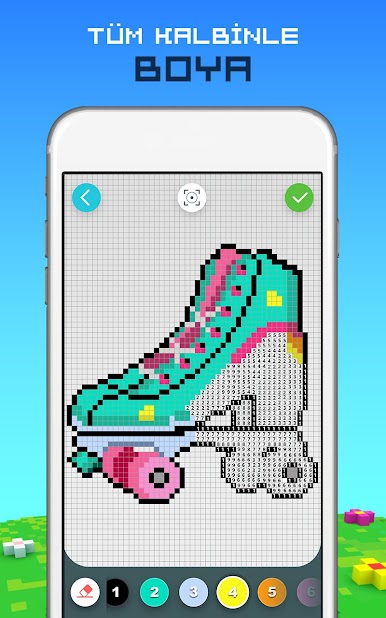
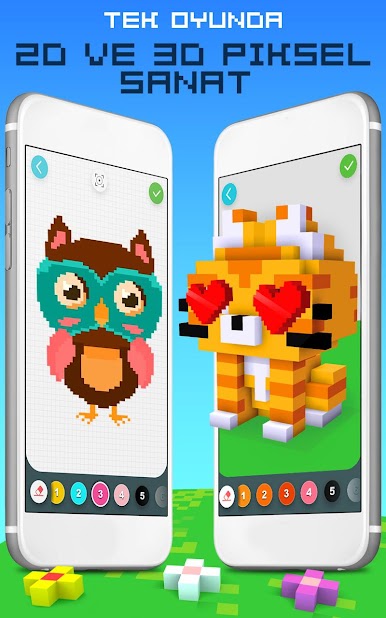
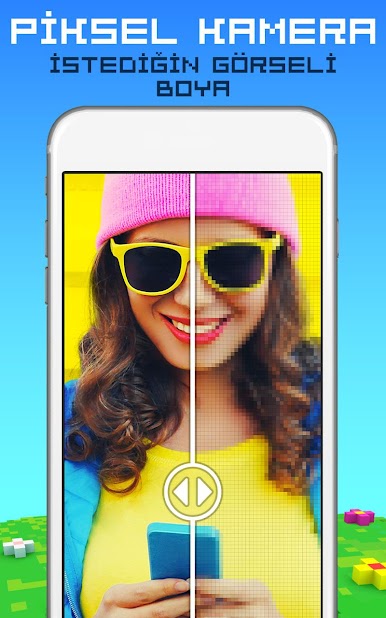
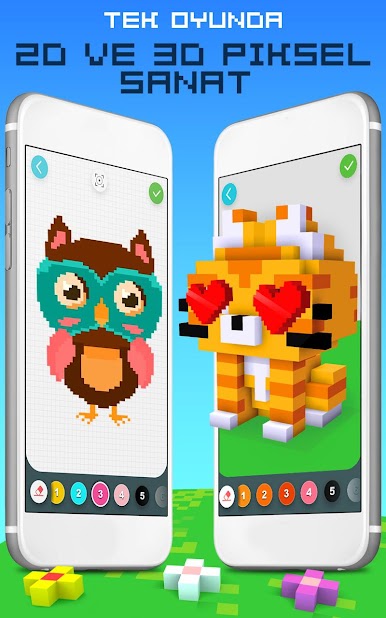
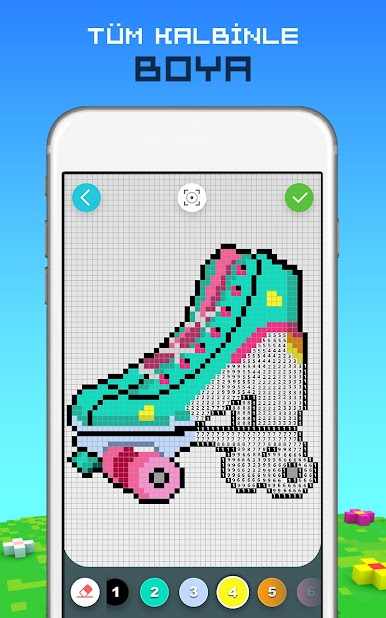
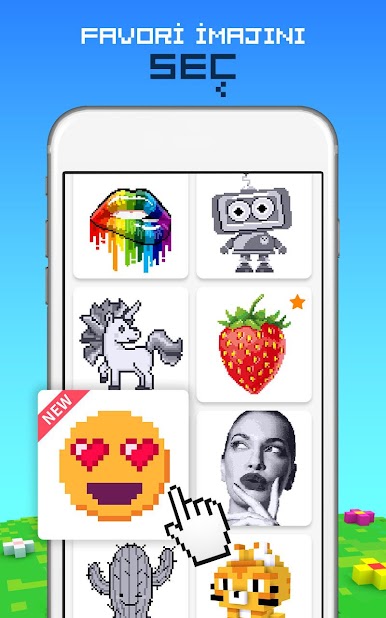
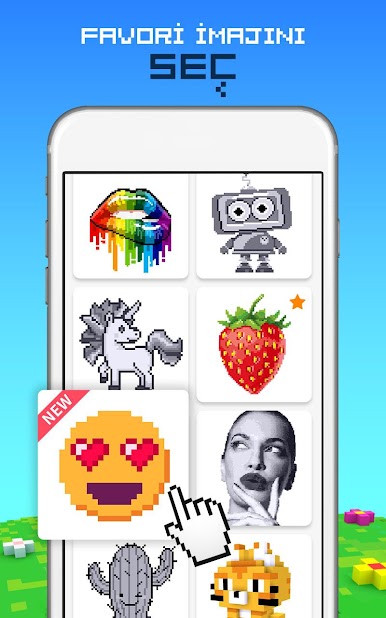
Sayıya Göre Gökkuşağı Boyama tek oyunda hem 2D hem de 3D imajları boyayabileceğiniz TEK oyun!
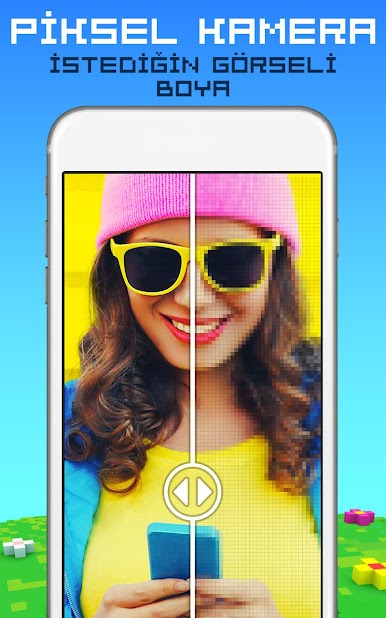
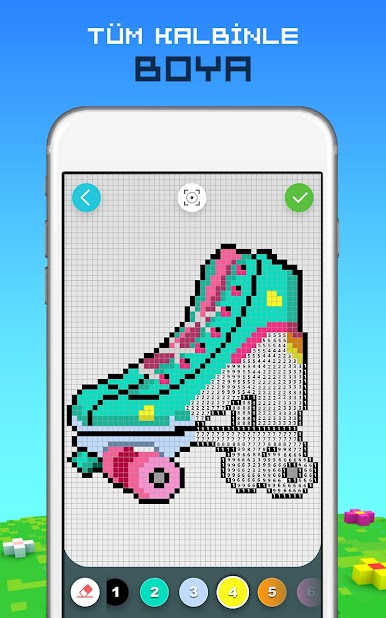
Bu rahatlatıcı yetişkinler için sayıya göre boyama uygulaması senin onları renklere dönüştürmeni ve hareket eden muhteşem 3D imajlar veya güzel 2D kreasyonlar haline gelmesini bekleyen sonsuz sayıda piksellerle dolu.
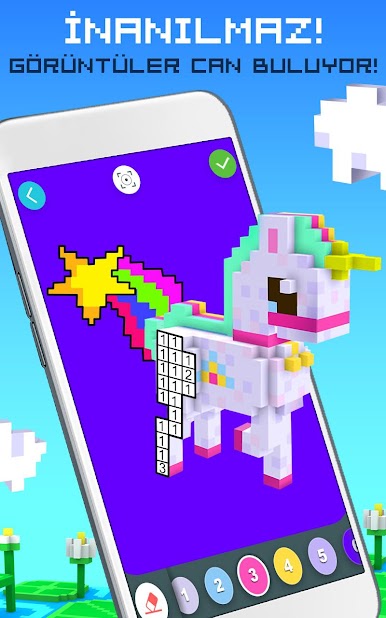
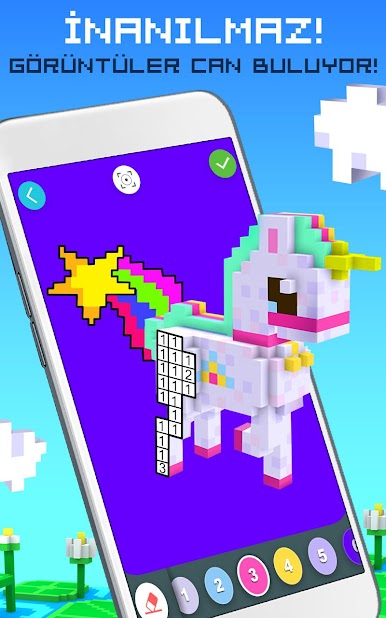
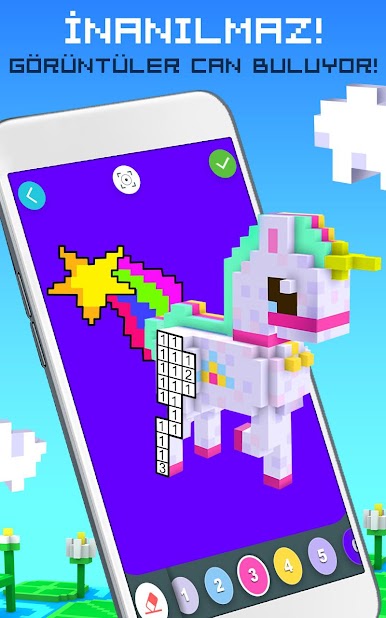
Tek yapman gereken 3D veya 2D piksel bir baş yapıtı oluşturmak için sayılara göre boyamak. Kreasyonunu 360 derece döndür ve süper havalı bir animasyonla canlanmasını izle.
Piksel kutularının içini boyadıkça ve yaratıcılığını keşfettikçe orijinal müzik soundtrackimizin tadını çıkar. Stresli bir günün ardından rahatla ve bu yetişkinler için boyama kitabı oyununda inanılmaz piksel boyama ressamı ol.
2D ve 3D 2D ve 3D Sayıya göre Gökkuşağı Boyama Piksel Sanat Özellikleri:
*Sayılara göre boya ve hayal gücünü kullan
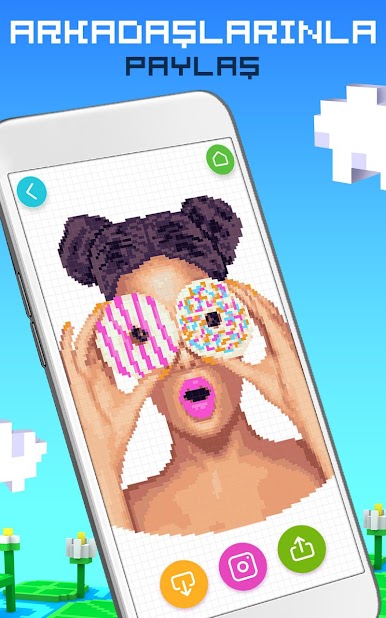
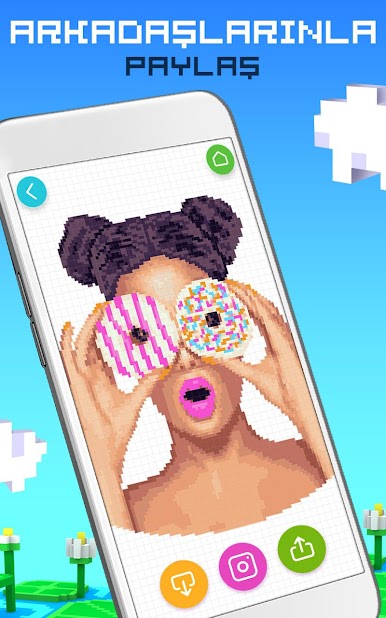
*360° 2D ve 3D yetişkinler için boyama kitabı kreasyonlarını arkadaşların ve ailenle paylaş.
*Sayılara göre 2D ve 3D Piksel boyama kreasyonunun eğlenceli bir animasyonla canlanmasını izle.
*Rahatlatıcı bir akşam için mükemmel aktivite veya güne renkli bir başlangıç
*Boyama becerilerin üzerinde çalış
*Sana ilham verecek orijinal müzik
*Çocuklara içlerindeki sanatçıyı ortaya çıkarmalarında yardımcı olur.
*Hayal edebileceğinden daha fazla renk seçeneği
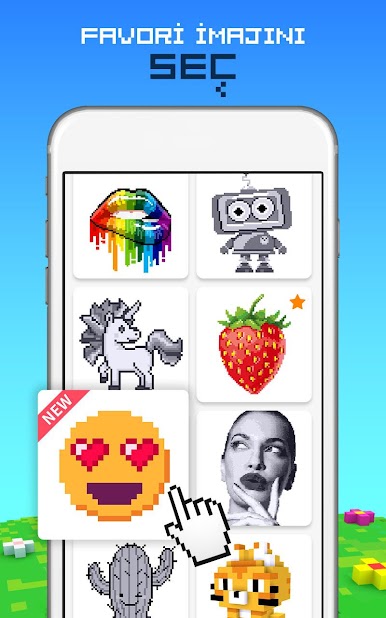
*Sonsuz güzel piksel boyama resim ve sayısız tema
ÜYELİK DETAYLARI
- Haftalık, aylık ve yıllık üyelik planları ile tüm modellere sınırsız erişim için kayıt ol.
- Tüm üyelik planları geçerli olduğu süre boyunca tüm modellerin kilidini kaldırır ve reklamları kaldırır.
- Üç üyelik seçeneği: Haftalık seçenek (2.99$/hafta), aylık seçenek (7.99$/ay) ve yıllık seçenek (39.99$/yıl).
- Ödeme satın alım onayında iTune hesabınızdan tahsil edilir.
- Üyelik, otomatik yenileme içinde bulunulan ayın sona ermesinden 24 saat öncesinde durdurulmadığı takdirde otomatik olarak yenilenir.
- Hesaptan içinde bulunulan ayın sona ermesinden 24 saat önce yenileme için ücret alınır.
- Üyelik kullanıcı tarafından yönetilebilir ve otomatik yenileme satın alımdan sonra kullanıcının Hesap Ayarlarına giderek kapatılabilir.
- Bu uygulamayı indirerek TabTale'in Gizlilik Politikasını ve Kullanım Koşullarını kabul ediyorsunuz: https://tabtale.com/privacy-policy ve https://tabtale.com/terms-of-use
- Lütfen bu Uygulamada yasal izin amaçlı sınırlandırılmış üçüncü şahıslara ait hizmetlerin bulunabileceğini unutmayın.
Ücretsiz deneme süresinin kullanılmayan kısmı, eğer teklif edilirse kullanıcı üyelik satın aldığında uzatılabilir.

ASMR Boyama! oyununu PC'de oyna. Başlamak çok kolay.
-
BlueStacks'i PC'nize İndirin ve Yükleyin
-
Play Store'a erişmek için Google girişi yapın ya da daha sonraya bırakın.
-
Sağ üst köşeye ASMR Boyama! yazarak arayın.
-
ASMR Boyama! uygulamasını arama sonuçlarından indirmek için tıklayın.
-
(iEğer Adım 2'yi atladıysanız) ASMR Boyama! uygulamasını yüklemek için Google'a giriş yapın.
-
Oynatmaya başlatmak için ekrandaki ASMR Boyama! ikonuna tıklayın.

