


Sabbath School & PM
Spiele auf dem PC mit BlueStacks - der Android-Gaming-Plattform, der über 500 Millionen Spieler vertrauen.

Seite geändert am: Oct 6, 2025
Play Sabbath School & PM on PC
The perfect app for studying and sharing God’s Word!
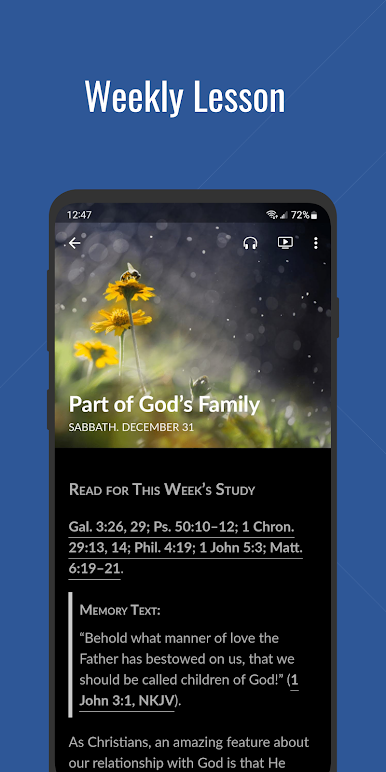
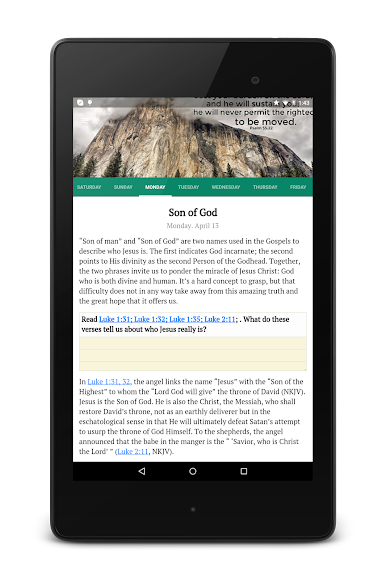
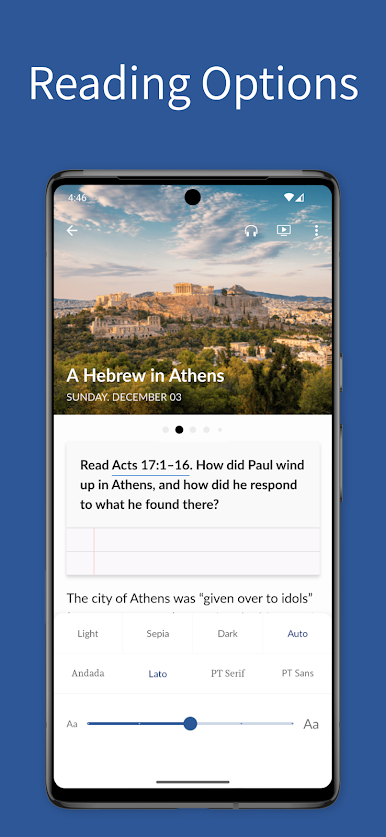
Studying Sabbath School has never been easier. Now you can take your Sabbath School Bible study guide with you wherever you go.
Mobile App content and features include:
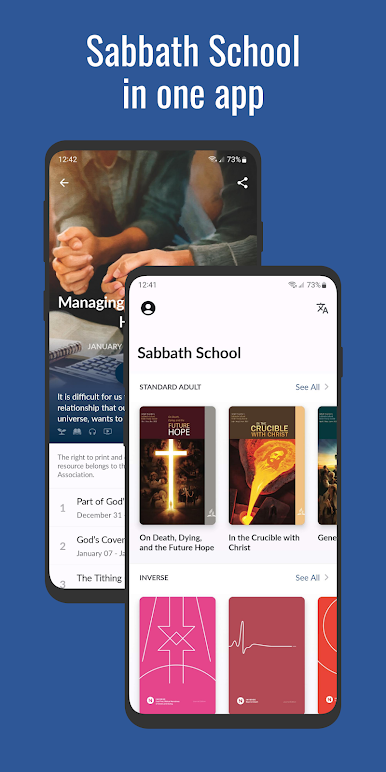
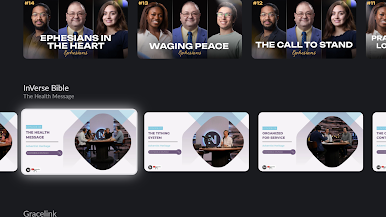
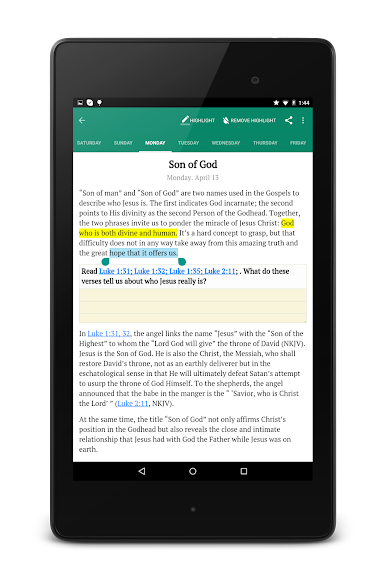
- Adult Sabbath School Bible study guide, in both standard and easy reading editions, and the new InVerse Bible study guide for young adults
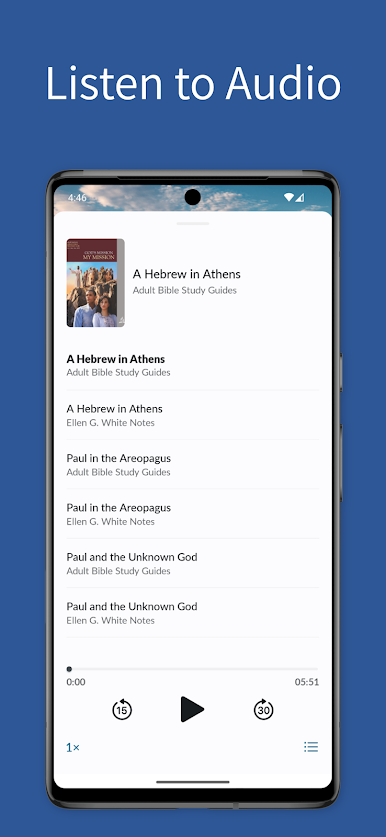
- Ellen White notes under each day’s reading
- Teacher notes and the Hope Sabbath School Outline for teachers
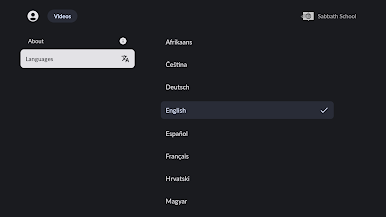
- Multiple language support
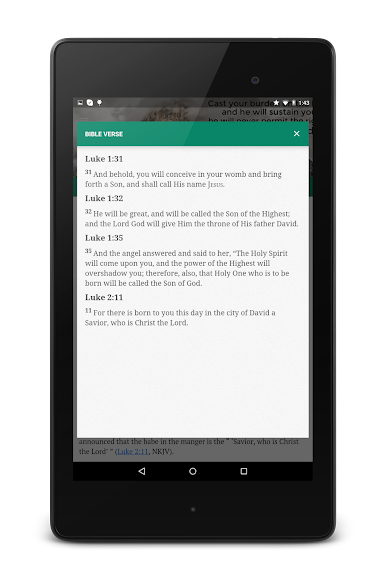
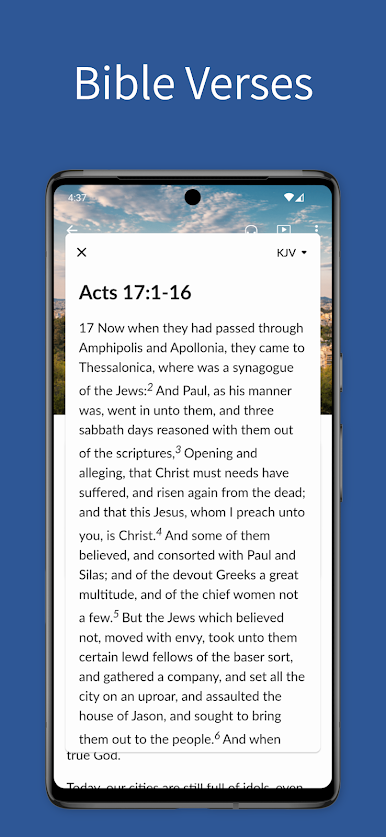
- Links to Bible references in 5 different Bible versions
- Type notes and highlight text
- Simple and easy to use interface
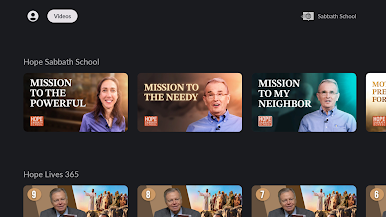
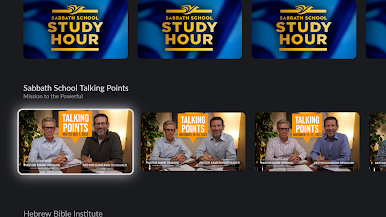
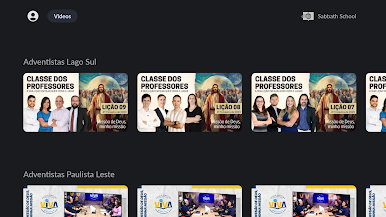
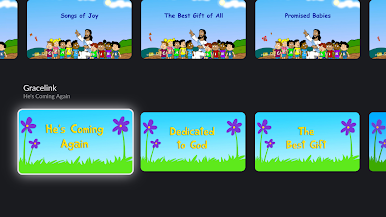
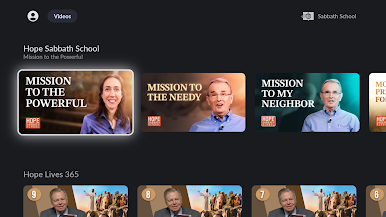
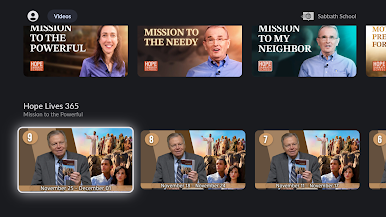
Android TV features include:
- Watch Sabbath School study videos
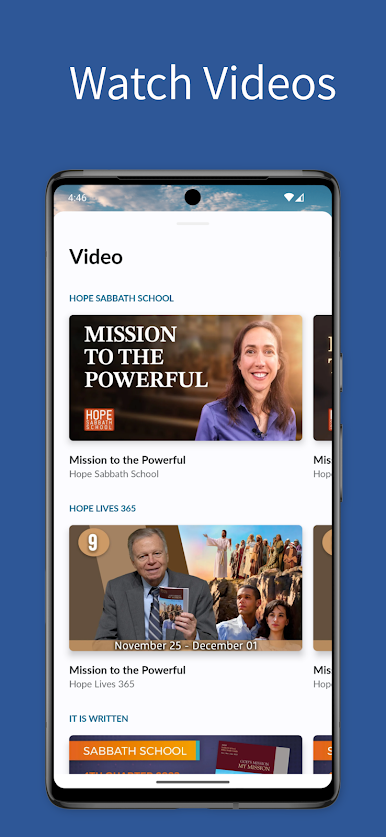
Spiele Sabbath School & PM auf dem PC. Der Einstieg ist einfach.
-
Lade BlueStacks herunter und installiere es auf deinem PC
-
Schließe die Google-Anmeldung ab, um auf den Play Store zuzugreifen, oder mache es später
-
Suche in der Suchleiste oben rechts nach Sabbath School & PM
-
Klicke hier, um Sabbath School & PM aus den Suchergebnissen zu installieren
-
Schließe die Google-Anmeldung ab (wenn du Schritt 2 übersprungen hast), um Sabbath School & PM zu installieren.
-
Klicke auf dem Startbildschirm auf das Sabbath School & PM Symbol, um mit dem Spielen zu beginnen

