


Cupixel: Make art with a twist
Spiele auf dem PC mit BlueStacks - der Android-Gaming-Plattform, der über 500 Millionen Spieler vertrauen.

Seite geändert am: Dec 1, 2025
Play Cupixel: make art with a twist on PC
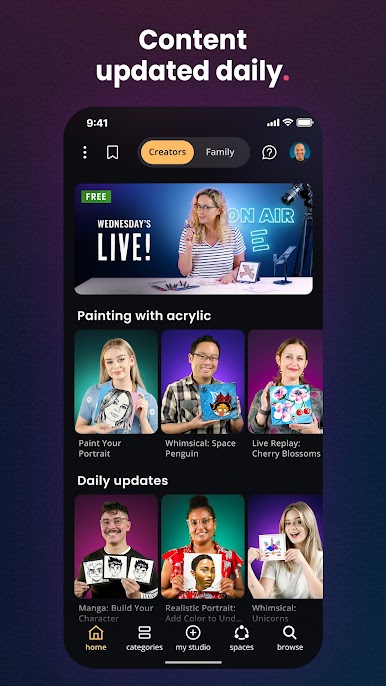
Cupixel makes drawing and painting approachable by combining artist-led classes with guided tools. Whether you're just starting out or looking to sharpen your skills, you’ll have everything you need to make artwork you’re proud of.
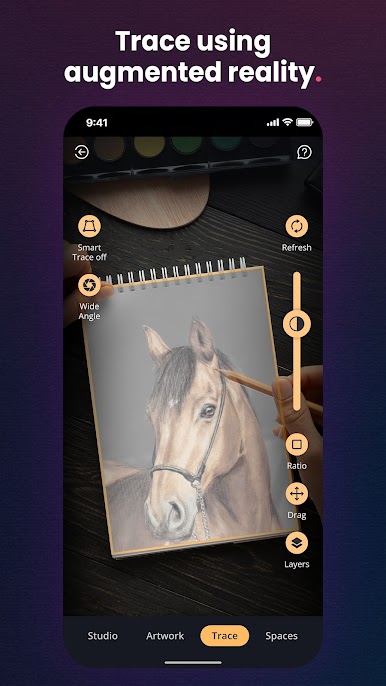
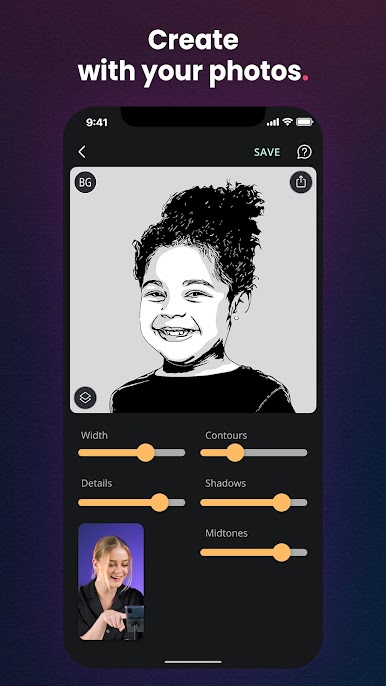
Explore step-by-step lessons in pencil sketching, watercolor, journaling, comics, acrylics, and more. Turn your own photos into custom traceable art, or choose from thousands of ready-made templates and styles.
Key Features:
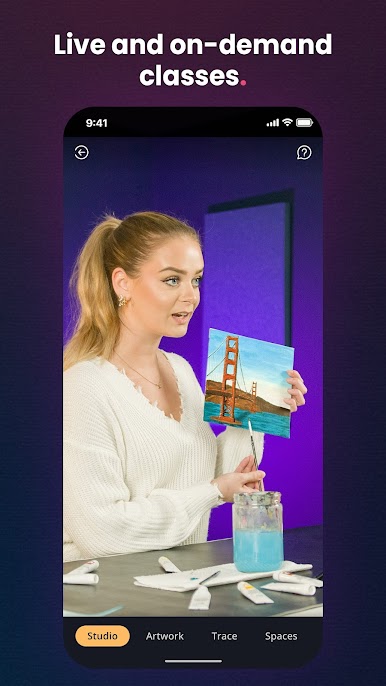
🎨 Artist-Guided Classes – Relaxed, podcast-style sessions led by real artists
📷 Photo to Art – Transform your photos into traceable artwork in different styles
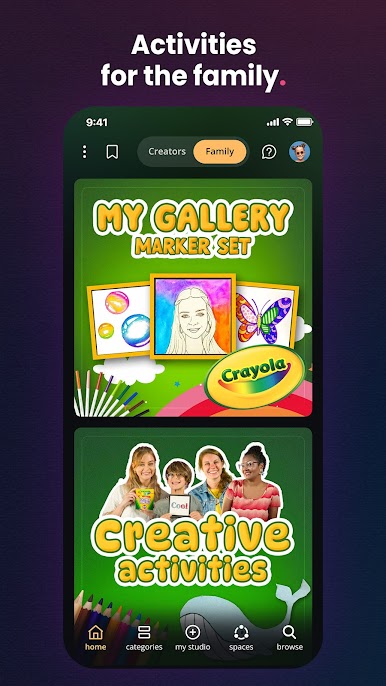
🖼 5,000+ Templates – Sketch, paint, journal, or even decorate your shoes
📹 Magic Timelapse – Your artwork is automatically recorded as a timelapse
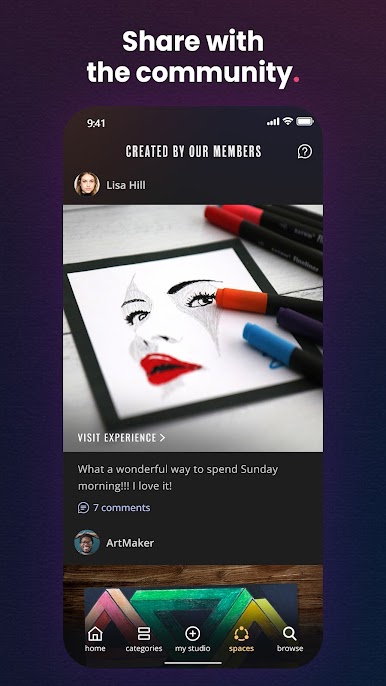
💬 Community Spaces – Share your creations, get feedback, and connect with others
📦 Art Sets – Use your own tools or order a set with everything you need
How It Works:
1. Choose what you want to create
2. Follow the step-by-step instructions
3. Share it or keep it just for you
Cupixel is for anyone who wants to create. No pressure, no experience required. Just clear guidance and the right tools to help you get started.
Spiele Cupixel: Make art with a twist auf dem PC. Der Einstieg ist einfach.
-
Lade BlueStacks herunter und installiere es auf deinem PC
-
Schließe die Google-Anmeldung ab, um auf den Play Store zuzugreifen, oder mache es später
-
Suche in der Suchleiste oben rechts nach Cupixel: Make art with a twist
-
Klicke hier, um Cupixel: Make art with a twist aus den Suchergebnissen zu installieren
-
Schließe die Google-Anmeldung ab (wenn du Schritt 2 übersprungen hast), um Cupixel: Make art with a twist zu installieren.
-
Klicke auf dem Startbildschirm auf das Cupixel: Make art with a twist Symbol, um mit dem Spielen zu beginnen

