


WellTrack Boost
Spiele auf dem PC mit BlueStacks - der Android-Gaming-Plattform, der über 500 Millionen Spieler vertrauen.

Seite geändert am: Dec 19, 2025
Play WellTrack Boost on PC
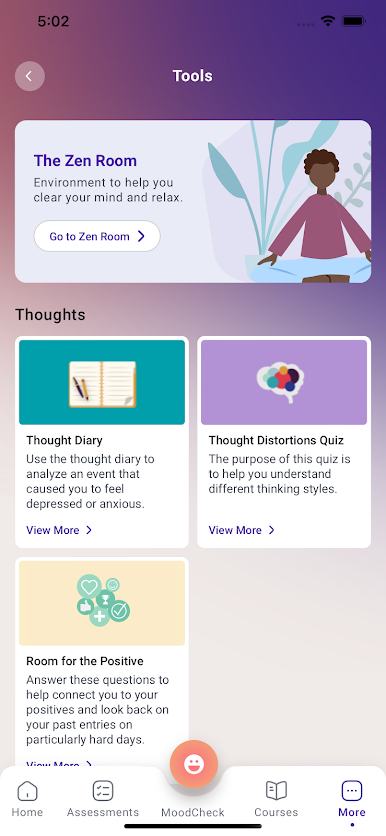
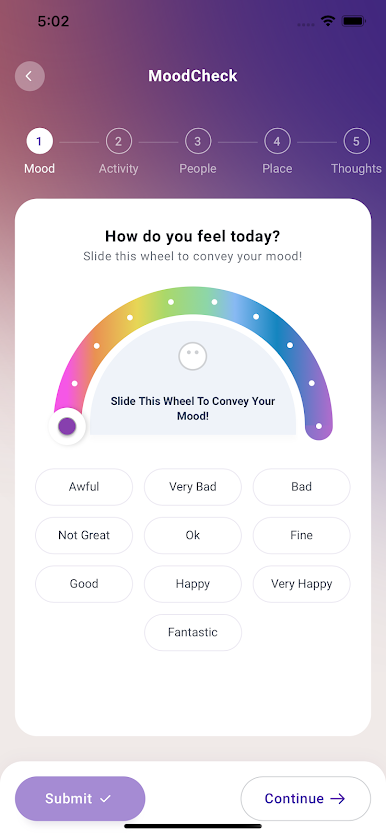
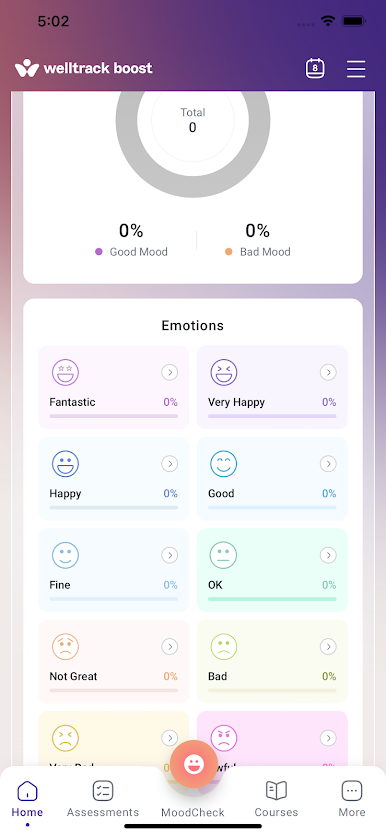
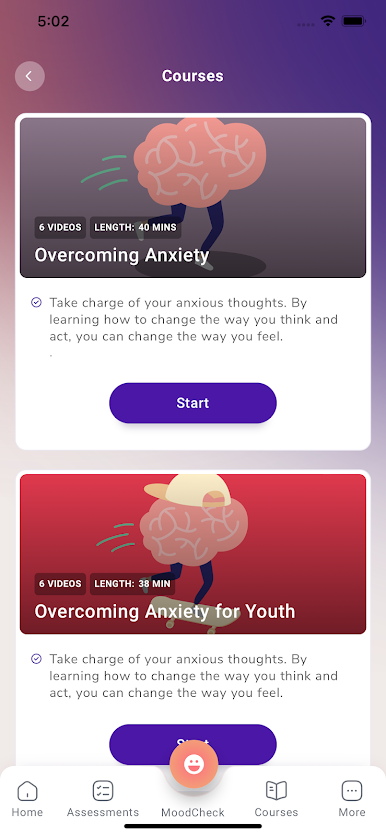
Welltrack Boost can help you get better and maintain your mental health through our self-help video series on different mental health topics, daily MoodChecks, Zen Room for relaxation, therapeutic digital tools, local resources and self-assessments.
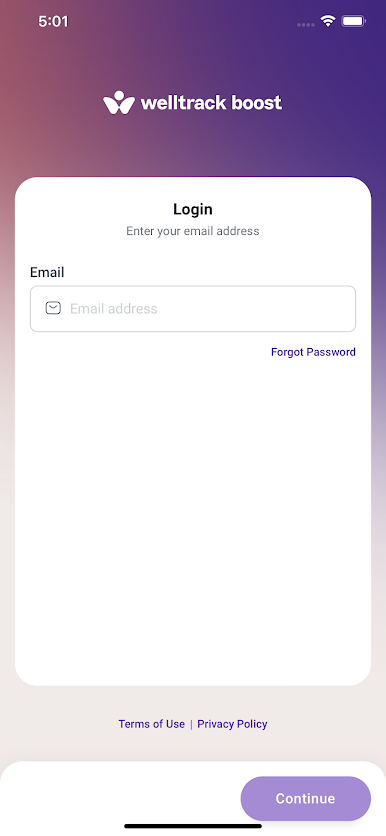
Welltrack Boost is a free download that comes with a 2 week free trial for anyone. After that, full access can be achieved through an individual subscription or association with a subscribing organization such as your university, county or state mental health organization, insurance company, or employer.
For more information, please contact info@welltrack.com
Read more about our terms and conditions here - https://app.welltrack-boost.com/terms-and-conditions
Read more about our privacy policy here - https://app.welltrack-boost.com/privacy-policy
Spiele WellTrack Boost auf dem PC. Der Einstieg ist einfach.
-
Lade BlueStacks herunter und installiere es auf deinem PC
-
Schließe die Google-Anmeldung ab, um auf den Play Store zuzugreifen, oder mache es später
-
Suche in der Suchleiste oben rechts nach WellTrack Boost
-
Klicke hier, um WellTrack Boost aus den Suchergebnissen zu installieren
-
Schließe die Google-Anmeldung ab (wenn du Schritt 2 übersprungen hast), um WellTrack Boost zu installieren.
-
Klicke auf dem Startbildschirm auf das WellTrack Boost Symbol, um mit dem Spielen zu beginnen

