


Image Converter
500M + oyuncunun güvendiği Android Oyun Platformu, BlueStacks ile PC'de oynayın.

Sayfa Değiştirilme tarihi: Feb 18, 2018
Play Image Converter on PC
At the moment, there is supported a record number of graphic formats (more than 260) and various dialects (more than 800). You can get images such as JPEG, BMP, GIF, PDF, PSD, PNG, TIFF and others.
How to convert:
• Add files to the conversion list.
• Choose the format: BMP, DDS, EPS, EXR, GIF, ICO, JPG, MNG, PCX, PNG, PSD, PDF, SVG, TGA, TIFF, VTF (some formats support the settings - use them to get the best result).
• Click "Convert!".
• Find the result in the specified output directory
Searching for how to look at a HEIC (HEIF) format? Use our converter - just convert HEIC to JPEG or any other format.
Examples of conversions:
* HEIC to JPEG
* PNG to JPEG
* JPEG to PNG
* DDS to JPEG
* PNG to DDS
* JPG to VTF
RAW formats support: CR2 to JPG and NEF to JPG
To convert RAW we use the utility DCRAW. It provides the maximum possible support for new formats.
In addition, you can make a resize, just specify the required size!
Did not find the right option or operation? Write to us and we will try to implement it.
A short list of FAQ:
Q: I cannot convert images as there is a constant error, what should I do?
A: Write to us, we will try to sort it out.
Q: How can I combine images into one PDF?
A: For this we developed a free utility "Image to PDF" - you can find it on our developer page.
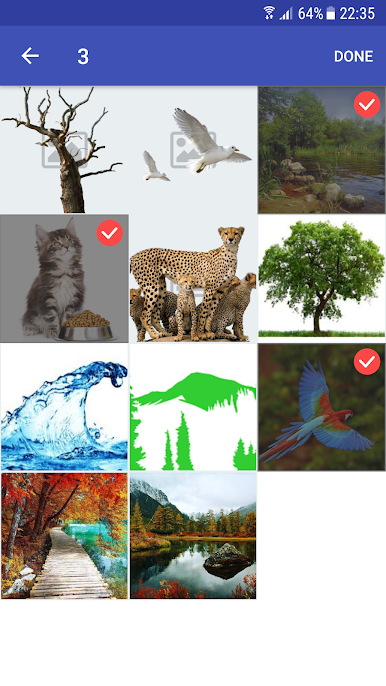
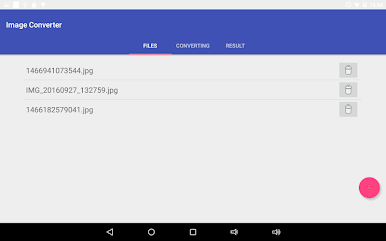

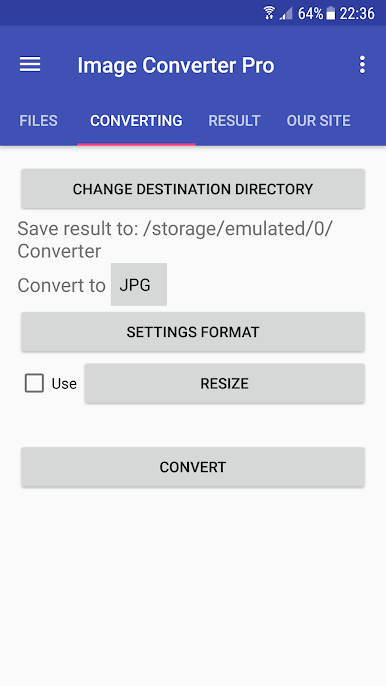

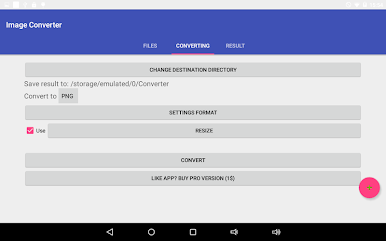

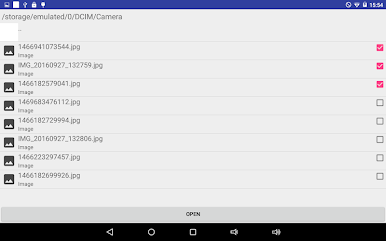

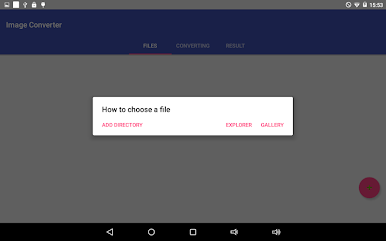


Image Converter oyununu PC'de oyna. Başlamak çok kolay.
-
BlueStacks'i PC'nize İndirin ve Yükleyin
-
Play Store'a erişmek için Google girişi yapın ya da daha sonraya bırakın.
-
Sağ üst köşeye Image Converter yazarak arayın.
-
Image Converter uygulamasını arama sonuçlarından indirmek için tıklayın.
-
(iEğer Adım 2'yi atladıysanız) Image Converter uygulamasını yüklemek için Google'a giriş yapın.
-
Oynatmaya başlatmak için ekrandaki Image Converter ikonuna tıklayın.

