


Alltag - Tagebuch mit Schloss
Spiele auf dem PC mit BlueStacks - der Android-Gaming-Plattform, der über 500 Millionen Spieler vertrauen.

Seite geändert am: Dec 15, 2025
Play DailyLife - My Diary, Journal on PC
Capture every precious moment and inner thought with DailyLife, the beautifully designed diary and journal app perfect for keeping your memories safe and sound. Whether you're chronicling daily adventures, processing emotions, or simply jotting down ideas, DailyLife offers a secure and personalized space to reflect and grow.
More Than Just a Diary:
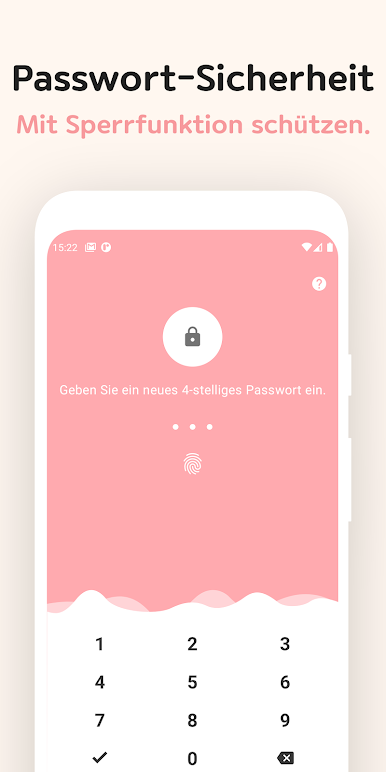
* Secure Your Secrets: Protect your private thoughts with password, pin code, and fingerprint lock. Your entries remain on your device – your privacy is our priority.
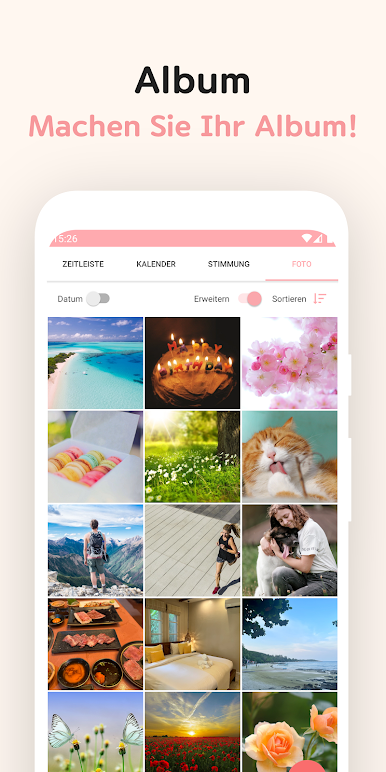
* Visual Storytelling: Enrich your entries with multiple photos, creating a vibrant tapestry of your life. Browse your memories in the dedicated photo album.
* Remember Every Detail: Attach music to your entries and even sketch directly within the app with the pen drawing feature. Pinpoint special moments with location tagging and integrated map features.
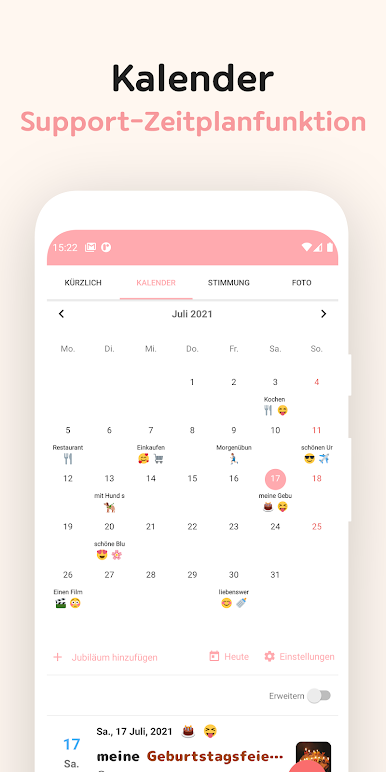
* Effortless Organization: Search entries by keyword, hashtag, or date using the intuitive calendar view. Never lose track of a thought again.
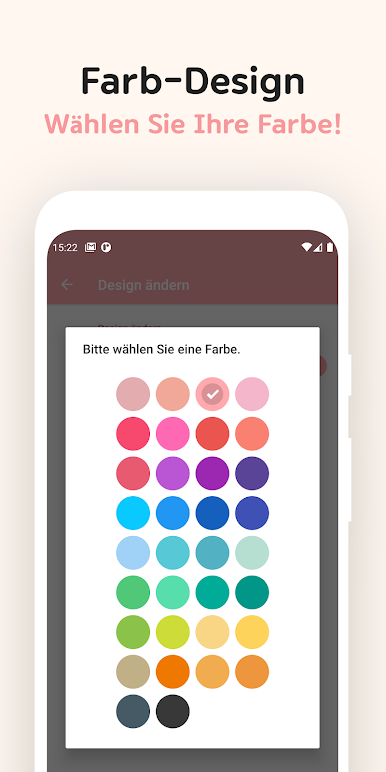
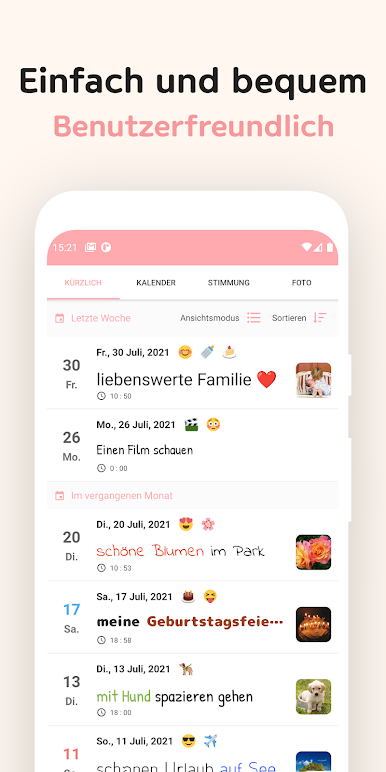
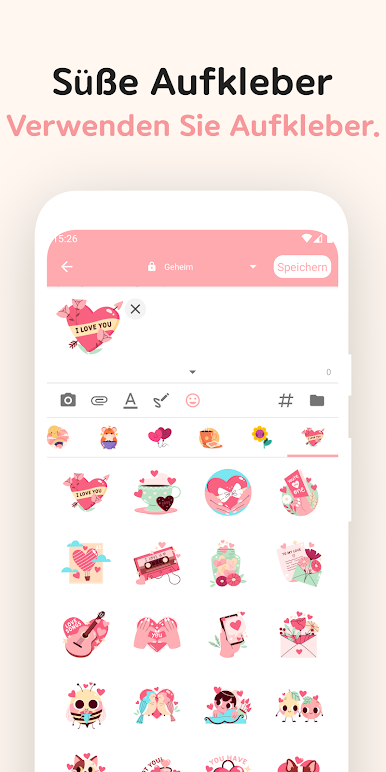
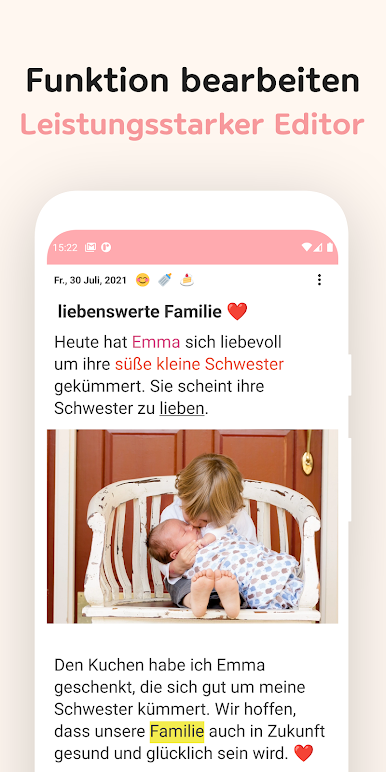
* Personalized Touch: Choose from a variety of fonts, including cute cursive styles, and customize your profile to truly make it your own. Stay consistent with helpful daily reminders.
* Peace of Mind: Securely back up and restore your diary entries to your private Google Drive. Export your diary to PDF for safekeeping and sharing.
Find Your Perfect Diary Companion:
Searching for a "diary"? Look no further. DailyLife offers all the features you need and more: from rich text formatting and multimedia integration to robust security and seamless organization. Download DailyLife for FREE today and begin your journey of self-discovery!
Spiele Alltag - Tagebuch mit Schloss auf dem PC. Der Einstieg ist einfach.
-
Lade BlueStacks herunter und installiere es auf deinem PC
-
Schließe die Google-Anmeldung ab, um auf den Play Store zuzugreifen, oder mache es später
-
Suche in der Suchleiste oben rechts nach Alltag - Tagebuch mit Schloss
-
Klicke hier, um Alltag - Tagebuch mit Schloss aus den Suchergebnissen zu installieren
-
Schließe die Google-Anmeldung ab (wenn du Schritt 2 übersprungen hast), um Alltag - Tagebuch mit Schloss zu installieren.
-
Klicke auf dem Startbildschirm auf das Alltag - Tagebuch mit Schloss Symbol, um mit dem Spielen zu beginnen

