


Guess It - forbidden words!
Играйте на ПК с BlueStacks – игровой платформе для приложений на Android. Нас выбирают более 500 млн. игроков.

Страница изменена: Oct 22, 2025
Play Guess It - forbidden words! on PC
How to play? 🎴
To play the social party game Guess It let's split into two teams (soon available more) and then start the game by handing the phone to one of the people. Let's also choose a person from the opposing team who will check the player whether he follows the rules of the game. When the round is over, the opposing team starts its turn.
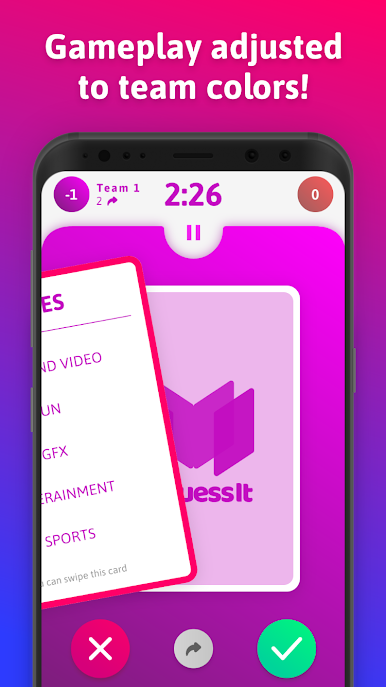
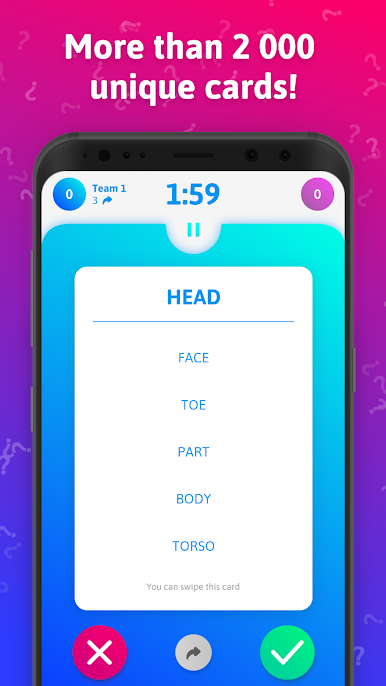
The player's goal is to help his team to guess the keyword, which is visible at the top of the Guess It cards. The more words the team guesses in the shortest possible time, the better! While describing the keyword you are not allowed to use the forbidden words visible in the cards. You can also arrange a ban on using gestures, similar words, and more! Just agree with your friends on the exact rules!
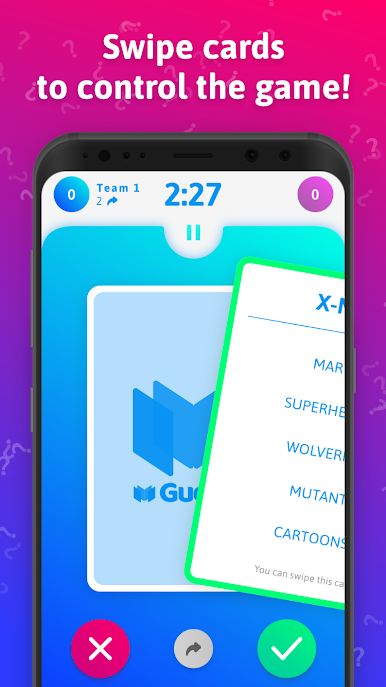
In Guess It, you can use gestures to control cards. When your teammates guessed the word right and you explained it correctly, swipe the card to the right. When something went wrong, swipe the card to the left. To skip the card, swipe it down!
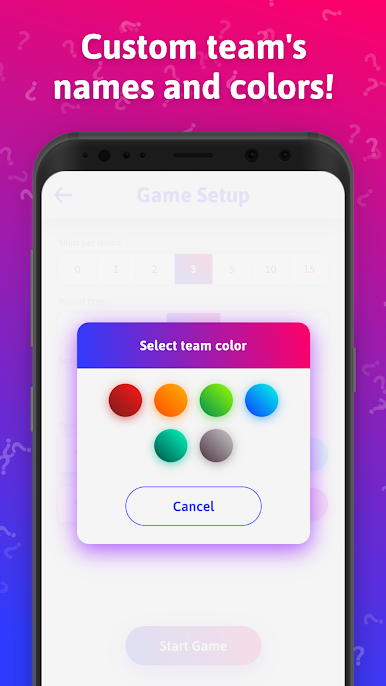
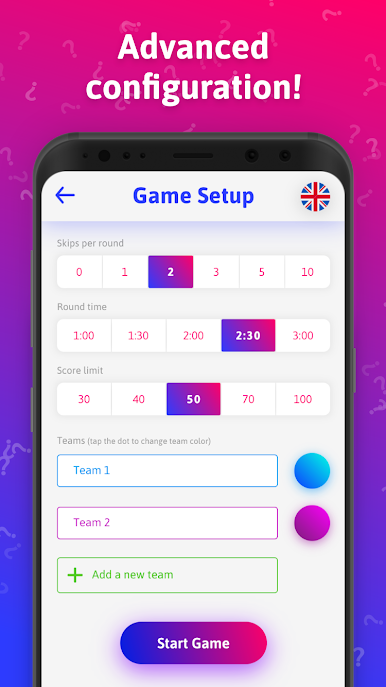
The game allows you to configure the time of the round, the limit of points, the number of skips, names, and colors of teams! 🌈
The game lasts until one of the teams reaches the pre-set number of points! 🏆
Have fun! ❤️
Disclaimer:
Guess It is not associated with Hasbro or Hersch and Company's Taboo, Tabou, Tabu, Tabù, Tabuh, or any other variants of the Taboo, Alias or Uno products, registered trademarks.
Играйте в игру Guess It - forbidden words! на ПК. Это легко и просто.
-
Скачайте и установите BlueStacks на ПК.
-
Войдите в аккаунт Google, чтобы получить доступ к Google Play, или сделайте это позже.
-
В поле поиска, которое находится в правой части экрана, введите название игры – Guess It - forbidden words!.
-
Среди результатов поиска найдите игру Guess It - forbidden words! и нажмите на кнопку "Установить".
-
Завершите авторизацию в Google (если вы пропустили этот шаг в начале) и установите игру Guess It - forbidden words!.
-
Нажмите на ярлык игры Guess It - forbidden words! на главном экране, чтобы начать играть.

