

Prépa concours (14 concours)
Spiele auf dem PC mit BlueStacks - der Android-Gaming-Plattform, der über 500 Millionen Spieler vertrauen.

Seite geändert am: Oct 29, 2025
Run Concours fonction publique 2020 on PC or Mac
Upgrade your experience. Try Concours fonction publique 2020, the fantastic Education app from digiSchool Group, from the comfort of your laptop, PC, or Mac, only on BlueStacks.
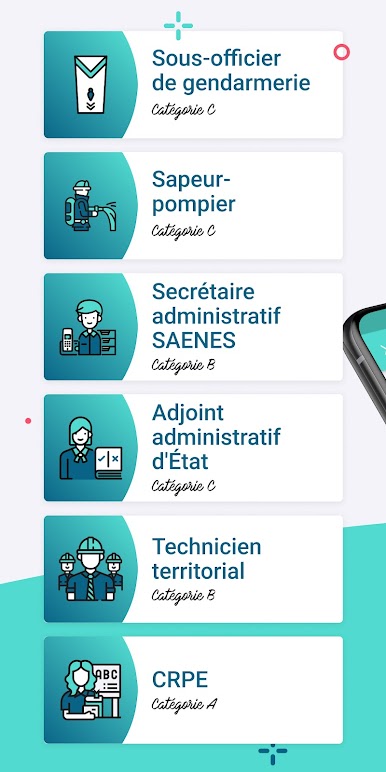
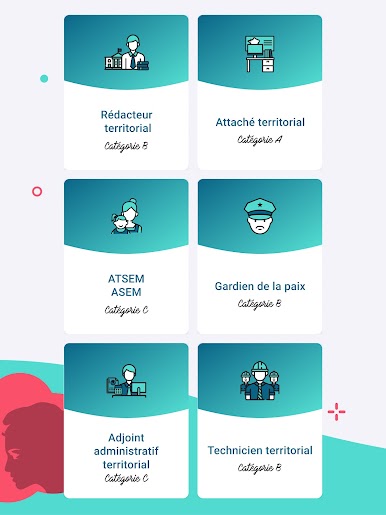
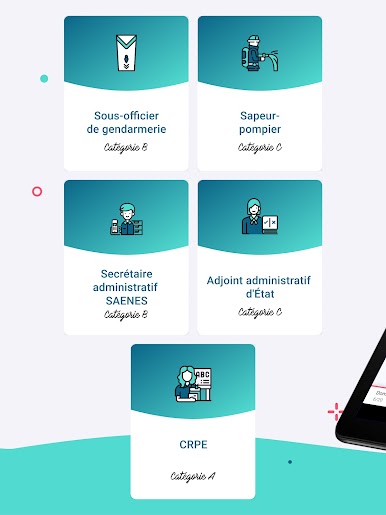
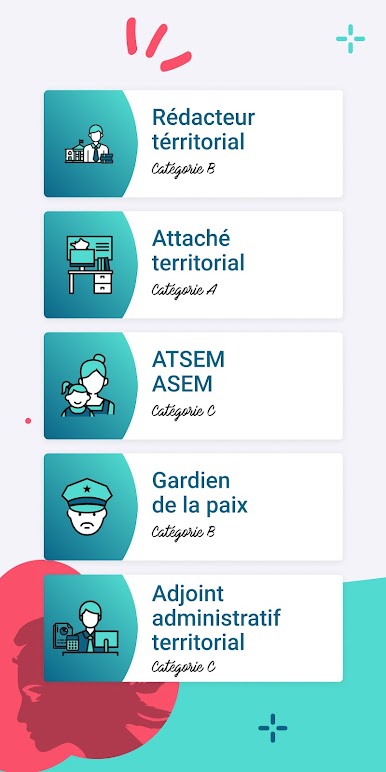
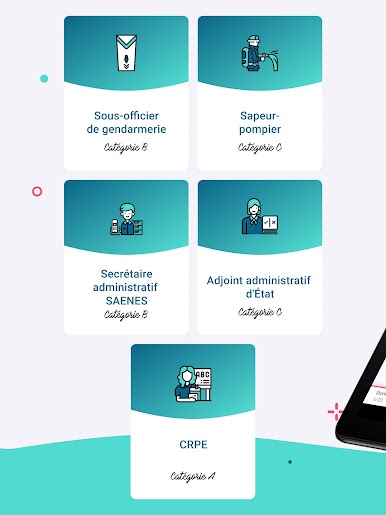
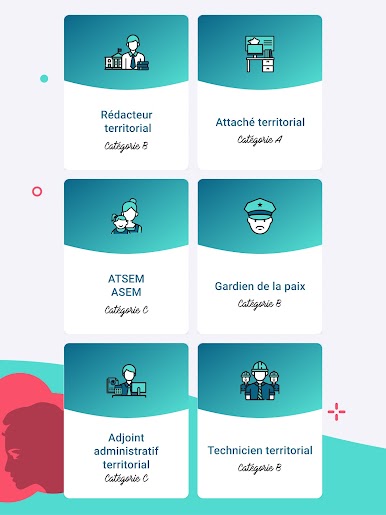
Concours fonction publique 2020 feels like a straight-to-the-point study buddy for French public service exams. It is built with digiSchool and Foucher, so it leans into real exam formats and vocabulary. The app groups content by track, like Attaché territorial (category A), ATSEM (category C), Sous-officier de la gendarmerie (category B), and Gardien de la paix (category B). There are more tracks listed as coming soon, such as Secrétaire administratif, Adjoint administratif d’État, Rédacteur territorial, and Adjoint administratif territorial. Everything is in French, so it suits someone prepping for these specific French competitions. On a PC through BlueStacks, the long lessons and video bits are easier to sit with, and clicking through questions with a mouse is quick.
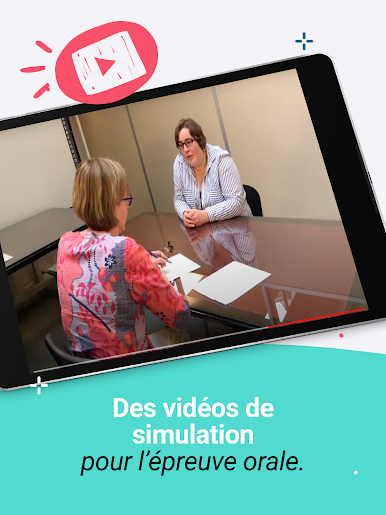
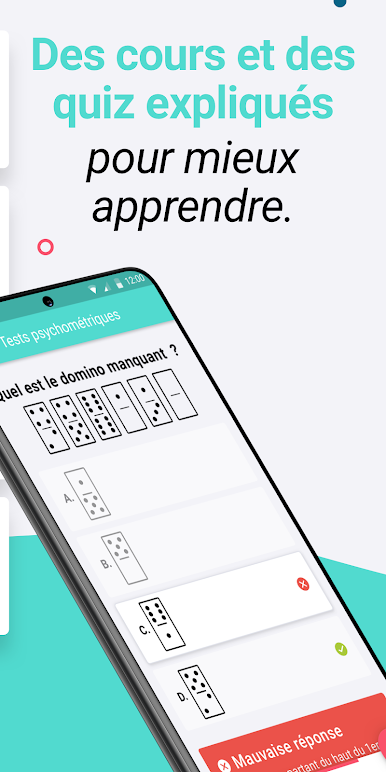
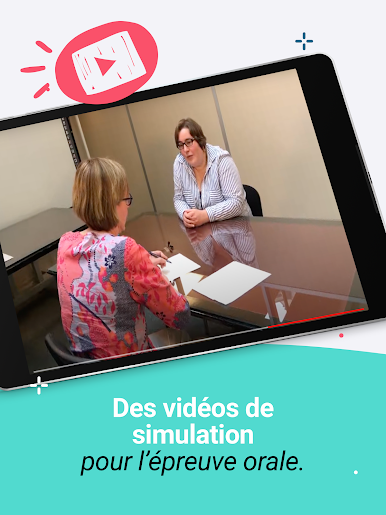
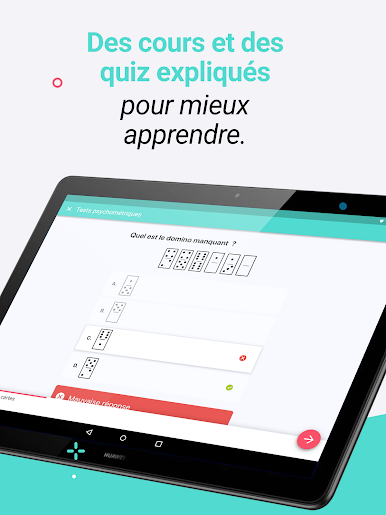
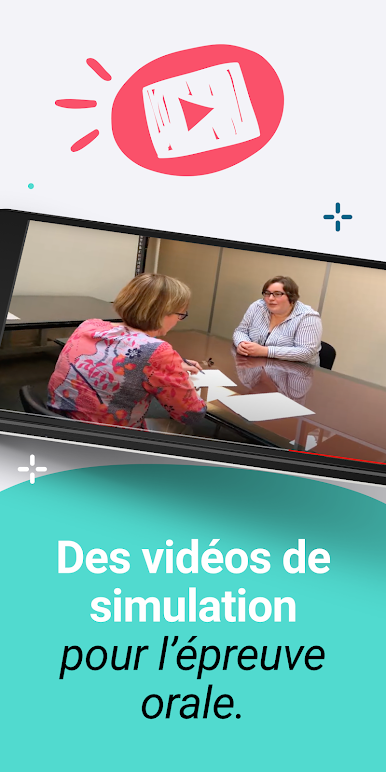
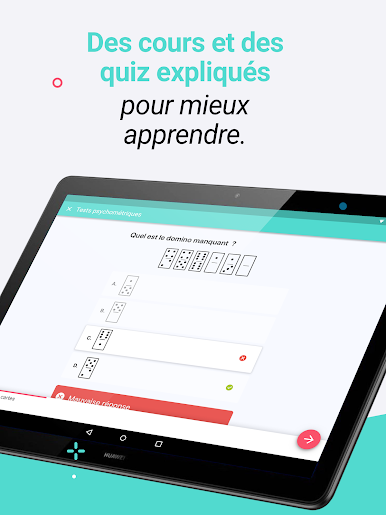
What stands out is how much material is packed in without feeling chaotic. There are more than a thousand short lessons, about fifteen hundred multiple choice questions, and those helpful “annales” with corrected answers so it is not just guessing in the dark. The video simulations for the oral exam are a nice touch, showing how a jury session actually plays out and what tone to aim for. Quizzes can be tuned by choosing the number of questions, which is handy for quick sessions or a longer grind. The interface is simple, progress is easy to track, and explanations show up where they matter, right after a mistake. It is practical study, not flashy, and that is kind of the point.
Eager to take your app experience to the next level? Start right away by downloading BlueStacks on your PC or Mac.






Spiele Prépa concours (14 concours) auf dem PC. Der Einstieg ist einfach.
-
Lade BlueStacks herunter und installiere es auf deinem PC
-
Schließe die Google-Anmeldung ab, um auf den Play Store zuzugreifen, oder mache es später
-
Suche in der Suchleiste oben rechts nach Prépa concours (14 concours)
-
Klicke hier, um Prépa concours (14 concours) aus den Suchergebnissen zu installieren
-
Schließe die Google-Anmeldung ab (wenn du Schritt 2 übersprungen hast), um Prépa concours (14 concours) zu installieren.
-
Klicke auf dem Startbildschirm auf das Prépa concours (14 concours) Symbol, um mit dem Spielen zu beginnen

