

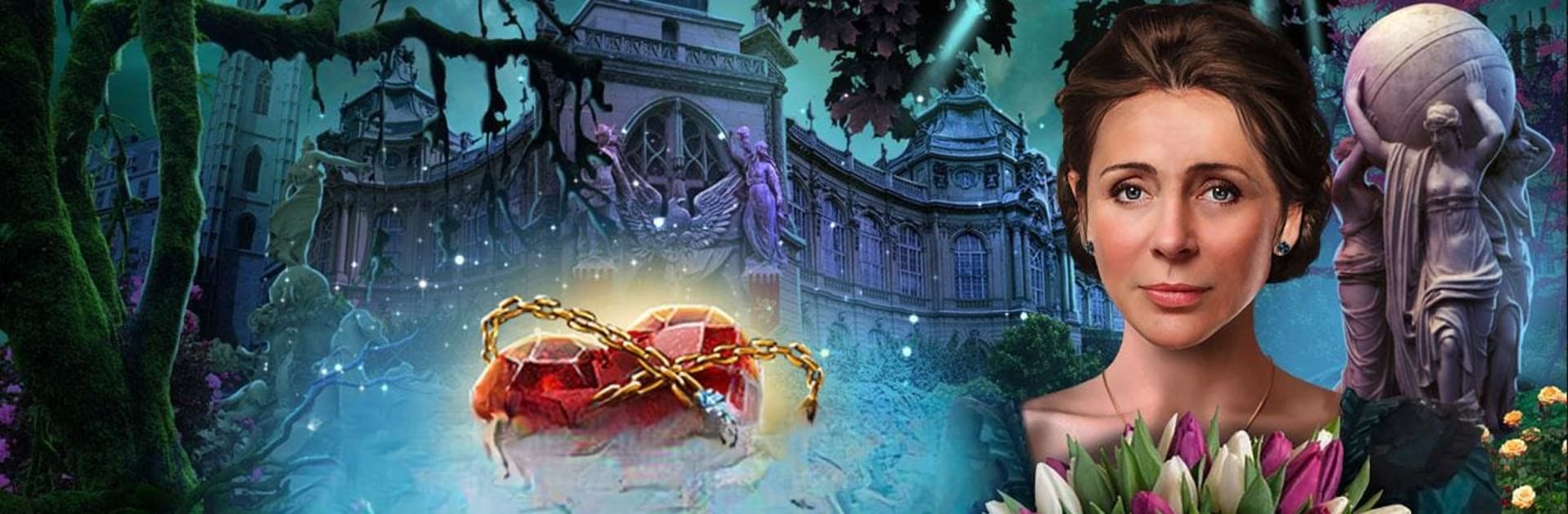
Dark Romance: Show Zum Sterben
Spiele auf dem PC mit BlueStacks - der Android-Gaming-Plattform, der über 500 Millionen Spieler vertrauen.

Seite geändert am: Feb 21, 2025
Play Dark Romance: Performance on PC or Mac
Explore a whole new adventure with Dark Romance: Performance, a Puzzle game created by Do Games Limited. Experience great gameplay with BlueStacks, the most popular gaming platform to play Android games on your PC or Mac.
Dark Romance: Performance is one of those hidden object adventures that leans hard into gothic drama. The setup is classic theatre mystery: a masked figure snatches the opera singer sweetheart right before a big performance, and the chase slips into a strange world where the living and the dead tangle. Gameplay is the usual mix of search scenes and mini puzzles, but the tone is what stands out. Rooms feel theatrical, lots of velvet and candlelight, and then a ghost pops up with an attitude problem. The player pokes through detailed scenes, finds lists of items, solves locks, lines up symbols, that sort of thing, and there is a Strategy Guide built in when a puzzle does not click.
On PC with BlueStacks, the mouse makes scanning for tiny objects less fussy and the bigger screen helps spot morphing collectibles without squinting. It runs smooth, and quick-clicking through scenes is simple. Difficulty can be nudged with generous hints or turned down if someone wants zero hand holding. There is a bonus chapter about a stolen voice that ties back into the music theme, plus achievements, musical instrument collectibles with little notes about each, and a special currency for decorating a boudoir if that kind of side goal is relaxing. Expect more story and atmosphere than challenge, a few clever twists, some backtracking managed by a helpful map, and lots of that Phantom style romance-gone-wrong energy. The trial lets players see if the pace works before unlocking the full story.
Start your journey now. Download the game on BlueStacks, invite your friends, and march on a new adventure.
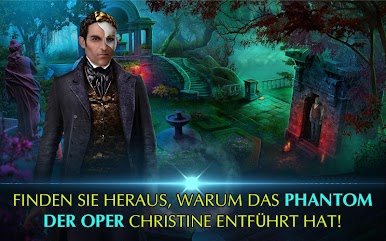



Spiele Dark Romance: Show Zum Sterben auf dem PC. Der Einstieg ist einfach.
-
Lade BlueStacks herunter und installiere es auf deinem PC
-
Schließe die Google-Anmeldung ab, um auf den Play Store zuzugreifen, oder mache es später
-
Suche in der Suchleiste oben rechts nach Dark Romance: Show Zum Sterben
-
Klicke hier, um Dark Romance: Show Zum Sterben aus den Suchergebnissen zu installieren
-
Schließe die Google-Anmeldung ab (wenn du Schritt 2 übersprungen hast), um Dark Romance: Show Zum Sterben zu installieren.
-
Klicke auf dem Startbildschirm auf das Dark Romance: Show Zum Sterben Symbol, um mit dem Spielen zu beginnen

