


Handy orten per handynummer
Spiele auf dem PC mit BlueStacks - der Android-Gaming-Plattform, der über 500 Millionen Spieler vertrauen.

Seite geändert am: Dec 7, 2025
Run Live Mobile Number Locator App on PC or Mac
Multitask effortlessly on your PC or Mac as you try out Live Mobile Number Locator App, a Tools app by Droid-Developer on BlueStacks.
About the App
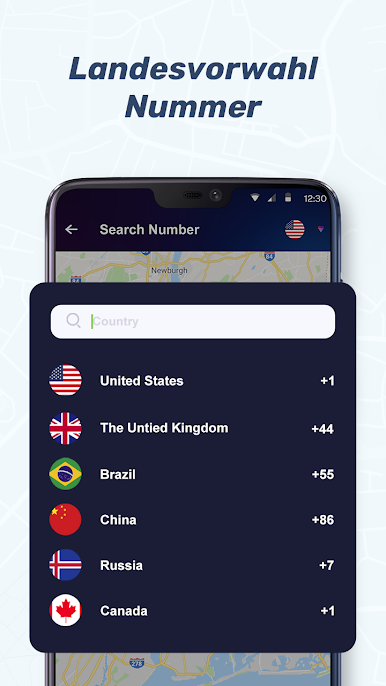
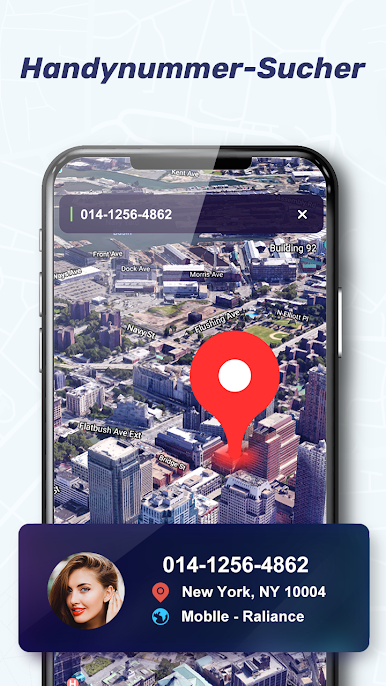
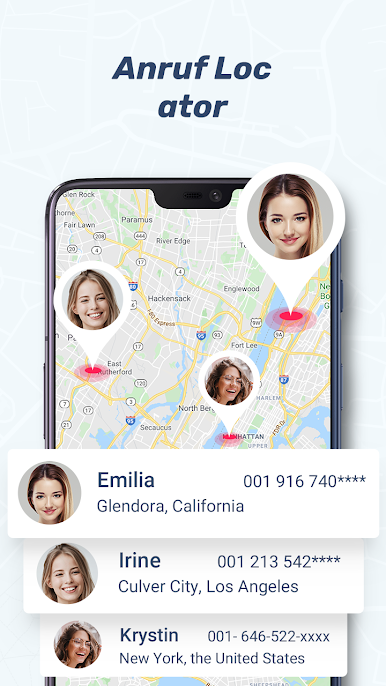
Ever get calls from random numbers and wonder who’s really on the other end? The Live Mobile Number Locator App by Droid-Developer is made for folks who’d rather not play guessing games whenever the phone rings. With this handy tool in your pocket (or even fired up on your computer with BlueStacks), you get some real peace of mind—track incoming numbers, find out where they’re from, and keep those annoying callers at bay.
App Features
-
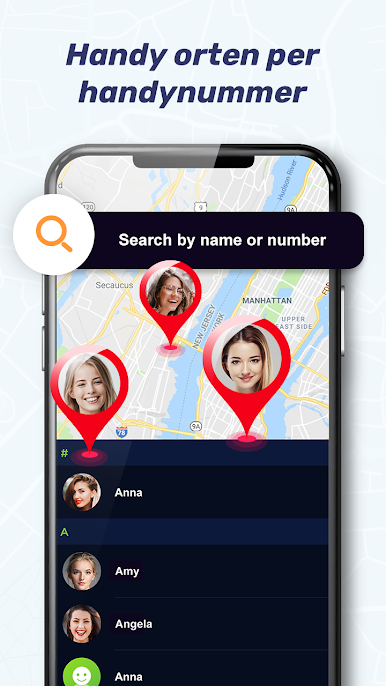
Real-Time Number Locator
Pinpoint where a call is coming from as soon as it hits, letting you know more about the number before even thinking about picking up. -
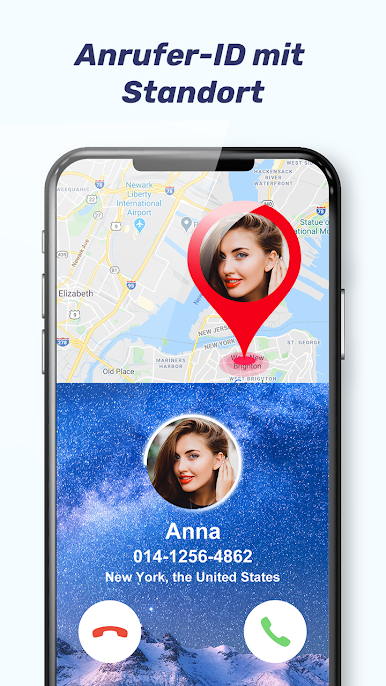
Instant Caller ID
Forget wondering if it’s another telemarketer or that person you’ve actually been waiting to hear from. The app’s quick caller ID feature pops up right away, displaying who’s calling so you don’t have to guess. -
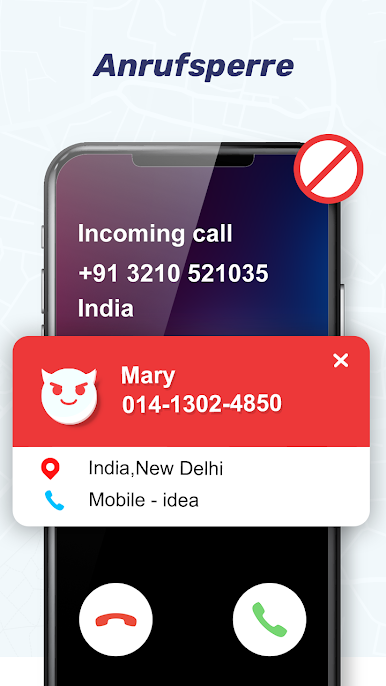
Call Blocking, Made Simple
Keep your day interruption-free by blocking unwanted numbers right from the app. No more spam calls or mystery interruptions—just the calls you actually care about. -
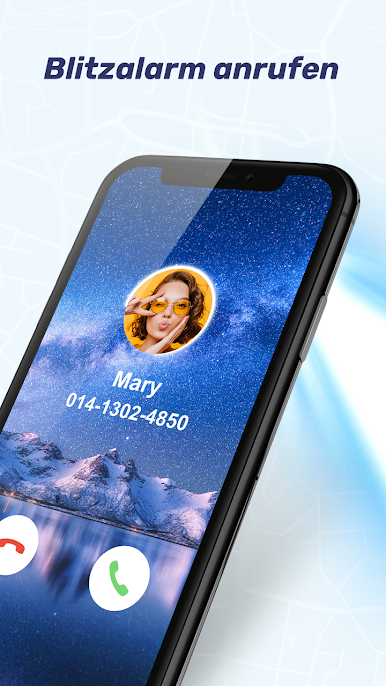
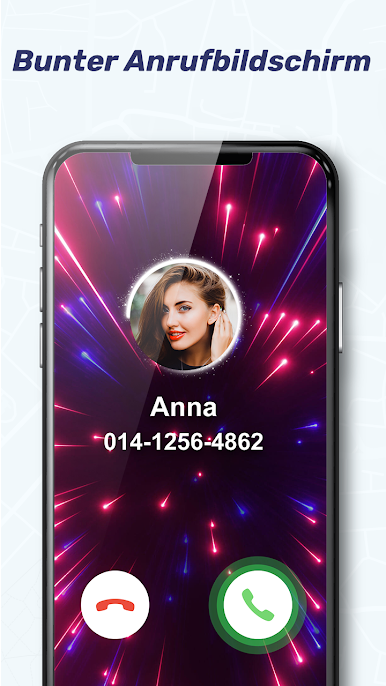
Custom Call Screen and Ringtones
If you like personal touches, you’ll enjoy being able to switch up your call screen style and set ringtones that fit your mood. Way better than the same old factory settings. -
Flashlight & HLR Lookup Tools
It’s not just a locator—need a flashlight in a pinch or want a quick hlr lookup? It’s all here, easy to access from one spot. -
Caller Number Announcer
Get your phone to announce who’s calling without lifting a finger—you’ll know exactly who’s calling, even if your hands are tied.
With the Live Mobile Number Locator App, you’re always a step ahead. Find out who’s calling, where they’re from, and manage your calls the way you want—whether you’re on your phone or running the app through BlueStacks for an easier view.
BlueStacks brings your apps to life on a bigger screen—seamless and straightforward.


Spiele Handy orten per handynummer auf dem PC. Der Einstieg ist einfach.
-
Lade BlueStacks herunter und installiere es auf deinem PC
-
Schließe die Google-Anmeldung ab, um auf den Play Store zuzugreifen, oder mache es später
-
Suche in der Suchleiste oben rechts nach Handy orten per handynummer
-
Klicke hier, um Handy orten per handynummer aus den Suchergebnissen zu installieren
-
Schließe die Google-Anmeldung ab (wenn du Schritt 2 übersprungen hast), um Handy orten per handynummer zu installieren.
-
Klicke auf dem Startbildschirm auf das Handy orten per handynummer Symbol, um mit dem Spielen zu beginnen

