


Drone Harmony für DJI Drohnen
Spiele auf dem PC mit BlueStacks - der Android-Gaming-Plattform, der über 500 Millionen Spieler vertrauen.

Seite geändert am: Sep 17, 2022
Run Drone Harmony Planner (DJI Mavic, Phantom, Spark) on PC or Mac
Let BlueStacks turn your PC, Mac, or laptop into the perfect home for Drone Harmony Planner (DJI Mavic, Phantom, Spark), a fun Tools app from Drone Harmony AG.
About the App
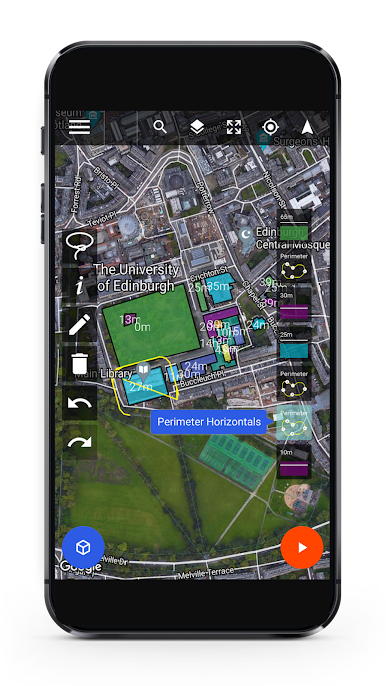
Ever wanted to fly your DJI drone like you’ve been doing it for years? Drone Harmony Planner (DJI Mavic, Phantom, Spark) makes it simple to create detailed, pro-quality flight plans right from your phone or web browser. Whether you’re mapping fields, inspecting buildings, or chasing that perfect cinematic shot, this app streamlines the whole planning and flying process. You’ll get a hands-on, intuitive way to set up missions and let your drone do the rest—so your aerial footage comes out just the way you imagined.
App Features
-
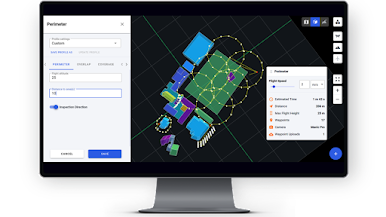
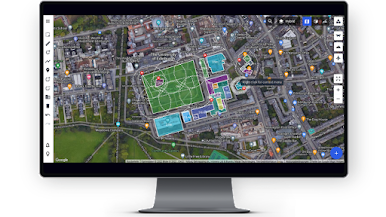
Easy Scene Setup
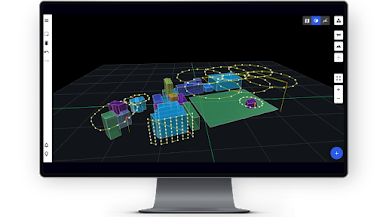
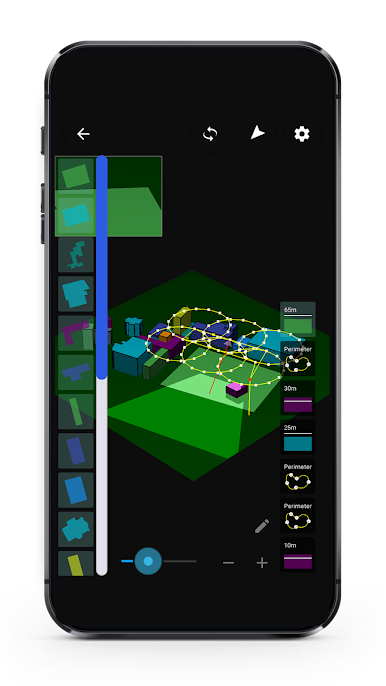
Just mark out your area of interest—could be fields, rooftops, or landmarks—directly on the map. Identify stuff like trees or tall buildings as obstacles, and the app will factor them in automatically. -
Choose Your Perfect Flight Plan
Browse a variety of flight plan templates, whether you’re shooting an epic orbit, a dramatic reveal, or tackling a technical inspection job. Pick one that matches your scene, and Drone Harmony Planner shapes everything for you. -
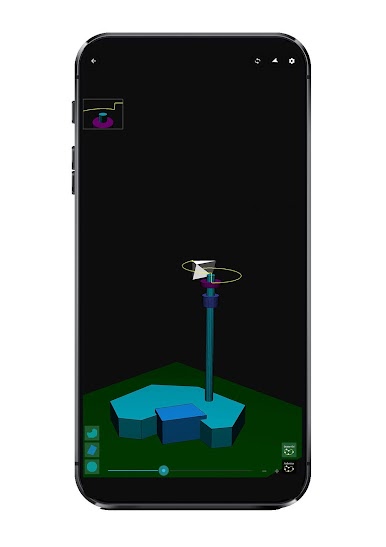
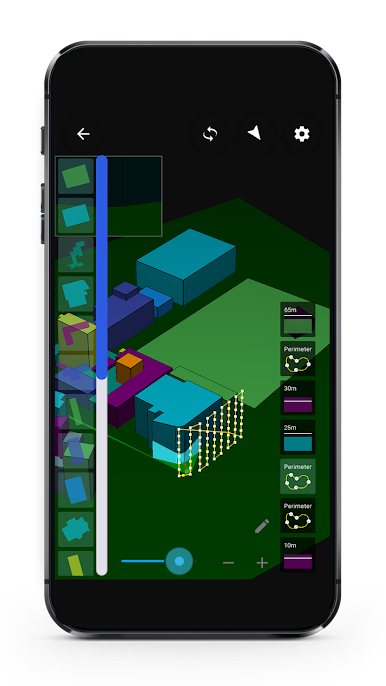
3D Mission Preview
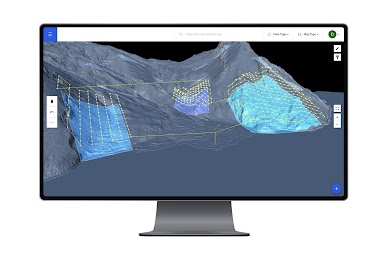
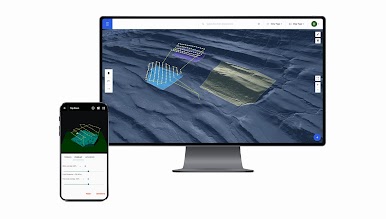
Not sure how your flight’s shaping up? Review your entire plan in both 2D and 3D, making tweaks on the fly until everything fits just right. -
Automatic, Precise Flying
Once you’re ready to go, the planner takes the controls, flying your route and capturing images or video as planned. Pause, adjust something mid-mission, then resume—smooth and stress-free. -
Smart Obstacle Avoidance
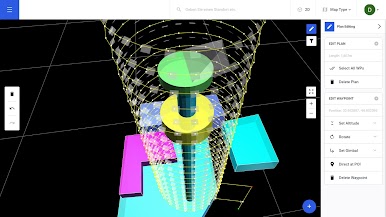
Draw obstacles or no-fly zones, and let the built-in algorithms handle safe paths around them. No more worrying about clipping that one annoying tree. -
Full Camera Control
Adjust all your camera settings based on light and scene, from shutter speed to gimbal angle—so you get the kind of footage you’re after, every time. -
Unlimited, Smoother Flights
Forget being boxed in by waypoint limits. This app lets you plan long, elegant flights—and it automatically smooths out drone moves and camera angles for pro-level video results. -
Wide Compatibility
Works with a bunch of DJI models, including Mavic, Phantom, and Spark drones. To get the most out of the experience, you can use BlueStacks to run Drone Harmony Planner (DJI Mavic, Phantom, Spark) right on your computer. -
Professional Results, Effortlessly
Whether you’re gathering precise imagery for work or posting gorgeous clips on social, Drone Harmony Planner turns tricky flight planning into something anyone can manage.
Ready to experience Drone Harmony Planner (DJI Mavic, Phantom, Spark) on a bigger screen, in all its glory? Download BlueStacks now.
Spiele Drone Harmony für DJI Drohnen auf dem PC. Der Einstieg ist einfach.
-
Lade BlueStacks herunter und installiere es auf deinem PC
-
Schließe die Google-Anmeldung ab, um auf den Play Store zuzugreifen, oder mache es später
-
Suche in der Suchleiste oben rechts nach Drone Harmony für DJI Drohnen
-
Klicke hier, um Drone Harmony für DJI Drohnen aus den Suchergebnissen zu installieren
-
Schließe die Google-Anmeldung ab (wenn du Schritt 2 übersprungen hast), um Drone Harmony für DJI Drohnen zu installieren.
-
Klicke auf dem Startbildschirm auf das Drone Harmony für DJI Drohnen Symbol, um mit dem Spielen zu beginnen

