

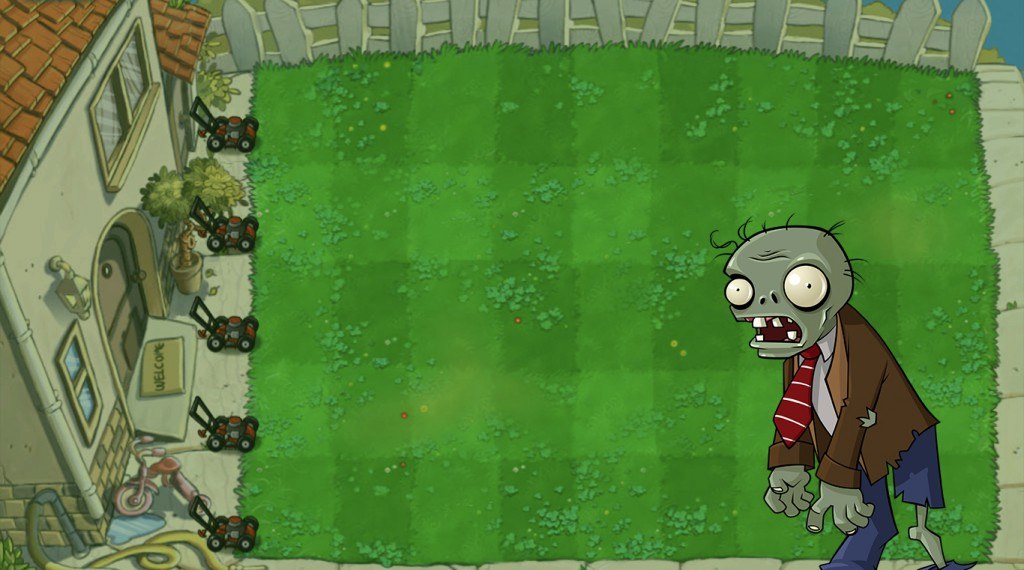
Plants vs. Zombies™
Spiele auf dem PC mit BlueStacks - der Android-Gaming-Plattform, der über 500 Millionen Spieler vertrauen.

Seite geändert am: Aug 12, 2026
Spiel Plants vs. Zombies™ auf deinem PC oder Mac
Plants vs. Zombies ist ein Strategiespiel entwickelt von ELECTRONIC ARTS. Der BlueStacks App-Player ist die beste Plattform (Emulator), um dieses Android-Spiel auf deinem PC oder Mac zu spielen und in ein fesselndes Spielerlebnis einzutauchen.
Die Zombiehorden sind zurück und hungriger denn je. All deine Nachbarn und Freunde sind den schwerfälligen, umherziehenden Untoten erlegen, aber du hast einen Plan, um ihre schorfigen Klauen von deiner wertvollen Hirnmasse fernzuhalten – deinen Garten!
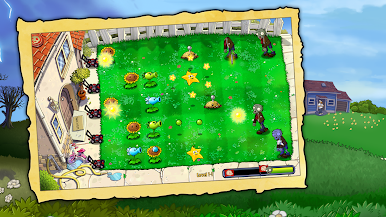
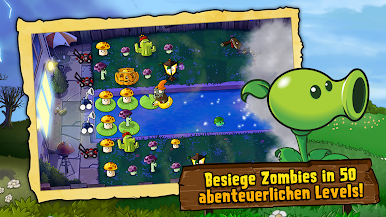
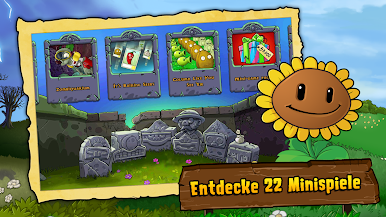
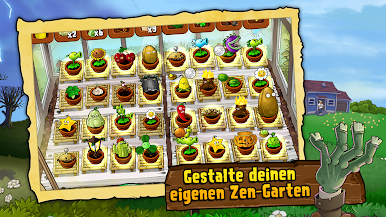
Erlebe das klassische Plants vs. Zombies-Gameplay so, wie du es in Erinnerung hast, diesmal mit mehr Pflanzenarten, mehr Zombiearten, mehr Spielmodi und mehr Spaß! Unter den Zombies befinden sich Zombie-Stabhochspringer, Schnorchel-Zombies, Eimerköpfe und ganze 26 weitere Arten von gefährlichen Untoten. Du musst auf jede ihrer Spezialfähigkeiten bestens vorbereitet sein. Setz ein unfassbares Arsenal von 49 verschiedenen, tödlichen Pflanzen ein, um dich zu schützen.
Deine Pflanzen sind das einzige, was zwischen dir und den verkrusteten, schlurfenden Kreaturen steht, die nach Hirnen gieren. Wähle aus, welche Pflanzen du wo einsetzen möchtest, und dann lehn dich zurück und sieh zu, wie sie diese Zombies mit rücksichtsloser Effizienz auseinanderreißen! In diesem großartigen Revival einer der erfolgreichsten Gaming-Franchises der Geschichte trittst du gegen die ganze Welt an! Aber sei dir im Klaren darüber, dass dein Saatgut begrenzt ist. Schlag alles Wissenswerte über die Zombies im Lexikon nach, um die beste Verteidigungsstrategie zu entwickeln.
Lade Plants vs. Zombies auf deinen PC herunter, um ein intensives Strategiespiel zu spielen! Kannst du die Zombiehorden überleben?

Spiele Plants vs. Zombies™ auf dem PC. Der Einstieg ist einfach.
-
Lade BlueStacks herunter und installiere es auf deinem PC
-
Schließe die Google-Anmeldung ab, um auf den Play Store zuzugreifen, oder mache es später
-
Suche in der Suchleiste oben rechts nach Plants vs. Zombies™
-
Klicke hier, um Plants vs. Zombies™ aus den Suchergebnissen zu installieren
-
Schließe die Google-Anmeldung ab (wenn du Schritt 2 übersprungen hast), um Plants vs. Zombies™ zu installieren.
-
Klicke auf dem Startbildschirm auf das Plants vs. Zombies™ Symbol, um mit dem Spielen zu beginnen

