

EBSCO Mobile
Spiele auf dem PC mit BlueStacks - der Android-Gaming-Plattform, der über 500 Millionen Spieler vertrauen.

Seite geändert am: Dec 12, 2025
Run EBSCO Mobile on PC or Mac
Multitask effortlessly on your PC or Mac as you try out EBSCO Mobile, a Education app by EBSCO Information Services on BlueStacks.
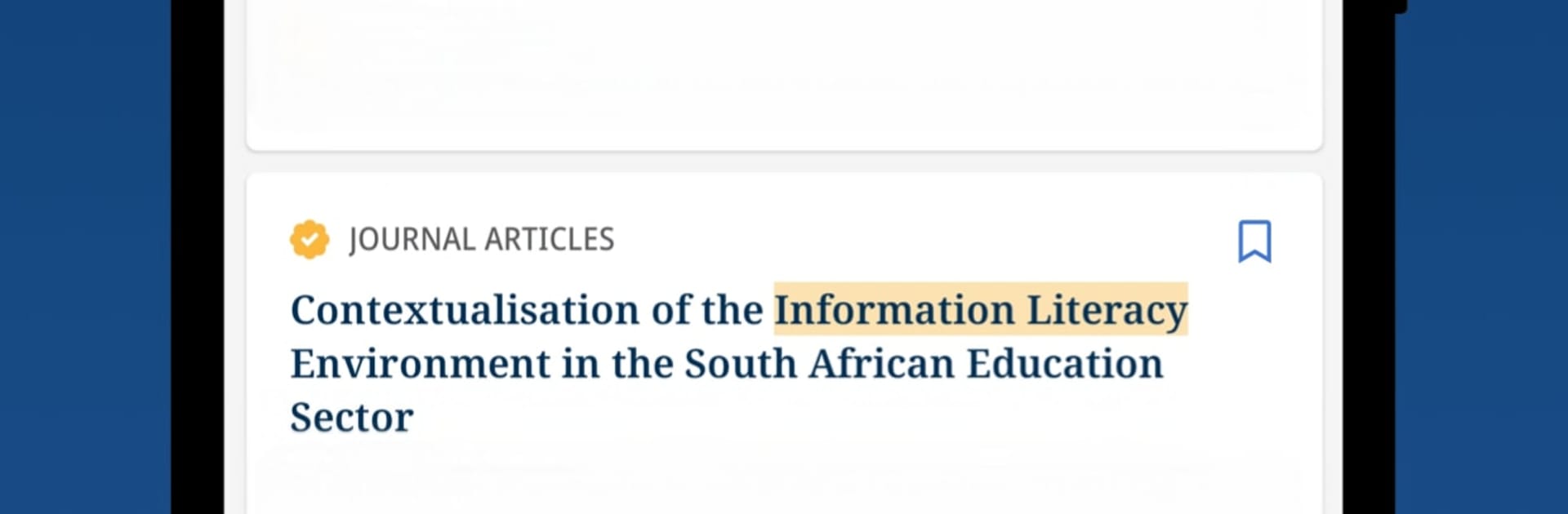
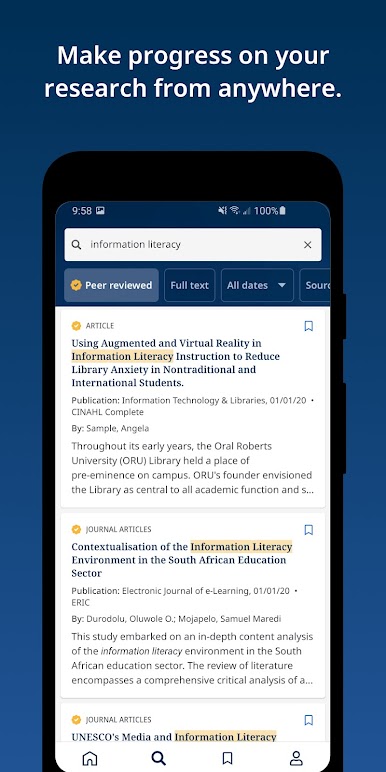
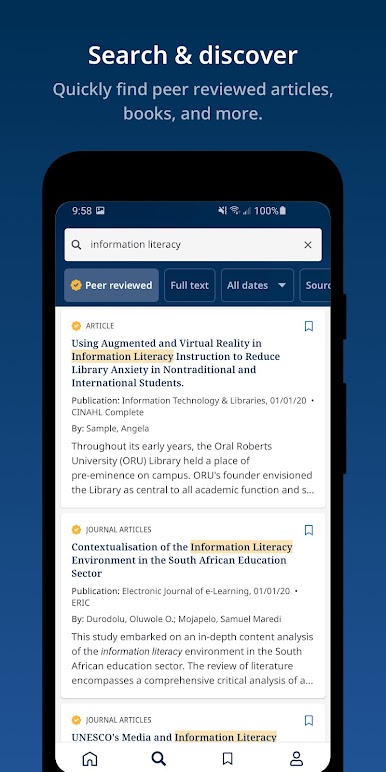
EBSCO Mobile feels like a straightforward research buddy rather than a flashy app. A person connects it to a school or public library, types a topic into a clean search box, and it pulls up journals, magazines, and eBooks without drama. Results are tidy, filters make sense, and saving items for later is easy. It keeps things in sync with the desktop, so saved articles, searches, and notes follow them around, which is great when a project lives across devices. Running it on PC with BlueStacks is surprisingly nice, since long searches and citation copying feel better with a keyboard, and PDFs are easier to read in a larger window.
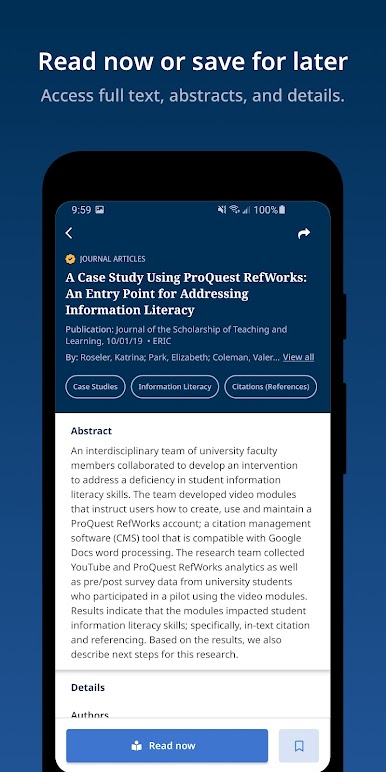
The reading view is simple and focused on text. No clutter, just quick jumps between abstract, full text, and PDF. eBooks can be downloaded and read inside the app, offline on the go or just to avoid bad Wi Fi. If someone cannot find their library in the list, there is an EBSCO Essentials option that lets them start browsing right away, which is a handy safety net. The app is best for students, teachers, and anyone who wants real sources instead of random blogs. It loads fast, filters like date range and peer reviewed are clear, and the sign in is usually painless, though occasionally a session expires and needs a quick re login. Nothing fancy, just solid research tools that do what they should.
BlueStacks gives you the much-needed freedom to experience your favorite apps on a bigger screen. Get it now.
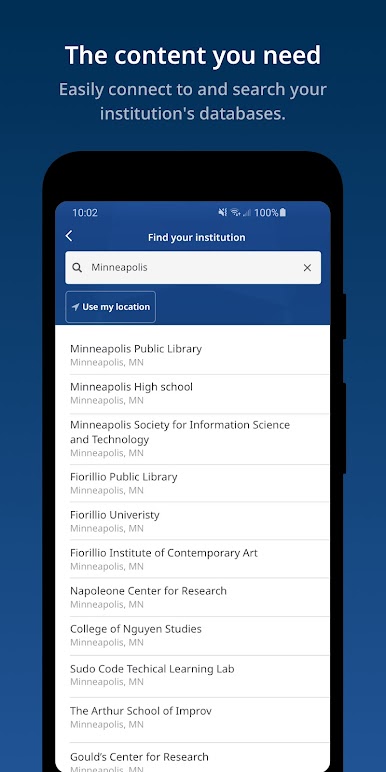
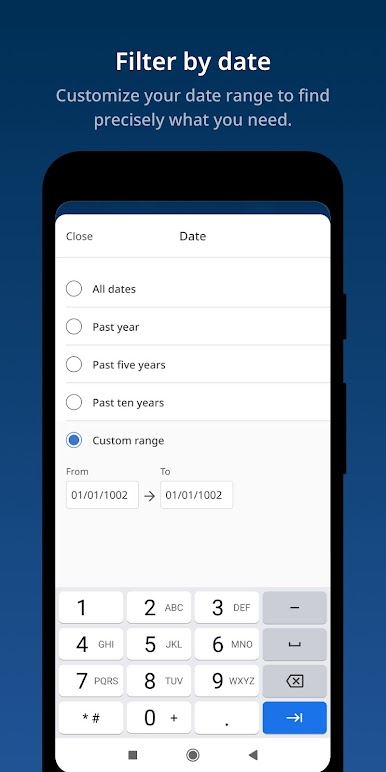
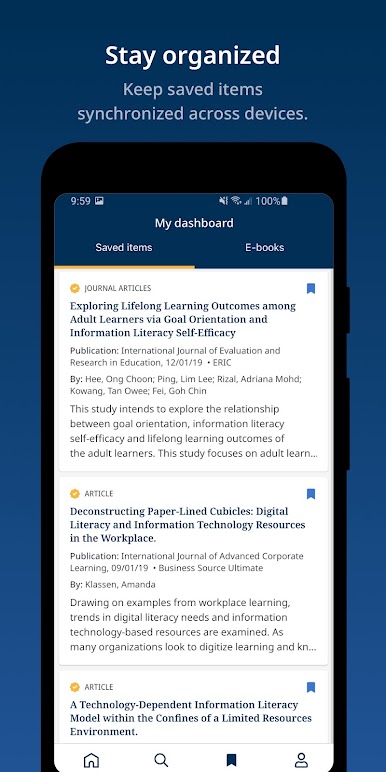
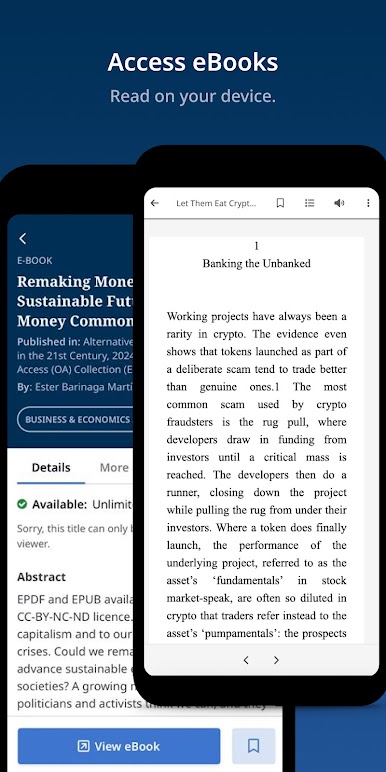
Spiele EBSCO Mobile auf dem PC. Der Einstieg ist einfach.
-
Lade BlueStacks herunter und installiere es auf deinem PC
-
Schließe die Google-Anmeldung ab, um auf den Play Store zuzugreifen, oder mache es später
-
Suche in der Suchleiste oben rechts nach EBSCO Mobile
-
Klicke hier, um EBSCO Mobile aus den Suchergebnissen zu installieren
-
Schließe die Google-Anmeldung ab (wenn du Schritt 2 übersprungen hast), um EBSCO Mobile zu installieren.
-
Klicke auf dem Startbildschirm auf das EBSCO Mobile Symbol, um mit dem Spielen zu beginnen

