

CoachNow: Sports Coaching App
Spiele auf dem PC mit BlueStacks - der Android-Gaming-Plattform, der über 500 Millionen Spieler vertrauen.

Seite geändert am: Dec 3, 2025
Play CoachNow: Coaching Platform on PC or Mac
CoachNow: Coaching Platform brings the Sports genre to life, and throws up exciting challenges for gamers. Developed by Shotzoom Software, this Android game is best experienced on BlueStacks, the World’s #1 app player for PC and Mac users.
About the Game
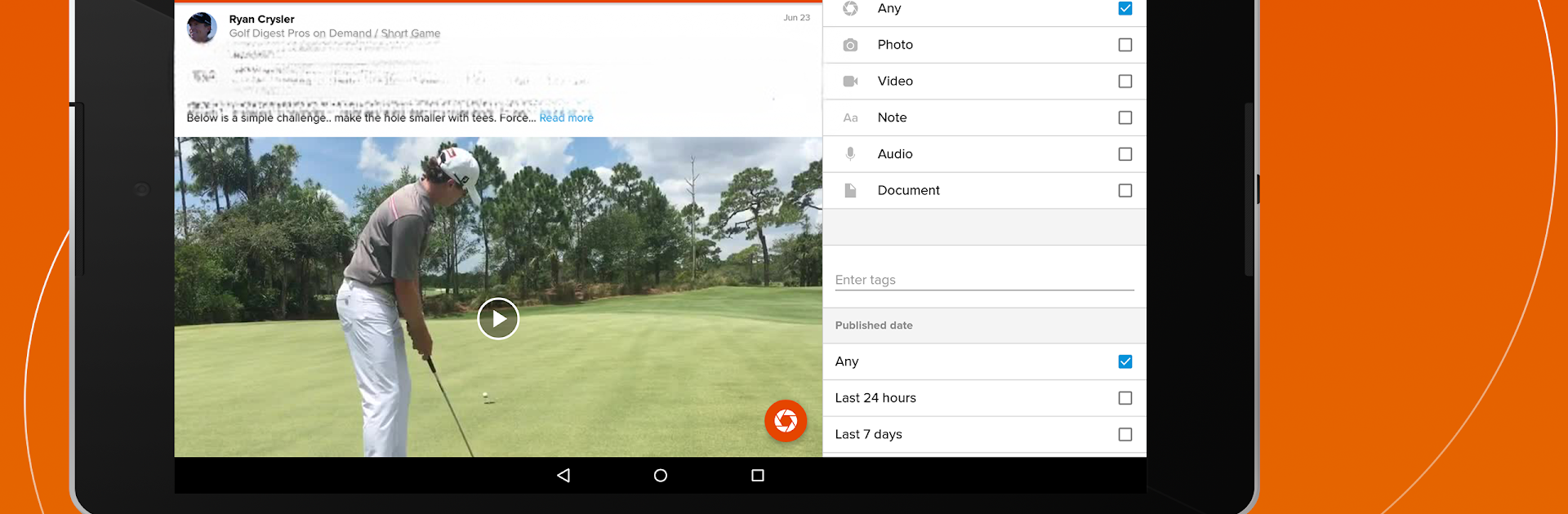
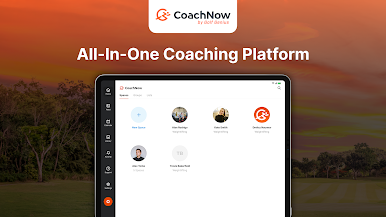
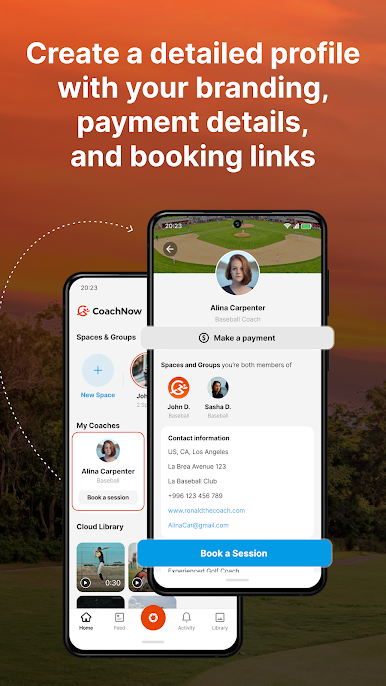
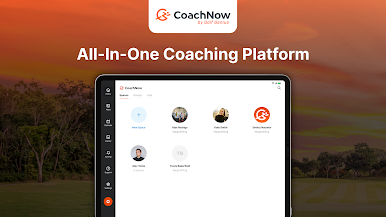
Ever wish coaching could be a little less chaotic and a bit more connected? CoachNow: Coaching Platform from Shotzoom Software is designed for those who juggle everything from team practices to inspirational pep talks. Whether you’re leading a large squad or working one-on-one, CoachNow helps you manage your athletes, communicate effortlessly, and make your coaching life a whole lot smoother. All your team messages, media, and feedback come together in one neat, organized spot you can access on your phone or — for even more space and speed — on BlueStacks.
Game Features
-
Unified Communication
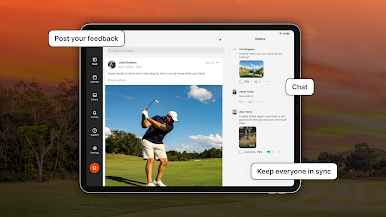
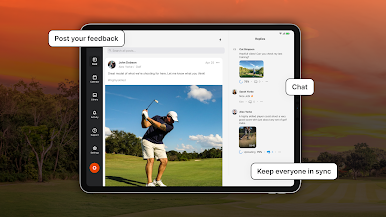
Ditch messy group texts and endless email threads. CoachNow brings all your chats and updates into one spot, making it easy to keep everyone in the loop. -
Effortless Media Sharing
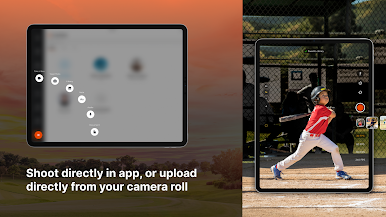
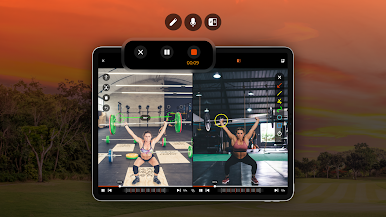
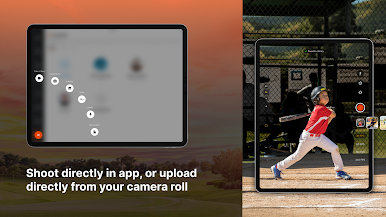
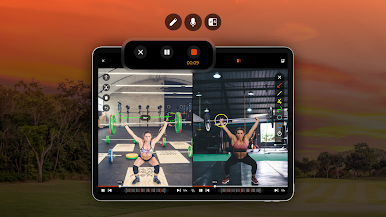
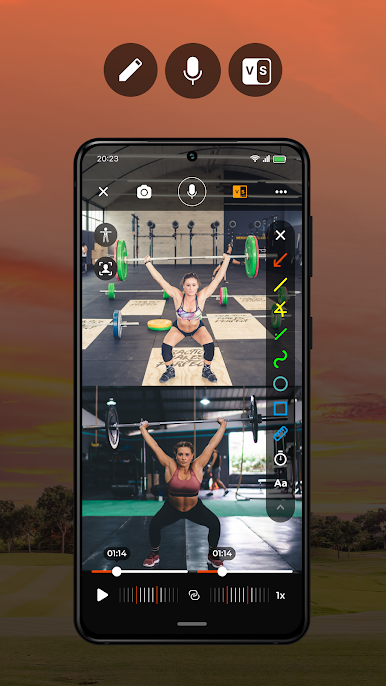
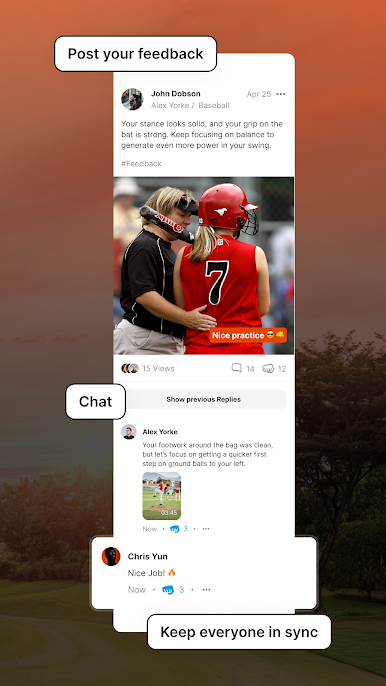
Shoot a quick video, snap a photo, or post a game highlight right to your team’s feed. You can even add voice-over coaching notes or compare past performances to help your athletes get the most out of your feedback. -
Team Management Made Simple
Import your roster in a snap — even from a .CSV file or with SportsEngine integration. Send invites to athletes, parents, or coaches, and organize everyone into the right spaces. -
Multiple Teams and Groups
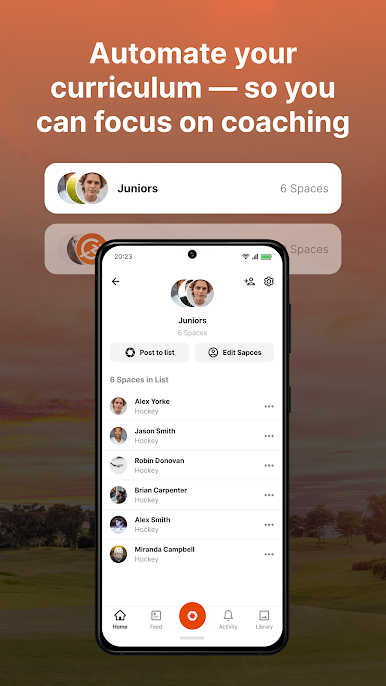
Juggling more than one squad or want to connect with a specific group? Create as many teams as you need and set up groups just for parents or assistant coaches. Custom messages go exactly where they’re needed. -
Analysis Tools Built In
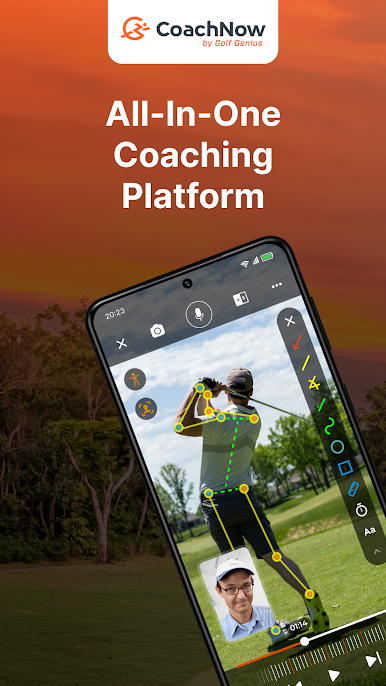
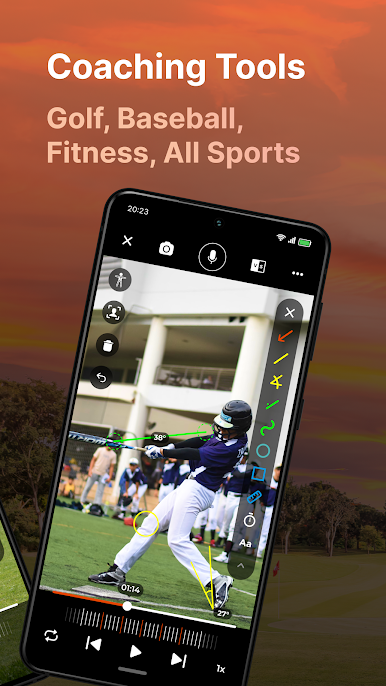
Use video and photo analysis features to break down plays, demonstrate skills, or highlight what needs work. Great for both team sessions and individual training. -
Template and Library Organization
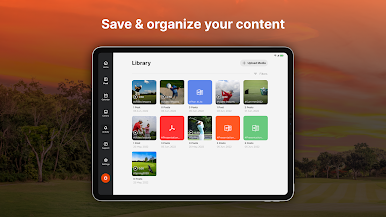
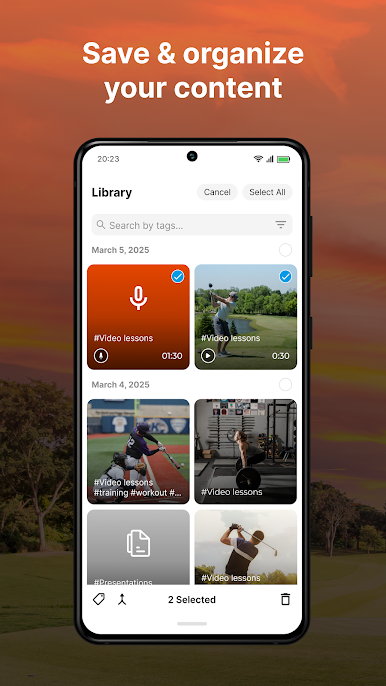
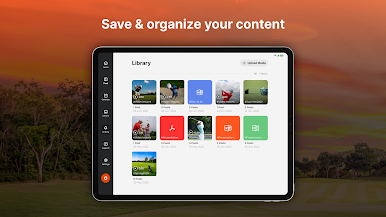
No more hunting for that one message or form. Store your media, templates, and lesson notes in your personal library, ready to reuse or update whenever you want. -
Interactive Feedback
See who’s read your posts and track responses, so you always know your messages are getting through. -
Onboarding and Repeating Tasks
Bring new athletes and parents up to speed fast with onboarding templates, and easily collect required info season after season. -
Community and Learning
Tap into the LEVEL UP community — swap tips, learn from other coaches, and share your own insights.
Managing your coaching can get hectic, but with CoachNow: Coaching Platform in your hands — and a little help from BlueStacks — you’ll find it way easier to focus on what matters: helping your athletes grow, connect, and win.
Make your gaming sessions memorable with precise controls that give you an edge in close combats and visuals that pop up, bringing every character to life.
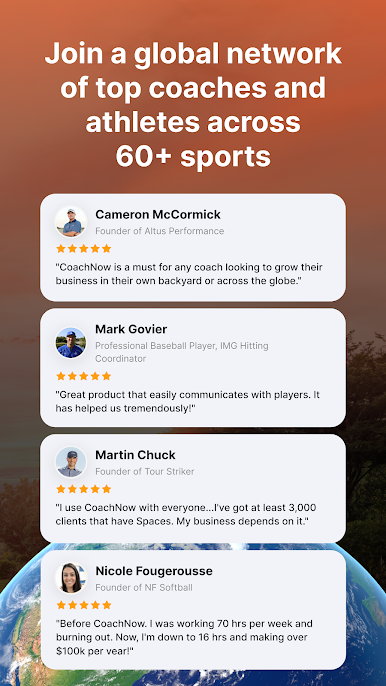




Spiele CoachNow: Sports Coaching App auf dem PC. Der Einstieg ist einfach.
-
Lade BlueStacks herunter und installiere es auf deinem PC
-
Schließe die Google-Anmeldung ab, um auf den Play Store zuzugreifen, oder mache es später
-
Suche in der Suchleiste oben rechts nach CoachNow: Sports Coaching App
-
Klicke hier, um CoachNow: Sports Coaching App aus den Suchergebnissen zu installieren
-
Schließe die Google-Anmeldung ab (wenn du Schritt 2 übersprungen hast), um CoachNow: Sports Coaching App zu installieren.
-
Klicke auf dem Startbildschirm auf das CoachNow: Sports Coaching App Symbol, um mit dem Spielen zu beginnen

