


Spukhotel 16: Verlorene Träume
Spiele auf dem PC mit BlueStacks - der Android-Gaming-Plattform, der über 500 Millionen Spieler vertrauen.

Seite geändert am: Feb 13, 2025
Play Haunted Hotel: Lost Dreams on PC or Mac
Join millions to experience Haunted Hotel: Lost Dreams, an exciting Puzzle game from Elephant Games LLC. With BlueStacks App Player, you are always a step ahead of your opponent, ready to outplay them with faster gameplay and better control with the mouse and keyboard on your PC or Mac.
About the Game
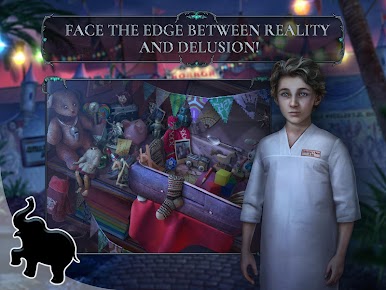
If you’re into a good mystery and love solving puzzles, Haunted Hotel: Lost Dreams from Elephant Games LLC might just be your new obsession. Picture yourself waking up alone in a deserted hotel room nestled somewhere deep in snow-covered mountains, with no idea where your spouse vanished to after a freak train accident. Things? Well, they get stranger from there. With every creaky hallway and shadowy corner, this Puzzle game keeps you figuring out what’s real and what’s just part of Mark Stewart’s unraveling reality.
Game Features
-
Hidden Object Adventures
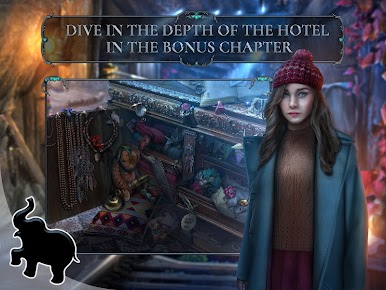
Scour rooms, sift through clutter, and hunt for clues in detailed scenes. There’s always something lurking behind dusty drapes or tucked under forgotten books, perfect for fans of hidden object challenges. -
Mind-Bending Puzzles
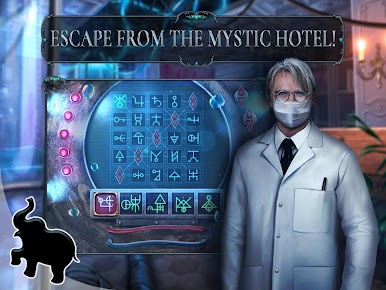
Not everything is what it seems. Test your wits (and patience) with clever mini-games and puzzles that blend eerie stories with just the right amount of head-scratching difficulty. -
Twisted Storyline
Slip into Mark’s shoes as he searches for his missing wife, Jane, and uncovers a tangle of secrets connecting the hotel to his family. Just a warning: some revelations might haunt you! -
Bonus Content
Finished the main story? There’s more! Unlock a bonus chapter revealing even stranger tales about the hotel and its shadowy past—perfect for folks who can’t get enough weirdness. -
Creepy Atmosphere
From the snowy mountain views outside to the shivering silence in empty halls, every new area is packed with unsettling details and chilling surprises. -
Smooth PC Experience with BlueStacks
Prefer uncovering secrets on a bigger screen? BlueStacks makes it easy to play Haunted Hotel: Lost Dreams right on your PC, so you won’t miss a single eerie clue.
Start your journey now. Download the game on BlueStacks, invite your friends, and march on a new adventure.

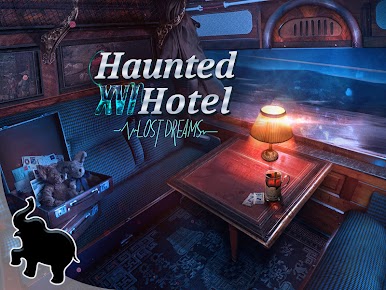

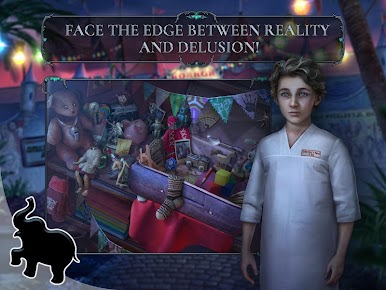

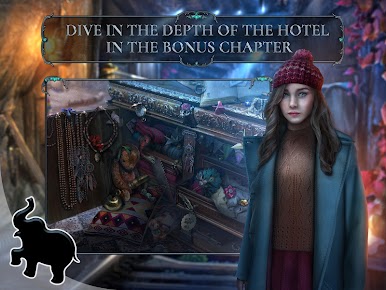



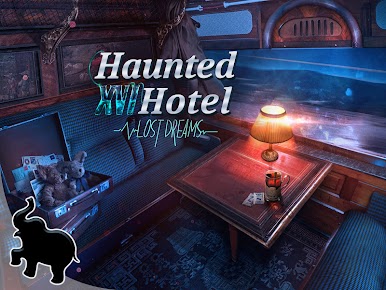
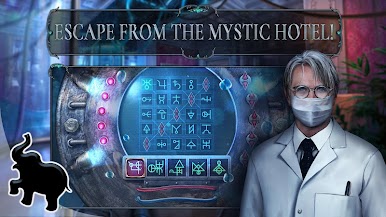
Spiele Spukhotel 16: Verlorene Träume auf dem PC. Der Einstieg ist einfach.
-
Lade BlueStacks herunter und installiere es auf deinem PC
-
Schließe die Google-Anmeldung ab, um auf den Play Store zuzugreifen, oder mache es später
-
Suche in der Suchleiste oben rechts nach Spukhotel 16: Verlorene Träume
-
Klicke hier, um Spukhotel 16: Verlorene Träume aus den Suchergebnissen zu installieren
-
Schließe die Google-Anmeldung ab (wenn du Schritt 2 übersprungen hast), um Spukhotel 16: Verlorene Träume zu installieren.
-
Klicke auf dem Startbildschirm auf das Spukhotel 16: Verlorene Träume Symbol, um mit dem Spielen zu beginnen

