


Kaomoji - Japanese Emoticons
Играйте на ПК с BlueStacks – игровой платформе для приложений на Android. Нас выбирают более 500 млн. игроков.

Страница изменена: Jan 1, 2024
Run Kaomoji - Japanese Emoticons on PC or Mac
Why limit yourself to your small screen on the phone? Run Kaomoji – Japanese Emoticons, an app by Oscar Emilio Perez Martinez, best experienced on your PC or Mac with BlueStacks, the world’s #1 Android emulator.
About the App
Looking to liven up your chats with something more expressive than your average emojis? Kaomoji – Japanese Emoticons is all about bringing a playful, colorful twist to the way you communicate. You’ll find a huge range of these charming Japanese emoticons, each ready to spice up texts, social media posts, or wherever you feel like adding some character.
App Features
-
Huge Kaomoji Library
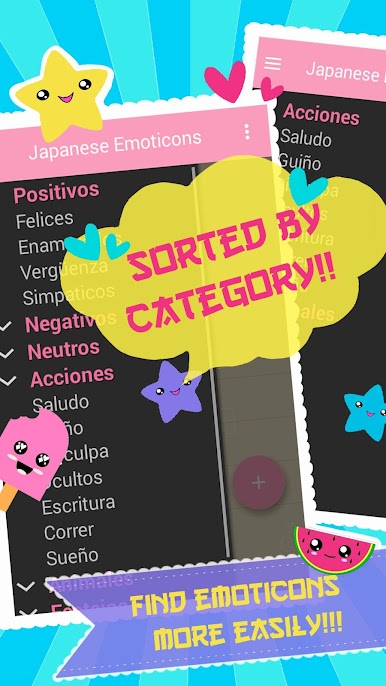
You get access to a massive collection of Japanese emoticons, neatly sorted into categories and subcategories. There’s a face for just about any mood or moment. -
One-Tap Copy & Go
Like an emoticon? Just tap it—it’s instantly copied to your clipboard, making it super quick to drop that kaomoji right where you want it. -
Create Your Own Kaomojis
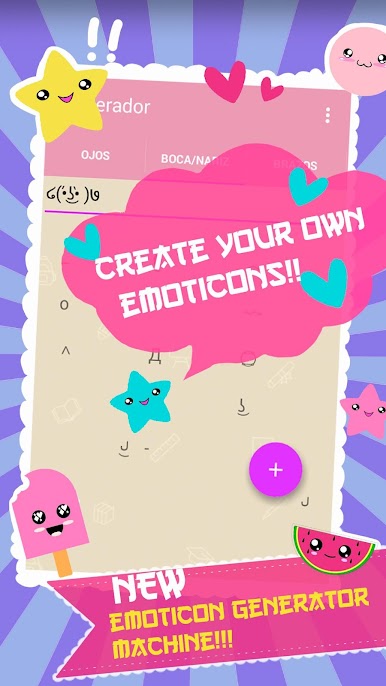
Want something unique? The built-in editor lets you whip up custom emoticons, so you can personalize your collection however you like. -
Favorites with Storage
Save your most-used or custom kaomojis to Storage. Think of it as a special “favorites” area, but with some extra flexibility. -
Kaomoji Keyboard & Floating Window
Get faster access with a dedicated kaomoji keyboard or use the floating window for quick emoting without leaving your current app. -
Notification Bar Shortcut
Pin the app to your notification bar and access your favorite faces in seconds—even when you’re multitasking. -
Supports Multiple Languages
The app automatically detects and switches to your device’s language—no setup required. -
Animated Kaomojis & Themes
Mix things up with animated options and a variety of themes. Change the look as often as you like. -
Cloud Sync
Keep your favorite creations safe with cloud storage—your best kaomojis are never lost, even if you switch devices. -
Works Smoothly in Any Layout
Whether you’re using your phone upright or sideways, everything looks and works just right.
If you want even more flexibility, Kaomoji – Japanese Emoticons works great on BlueStacks, too.
Switch to BlueStacks and make the most of your apps on your PC or Mac.



Играйте в игру Kaomoji - Japanese Emoticons на ПК. Это легко и просто.
-
Скачайте и установите BlueStacks на ПК.
-
Войдите в аккаунт Google, чтобы получить доступ к Google Play, или сделайте это позже.
-
В поле поиска, которое находится в правой части экрана, введите название игры – Kaomoji - Japanese Emoticons.
-
Среди результатов поиска найдите игру Kaomoji - Japanese Emoticons и нажмите на кнопку "Установить".
-
Завершите авторизацию в Google (если вы пропустили этот шаг в начале) и установите игру Kaomoji - Japanese Emoticons.
-
Нажмите на ярлык игры Kaomoji - Japanese Emoticons на главном экране, чтобы начать играть.

