

Frederick: Learn to Read
Играйте на ПК с BlueStacks – игровой платформе для приложений на Android. Нас выбирают более 500 млн. игроков.

Страница изменена: Oct 5, 2025
Run Frederick: Learn to Read on PC or Mac
Get freedom from your phone’s obvious limitations. Use Frederick: Learn to Read, made by EnglishAnyone.com, a Education app on your PC or Mac with BlueStacks, and level up your experience.
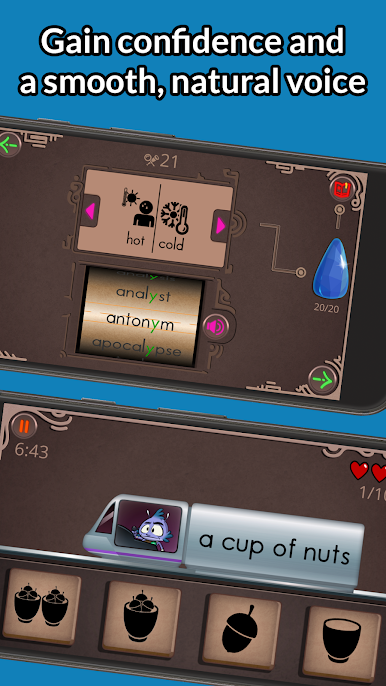
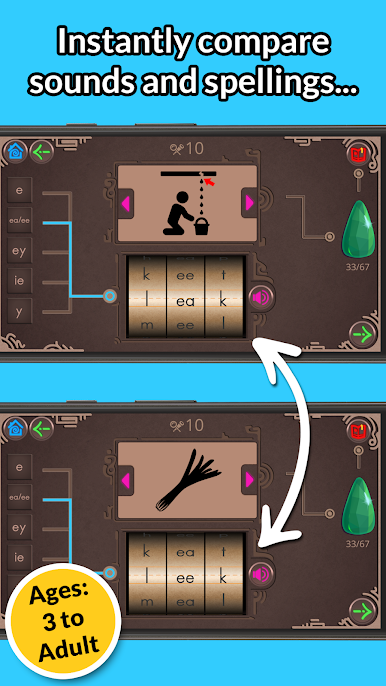
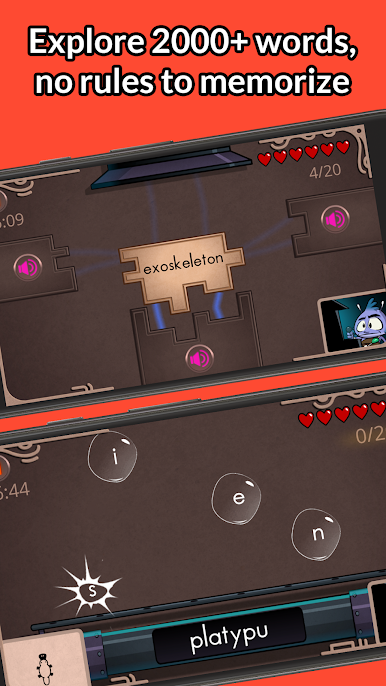
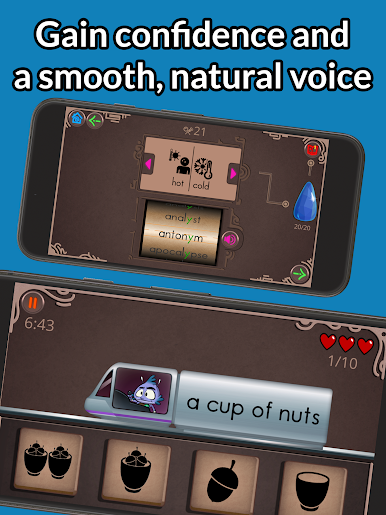
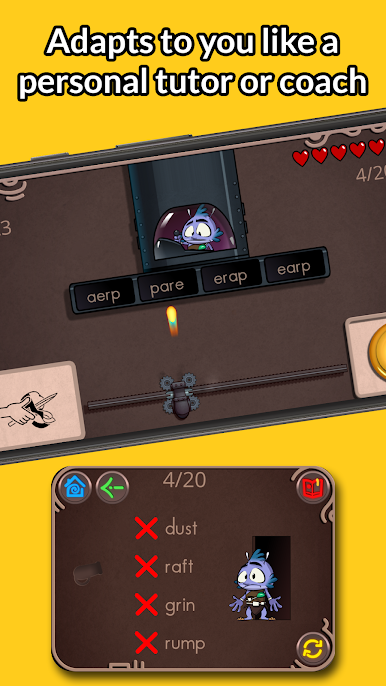
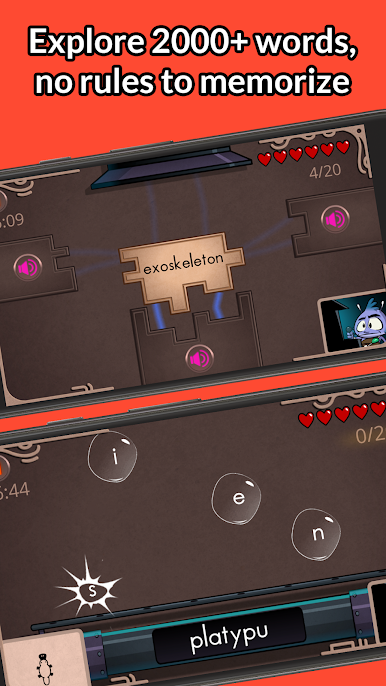
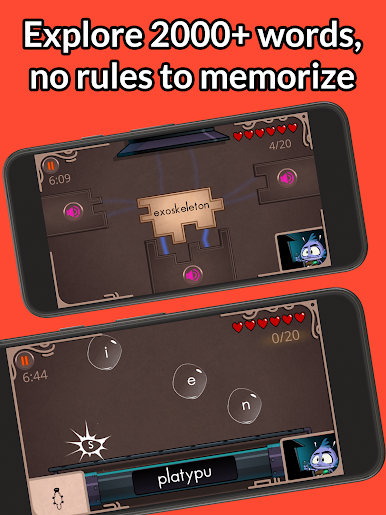
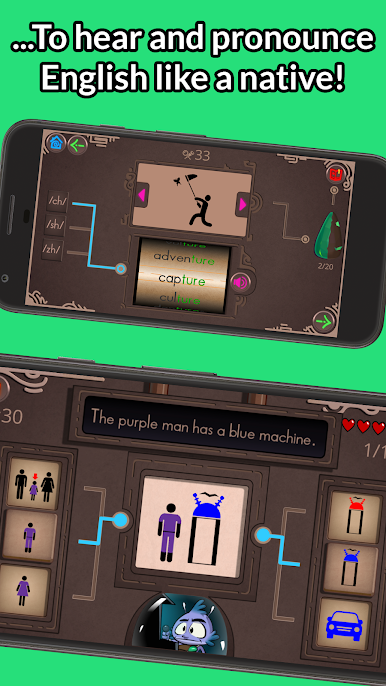
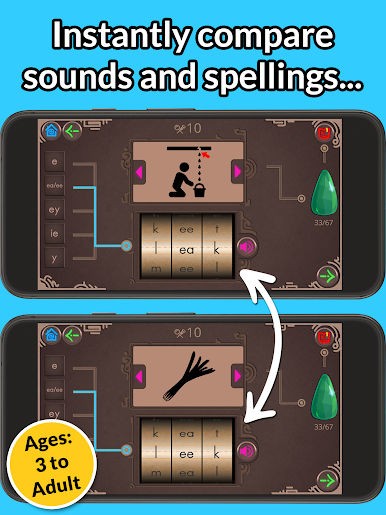
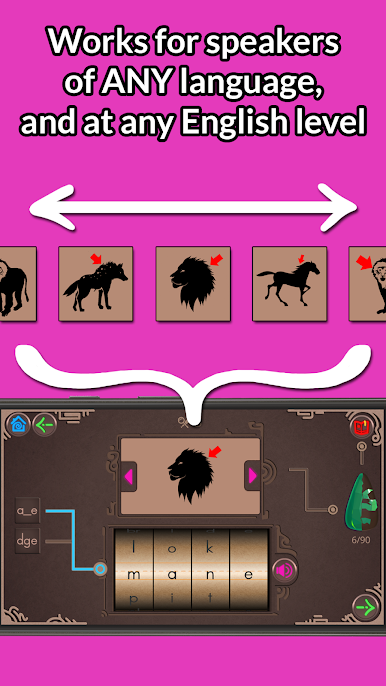
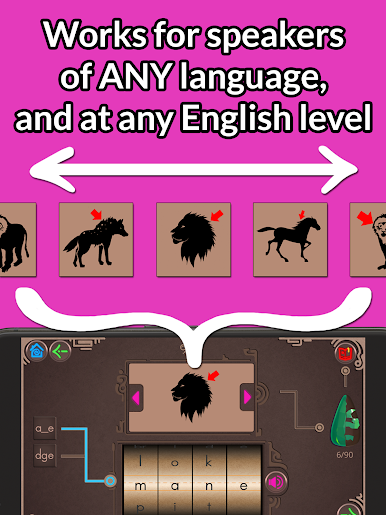
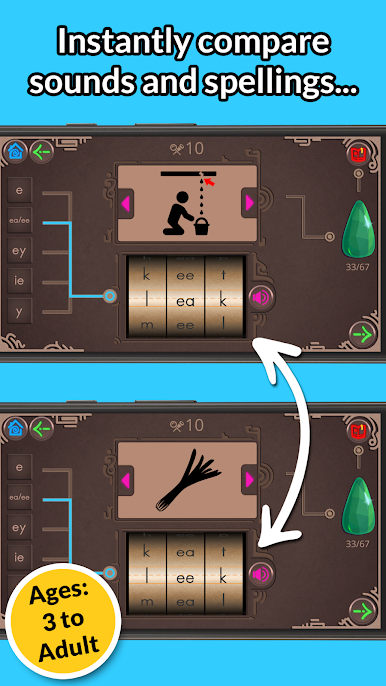
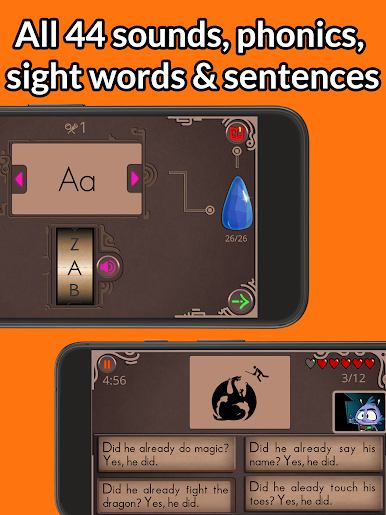
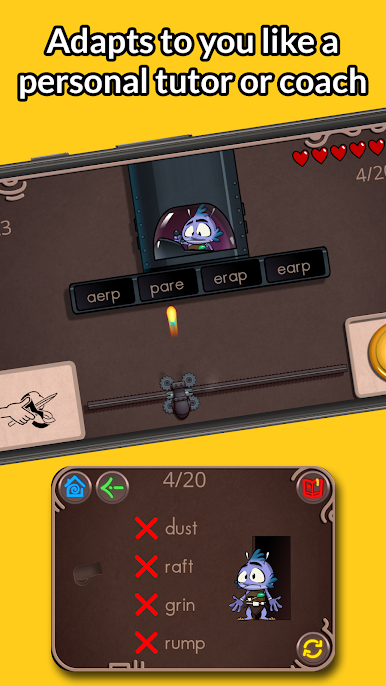
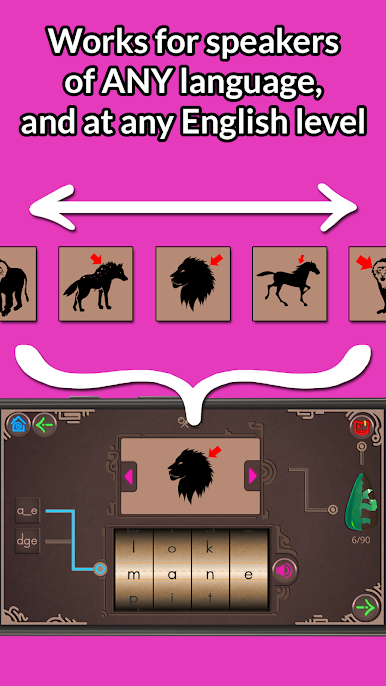
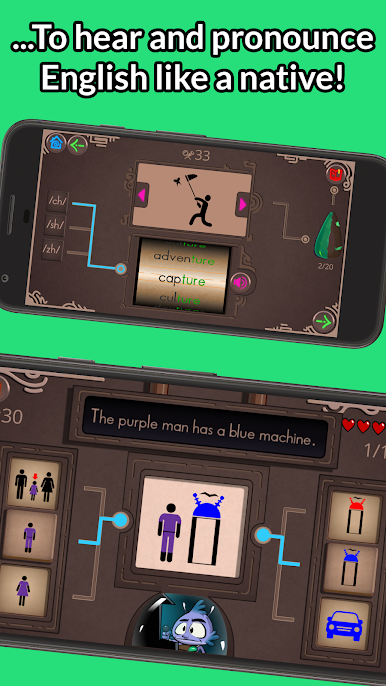
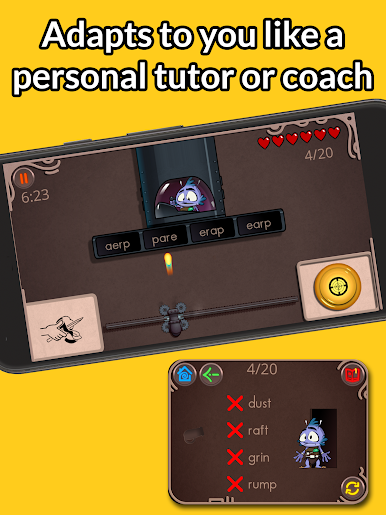
The app feels like a straightforward little toolkit for learning how English actually sounds and is put together, using a playful wheel and simple mini games so practice does not feel like sitting through a lesson. Players can mix letters, hear native pronunciations, and get instant feedback when a choice is wrong, so the correction happens in the moment instead of being buried in rules. The design keeps things low pressure, with an explore mode that lets learners figure out phonics and sight words by trying combinations, and separate game checks that show when a concept has been picked up.
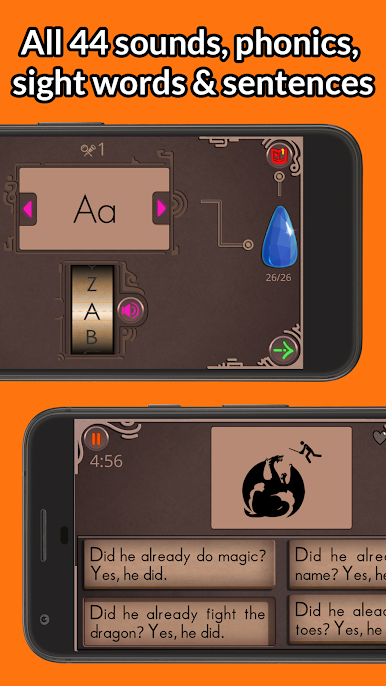
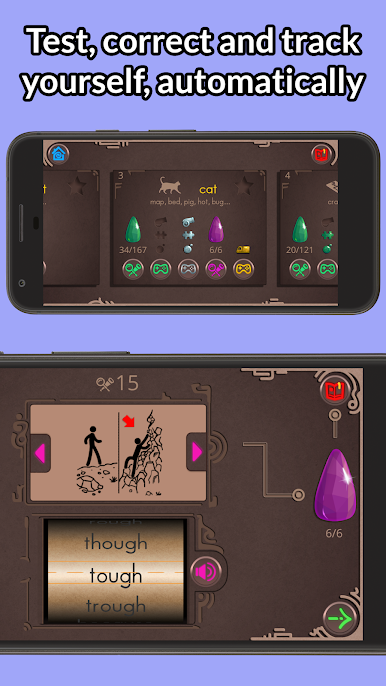
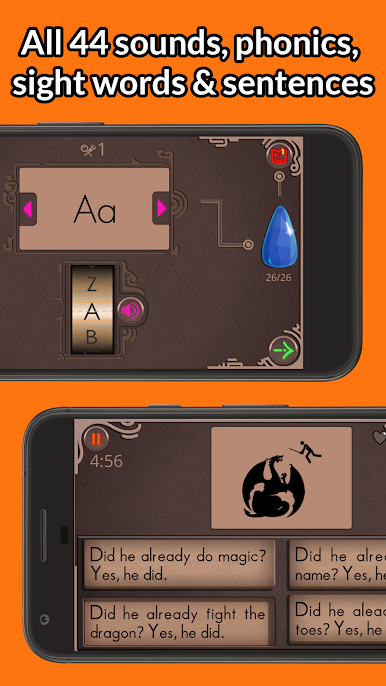
The structure is clear: start with the alphabet, move into short vowels and basic three-letter words, then onto more complex patterns like blends, digraphs, endings, silent e and long vowel spellings. A free chunk of early levels is available, and a one-time upgrade opens many more stages now and as they are released; there is sometimes an early discount. There is also a word bank to review discoveries, a teacher mode for unlocking everything, offline play, and simple progress counters and rewards so growth can be tracked. On BlueStacks it runs comfortably on a PC screen, making the bigger keyboard and mouse handy for longer sessions. It is a practical, gameified way for learners or helpers to focus on pronunciation and spelling rules without a heavy textbook approach.
Eager to take your app experience to the next level? Start right away by downloading BlueStacks on your PC or Mac.


Играйте в игру Frederick: Learn to Read на ПК. Это легко и просто.
-
Скачайте и установите BlueStacks на ПК.
-
Войдите в аккаунт Google, чтобы получить доступ к Google Play, или сделайте это позже.
-
В поле поиска, которое находится в правой части экрана, введите название игры – Frederick: Learn to Read.
-
Среди результатов поиска найдите игру Frederick: Learn to Read и нажмите на кнопку "Установить".
-
Завершите авторизацию в Google (если вы пропустили этот шаг в начале) и установите игру Frederick: Learn to Read.
-
Нажмите на ярлык игры Frederick: Learn to Read на главном экране, чтобы начать играть.

