


Sound Booster
Spiele auf dem PC mit BlueStacks - der Android-Gaming-Plattform, der über 500 Millionen Spieler vertrauen.

Seite geändert am: Oct 13, 2025
Run Easy Volume Control on PC or Mac
Let BlueStacks turn your PC, Mac, or laptop into the perfect home for Easy Volume Control, a fun Tools app from lovekara.
About the App
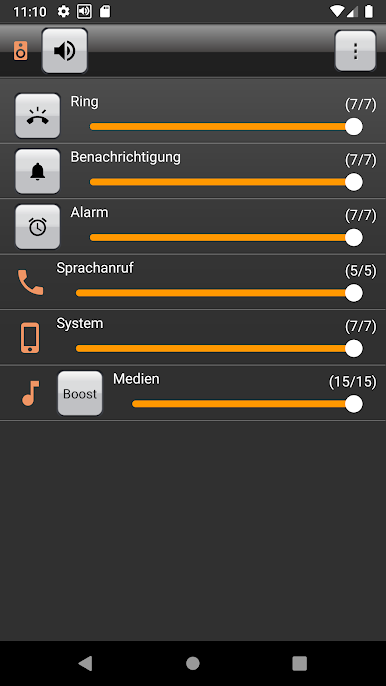
If you’re tired of fiddling with separate volume sliders or digging through menus just to mute a notification, Easy Volume Control is your new best friend. This handy tool by lovekara brings all your phone’s audio controls together, so tweaking the sound to fit your day-to-day just takes a tap—or maybe two. You get an easy, no-hassle way to manage ringers, media, and more—without any confusing steps.
App Features
-
One-Tap Max Volume
Hit one button, and boom—all your volumes are cranked up instantly. No more hunting for each setting one by one. -
Quick Sound Tweaks
Adjust ring, notification, call, media, alarm, and system sounds in one spot. It’s easy to choose what you want louder or quieter, whether you’re chilling or need things silent in a hurry. -
Simple Silent & Vibe Modes
Need quiet fast? Switch straight into silent or vibration mode with just a single touch—perfect when you’re stepping into a meeting or just want some peace. -
Automatic Memory
Your sound settings are remembered—even after you restart your phone. The app can recall exactly how you had things set up and put them back the way you like automatically. -
Headphone-Aware Adjustments
Plug in your headphones and watch it work: Easy Volume Control remembers your preferences with or without a headset, and shifts sound levels the moment you plug in or unplug.
Whether you’re running this on your phone or giving it a go on BlueStacks, this tool puts audio control right at your fingertips.
BlueStacks gives you the much-needed freedom to experience your favorite apps on a bigger screen. Get it now.
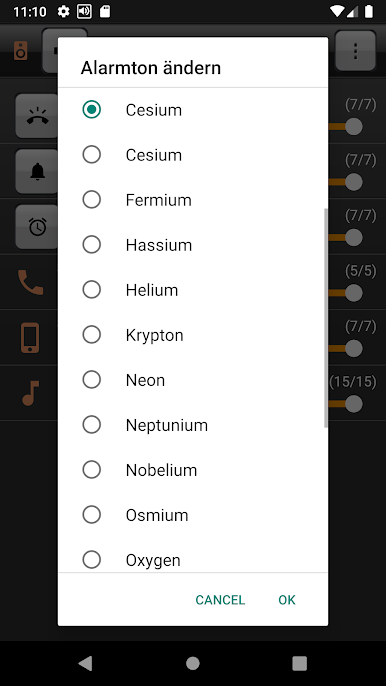
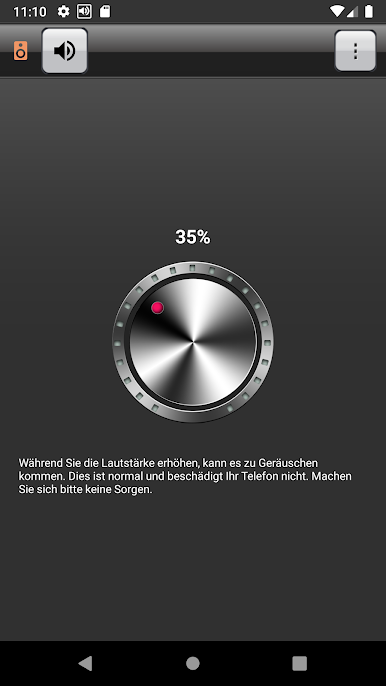
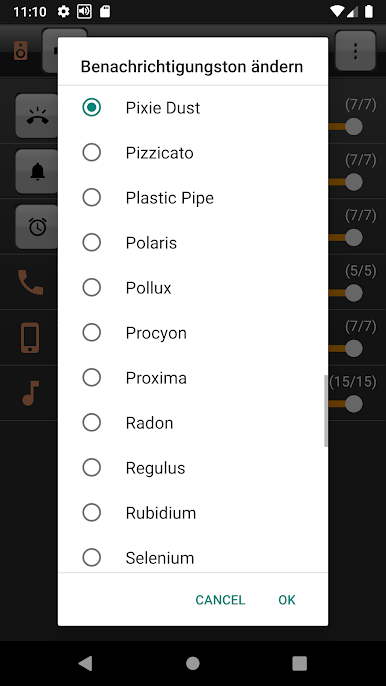
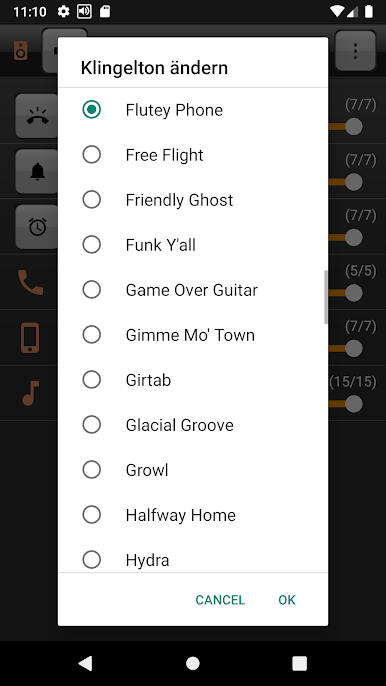
Spiele Sound Booster auf dem PC. Der Einstieg ist einfach.
-
Lade BlueStacks herunter und installiere es auf deinem PC
-
Schließe die Google-Anmeldung ab, um auf den Play Store zuzugreifen, oder mache es später
-
Suche in der Suchleiste oben rechts nach Sound Booster
-
Klicke hier, um Sound Booster aus den Suchergebnissen zu installieren
-
Schließe die Google-Anmeldung ab (wenn du Schritt 2 übersprungen hast), um Sound Booster zu installieren.
-
Klicke auf dem Startbildschirm auf das Sound Booster Symbol, um mit dem Spielen zu beginnen

