

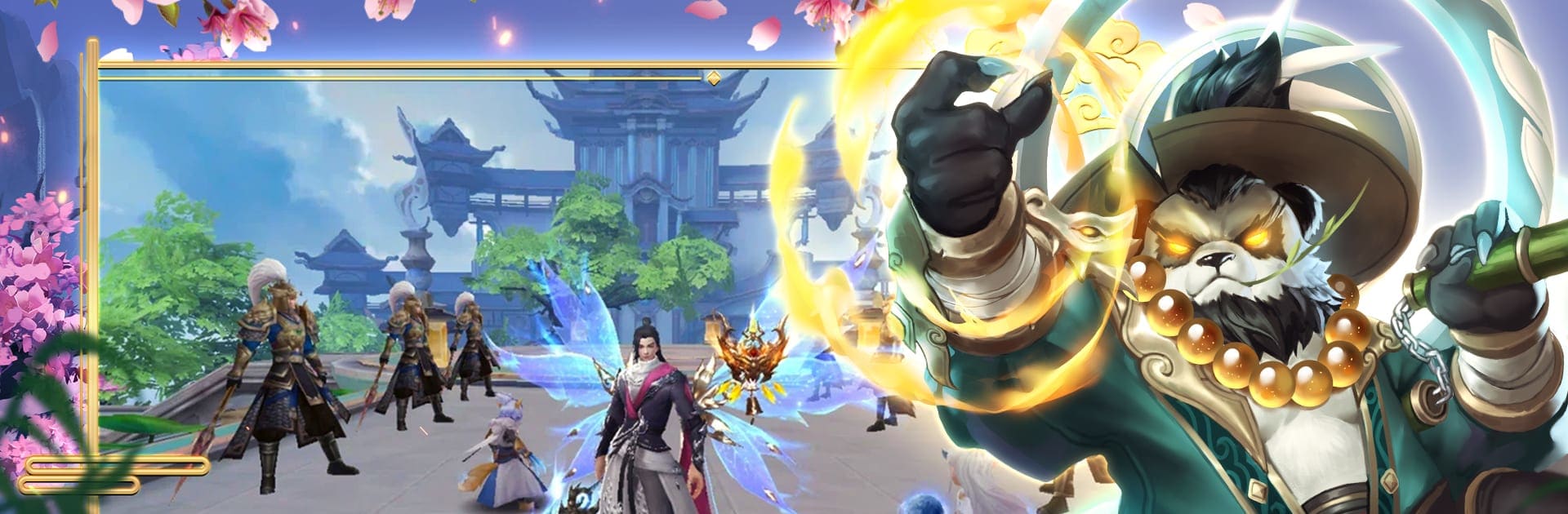
9 Dreams
Играйте на ПК с BlueStacks – игровой платформе для приложений на Android. Нас выбирают более 500 млн. игроков.

Страница изменена: Nov 18, 2025
Play 9 Dreams on PC or Mac
Bring your A-game to 9 Dreams, the Role Playing game sensation from EspritGames. Give your gameplay the much-needed boost with precise game controls, high FPS graphics, and top-tier features on your PC or Mac with BlueStacks.
9 Dreams drops you straight into this bright fantasy world where anything feels possible — classic MMORPG style. The landscapes actually look good, like, colors pop and battle effects stand out even without a fancy graphics card. Playing on PC with BlueStacks, it runs super smooth and you can see all the details they’ve packed in. Character creation is flexible enough that picking a class actually feels like it matters. There are plenty of costumes and little ornaments, so heroes end up looking pretty distinct running around.
The story kicks things off with that old-school “defend the land from demons” vibe, but it throws in the main character’s revenge angle to keep things moving. PvE is definitely a big focus — dungeons, world bosses, story missions, all that — and you get to collect gear, pets, even wings and random artifacts that power up your hero. There’s a big upgrade system, and the fact that you can eventually transform into something more powerful mid-fight is a nice touch. But if fighting other players is more your thing, the game’s set up with plenty of PvP options too, both solo and in teams. Guilds are a solid part of it, with features for teaming up and even a marriage system for those who want the social side of things. Daily events keep things interesting and make logging in feel worthwhile — there’s almost always something going on or some reward to chase. For anyone into fantasy MMOs and looking for something that works well on PC, 9 Dreams covers most of the bases, but with a lighter, more colorful style than the super hardcore ones.
Slay your opponents with your epic moves. Play it your way on BlueStacks and dominate the battlefield.






















Играйте в игру 9 Dreams на ПК. Это легко и просто.
-
Скачайте и установите BlueStacks на ПК.
-
Войдите в аккаунт Google, чтобы получить доступ к Google Play, или сделайте это позже.
-
В поле поиска, которое находится в правой части экрана, введите название игры – 9 Dreams.
-
Среди результатов поиска найдите игру 9 Dreams и нажмите на кнопку "Установить".
-
Завершите авторизацию в Google (если вы пропустили этот шаг в начале) и установите игру 9 Dreams.
-
Нажмите на ярлык игры 9 Dreams на главном экране, чтобы начать играть.

